
Blog
Tech thoughts, workflow notes and digital-life observations.
-
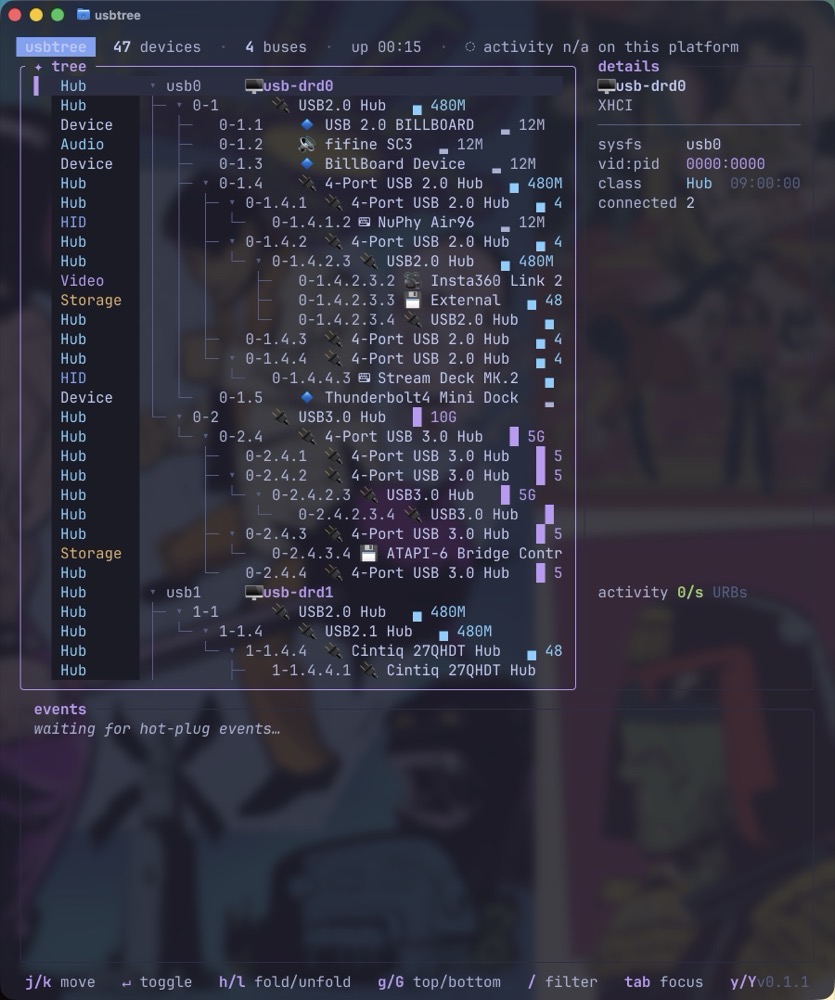
usbtree Maps Your USB Connections Clearly
If you’ve ever been curious about the USB devices hanging off your Mac or Linux computer, usbtree might answer your questions. This useful terminal app (installed via brew) lists every USB device and hub connected to your computer. True to its name, usbtree presents everything as a tree, letting you follow each branch to see…
-
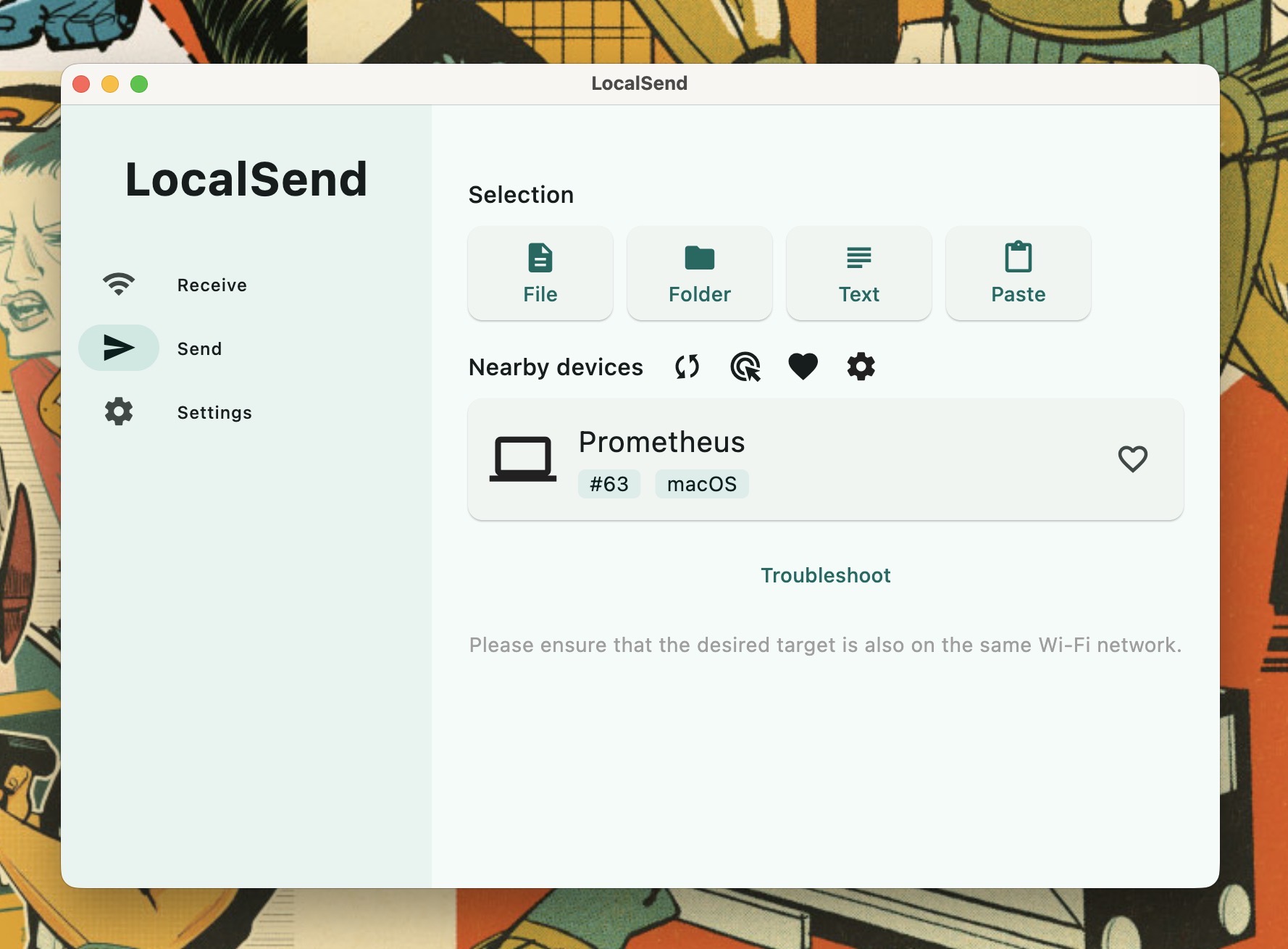
FrugalMac: LocalSend Beats AirDrop
AirDrop is great… when it works. Sometimes AirDrop will find the other devices on my local network. But every now and then, it won’t. To put an end to the question of “Will AirDrop work this time or not?” I’ve switched to LocalSend. LocalSend is open source and cross-platform. With it, I can quickly share…
-
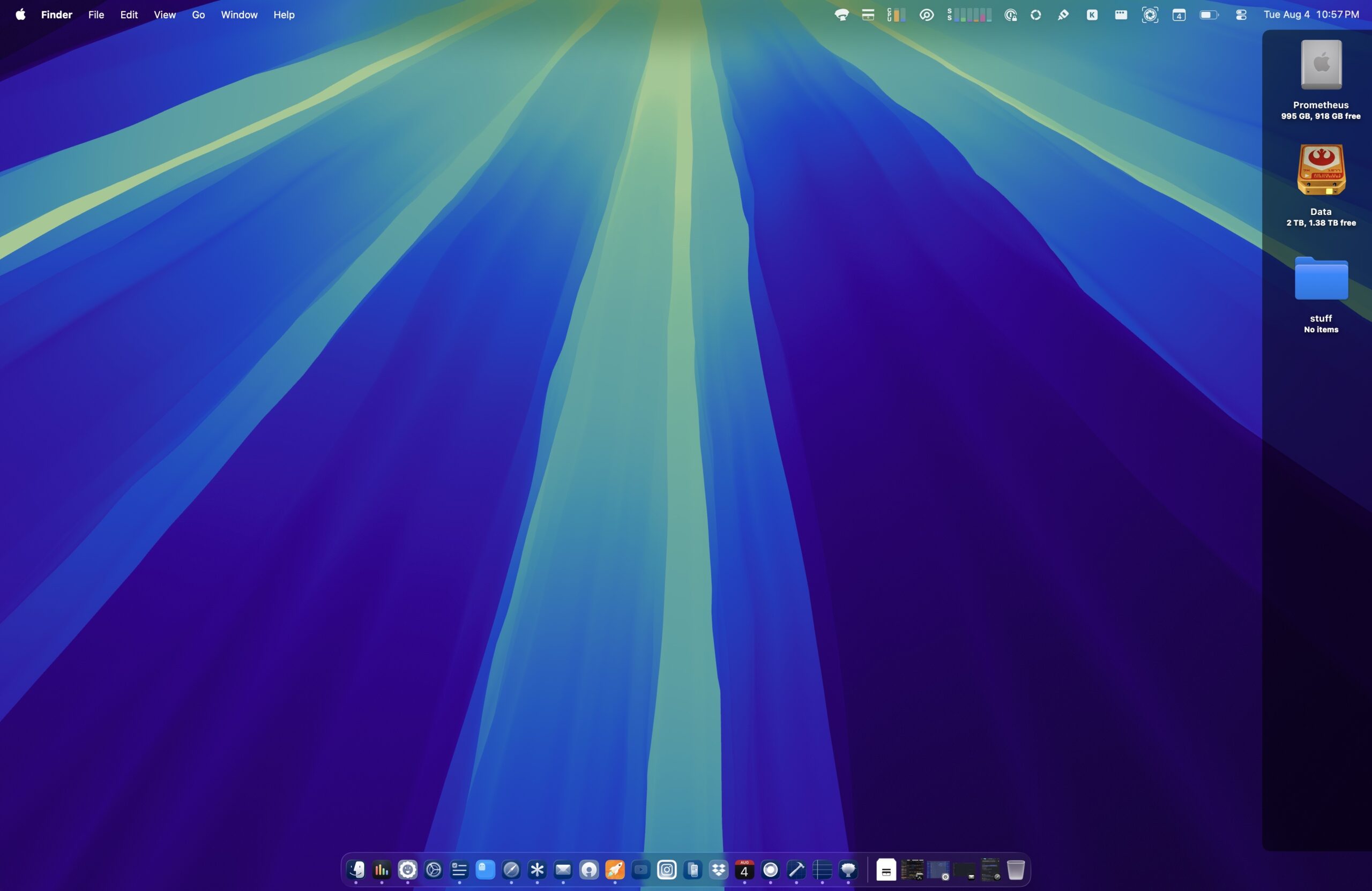
Introducing: IconShade
Earlier this week, I alluded to an app I’ve been developing. That app now has a name: IconShade! I’ve always found macOS desktop icon labels difficult to read on bright wallpapers. Rather than changing my wallpaper, I decided to build a lightweight utility that places a subtle translucent shade behind the desktop icon column. The…
-
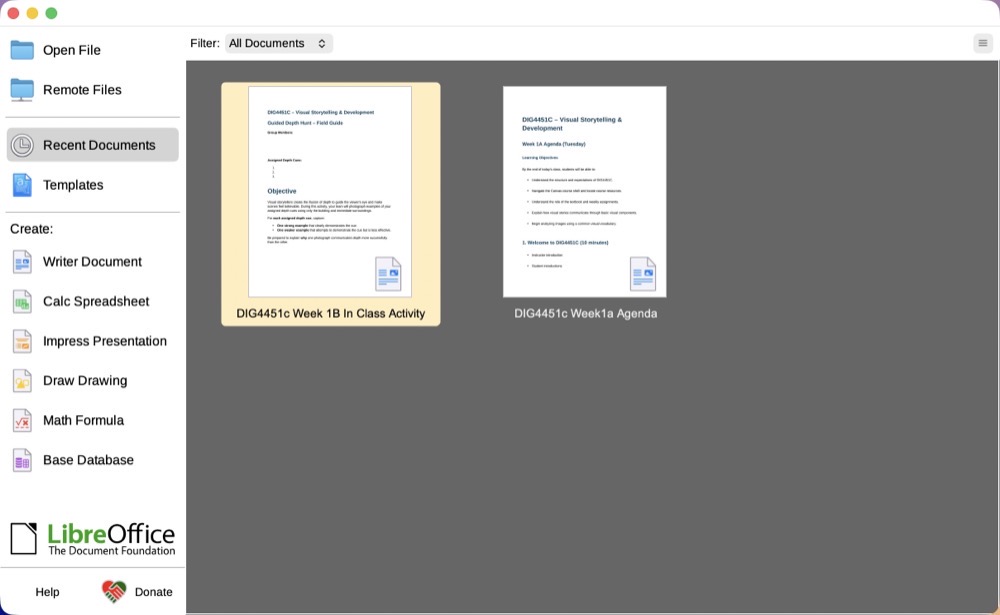
FrugalMac: LibreOffice Does What MS Word online Does Not
It’s August as I write this, which means like many other educators across the country, I’m preparing for the upcoming Fall semester. This includes developing lecture material, writing curriculum, preparing examples and revising assignments for my courses. In an earlier post, I mentioned my disdain for all things Microsoft. Given the pervasiveness of the Microsoft ecosystem on…
-
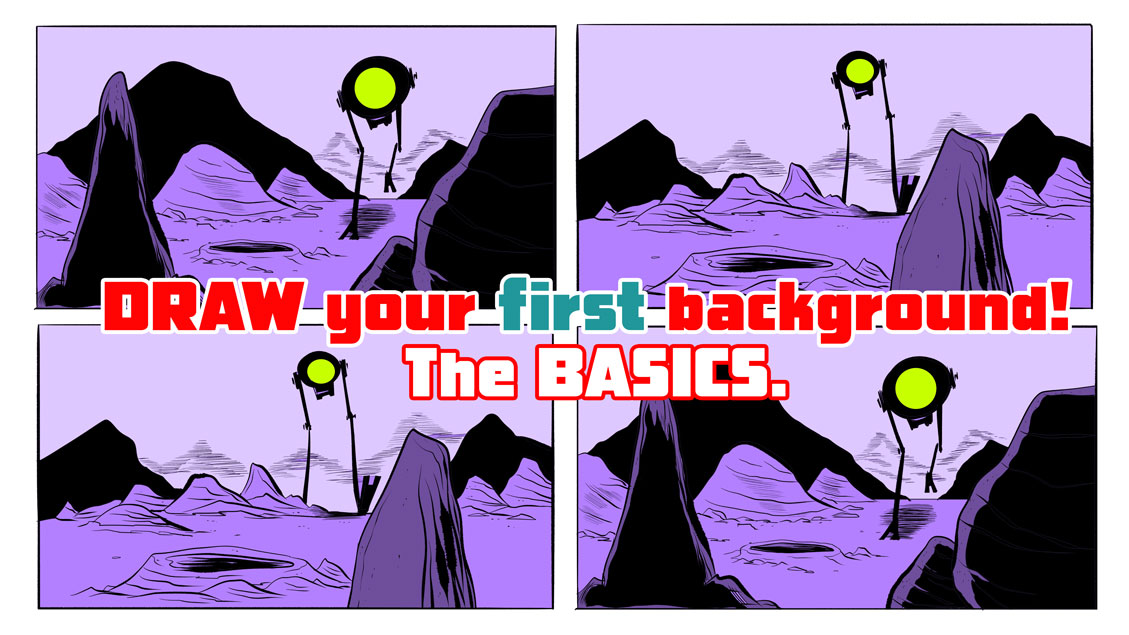
Video: Draw Simple Contours to Create Believable Environments
My latest video discusses practical techniques I use when drawing environments. Rocks and craters are probably the easiest environmental elements to draw, and in this video, I share techniques that are perfect for new digital artists to practice. -Krishna
-
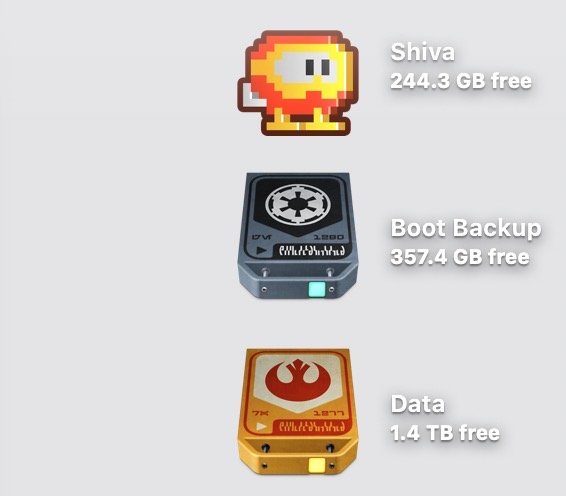
A Little Utility I’m Working On
I’ve had a thorn in my side when it comes to macOS for some time. Every now and then, I search the web to see if someone has already solved it. In this case, it’s desktop icons. On lighter (or busier) wallpapers, their labels can be surprisingly difficult to read. I searched high and low…
-
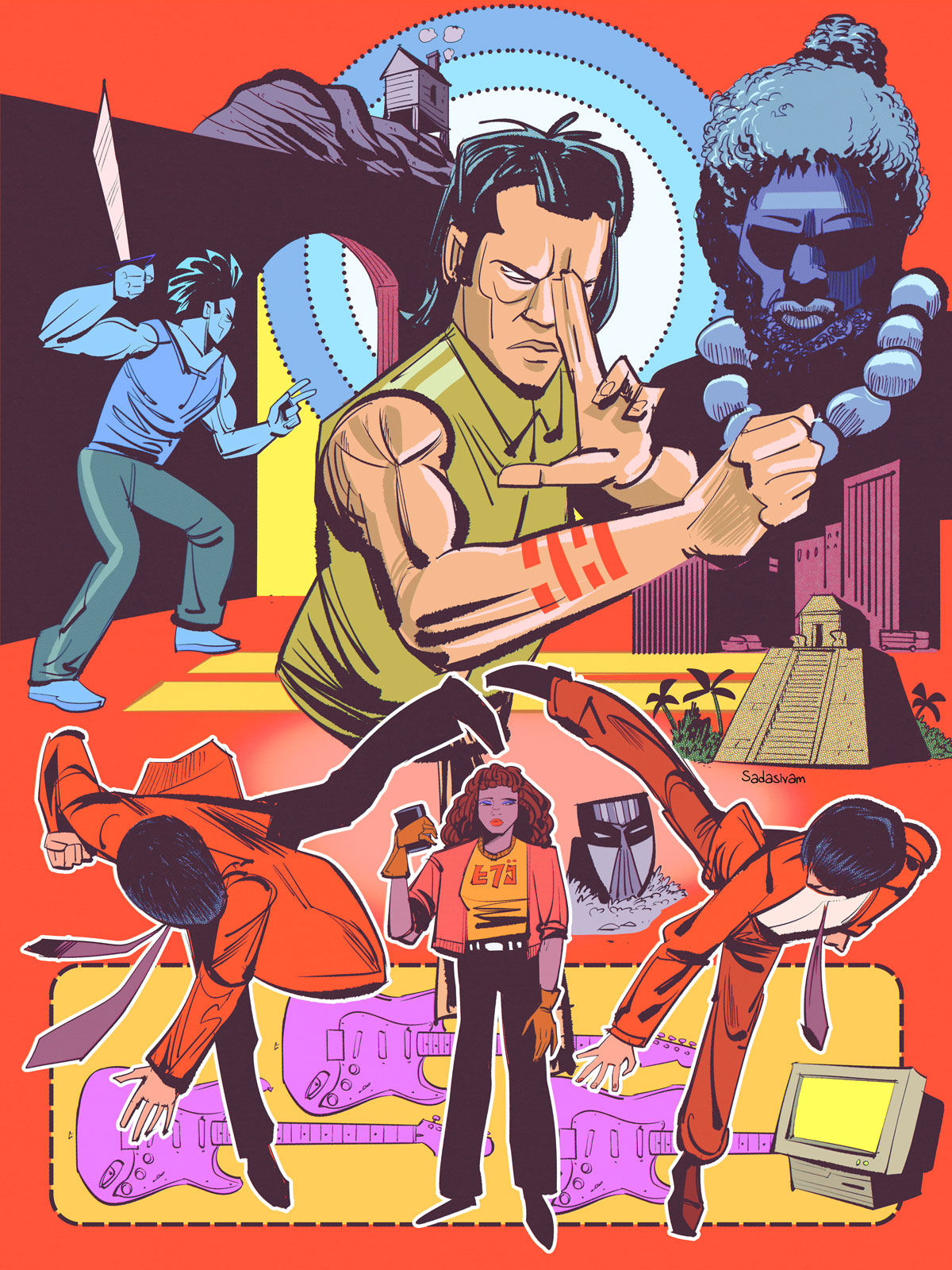
Video: Drawing Combat
When I draw combat sequences, I find it very helpful to work from photo references. Sometimes a photo reference will need to be modified or exaggerated to improve its clarity and dynamism. My latest video explores my approach. -Krishna
-
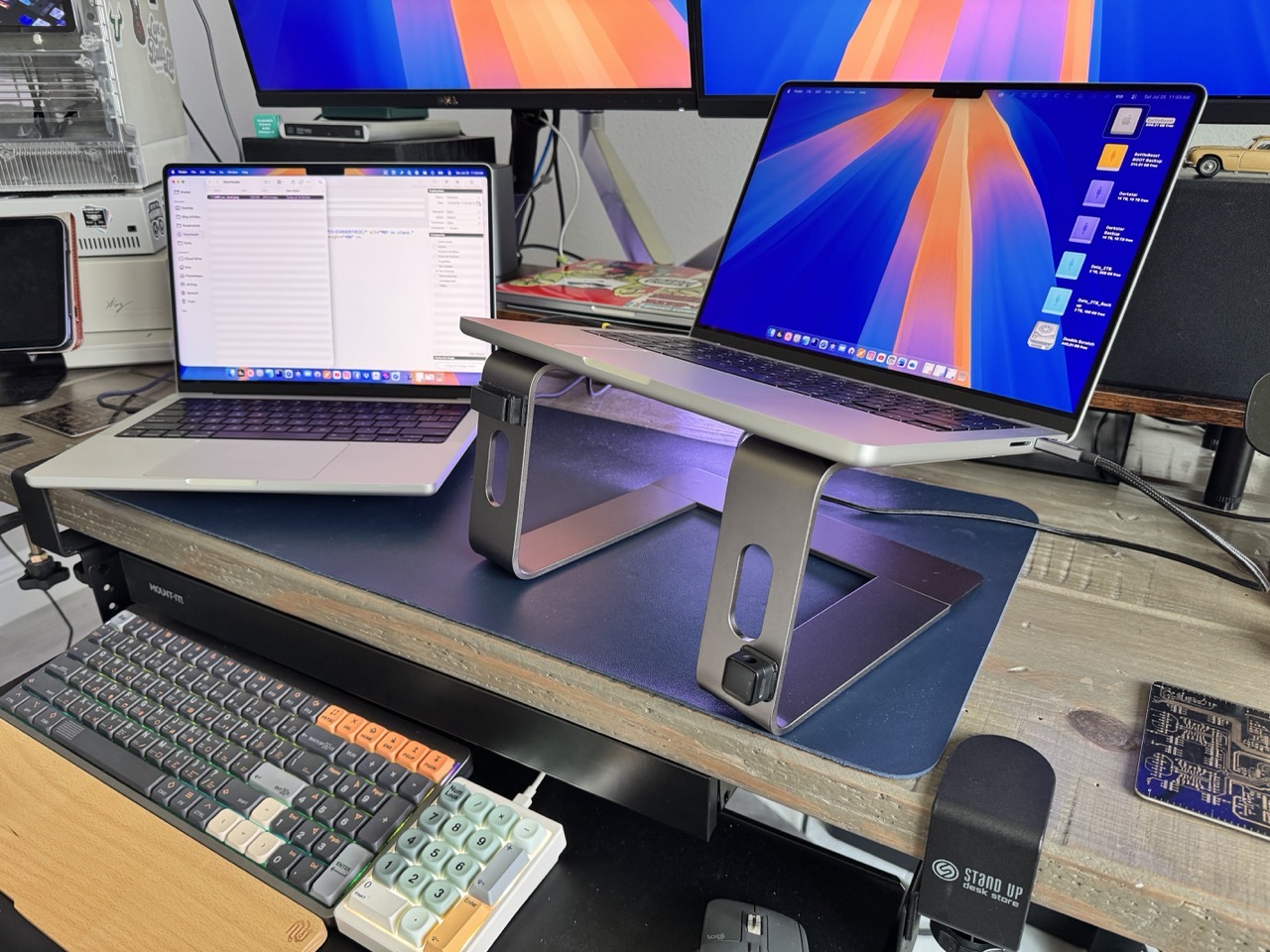
I’m Using my Laptop Stand the Wrong Way. I Don’t Regret It.
A change in perspective makes all the difference. Case in point: my laptop stand. Used conventionally, it elevates my laptop’s screen, but it also partially obscures the external display behind it. But if I flip the stand around, the laptop screen remains elevated, with the added benefit of providing me with full visibility to the…
-
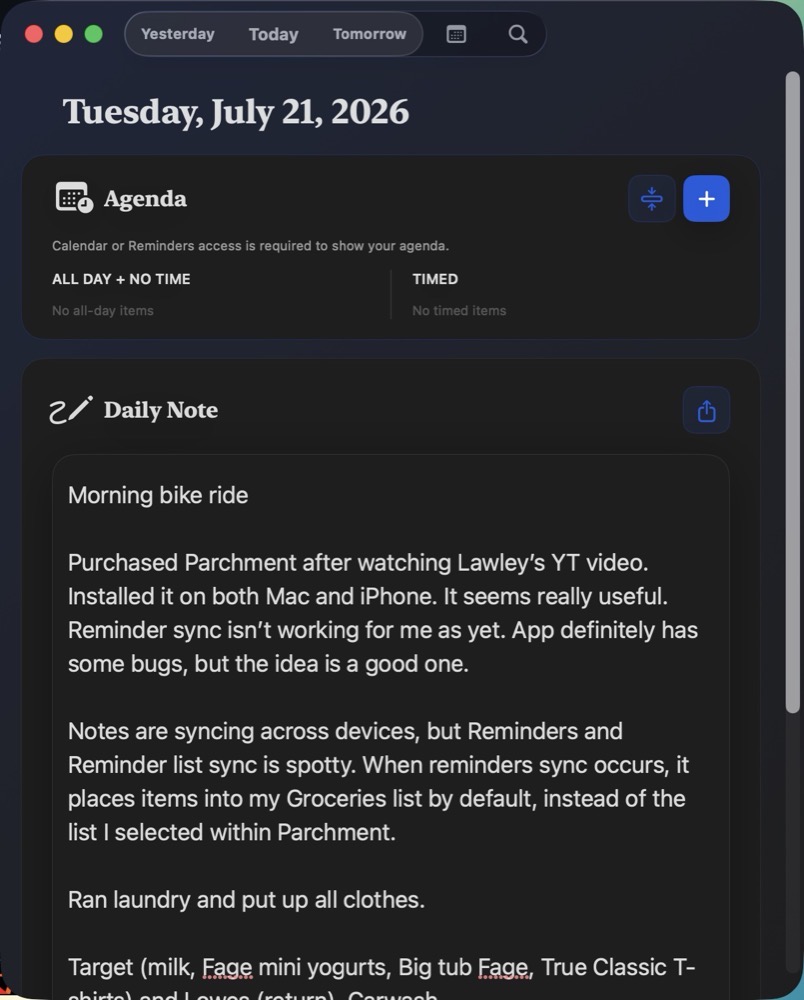
Parchment Unifies Calendar, Reminders, and Journal
Parchment is a new macOS productivity app by Christopher Lawley. If Lawley’s name rings a bell, you’ve almost certainly come across his YouTube channel. Parchment is available for macOS, iPadOS and iOS; it brings your calendar, journal and reminders together within one umbrella. Think of Parchment as a conduit that funnels your calendar agenda and tasks…
-
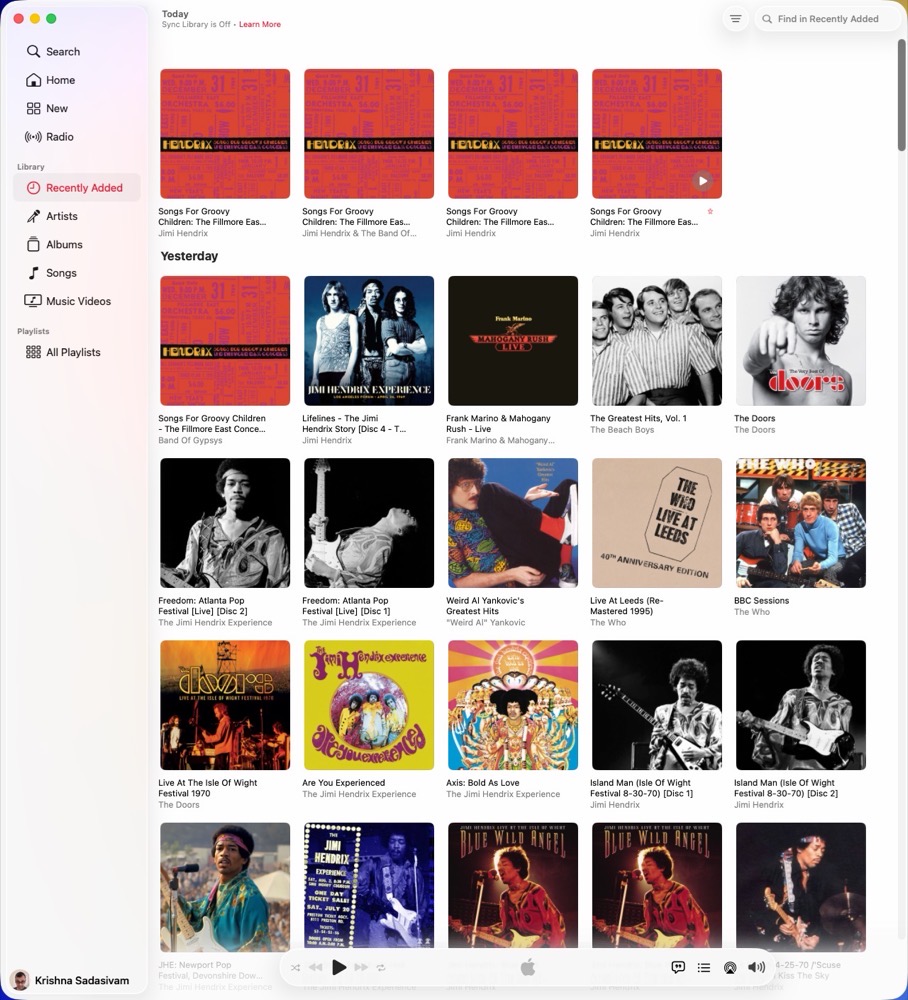
FrugalMac: Apple Music Broke Me. Here’s How I Fixed It.
I haven’t enjoyed Apple Music in years. Its user interface is a mess. The Music app has become increasingly intertwined with Apple’s streaming service. As a result, my own music collection—albums I’ve purchased and CDs I’ve ripped—has become mixed together with music that belongs to Apple Music. Adding insult to injury, Apple Music’s menus and…