
Blog
Tech thoughts, workflow notes and digital-life observations.
-
I’m Using MapQuest (Again)
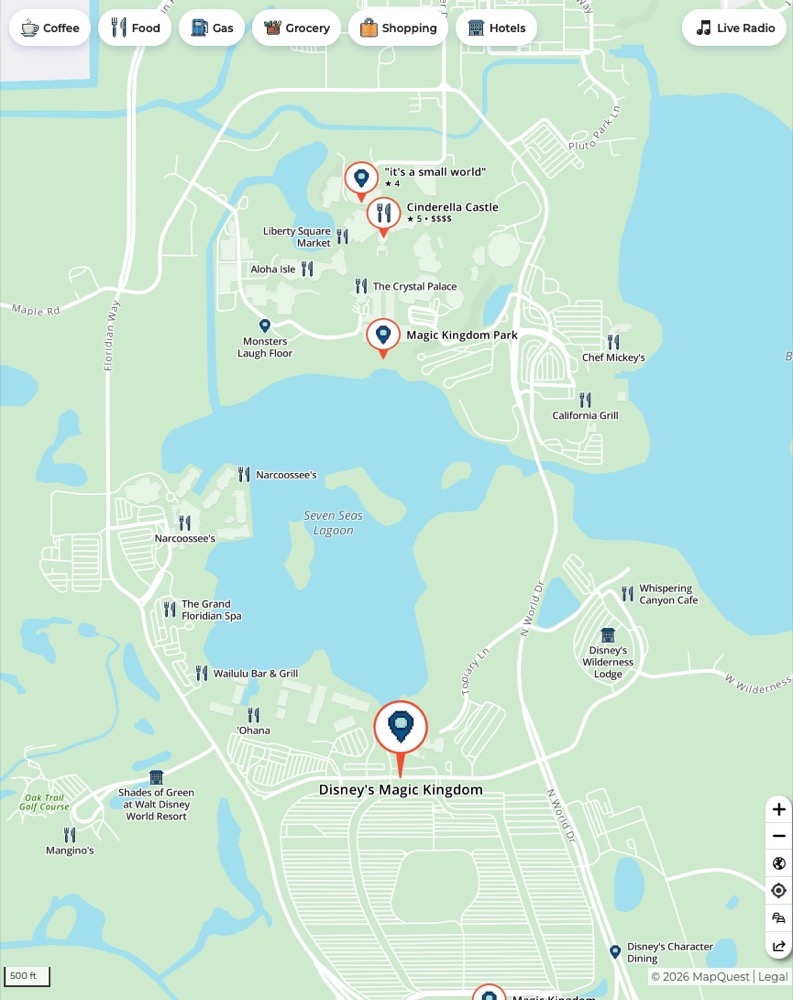
MapQuest is once again in the zeitgeist. (It wasn’t on my 2026 Bingo card.) The last time I can remember using MapQuest was around 2004. At the time, I was still using a Samsung flip phone. (I hated it.) When MapQuest arrived on the scene, it was an order of magnitude improvement over AAA TripTiks…
-
Here’s Why I Switched to CleanShot X from macShot
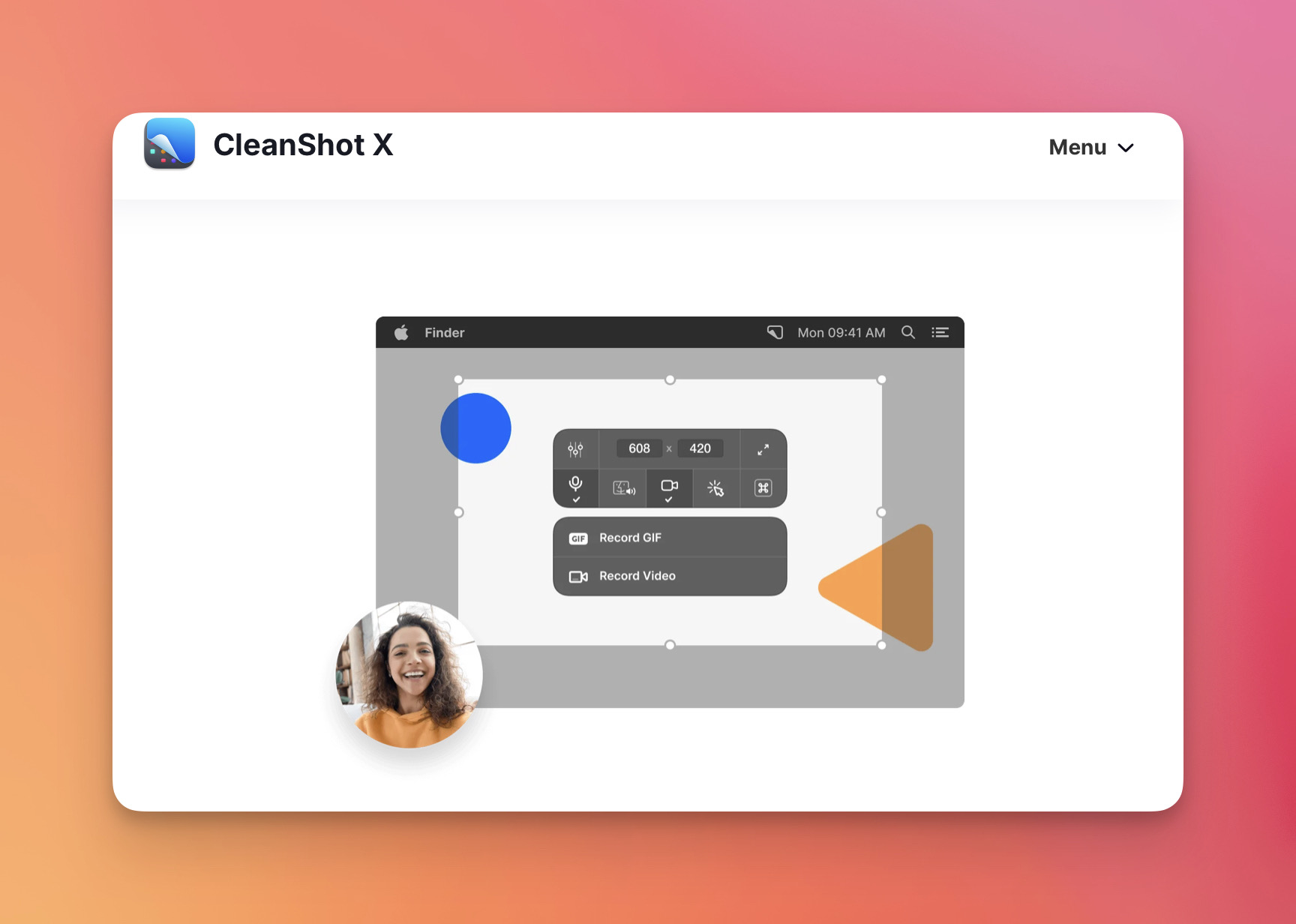
Short story long: I’ve dumped macShot and switched back to CleanShot X. I rely on screen recording for delivering instructional lessons and providing my students with video feedback on their work. Up until now, I’ve only used macShot for screen captures on FrugalMac, and it’s been fine. This morning, I tested macShot’s screen recording capabiltiies.…
-
macOS Tahoe: Living with macOS 26 for a year
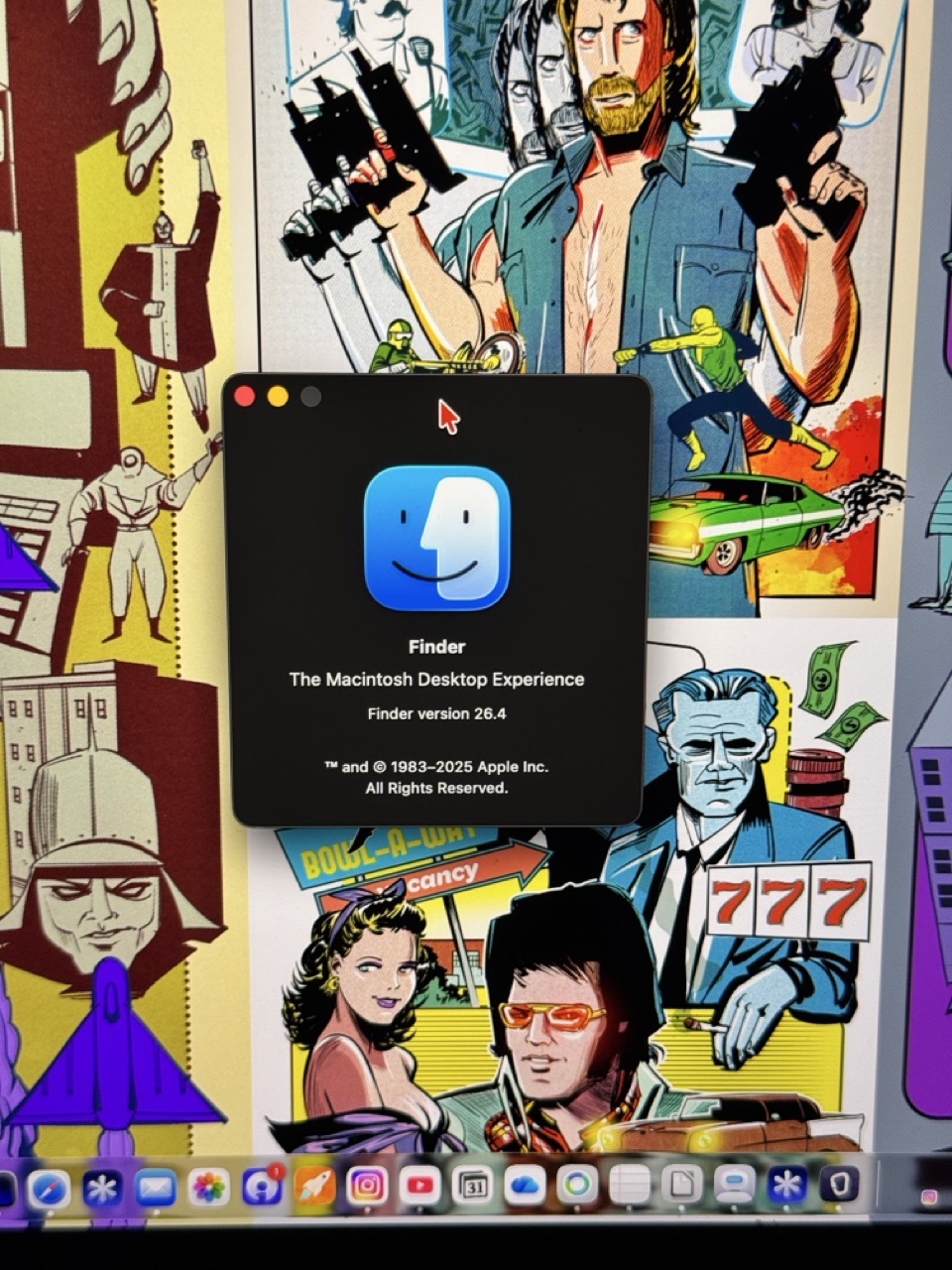
These days, reviews of new operating systems are timed to drop within a few hours of their release. I’ve decided to go against the grain and share my thoughts on macOS 26 (Tahoe) a year after using it, knowing full well that its successor, macOS Golden Gate, is on the way. For context, macOS 26…
-
Video: Silhouette Techniques to Improve Character Design
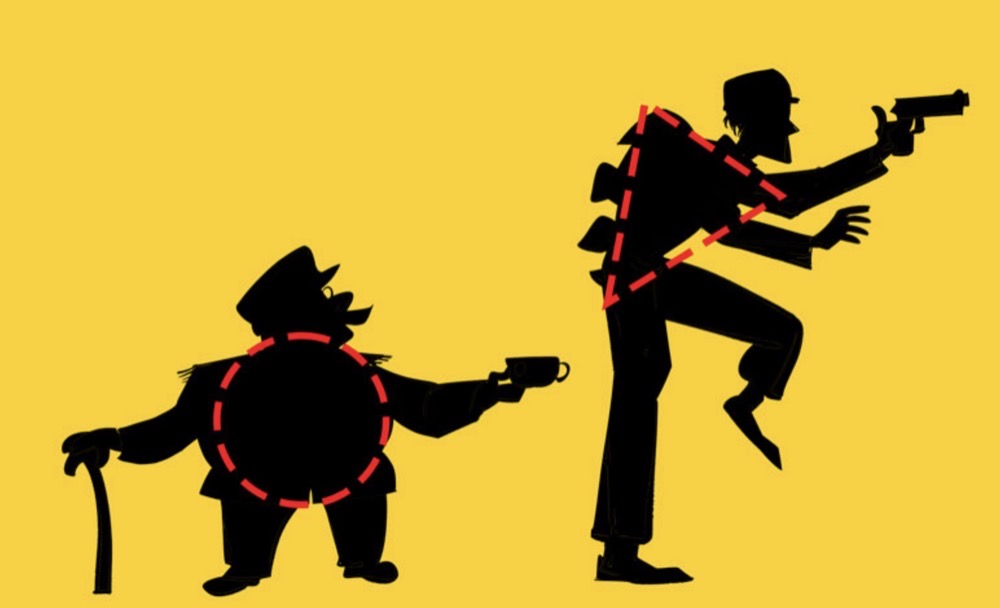
It’s been quiet on the blog front thanks to a very busy start to the fall semester. While my academic duties are in full swing, I still make time to create videos about making art. My latest video goes over the techniques I use when crafting a clearly identifiable silhouette. -Krishna
-
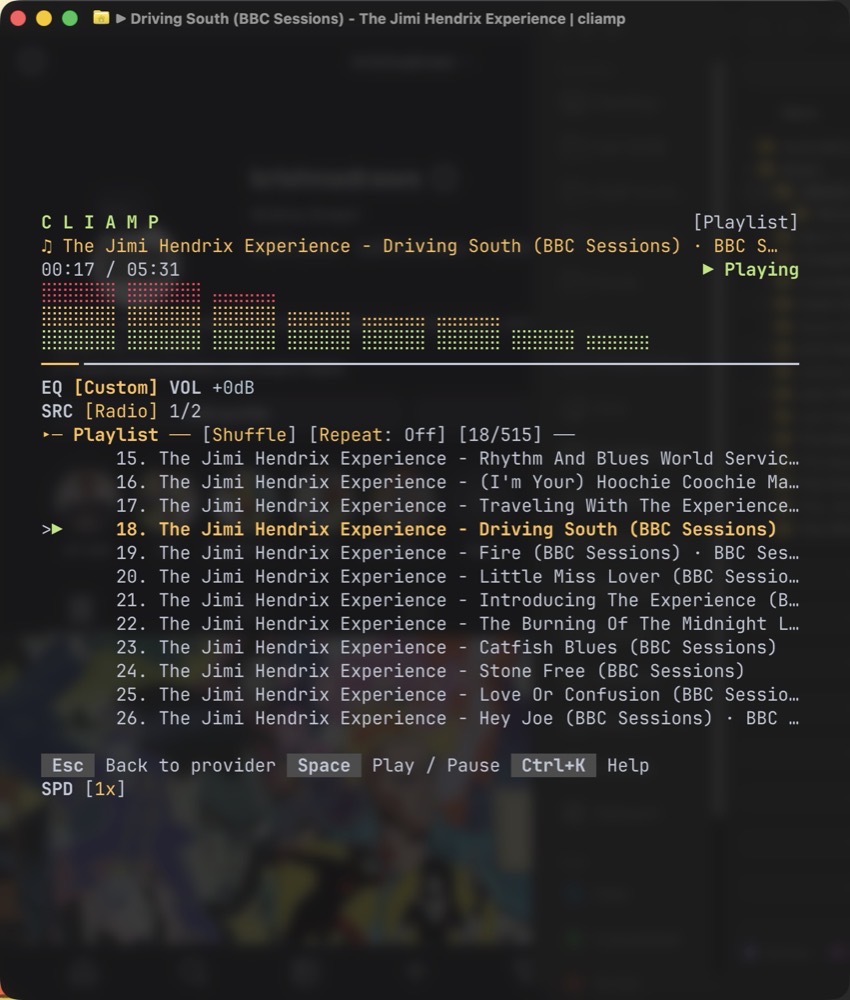
Singing the Praises of Cliamp
The late ’90s and early aughts were an exciting time for digital music. Before Apple Music, there was iTunes. And before iTunes there was WinAmp – arguably the most popular music player in the world at one point. Why? There are several reasons that come to mind. That last point is important. Customization was a…
-
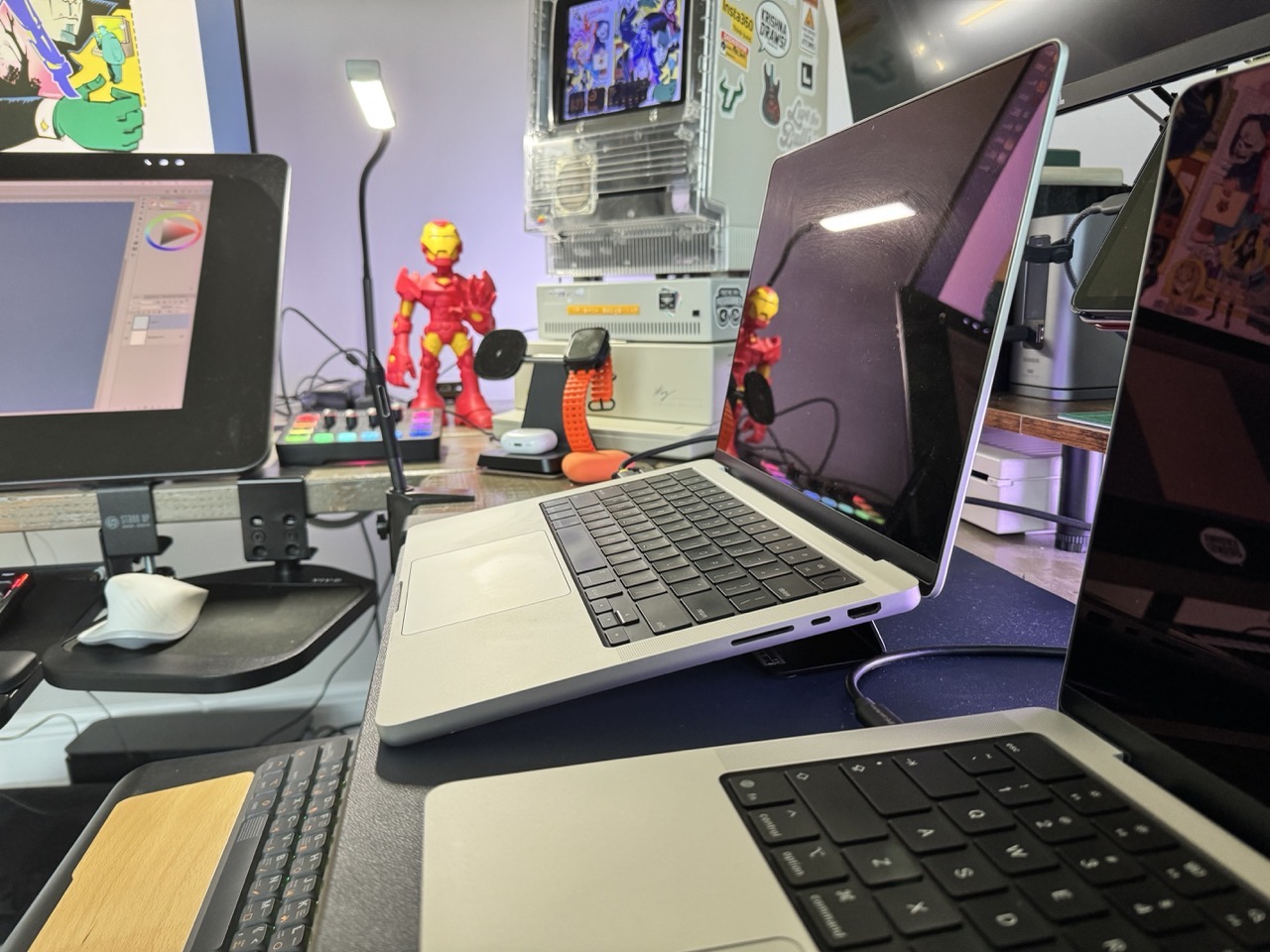
Psitek Laptop Wedge Provides Comfort and Cooling for Laptops
A few weeks ago I wrote about inverting my laptop stand. While changing the orientation of the stand improved the viewing angle of my MacBook Pro’s display, it also made for a less practical overall experience. Typing wasn’t so much of an issue as my laptop is tethered to an external keyboard, but it did…
-
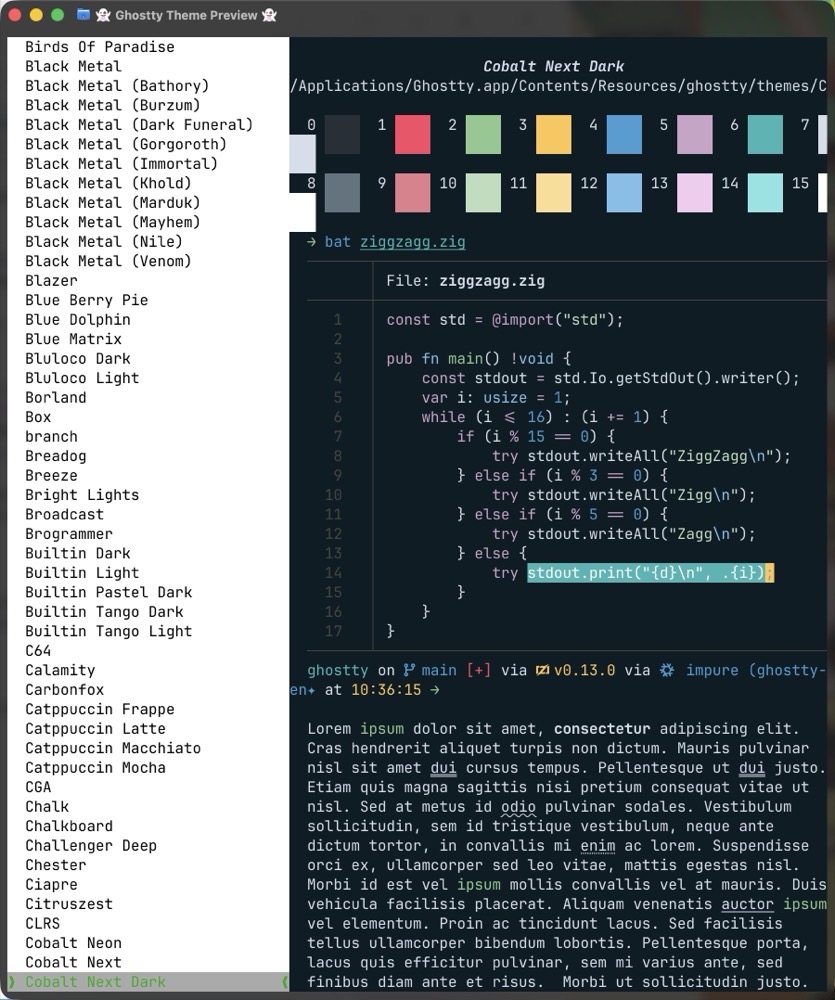
Theming Ghostty
While superfluous to some, the ability to customize my computing environment has always been important to me. In fact, I can’t remember a time where I didn’t customize some aspect of my computer. It’s how I learned about computing, whether I was creating a bespoke desktop wallpaper background or making the Trash icon look like…
-
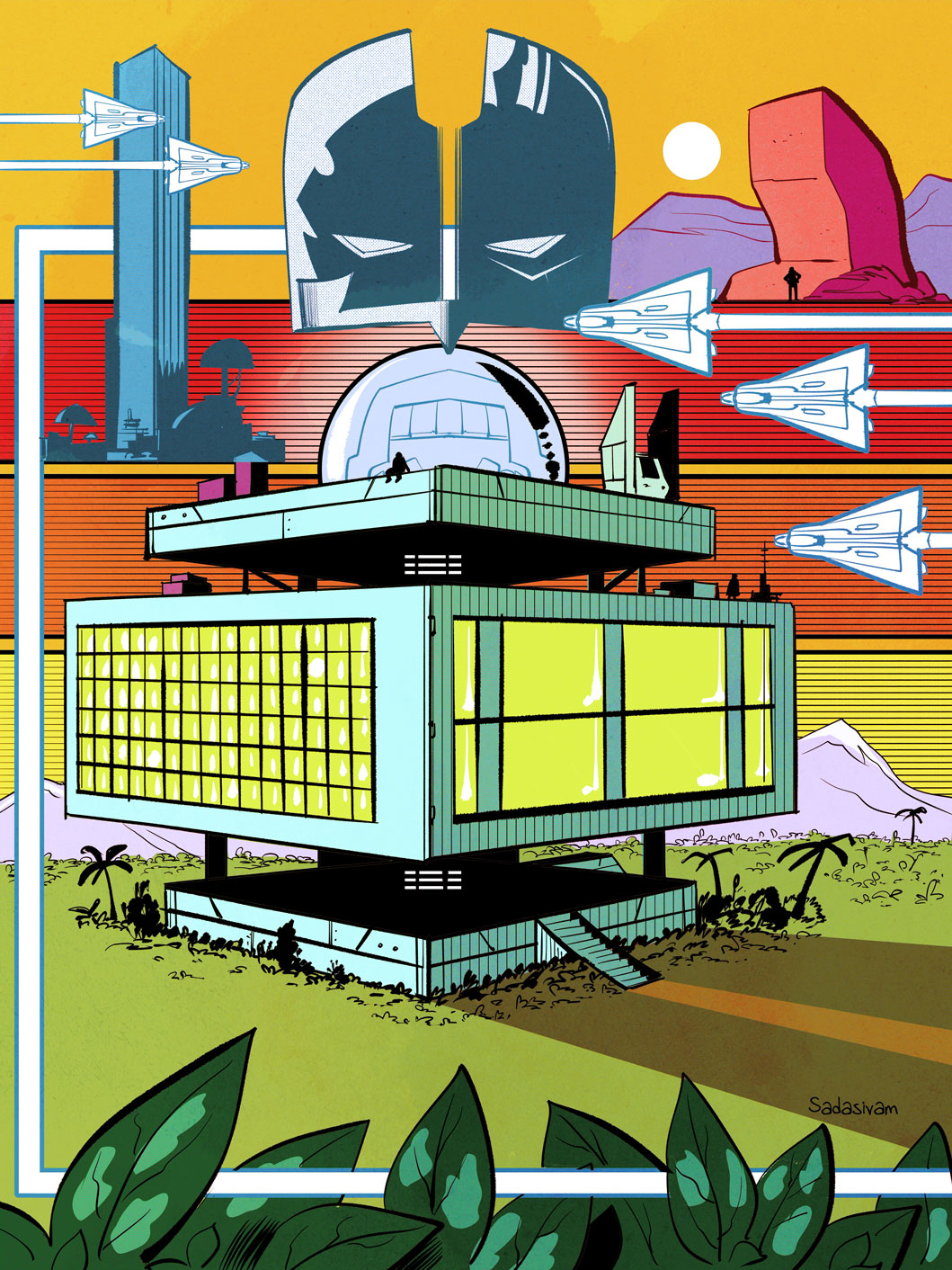
Video: Digitally Draw in Perspective Using the Letter E
My latest video covers a powerful technique for drawing hard edge structures in perspective. It all starts with the letter E. -Krishna
-
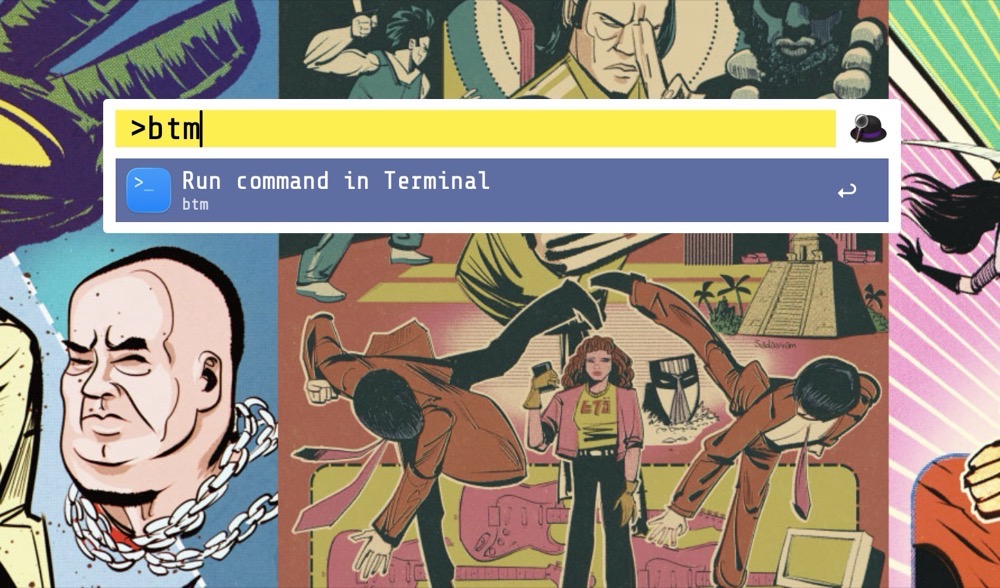
Make Alfred Use Ghostty Instead of Terminal.app
When it comes to macOS Launchers, I’m on Team Alfred. For me, it’s the Swiss Army knife of macOS utilities. Alfred does much more than launching applications. One of my favorite features is the ability to run a terminal command directly through its interface. By default, typing a terminal command within Alfred opens Apple’s Terminal.app…
-
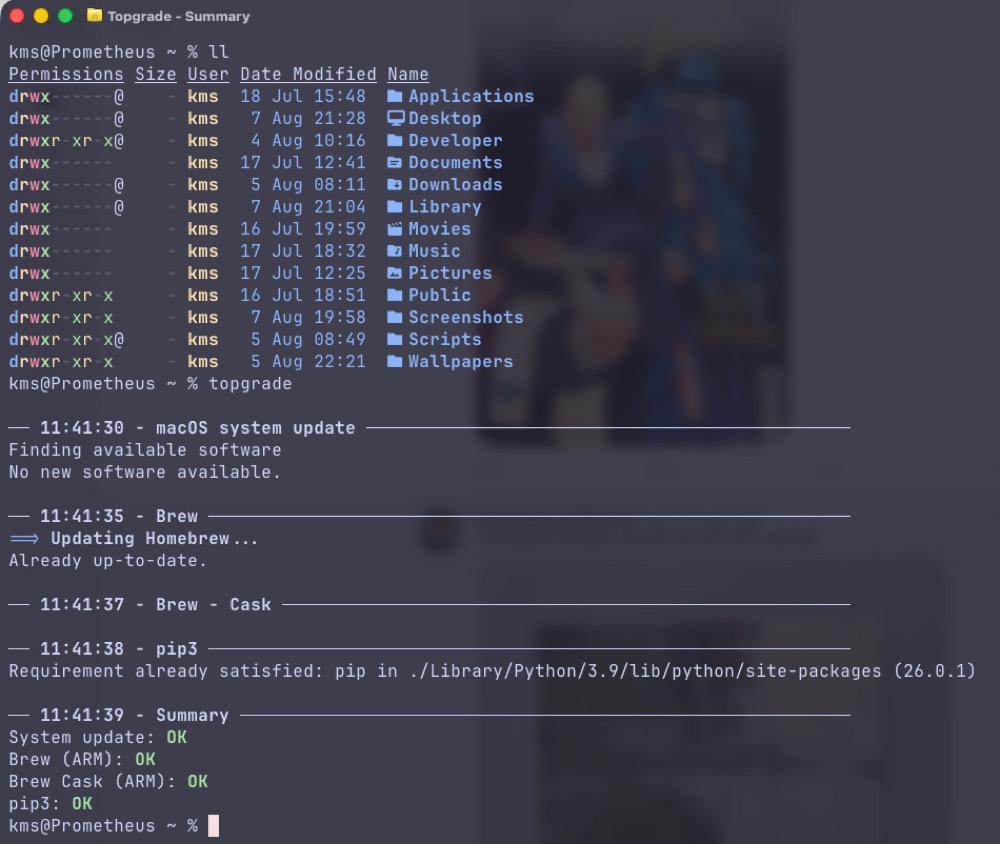
topgrade Unifies macOS app installations
This week, I discovered topgrade, an incredibly useful terminal utility for “upgrading all the things”. This nifty program will examine the software currently residing on your Mac, poll the Mac App Store, brew, and other installed package managers on your system, and install any software updates it finds. topgrade’s consolidated approach streamlines software upgrades down…