
Blog
Tech thoughts, workflow notes and digital-life observations.
-
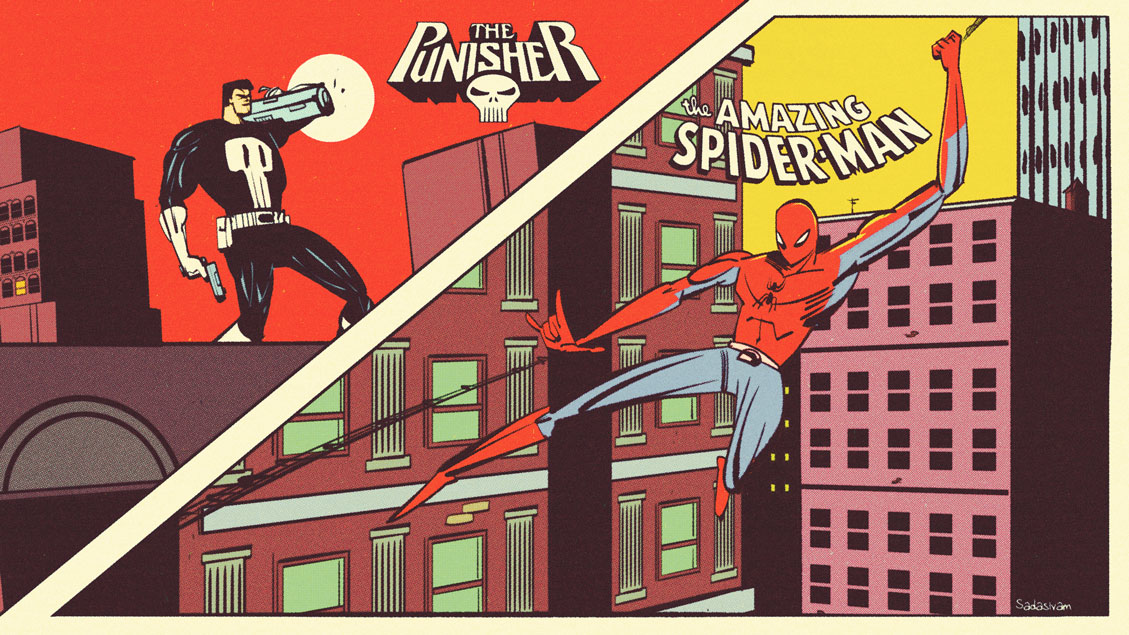
Video: Drawing a Cityscape Digitally
My latest video breaks down my techniques for creating a cityscape. The technique relies on Photoshop’s Transform tool along with some bespoke library assets that I created. I employed this technique for this post’s Featured Image along with this Moon Knight image below. -Krishna
-
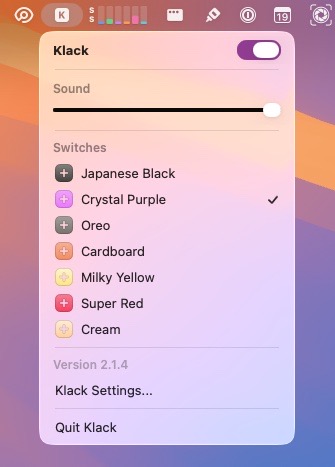
FrugalMac: Package Tracking and Keyboard Klack
Two applications have been added to my FrugalMac bespoke build. First up is Parcel ($4.99US / year), which tracks package shipments and status changes. Parcel works with all major carriers, including Amazon. The subscription covers both the Mac app and the iOS app. I’ve posted my full review of Parcel on the OWC RocketYard blog.…
-
My Favorite Alfred Workflows
Alfred is my go-to application launcher. It goes well beyond launching applications, particularly if you have the Alfred PowerPack. Below are four of my most used Alfred Workflows. All are free, with the ability to install each automatically within the application: Unit Converter Quickly convert units (inches to km, degrees to radians, etc.) from Alfred.…
-
Two Key Photoshop Settings Most New Designers Overlook
No matter how much memory you have on your computer, it seems that Photoshop always wants more. And when Photoshop exhausts all available RAM on your machine, it uses your computer’s internal storage. This can become an issue of your computer’s internal boot drive is almost full. The less space you have on your boot…
-
FrugalMac: My Mac Software Stack: July 2026
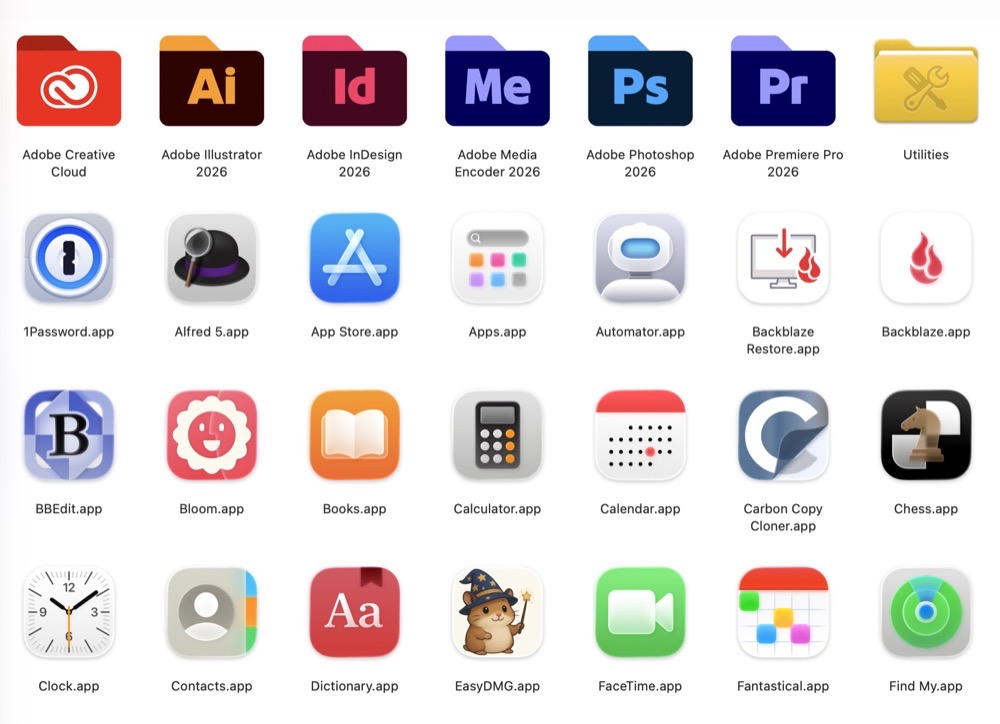
As of mid July 2026, here is an inventory of the apps I have installed on my 14” M5 Pro MacBook Pro (aka FrugalMac). All prices are listed in US dollars. For convenience, I’ve arranged my software stack into categories. Essentials: Alfred 5.x with PowerPack (~ $80)* – app launcher, clipboard manager, text expansion HyperKey…
-
ClipArt Studio Lets You Make Collages in a Web Browser
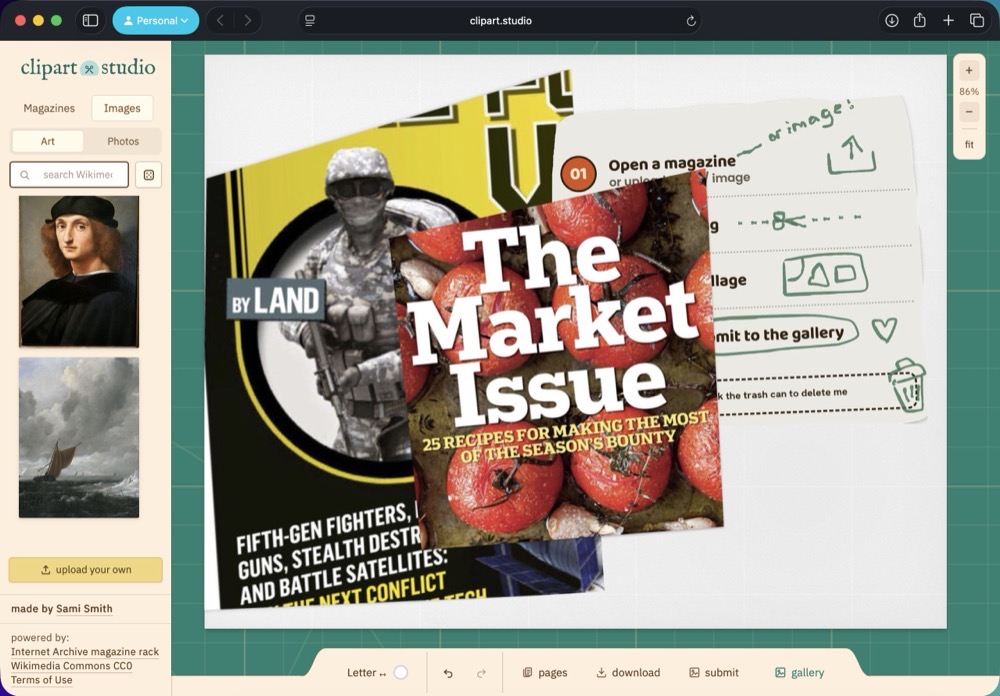
Every now and then I come across a really neat website that brings genuine delight. Such is certainly the case with ClipArt Studio. The site presents itself as a virtual cutting board. On the left panel are two tabs where you can select from magazines or images. (All usable content comes from the Interactive Archive…
-
FrugalMac: On the Topic of Backups
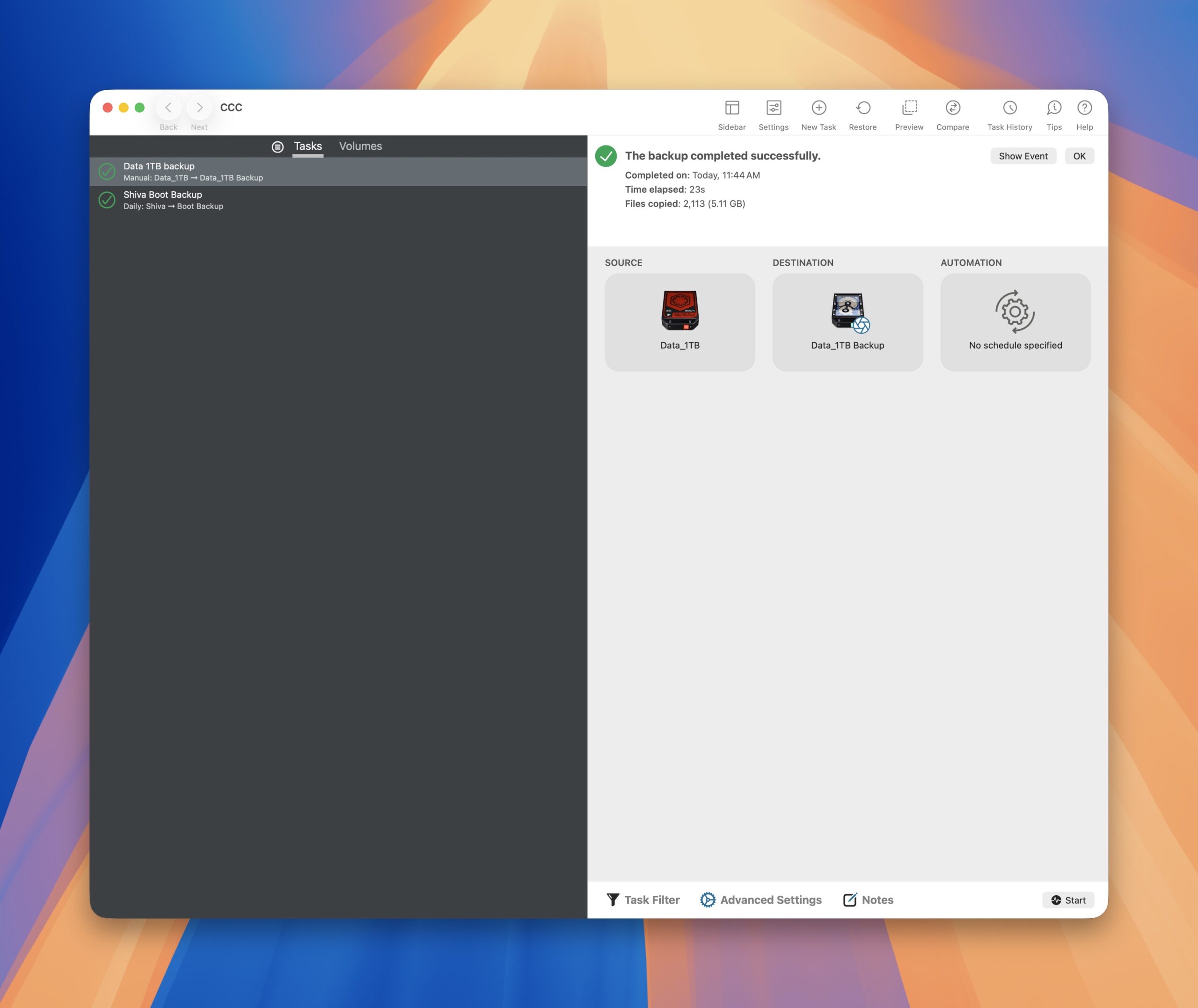
Backups are important. As I’ve often stated to my design students: “There are two types of computer users in the world: Those who have lost data and those who are about to lose data.” I’ll leave the sermonizing to others on why backups are important. For my own needs, having backup data is not merely…
-
Video: Creating an Environment Digitally from Start to Finish
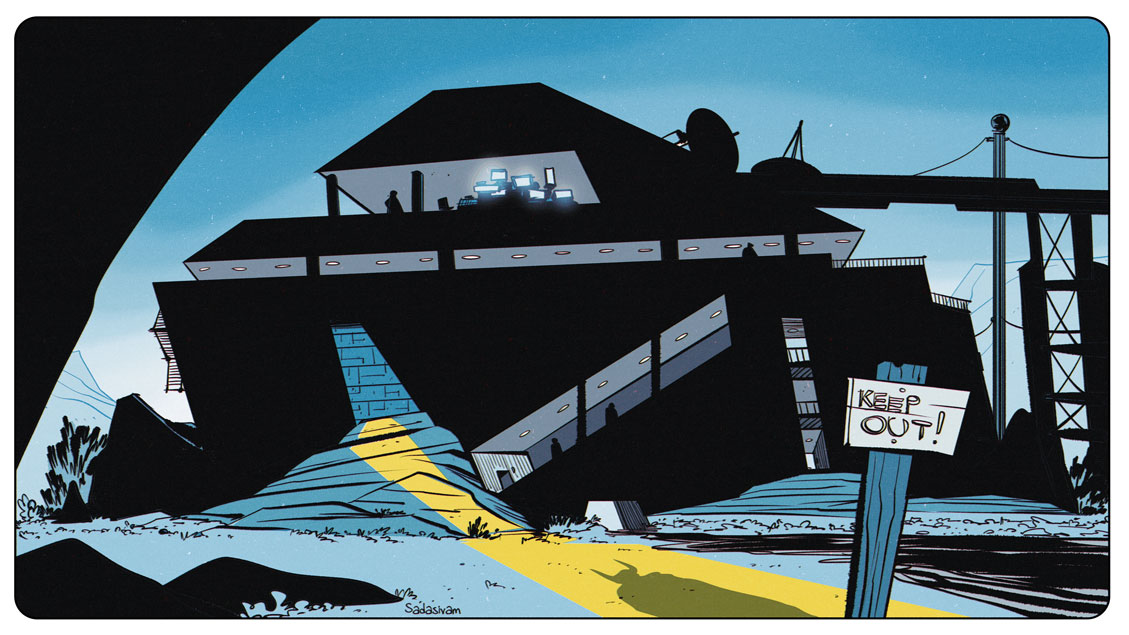
Taking a slight detour from my usual “how to” instructional videos, I wanted to share my process of creating an environment from start to finish. I work in Photoshop, and start with a large, dominant shape using polygon lasso tool. From there, I consider depth, scale, and focal point. -Krishna
-
The Pleasant Feeling of a Forced Reprieve
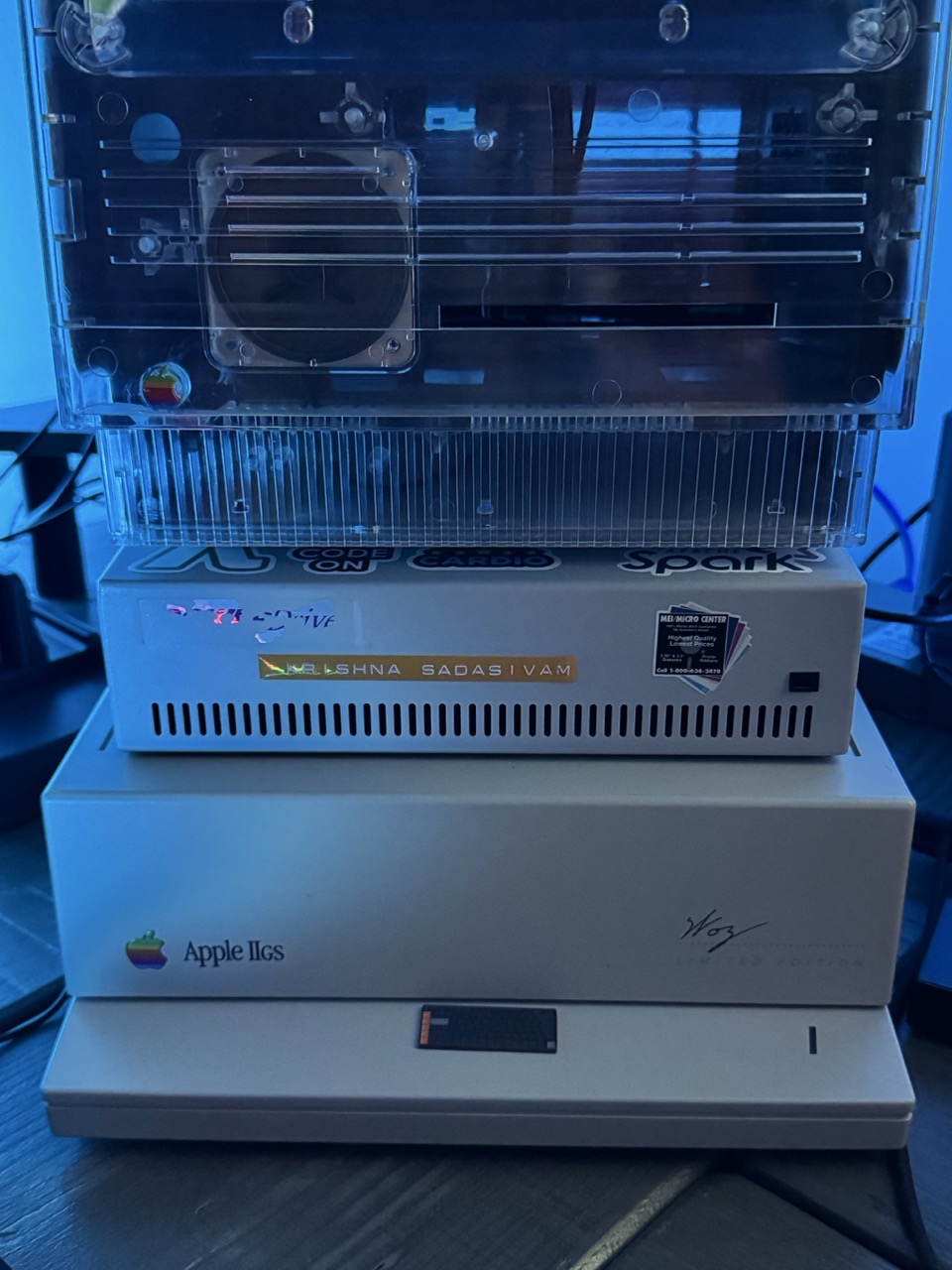
A sobering fact: There’s not much you can do on a modern computer without the Internet. But there was a time when that didn’t matter. My first computer was an Apple IIGS. It came with a display, CPU, keyboard and a 3.5” and 5.25” floppy drive. I remember spending countless hours messing about on this…
-
FrugalMac: Dipping My Toes into Making Bespoke Automation Tools
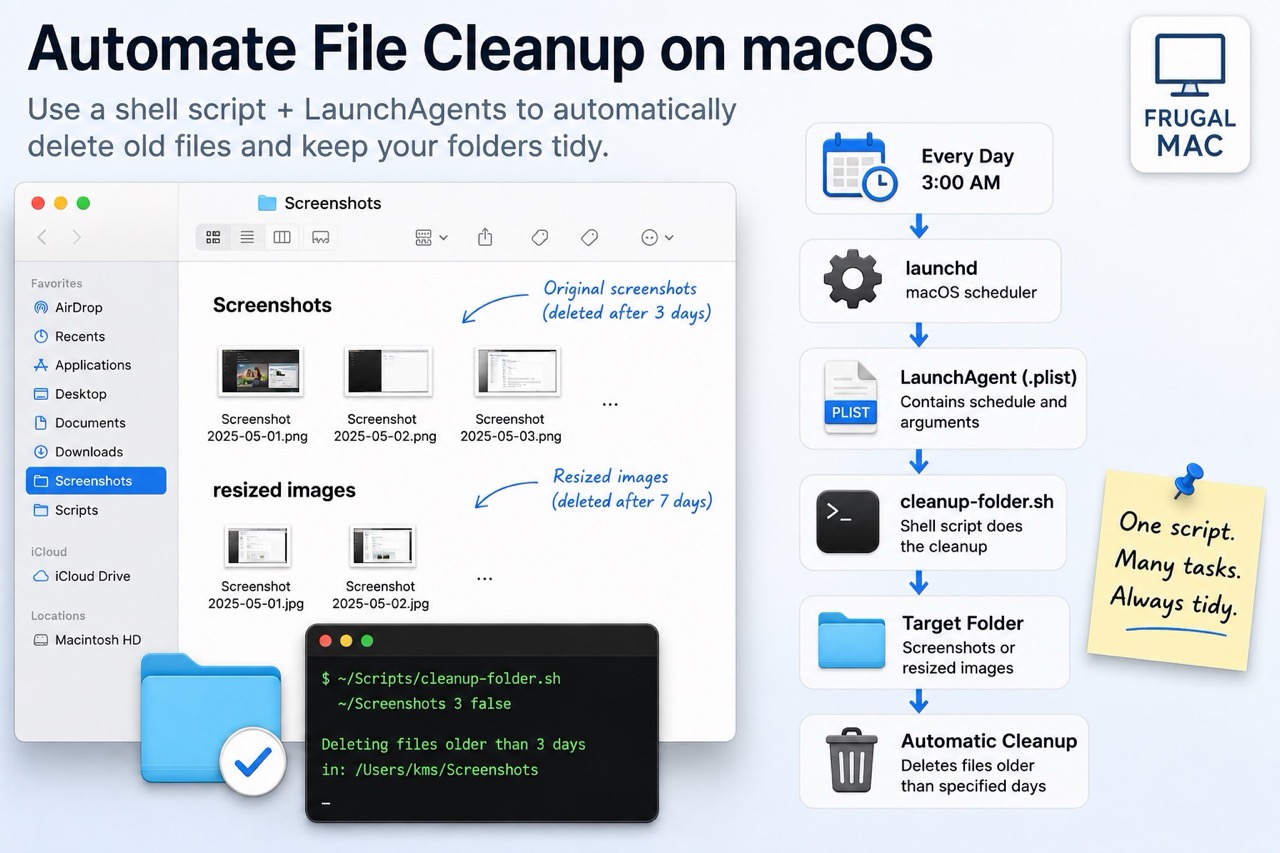
In spite of my engineering background, I’ve never considered myself to be a coder. In college, I took a few required programming courses in both Assembler and C++. Those two classes, while informative, were never my cup of tea. (I also took a Fortran class as a freshman, and let’s just say – my very…