Category: Tools & Reviews

  • Paletro: Turbo-charged Mac Menu Search

    Paletro: Turbo-charged Mac Menu Search

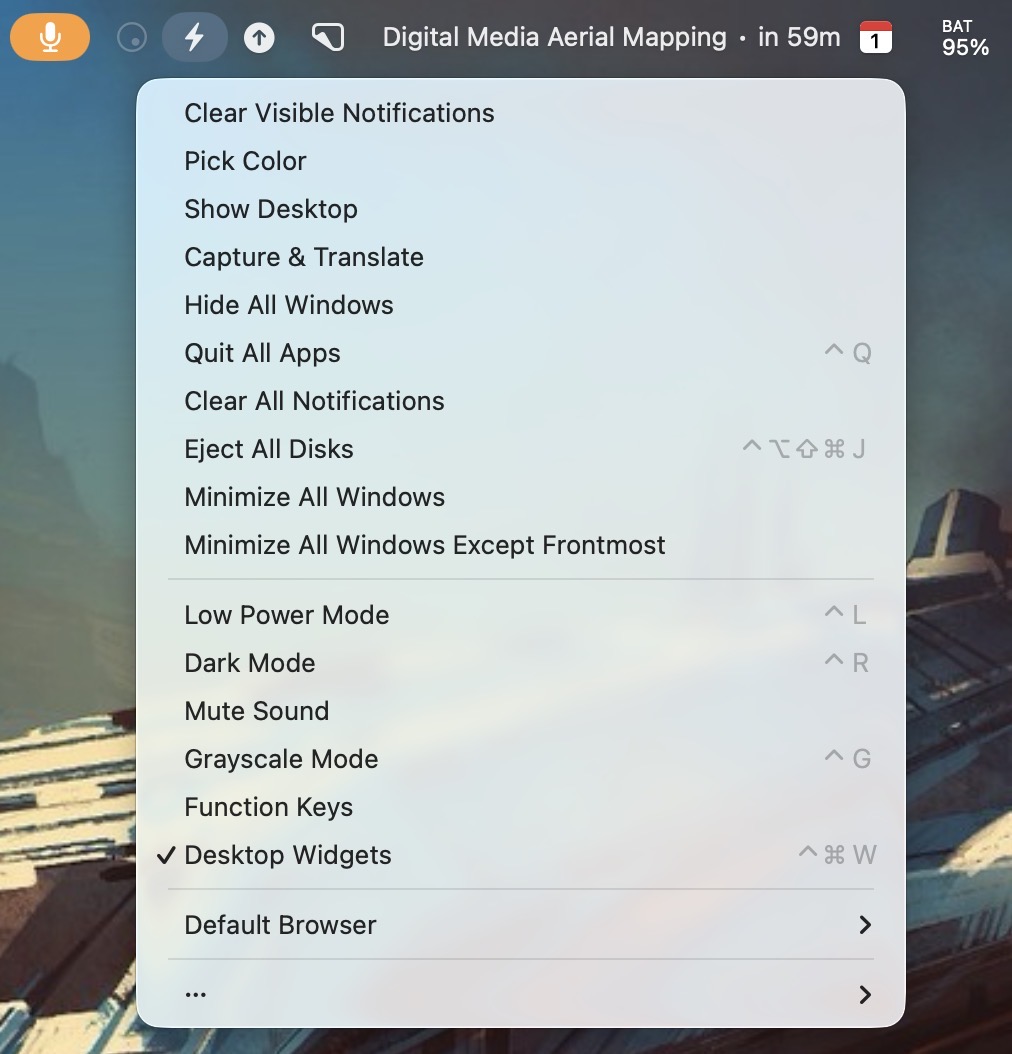
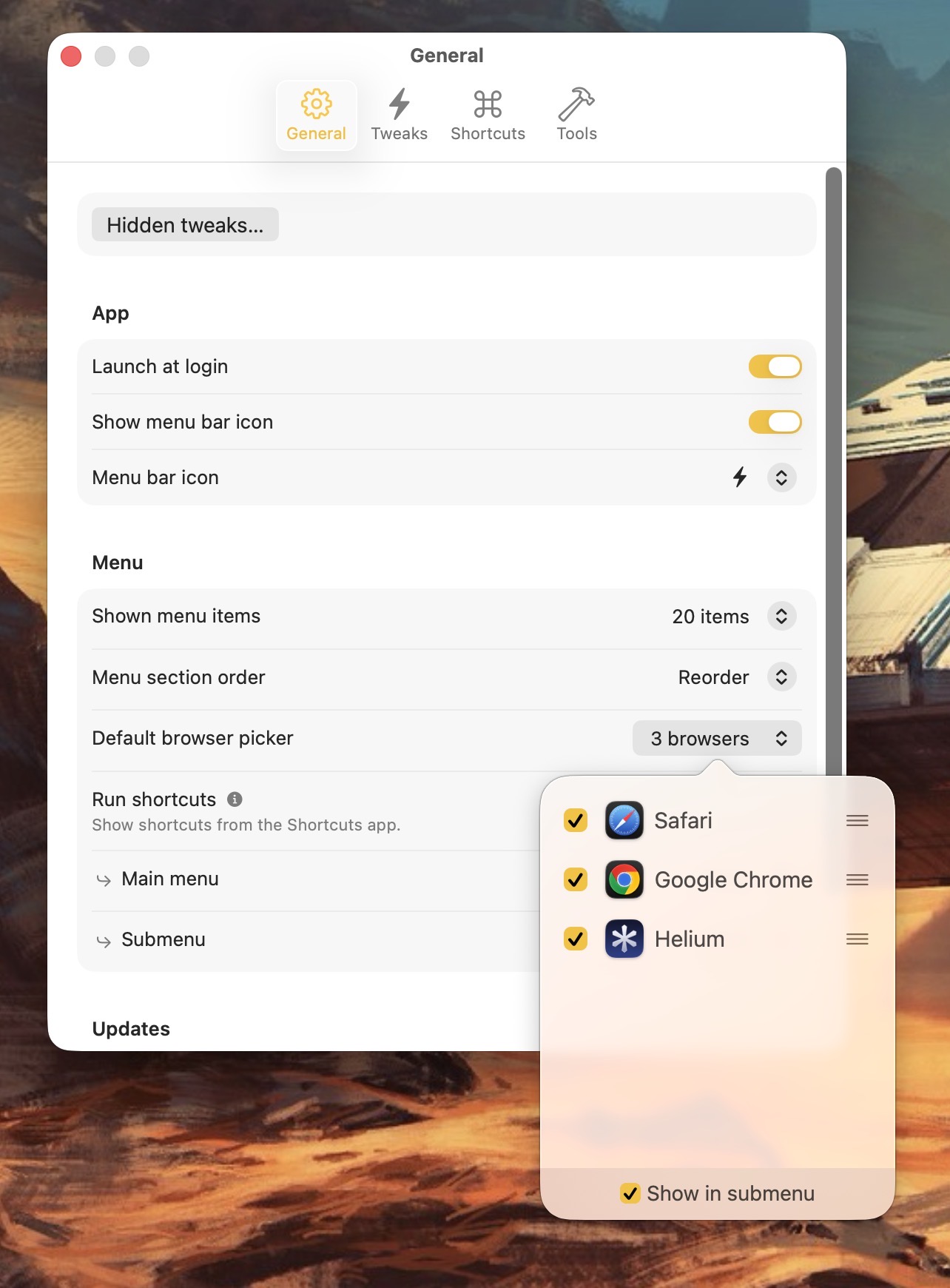
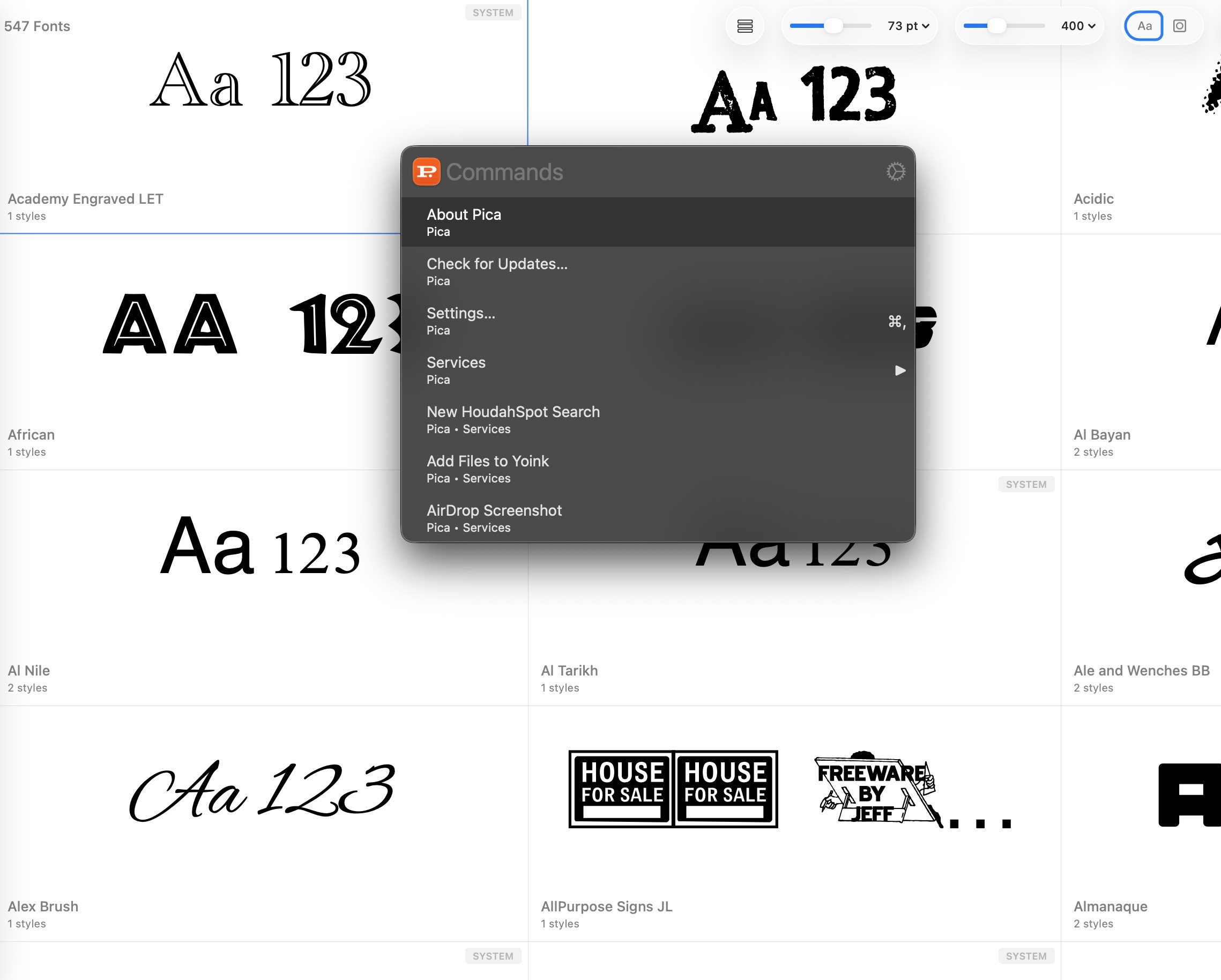
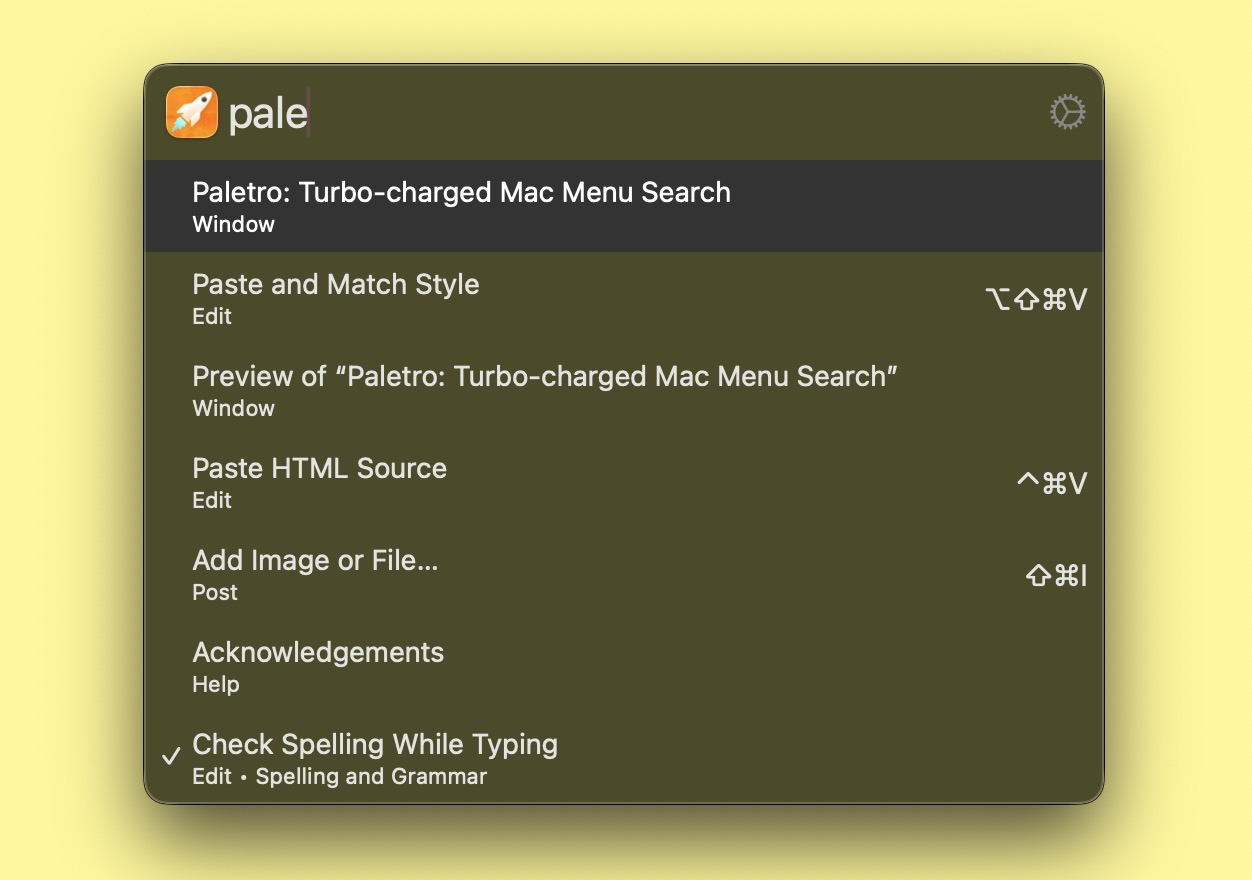
    Paletro brings fast, keyboard-based search to your macOS Menu items. Using a custom assigned keyboard shortcut (initially set to Command-Shift-P), I can easily search and traverse menus for the app I’m currently working in.

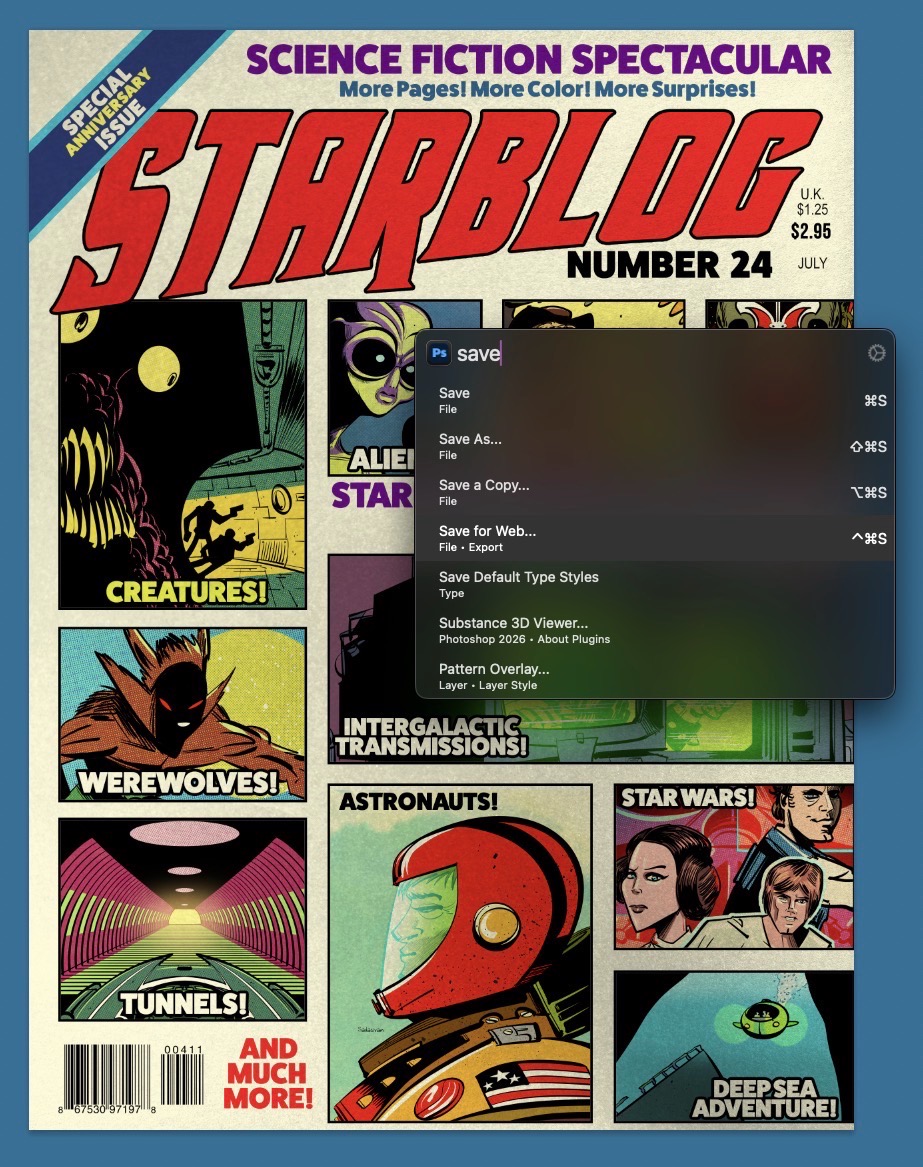
    Paletro invoked within MarsEdit.

    Using Paletro has changed my Mac productivity ten-fold, because my hands never have to leave my keyboard to use it. It’s particularly handy for apps that have sprawling menu items, like Photoshop.

    Paletro invoked inside Photoshop

    Read the rest of my review on the RocketYard blog.

    -Krishna

  • The 2021 M1 Pro MacBook Pro: 5 years In

    The 2021 M1 Pro MacBook Pro: 5 years In

    Most hardware reviews usually drop after a few days or weeks after a new product release. I view most of these as “first impressions” rather than a review. 

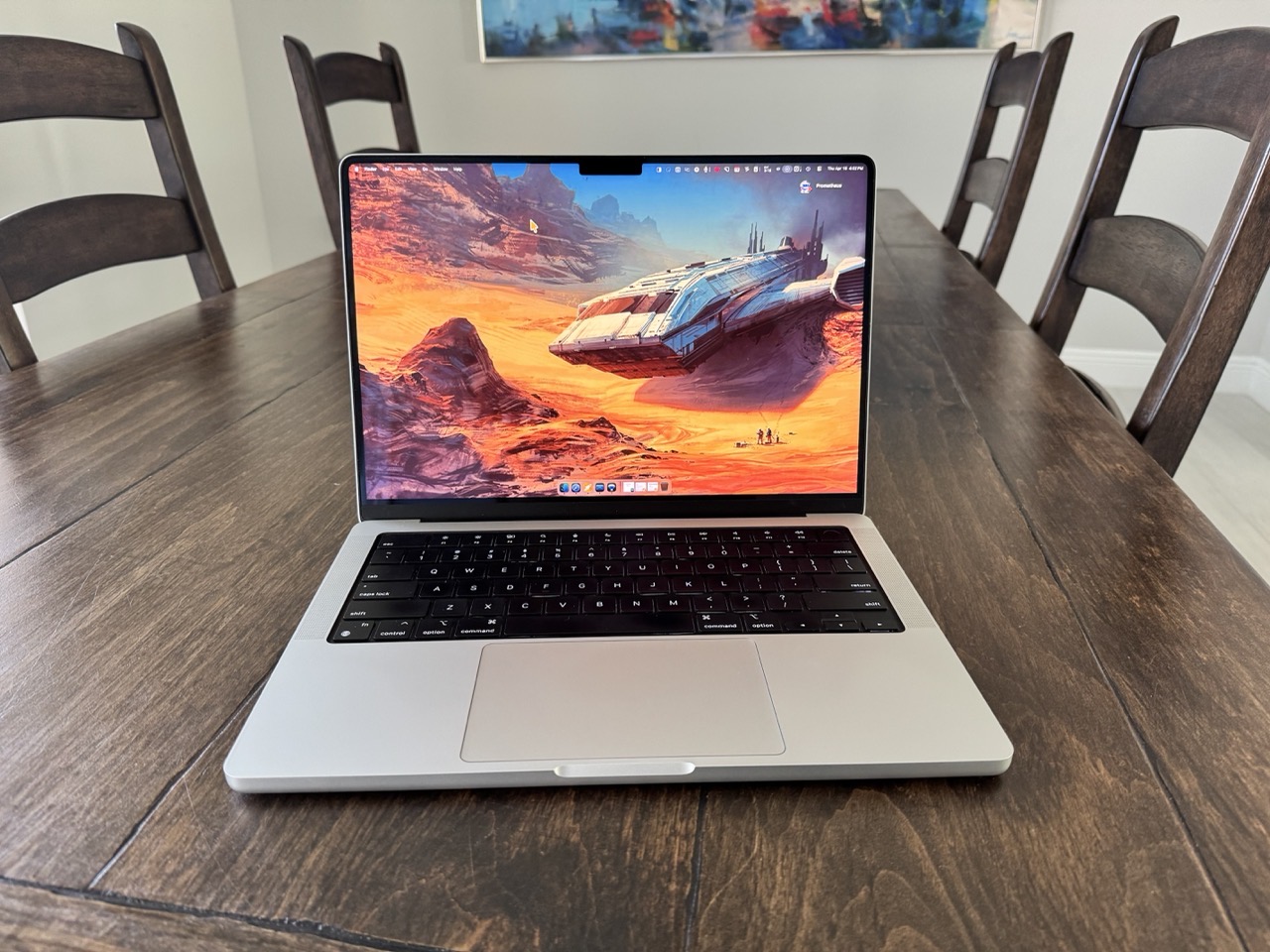
    My review of the late 2021 14” M1 Pro MacBook Pro is being written after nearly five years of daily driving one. 

    This is my sixth Apple laptop. Below are the other Mac laptop models I’ve owned, and when they were purchased new. (I’m coming on almost 3 decades of using Apple laptops exclusively. Yikes!)

    • PowerBook G3 233 (aka Wallstreet) (1997)
    • PowerBook G3 (aka Pismo) (1999)
    • MacBook Pro (2006)
    • MacBook Pro (2008)
    • MacBook Pro 13” (late 2014)

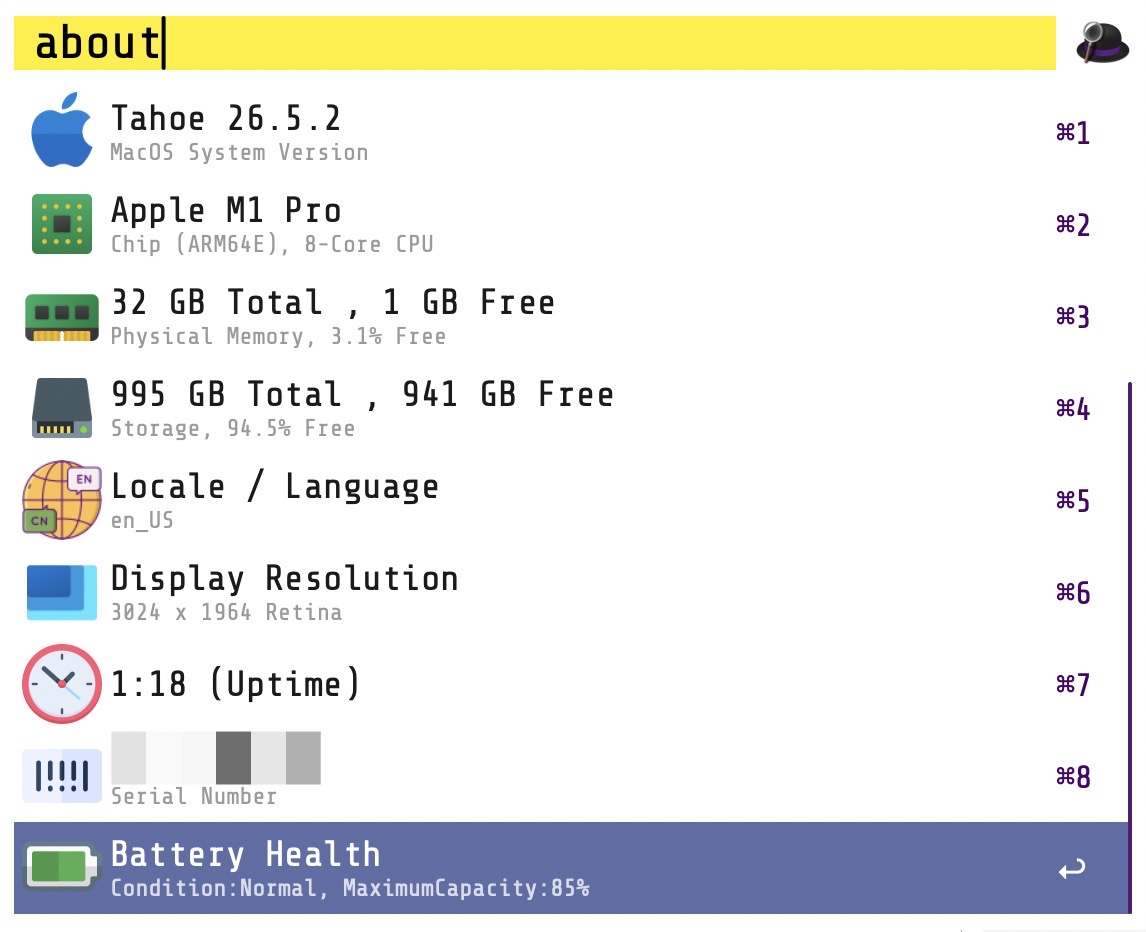
    The specs for my M1 Pro MacBook Pro are: silver, 32GB RAM, 1TB SSD, 8 cores (6 performance, 2 efficiency). I have kept up with my AppleCare coverage. The Mac’s battery currently sits at 81% health (114 cycles). (Apple recommends service when the battery capacity reaches 79%, and my hope is that I can get at least one fresh battery while I still have AppleCare on it.) 
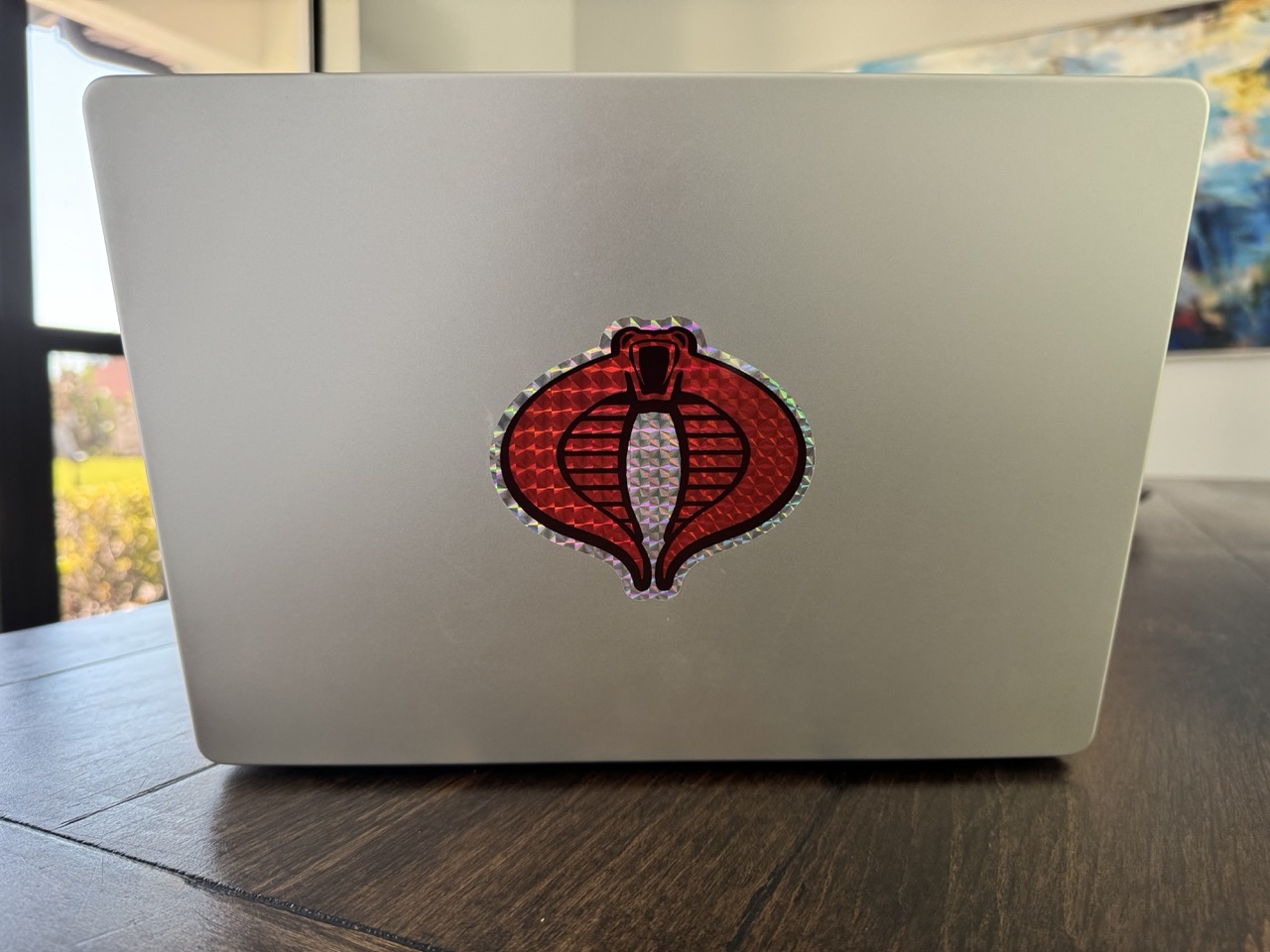
     

    MBP Cobra sigil.

    The only bespoke addition is a well-placed Cobra sticker that adorns the lid, covering the Apple logo. The laptop’s exterior remains free from scratches and dents, while the keycaps exude a slight shine from finger oils and constant use. The laptop’s hinge still functions as well as it did on day one. Similarly, the MacBookPro’s XDR display remains as crisp and vibrant as ever. The weight is noticeable when I tote it around in my backpack, but not pronounced, especially when compared against my work-issued 16” MacBook Pro M3 Max.
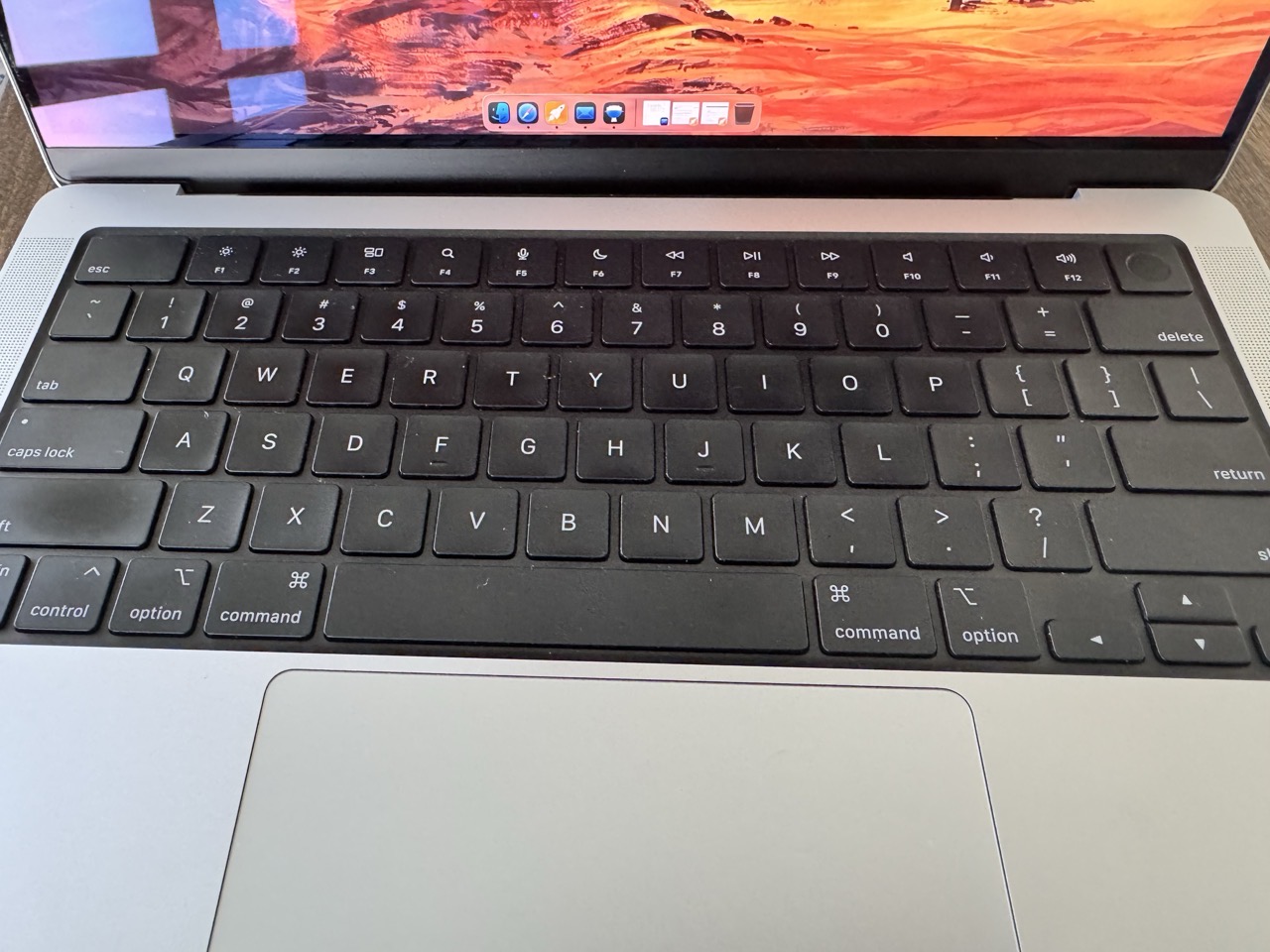
    MBP M1Pro Keyboard.

    Early into ownership, I did have a few small issues with my MacBook Pro. The Apple Store ran some tests and determined that the culprit was a faulty battery. Apple replaced the battery with a new one. No problems since.

    All in all, a solid piece of kit. 

    All three Thunderbolt / USB4 ports and the HDMI port see frequent usage, courtesy of USB / Thunderbolt attachments and external displays. The laptop’s MagSafe port, headphone port and CF card remain largely untouched. I typically charge the laptop via one of its Thunderbolt ports.

    The internal storage shows 706GB of free space. I have no regrets in overprovisioning the drive, as I use the leftover space as a Scratch Disk for Adobe apps when I’m on the go. The same goes for the RAM configuration; 32GB allows me to comfortably switch between multiple memory-hungry design apps as needed. For my usage, this is the sweet spot.

    My MacBook Pro currently runs macOS Tahoe (26.4.1). I have installed each major version of macOS over top of the previous version. A fresh install is likely long overdue, and will probably happen this summer.

    Subjectively, performance remains surprisingly robust in my day-to-day usage. The machine doesn’t feel “slow”, which is a testament to the M series CPU. Nowadays, I’m averaging 4 – 5 hours on a full battery charge. Not bad for a relatively “old” machine.

    Unlike the previous Mac laptops I’ve owned, I can comfortably use the MBP on my lap. Major props to Apple Silicon.

    While the notch has been a polarizing issue for some, it’s never really been an issue for me. I noticed it when my laptop was new, and then moved along. The only time the notch can be inconvenient is when there’s a slew of menu bar items. (I try to keep these items pared down to only the essentials.) 
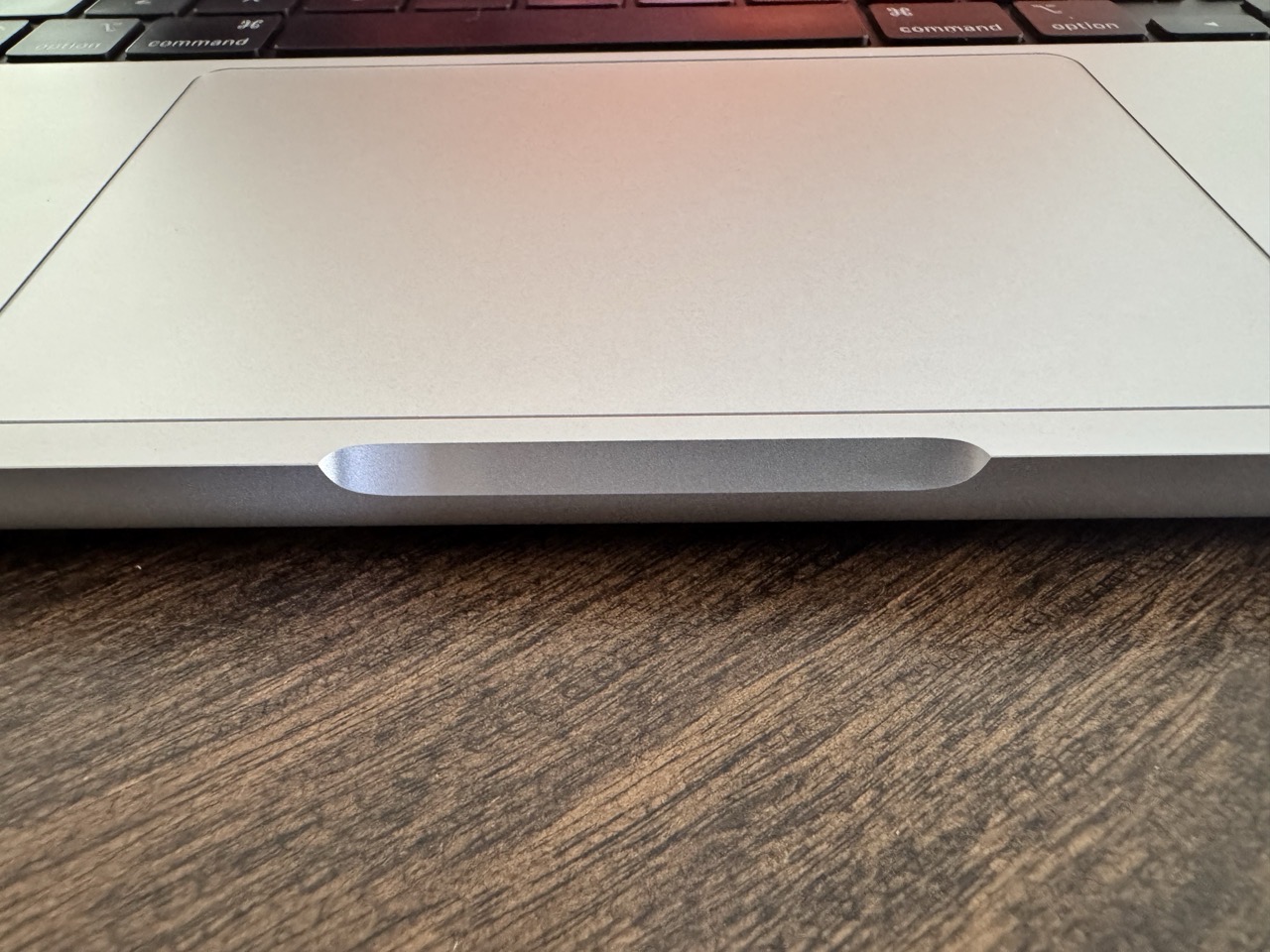
    MBP sharp corners.

    The only real issue I have with the MacBook Pro hardware-wise is the opening betwixt the lid and body. The edges on either side of the opening are sharp! 

    14” M1 Pro MacBook Pro’s go for around $800US on average (as of mid-April 2026) for the base configuration. For the specs of my laptop, the price hovers around $1100 – $1500US. Clearly, better options are available for that price, but it’s comforting to know that the machine still maintains some value, five years on.

    The 14” M1 Pro MacBook Pro has been an excellent laptop. It’s fast, powerful and reliable. And that’s really all I want out of a professional machine.

    -Krishna


  • Automating with Keyboard Maestro

    Automating with Keyboard Maestro


    Automation options are plentiful on the Mac. It’s one of the main reasons I prefer using macOS over other platforms. Automating tasks saves me time. With a little upfront work in setting up an automation, I can make tedious or routine tasks go much faster.

    Apple includes a few free automation utilities in the form of Shortcuts and Automator. Both are easy to use (no programming knowledge needed). If you’re new to automation, this is where I would start.

    But sometimes you want even more power. Thankfully, macOS has a robust set of great third party automation utilities. One of these is Keyboard Maestro. I’ve used this program for a few years now, and have made a few custom automations for my day-to-day tasks. I’m by no means an expert at using Keyboard Maestro, but I know enough to be dangerous

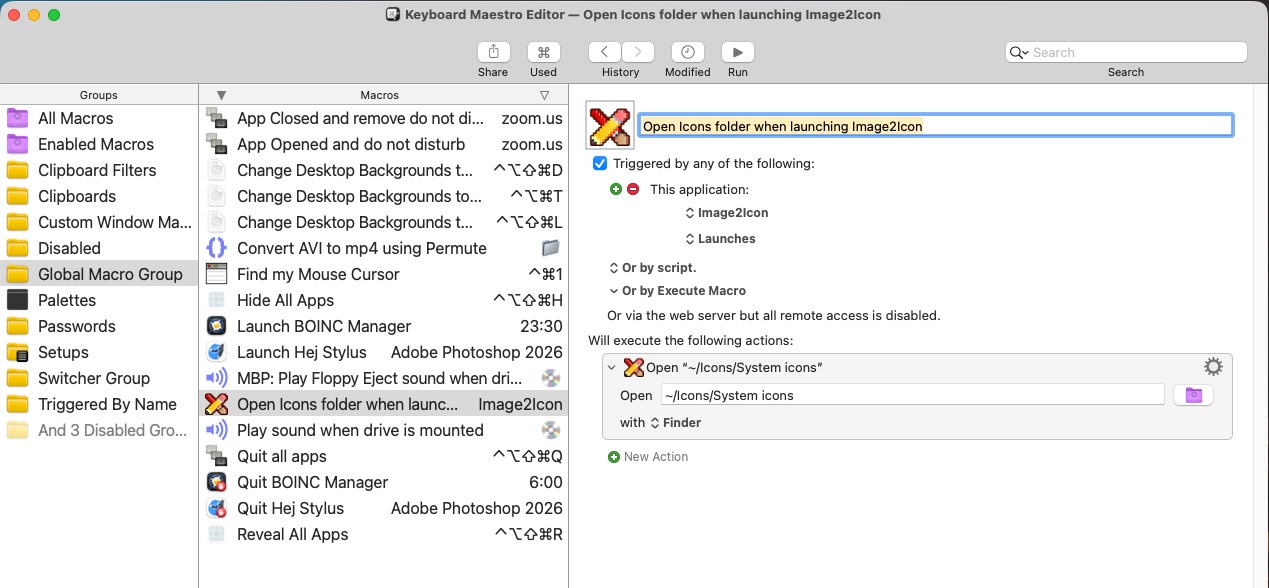
    Keyboard Maestro icons folder automation.


    Keyboard Maestro operates on triggers. A trigger is something that will initate an automation to run. A launched application can be one of those triggers. For example, when Keyboard Maestro detects that the Image2Icon app has launched, it will trigger an automation to open my System Icons folder, giving me quick access to my custom Mac icons. 

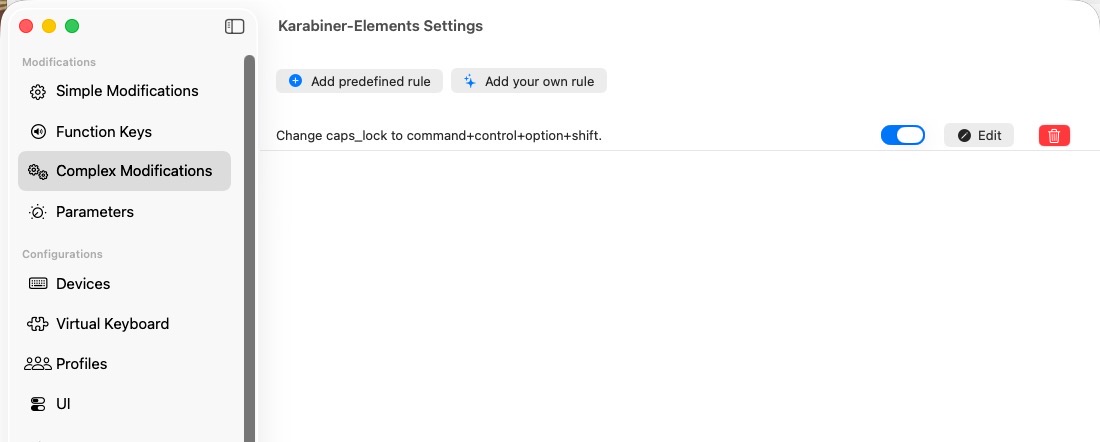
    Keyboard shortcuts can also serve as a trigger. When I press Command-Shift-Option-Control D, my Mac’s display changes to what I’ve assigned as a default wallpaper. (Incidentally, I’ve mapped Command-Shift-Option-Control to my Caps Lock key on my keyboard. Pressing Caps Lock is equivalent to pressing all of the above keys at once. I use Karabiner Elements to make this key assignment. See below.)

    Karabiner Elements.


    If the idea of Mac automation intrigues you, read on for a few of my favorite Keyboard Maestro automation routines.


    -Krishna

  • Refbox is a Boon for Digital Artists

    Refbox is a Boon for Digital Artists

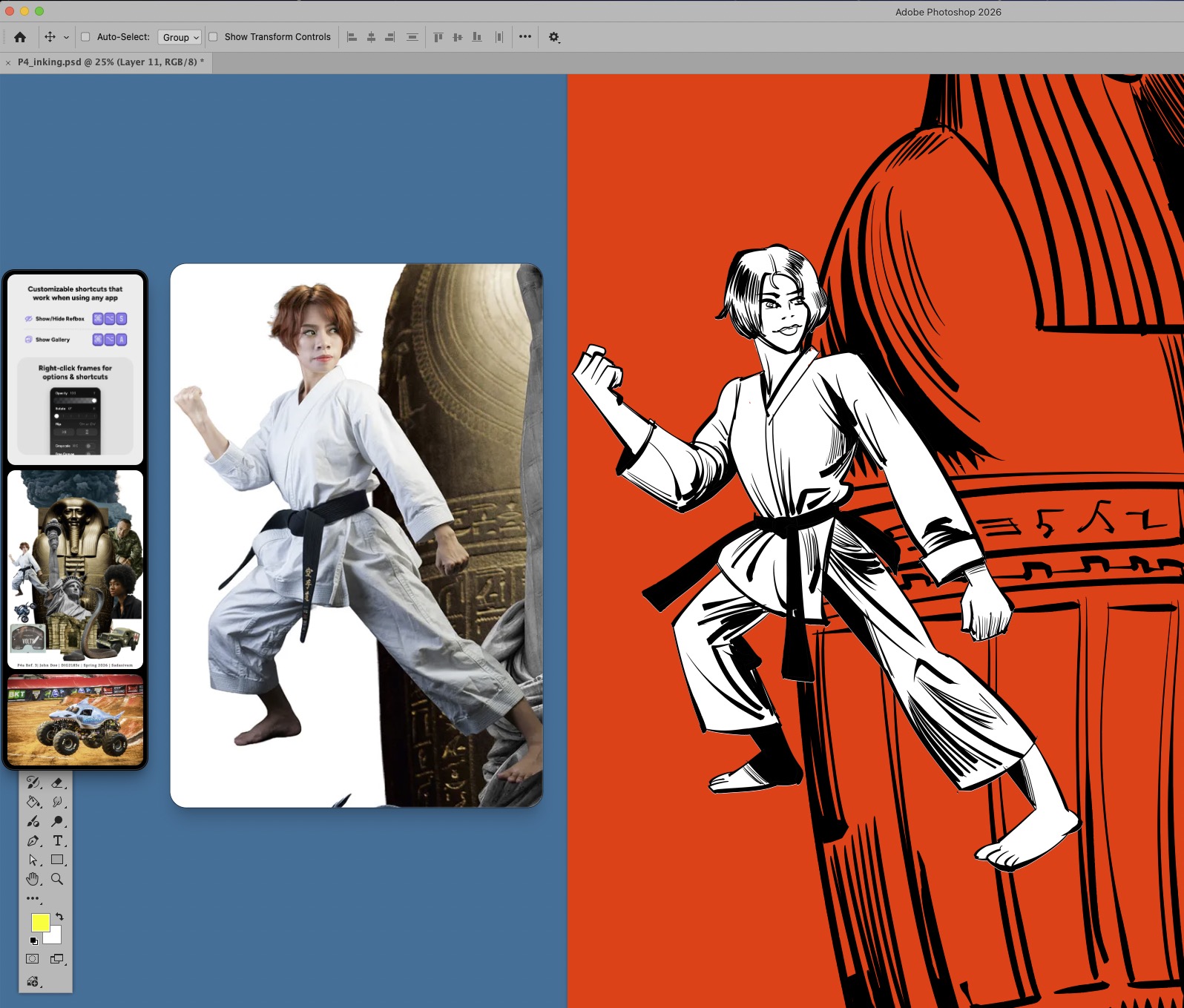
    Refbox has been a game-changer for my digital art workflow. In my latest video, I go over some of my favorite features. Refbox works on both Mac and Windows, and retails for $29US. A trial is available. One week after using Refbox, I find it to be absolutely indispensable.


    Prior to Refbox, I would have to bring references into the digital canvas directly. Doing so would limit my full view of my canvas, and I would have to employ a series of workarounds. The feeling can best be described as trying to move items around while stuck inside a crowded closet.

    Refbox lets me float references above my canvas. But it does so much more: With it, I can flip images horizontally, zoom in on a section of the reference, sample colors from the reference and so much more.

    Refbox supports images, GIFs, videos, 3D models, audio, notes, links and even PDFs. I can’t find any downside to using it.

    -Krishna


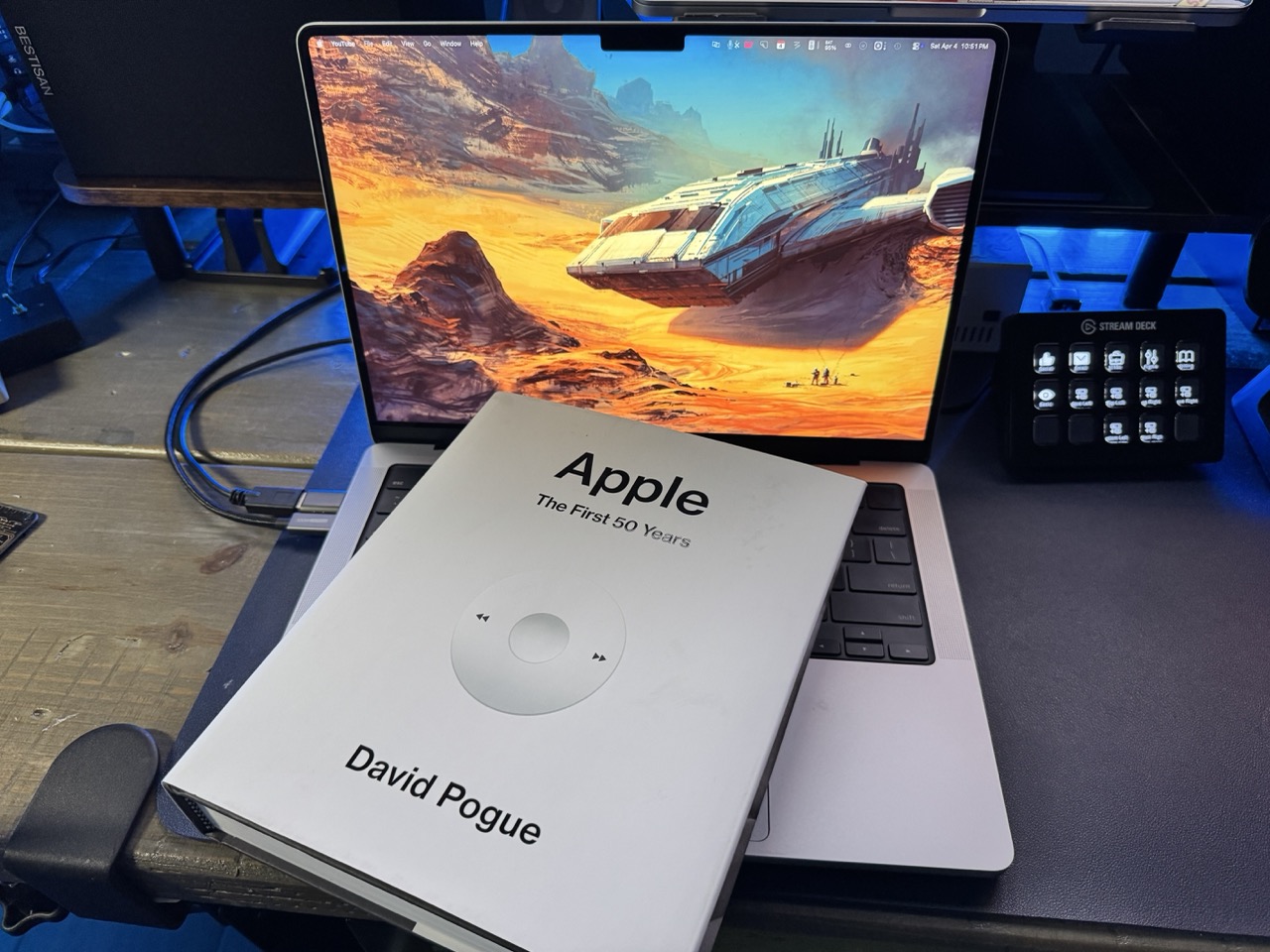
  • Apple: The First 50 Years

    Apple: The First 50 Years


    April 1st, 2026 marked Apple’s 50th anniversary, and if you’re anything like me, you were excited about all of the news and stories being published commemorating the occasion. One piece of media in particular got the party started early: “Apple: The First 50 Years” by David Pogue. If the author’s name sounds familiar, chances are you’ve read one of his many articles in print (The New York Times, MacWorld) or you may have read one of his numerous “Missing Manual” books.

    Having enjoyed Mr. Pogue’s writing for the better part of more than 30 years, I had a pretty good idea on what I could expect from his latest book. Would there be clear, human understandable explanations for highly technical concepts? Yes.Absolutely. Would there be a wry sense of humor permeating throughout the book? Without a doubt.

    “Apple: The First 50 Years” takes a look at the famous six color company from before its inception all the way through to present. Even if you think you know all there is to know about Apple, you will come away with many new insights after reading this book.


    Read the rest of my post on the OWC Rocket Yard blog.