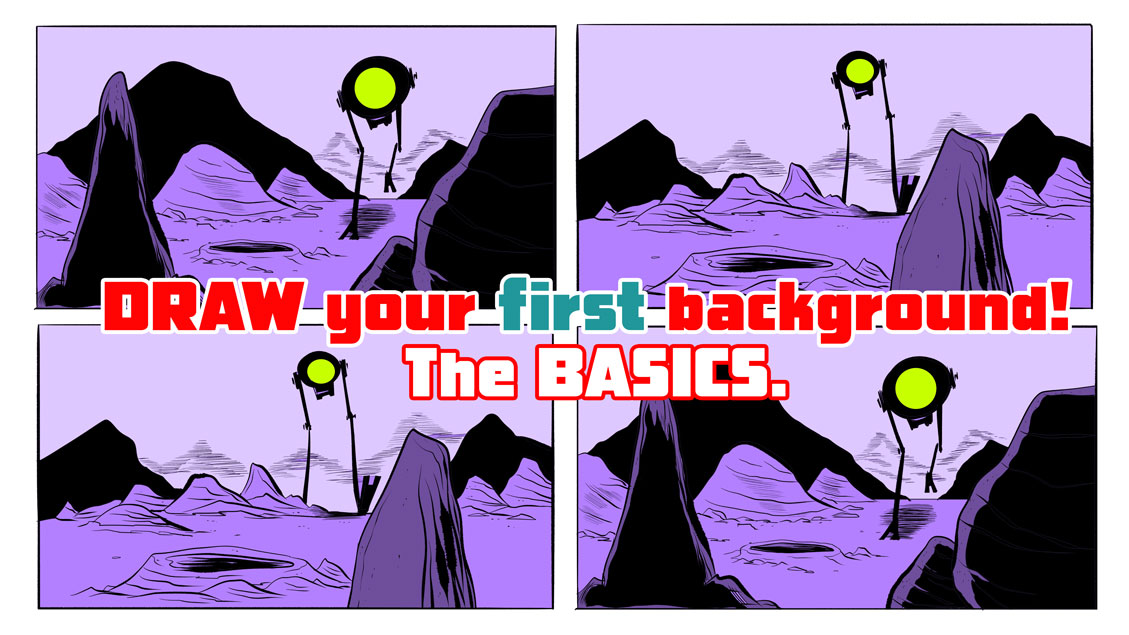
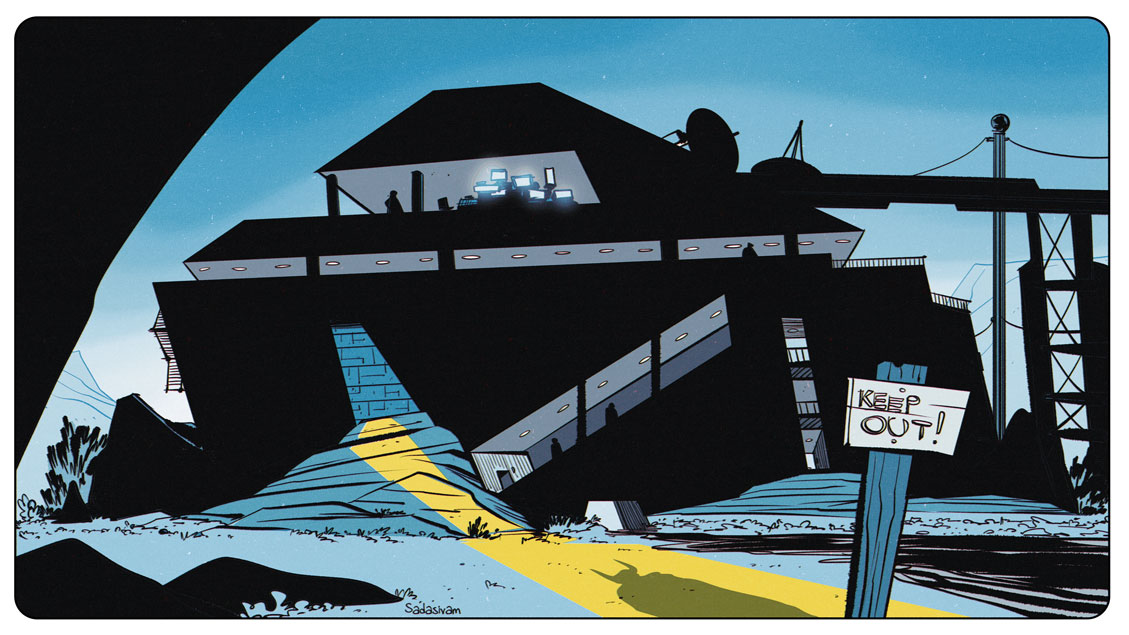
My latest video discusses practical techniques I use when drawing environments. Rocks and craters are probably the easiest environmental elements to draw, and in this video, I share techniques that are perfect for new digital artists to practice.
When I draw combat sequences, I find it very helpful to work from photo references. Sometimes a photo reference will need to be modified or exaggerated to improve its clarity and dynamism. My latest video explores my approach.
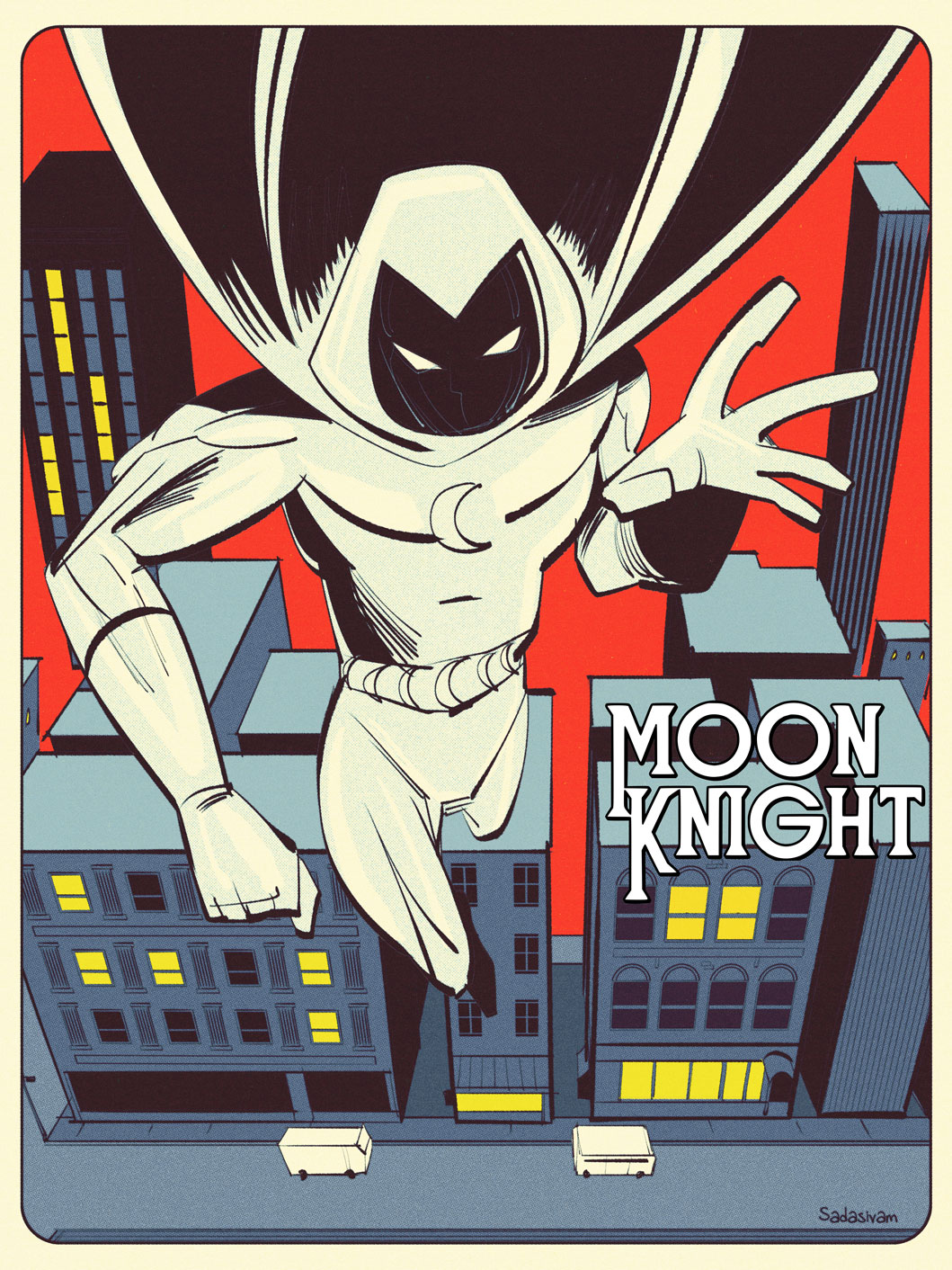
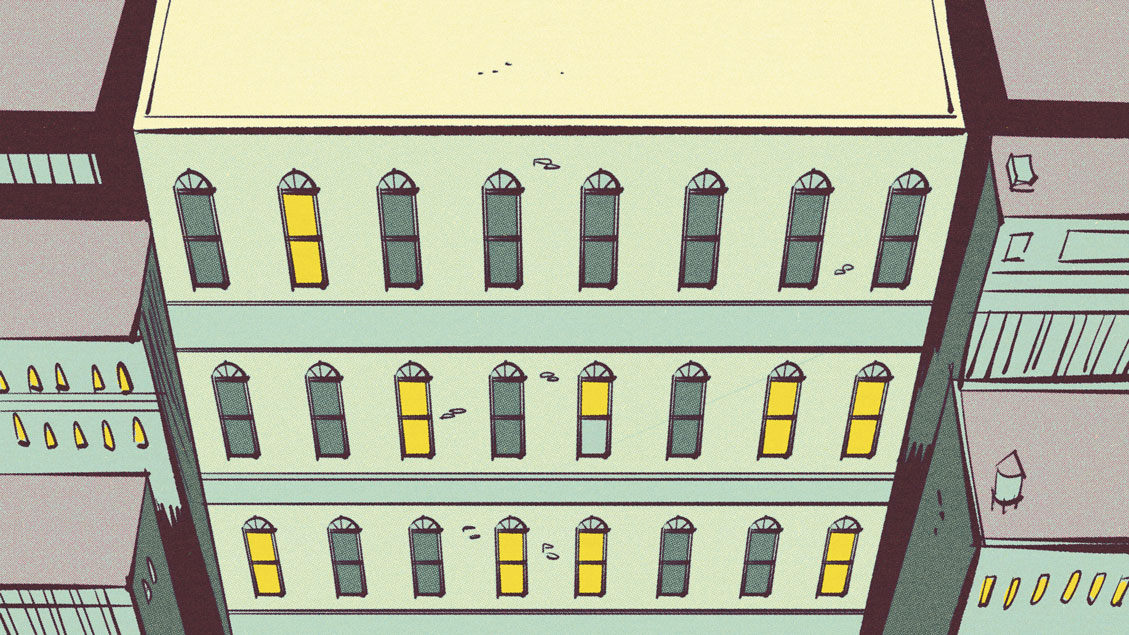
My latest video breaks down my techniques for creating a cityscape. The technique relies on Photoshop’s Transform tool along with some bespoke library assets that I created.
I employed this technique for this post’s Featured Image along with this Moon Knight image below.
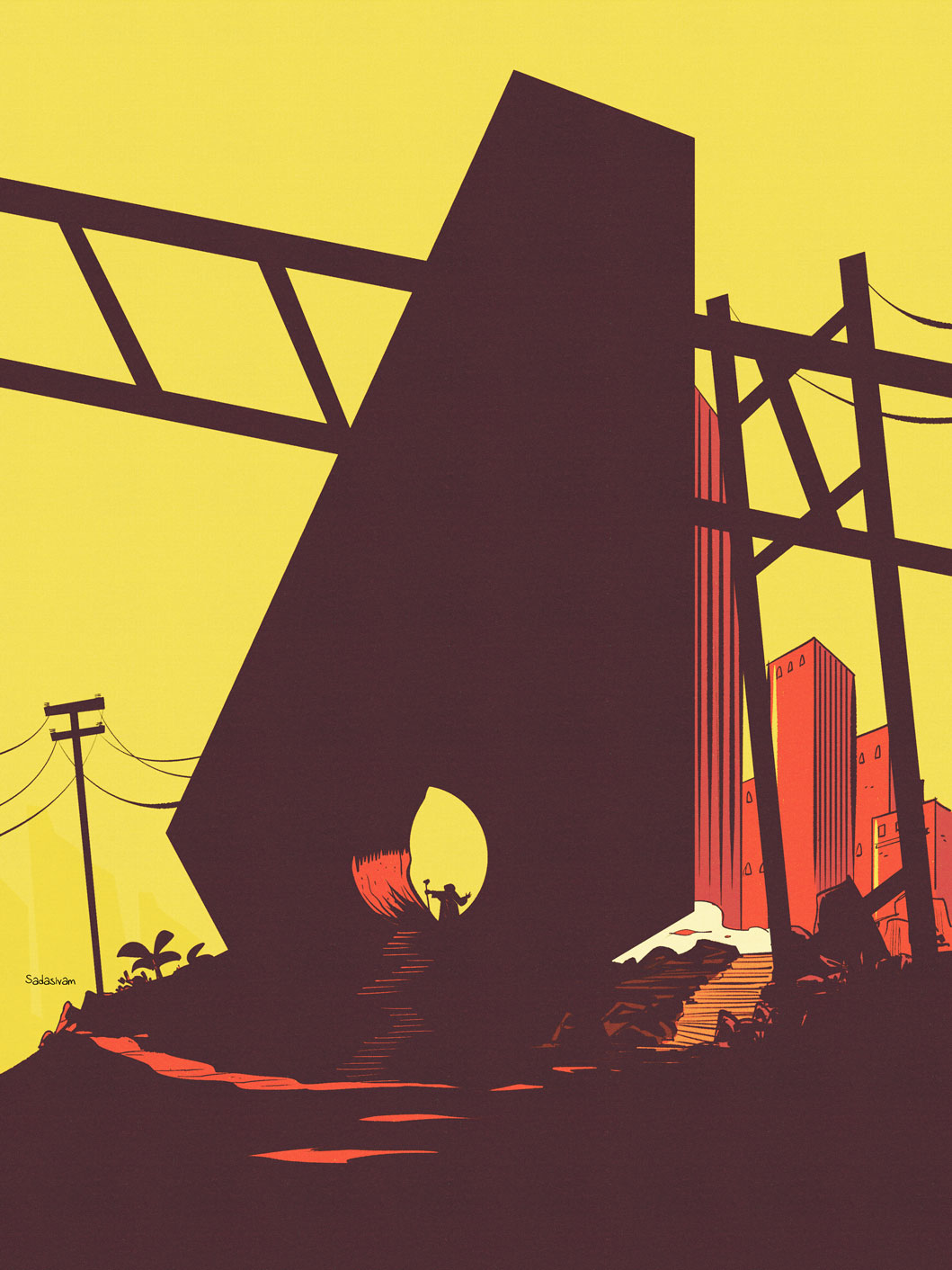
Taking a slight detour from my usual “how to” instructional videos, I wanted to share my process of creating an environment from start to finish. I work in Photoshop, and start with a large, dominant shape using polygon lasso tool. From there, I consider depth, scale, and focal point.
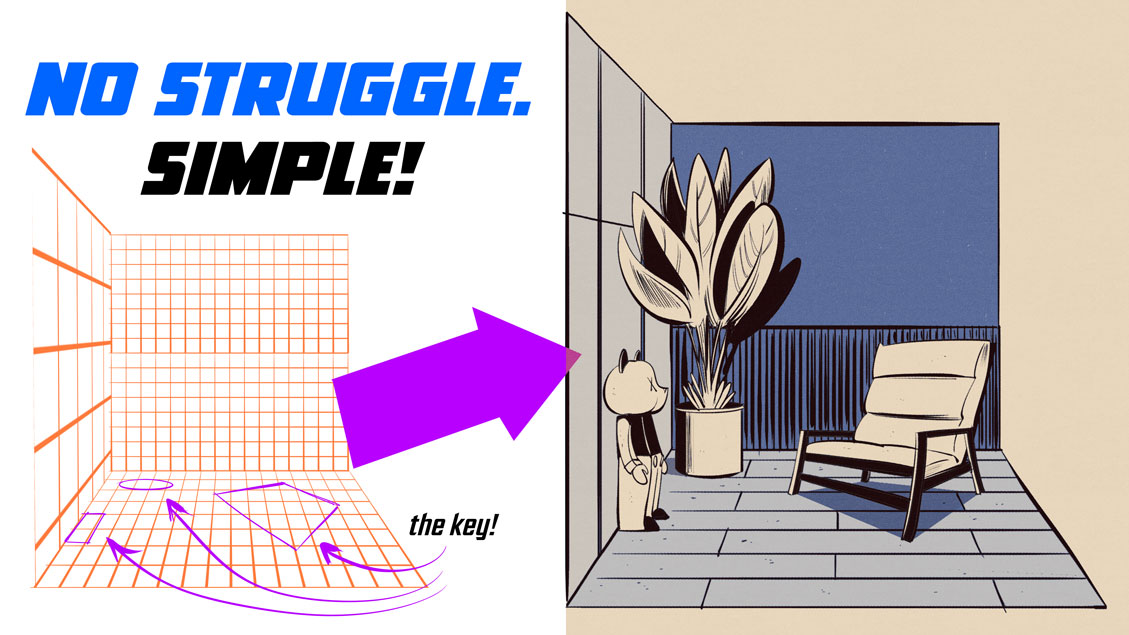
I struggled with perspective for so many reasons. Chief among them was the labor involved in setting up grids and guides. In my latest video, I look at some smart ways to reuse assets when creating environments in perspective.
My latest video shows my approach to digitally drawing a kitchen interior, complete with fridge, top shelves and counter. Of course, these techniques can be adapted for other interior spaces.
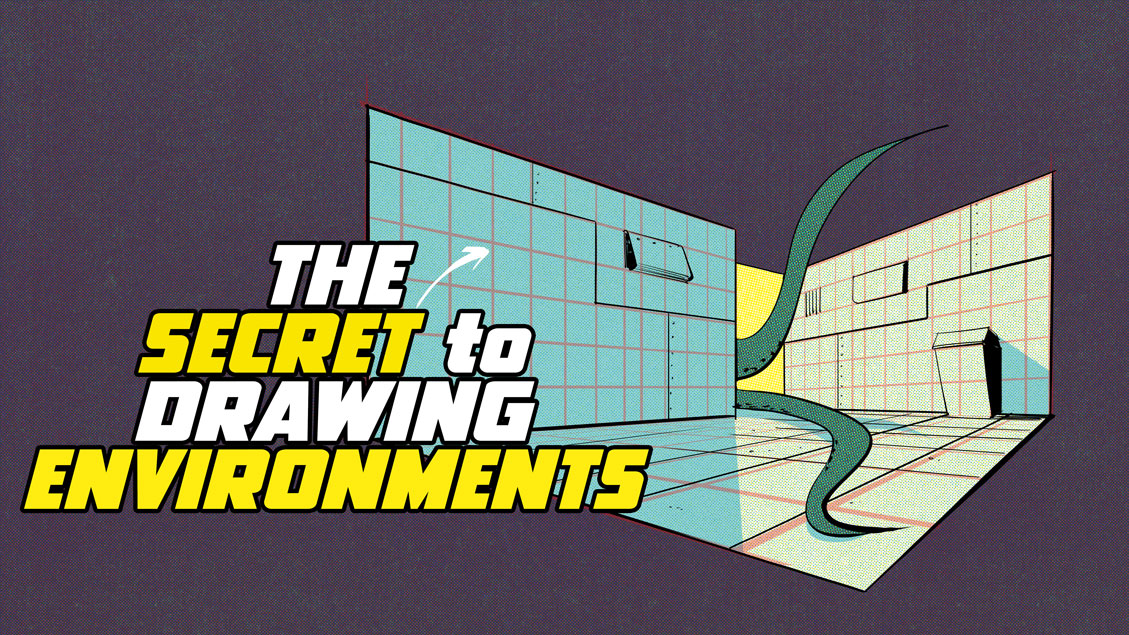
I make extensive use of grids when drawing interior spaces.
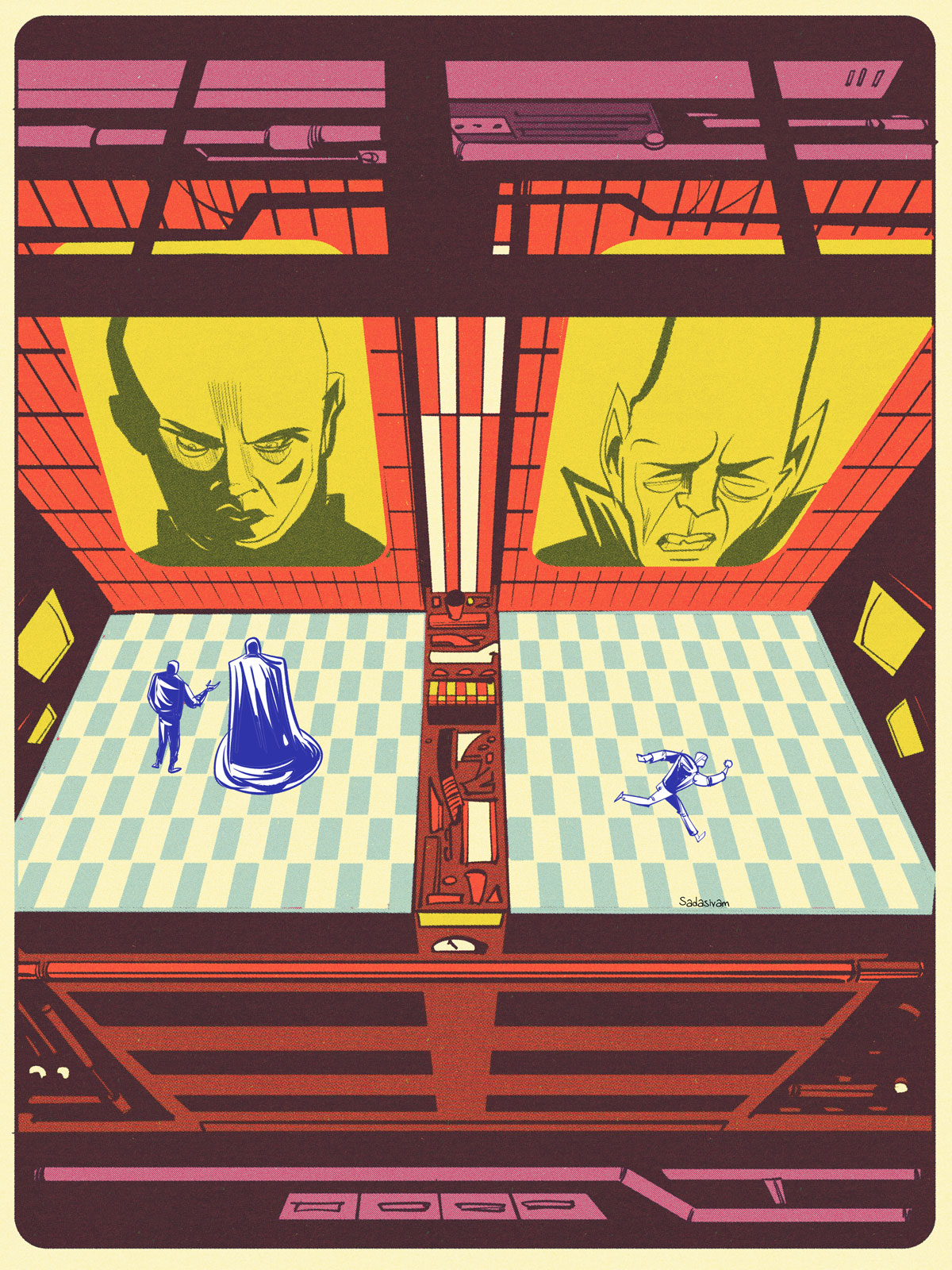
For me, the wonderful thing about making digital art boils down to experimentation. I’m a big fan of the vintage / retro aesthetic and enjoy incorporating these types of effects within my own work. Part of it stems from my own feelings of nostalgia, and part of it comes from the visual appeal.
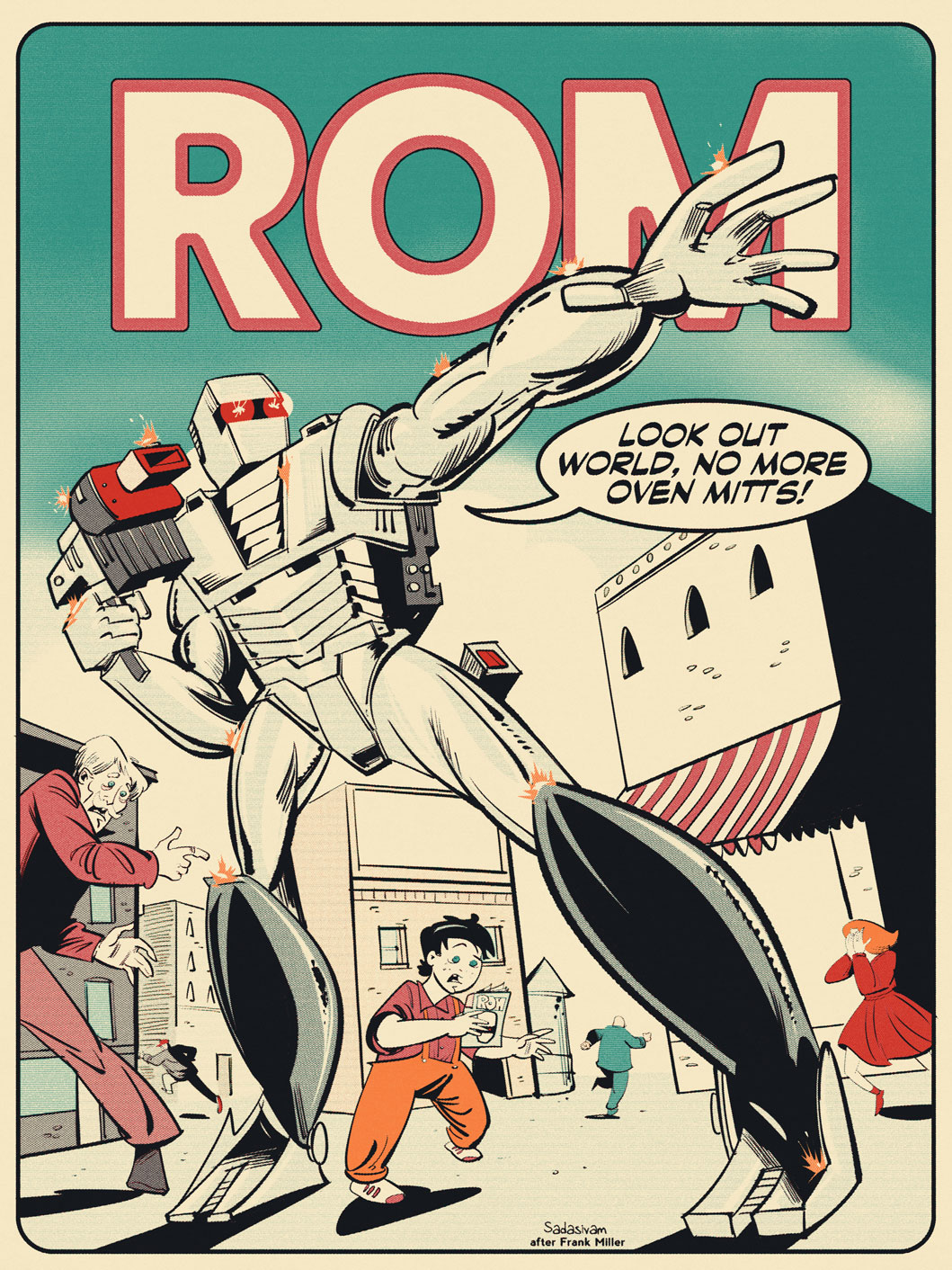
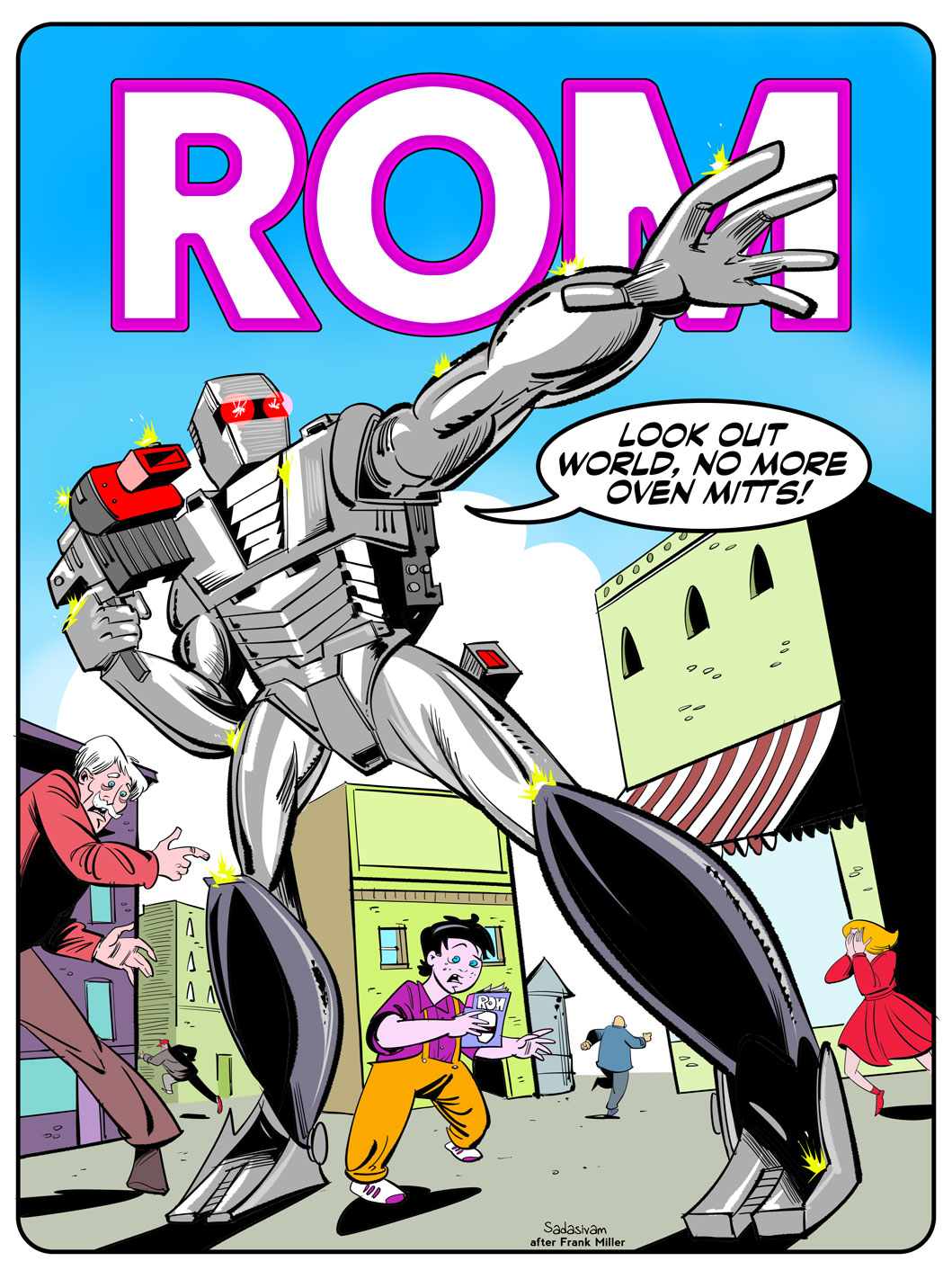
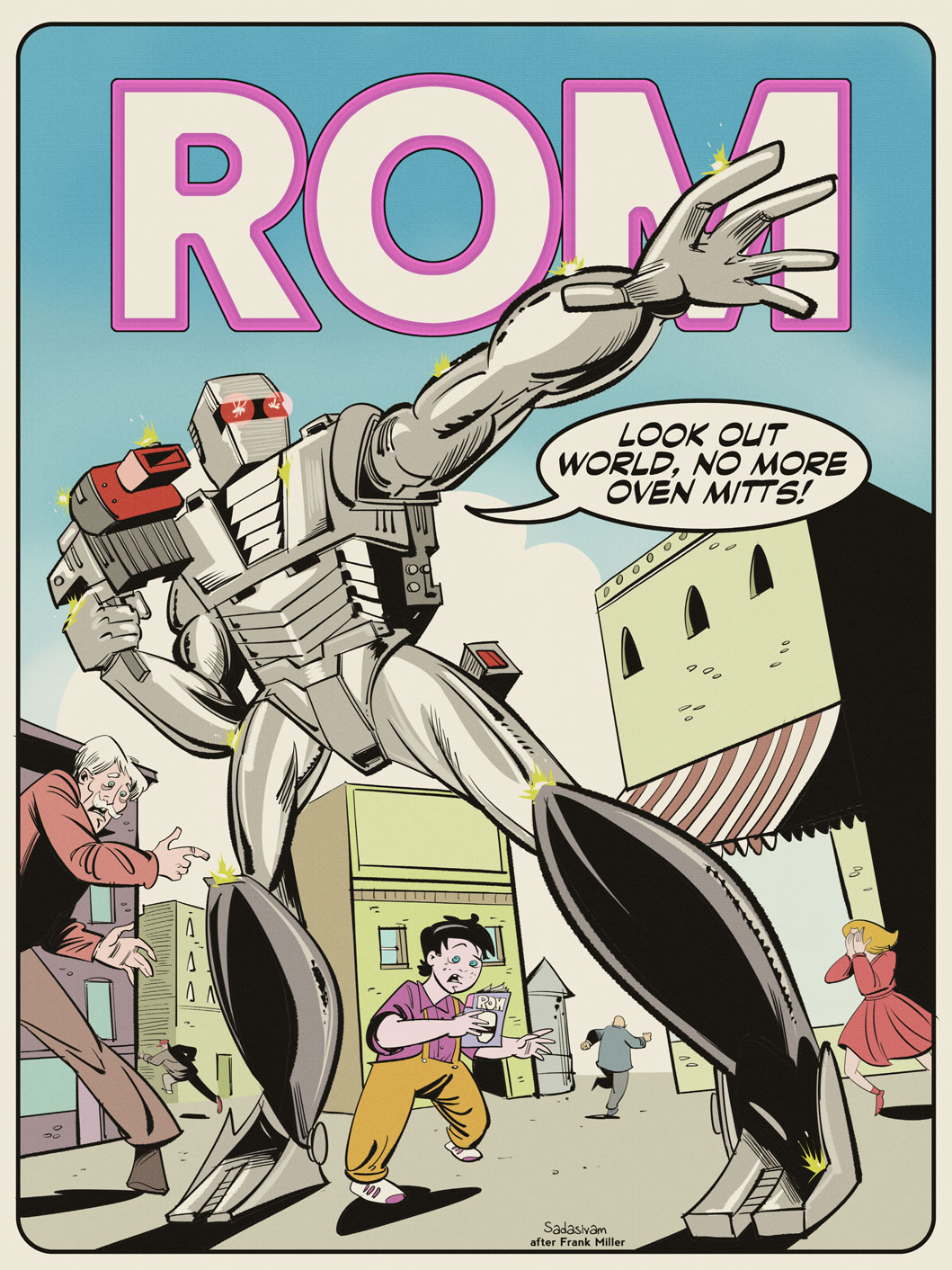
The process of making digital art look aged has become a cottage industry for bespoke design asset vendors. For my own work, I use Texturelab’s Retratone plugin for Photoshop. It can take work that I’ve created, like this ROM Spaceknight #1 recreation below…
…and give it a more aged look. All within one or two clicks!
My latest video demonstrates how I use the Retratone plugin. I really like it for its ease of use and versatility. It comes with around 50 bespoke presets, which serve as a great starting point. And you can always make your own presets, too.
Drawing interior spaces can be a struggle without utilizing grids. In my latest video, I share techniques for placing objects within an interior environment, using a reference photo to inform my study.
Perspective drawing can be difficult, but if you have digital tools, you have easier options. My latest instructional video focuses on the power of grids, and how they can be used to create interior or exterior structures. I look at techniques to make grids quickly and also how to use Photoshop’s Vanishing Point tool.
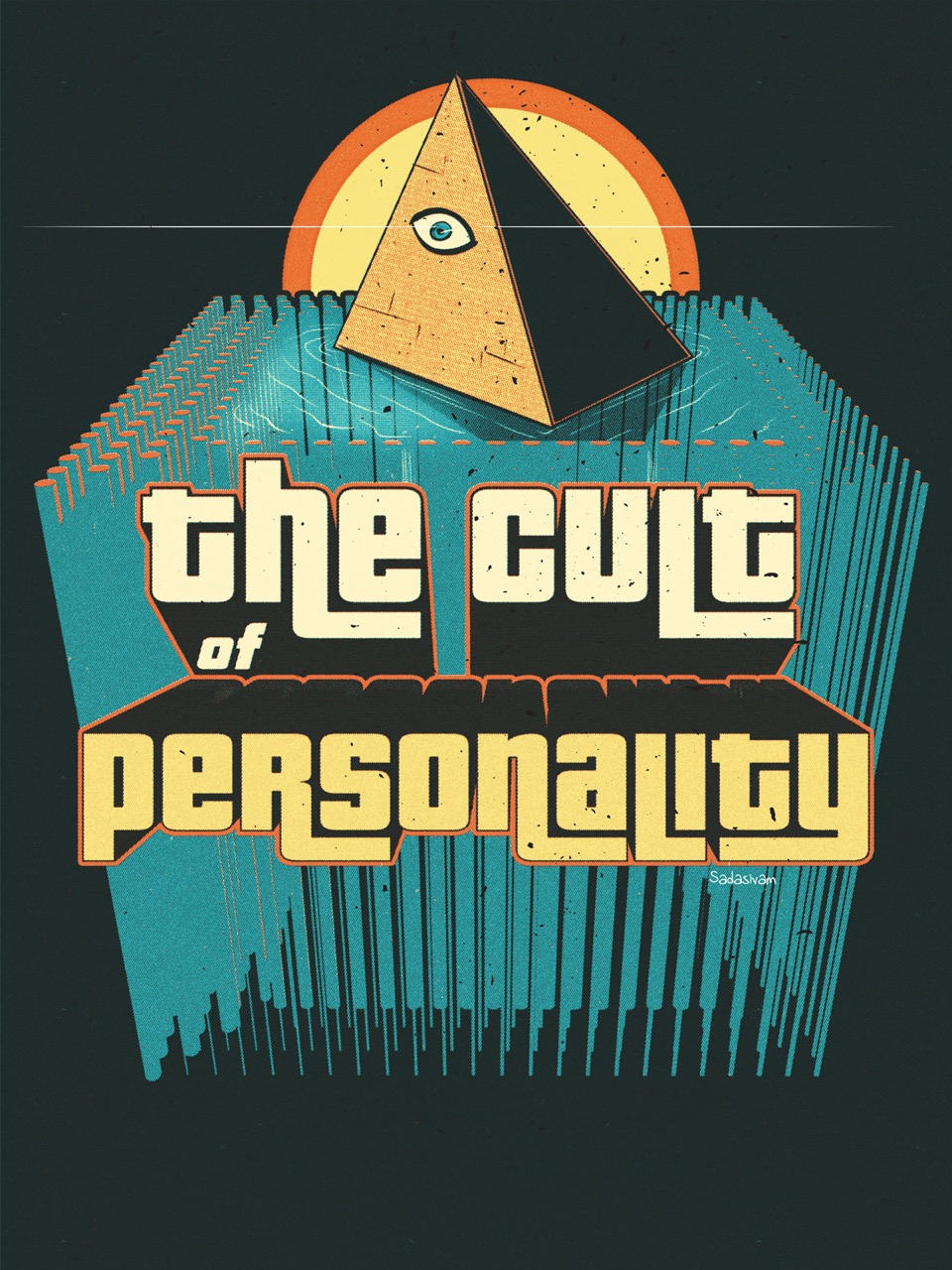
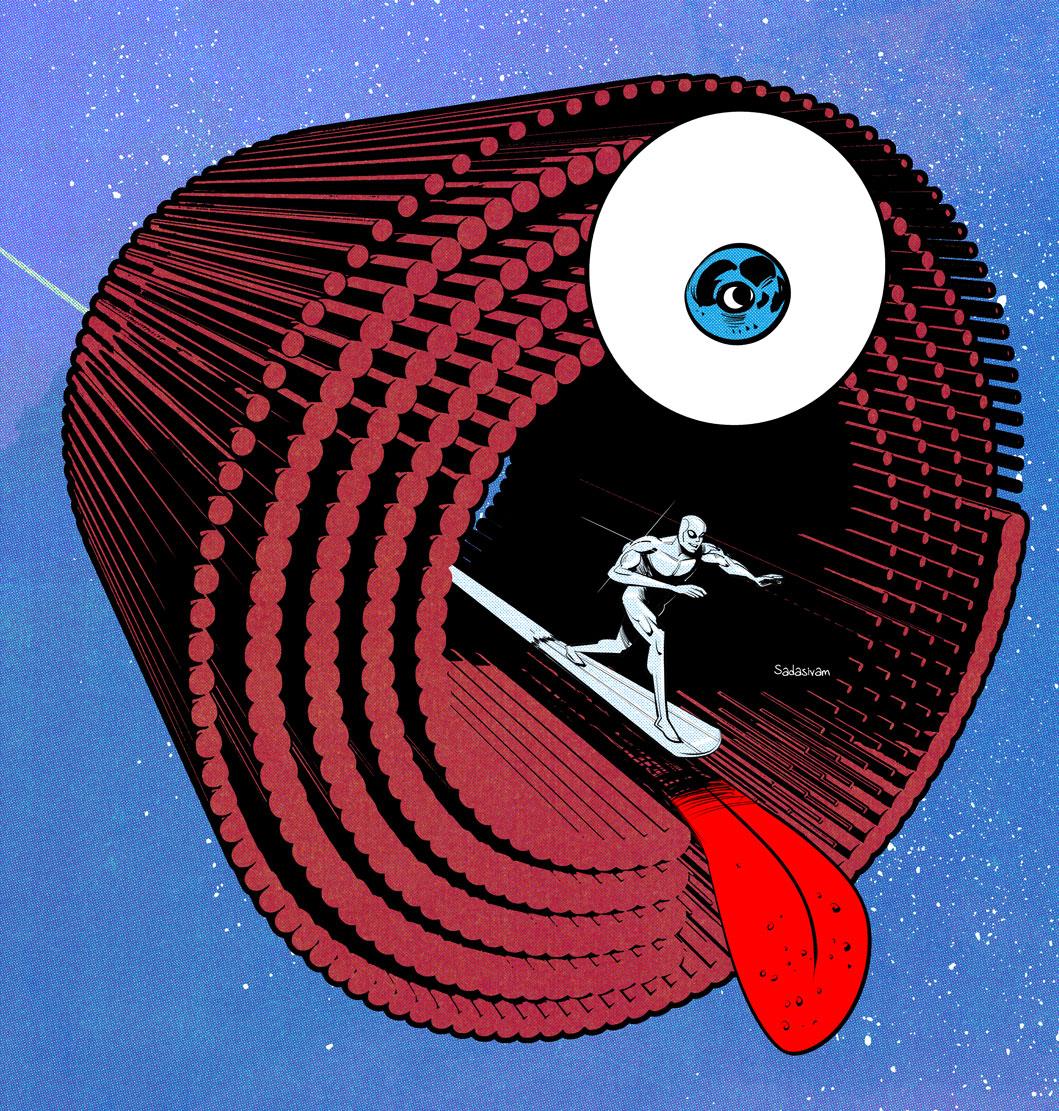
My latest instructional video takes repeating vector elements to form 3D structural geometry that can be incorporated within raster art. The featured image for this post, along with the Silver Surfer image below, utilize the techniques I’ve shared within the video. Integrating vectors into my work has been exhilarating and I’m beginning to see new possibilities and directions for my work.