
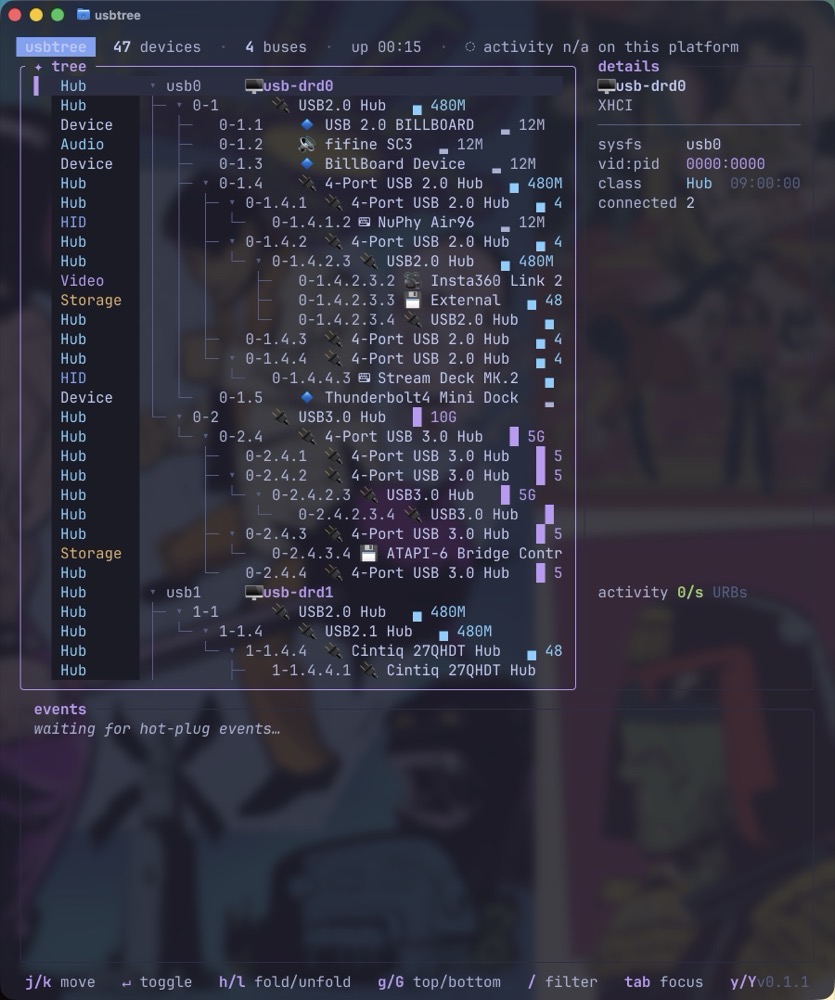
If you’ve ever been curious about the USB devices hanging off your Mac or Linux computer, usbtree might answer your questions.
This useful terminal app (installed via brew) lists every USB device and hub connected to your computer.
True to its name, usbtree presents everything as a tree, letting you follow each branch to see which devices are connected directly to your computer and which ones are connected through a USB or Thunderbolt hub.
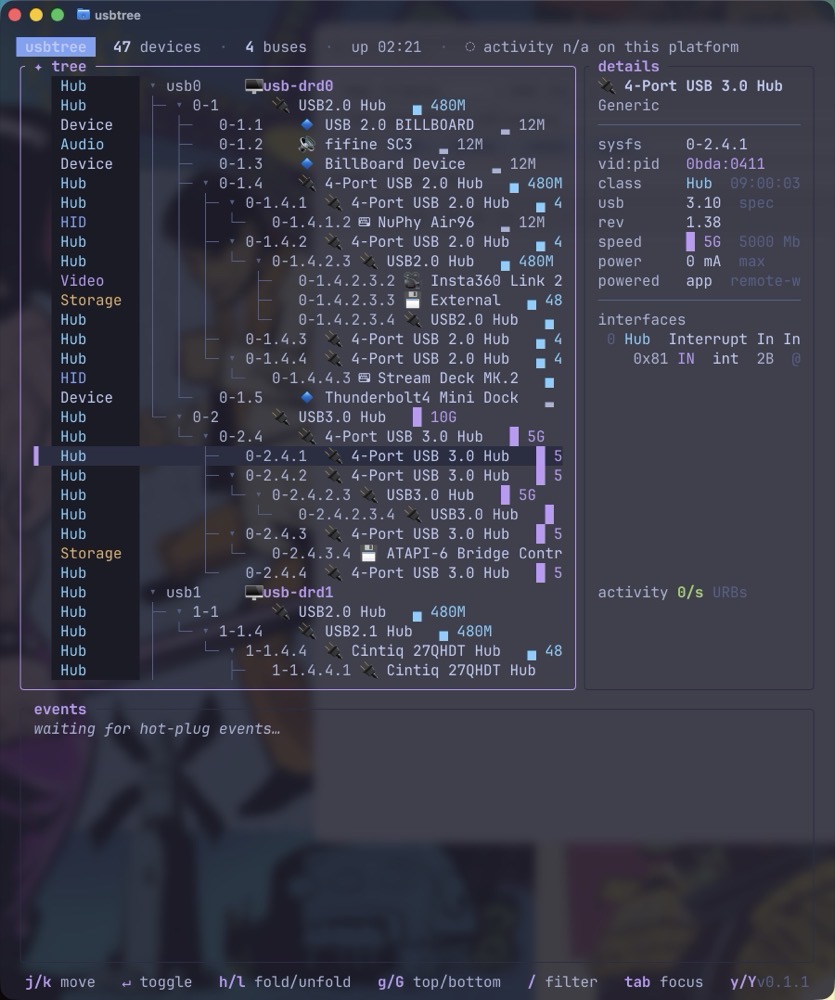
From an interface standpoint, usbtree is clearly annotated by name and color, making it easy to differentiate between devices, storage, hubs and audio.
Figuring out a device’s power draw is normally far from intuitive, but usbtree puts this information right at your fingertips.
usbtree also displays the rated speed of a device. Even better, if a device is in use while usbtree is running, you can track its real-time bandwidth.
It’s my opinion that usbtree is essential if you have multiple USB devices and one or more hubs connected to your computer. It’s especially useful for troubleshooting connections or simply figuring out exactly what’s plugged into what.
And best of all, it’s free!
-Krishna