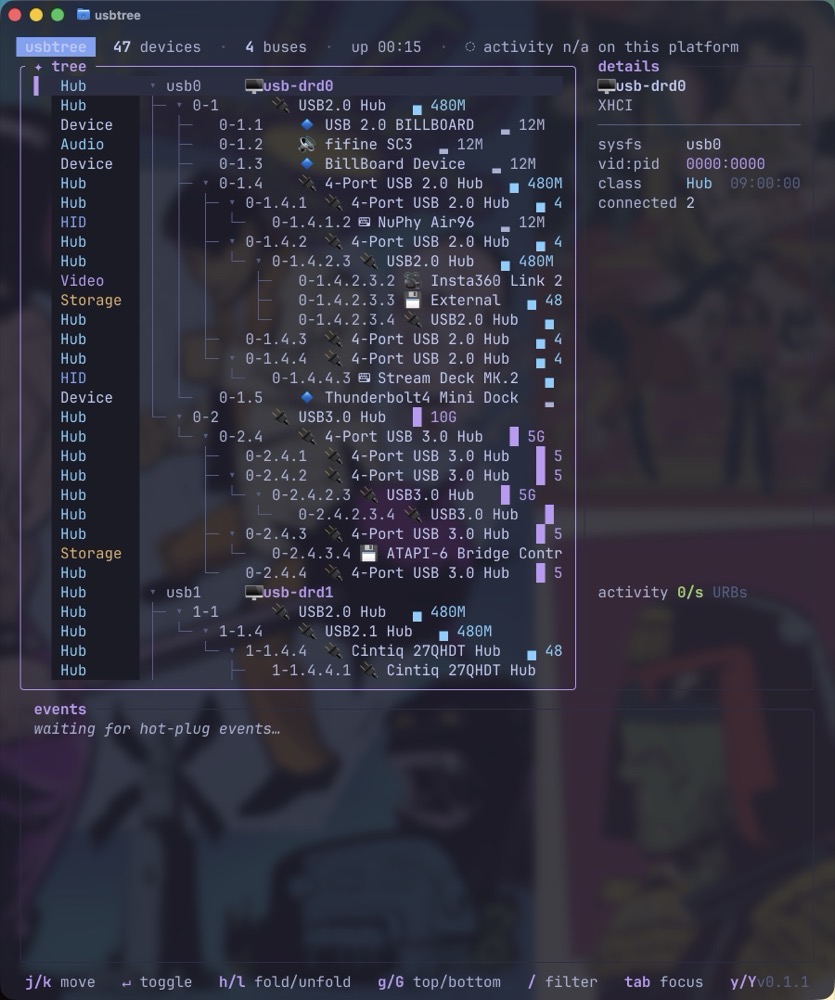
If you’ve ever been curious about the USB devices hanging off your Mac or Linux computer, usbtree might answer your questions.
This useful terminal app (installed via brew) lists every USB device and hub connected to your computer.
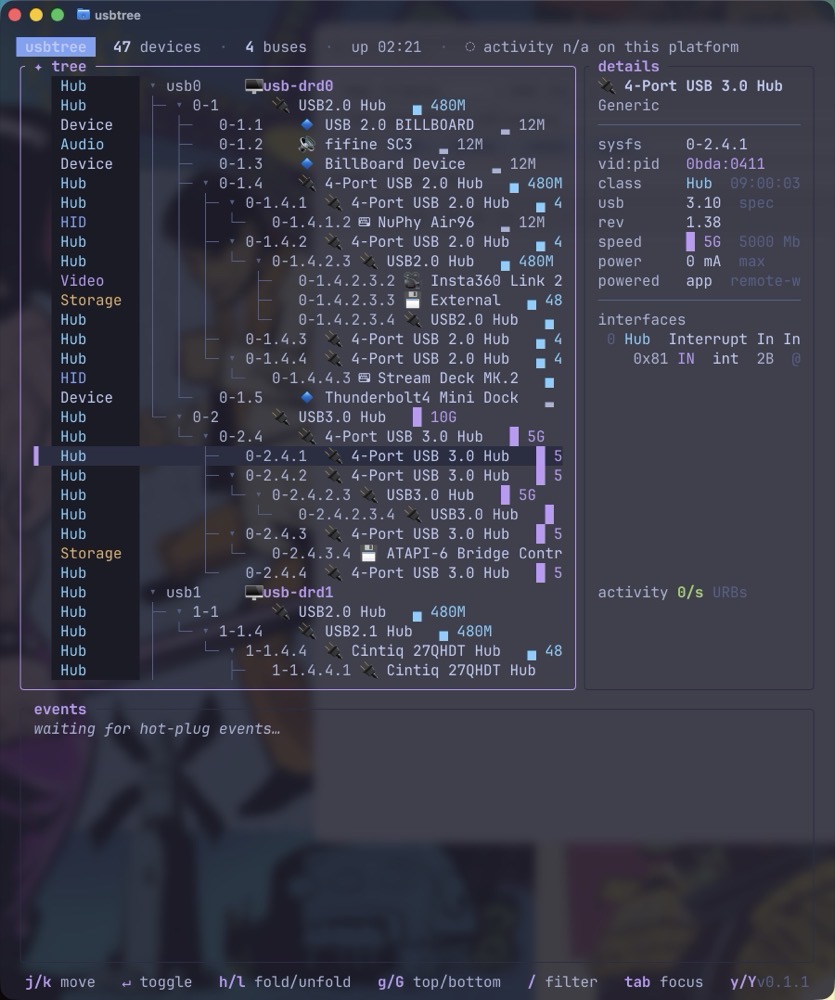
True to its name, usbtree presents everything as a tree, letting you follow each branch to see which devices are connected directly to your computer and which ones are connected through a USB or Thunderbolt hub.
From an interface standpoint, usbtree is clearly annotated by name and color, making it easy to differentiate between devices, storage, hubs and audio.
Figuring out a device’s power draw is normally far from intuitive, but usbtree puts this information right at your fingertips.
usbtree also displays the rated speed of a device. Even better, if a device is in use while usbtree is running, you can track its real-time bandwidth.
It’s my opinion that usbtree is essential if you have multiple USB devices and one or more hubs connected to your computer. It’s especially useful for troubleshooting connections or simply figuring out exactly what’s plugged into what.
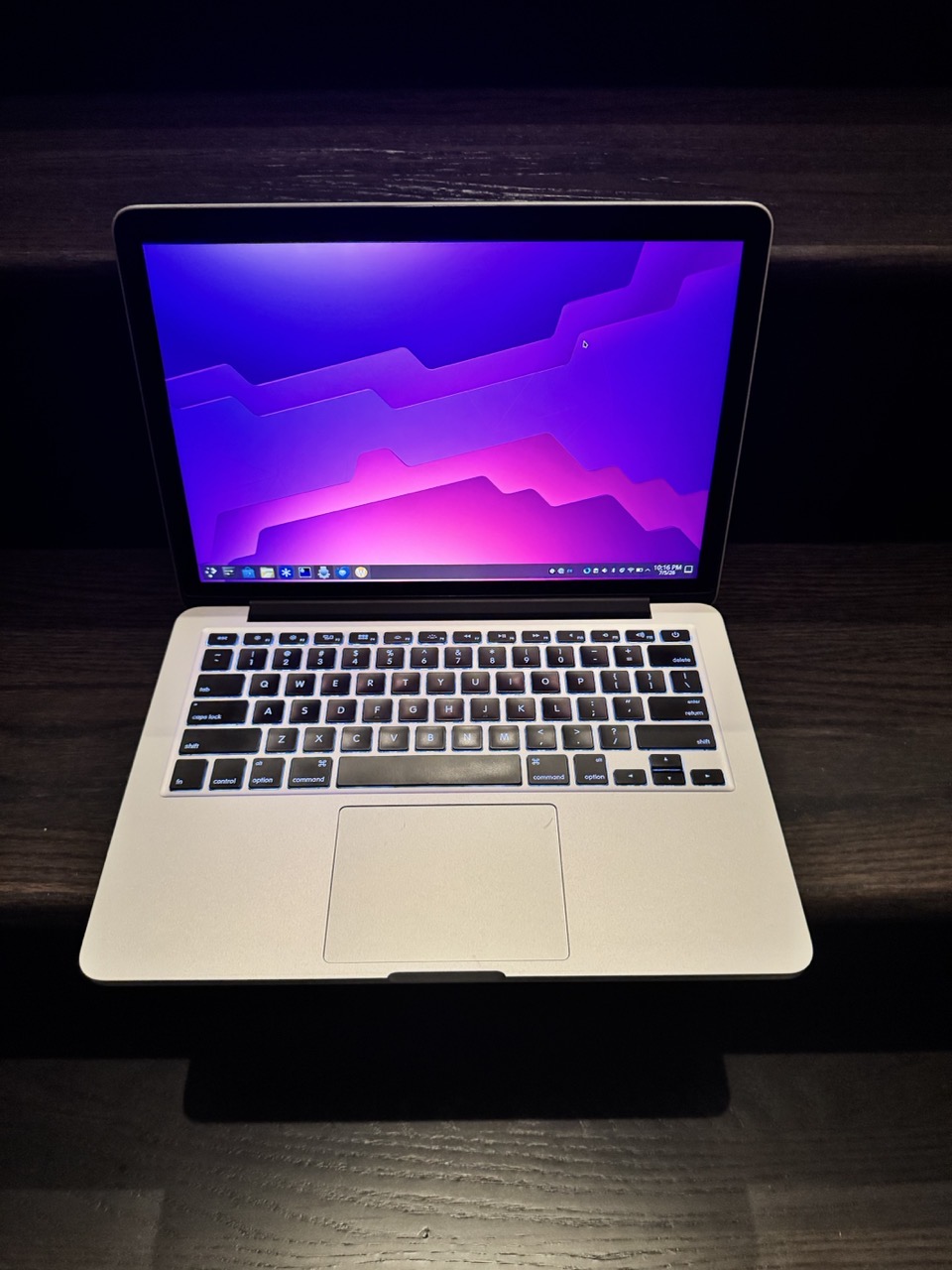
In 2014, I purchased a 13” MacBook Pro with 8GB of RAM and 256GB of storage. The machine served as my main computer for my academic work. After 6 years of regular use, I passed the laptop down to my daughter.
Due to the Covid pandemic, her middle school classes were being taught completely online. She needed a computer for her coursework. By this point, the MacBook Pro was still operational, but showing its age. Surfing the web while simultaneously streaming from a webcam would cause the machine’s fans to spin up loudly while thrashing the overall performance.
After limping along with her Mac for a few years, my wife and I bought her a M3 MacBook Air, with 16GB of RAM and 1TB of storage. At this point, the 2014 MacBook Pro was back in my hands. While its battery was completely shot, it still worked. I couldn’t bring myself to get rid of it.
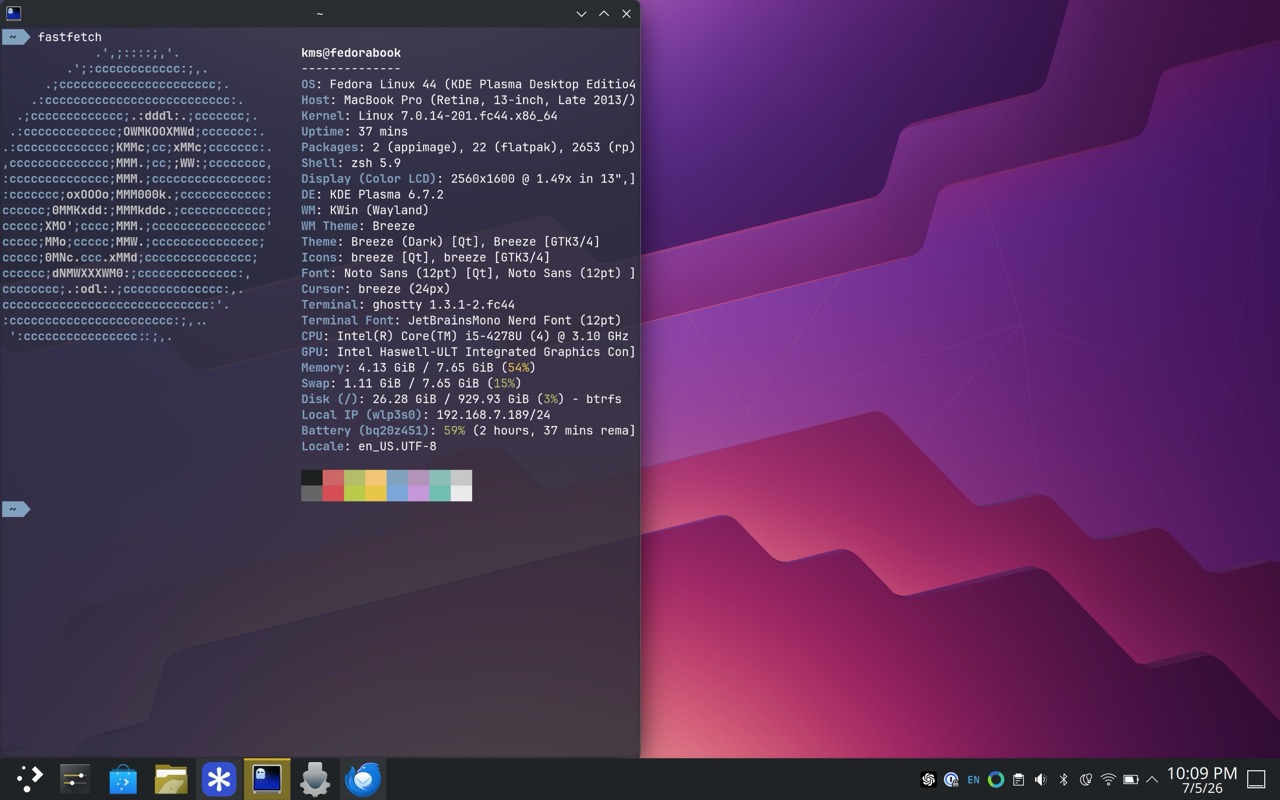
After some searching online, I discovered that this machine could run Linux. In 2022, I replaced the battery with a new one and popped out the paltry 256GB storage for a 1TB Samsung NVME stick.
Two observations here:
1) the total cost for the new battery and NVME stick was less than $100US.
2) This Mac laptop was the last of its kind to have upgradeable storage.
After experimenting with various distros, including Ubuntu and popOS, I made the move to Fedora. As a Linux machine, this MacBook Pro feels much more performant. It’s still somewhat underpowered, with the fans kicking in when loading a modern webpage. But it’s more than serviceable as a “couch surfing” machine.
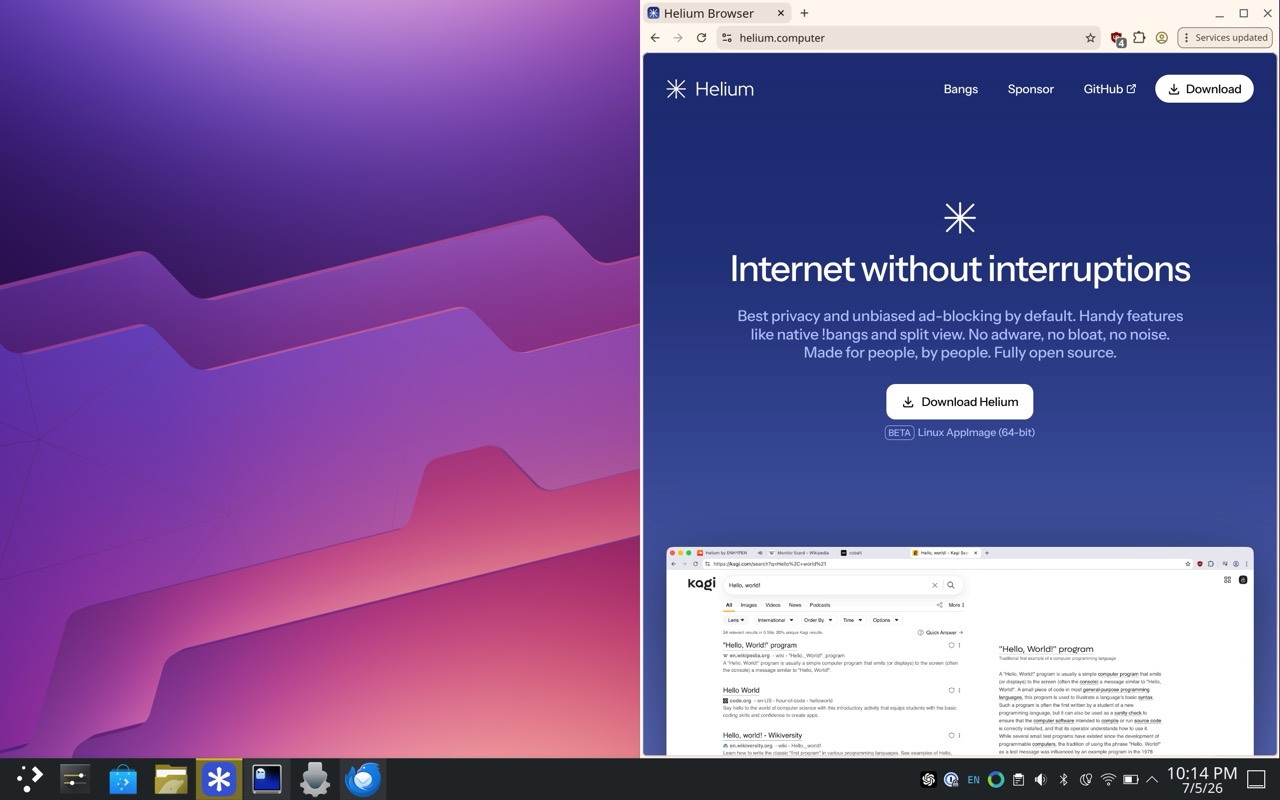
I settled on Fedora KDE Plasma because it has wider support from the Linux community and its less “fiddly” compared to something like popOS. I use this machine for web browsing and answering email.
For web browsing, I use Helium. It’s privacy focused, Chrome-based, and light-weight.
Ghostty is my preferred terminal of choice, and that’s what I’ve installed on this device.
For email, I use Thunderbird. My experiences with Thunderbird have been hit or miss over the last few years. But now that its main underpinnings have been modernized, I feel it’s moving in the right direction.
While I still remain firmly entrenched in the Apple ecosystem, I’m pleased with how Linux has improved over the years. In my opinion, it’s a great option for anyone who has an old Intel Mac collecting dust.