
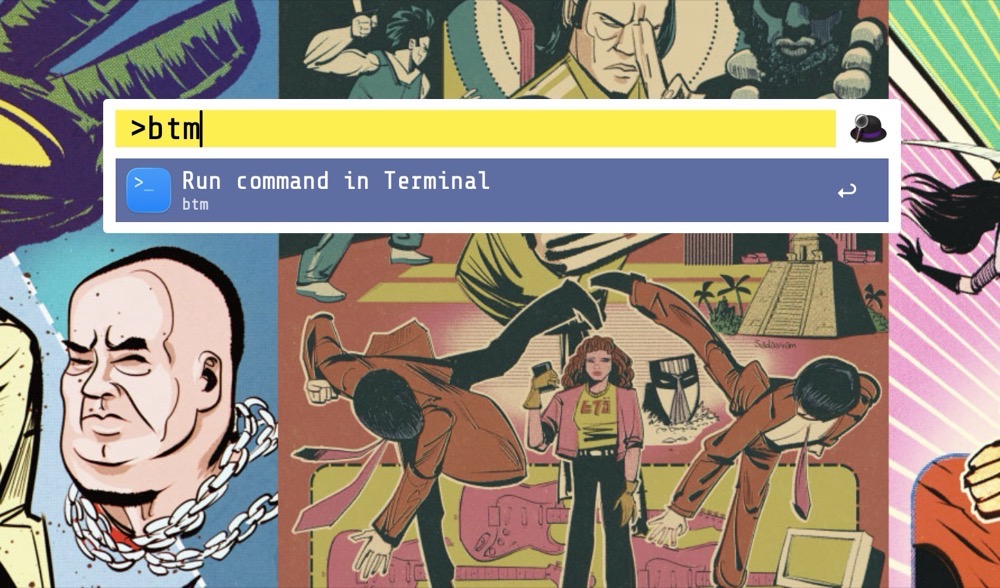
When it comes to macOS Launchers, I’m on Team Alfred. For me, it’s the Swiss Army knife of macOS utilities.
Alfred does much more than launching applications. One of my favorite features is the ability to run a terminal command directly through its interface.
By default, typing a terminal command within Alfred opens Apple’s Terminal.app and executes the command there.
I use Ghostty instead. Would it be possible to have Alfred make the switch?
Absolutely. Here’s how.
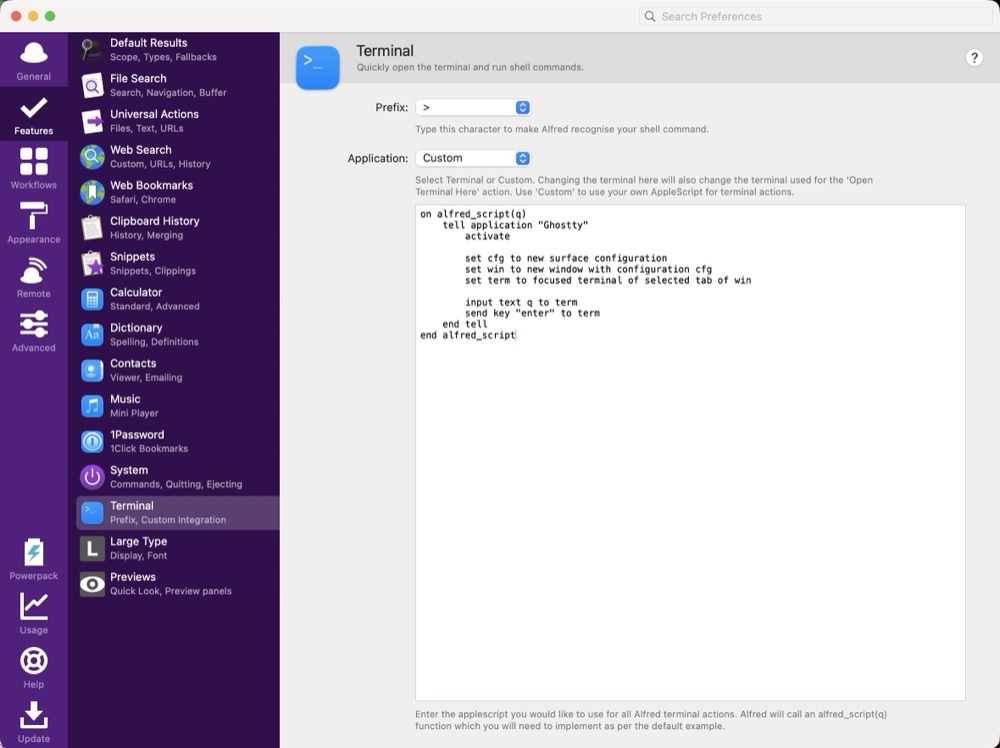
Open:
Alfred Preferences > Features > Terminal
Under Application, choose Custom.
Replace the existing AppleScript code with this:
on alfred_script(q)
    tell application "Ghostty"
        activate

        set cfg to new surface configuration
        set win to new window with configuration cfg
        set term to focused terminal of selected tab of win

        input text q to term
        send key "enter" to term
    end tell
end alfred_script
On first run, macOS may ask whether Alfred is allowed to control Ghostty. Grant the permission and you’re set.
From that point forward, every terminal command you run through Alfred will execute it inside Ghostty instead of Terminal.app.
-Krishna