
Unsurprisingly, macOS’s built-in window management tools are… half-baked. The custom keyboard shortcuts I set previously do not work consistently across all windows. Certain apps, like Safari and the Finder, respond to the aforementioned keyboard shortcuts. Other applications, like the Terminal or Apple Messages, do not.
This inconsistency quickly became a source of friction when working on my new Mac. So Rectangle, a free and open source window management app, became the first third-party application I installed on my M5 Pro MacBook Pro.
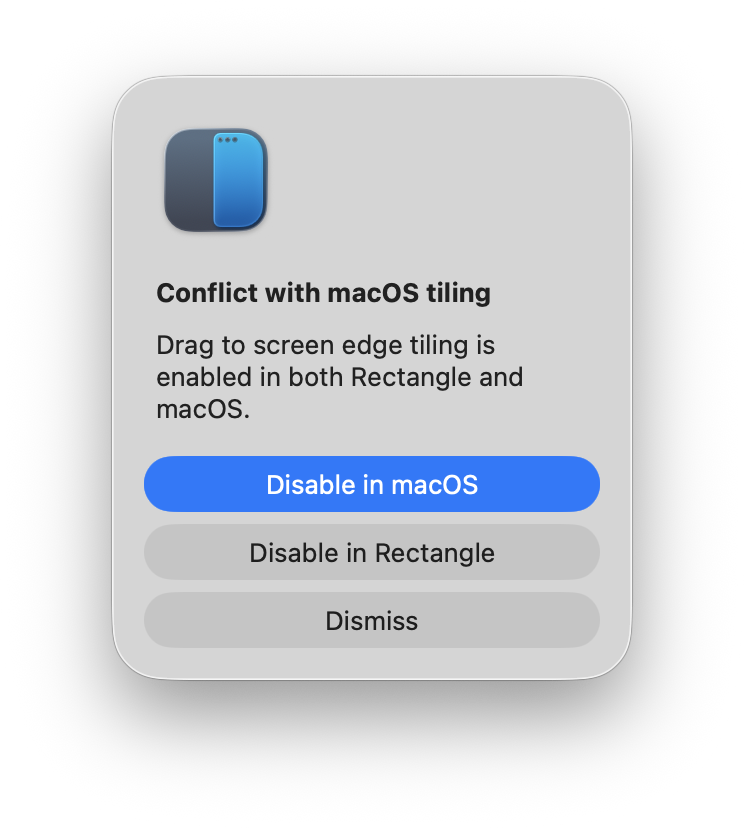
On first install, Rectangle detected a potential conflict with macOS tiling – so I disabled the latter in favor of the former.
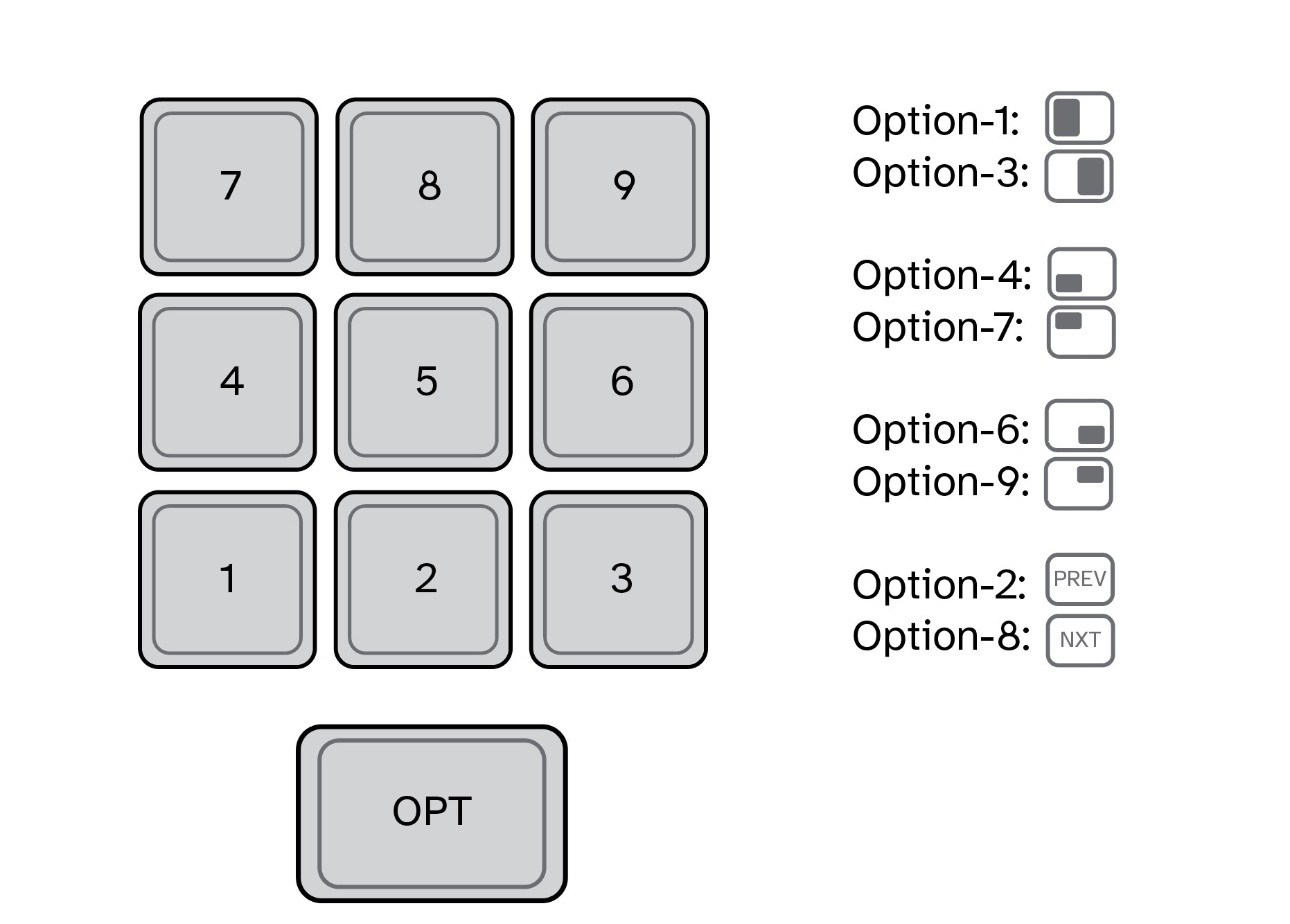
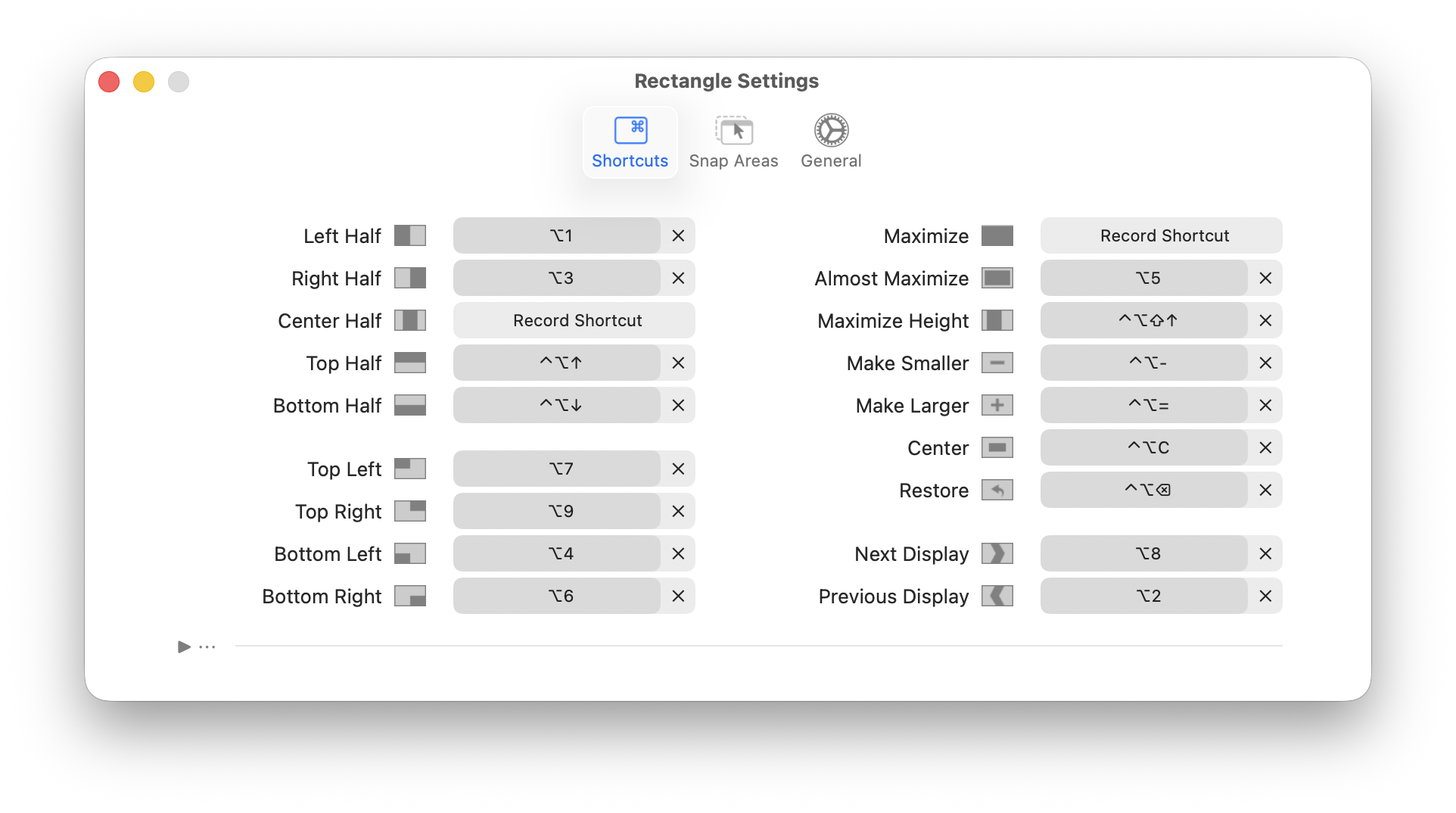
Next, I modified Rectangle’s custom keyboard shortcuts to match what I’m already familiar with (see below). Unlike macOS, Rectangle includes custom keybindings for moving a window to other connected external displays. (I use this ALL the time.)
And for those instances where I want to have a window take up most of the display, I’ve configured Option-5 to “Almost Maximize”.
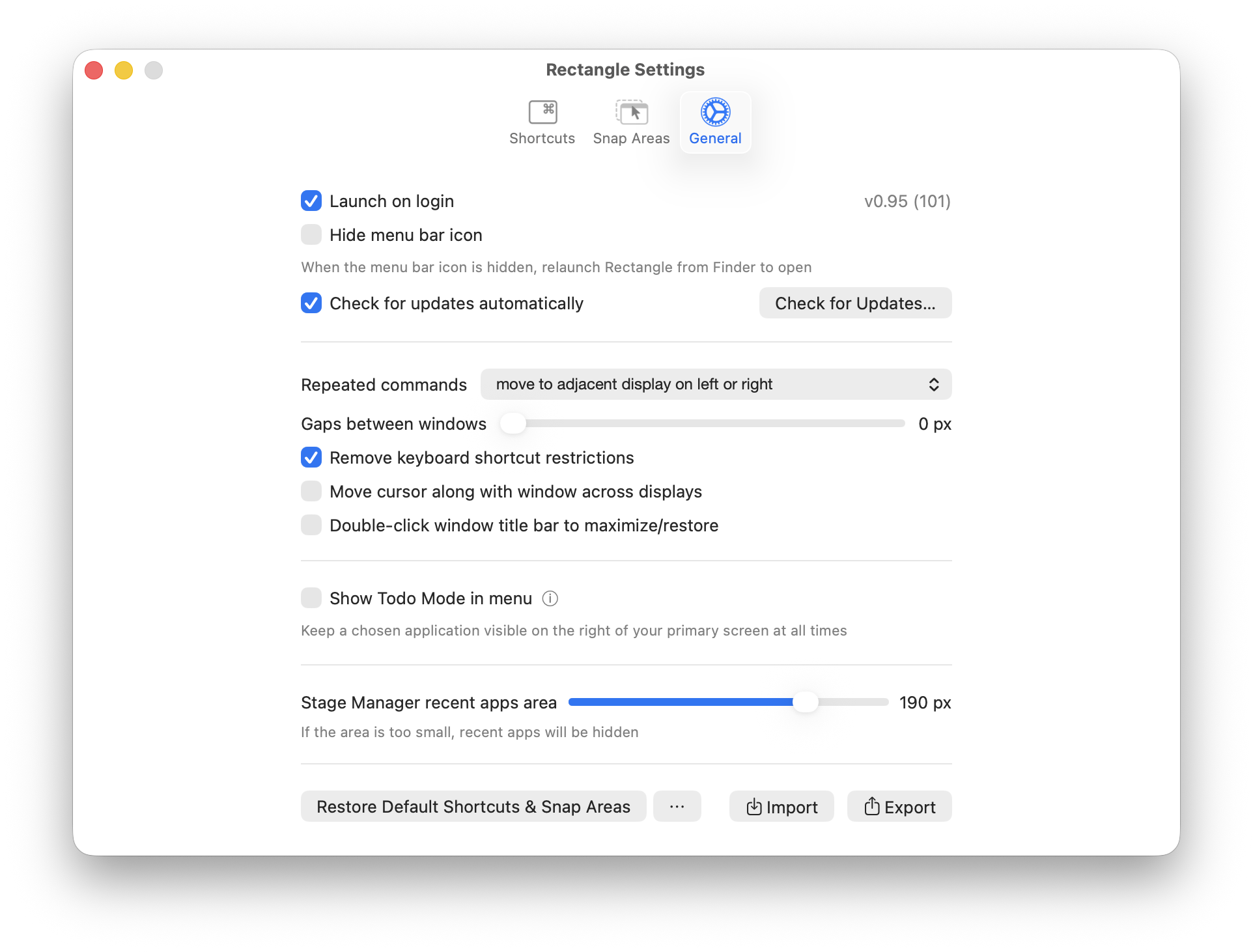
Lastly, I’ve set Rectangle to launch on login. In this way, it will always be active each and every time I start my Mac.
In my testing, Rectangle is fast and efficient. A Pro version is also available, but for my needs, the free version is perfect.
-Krishna