
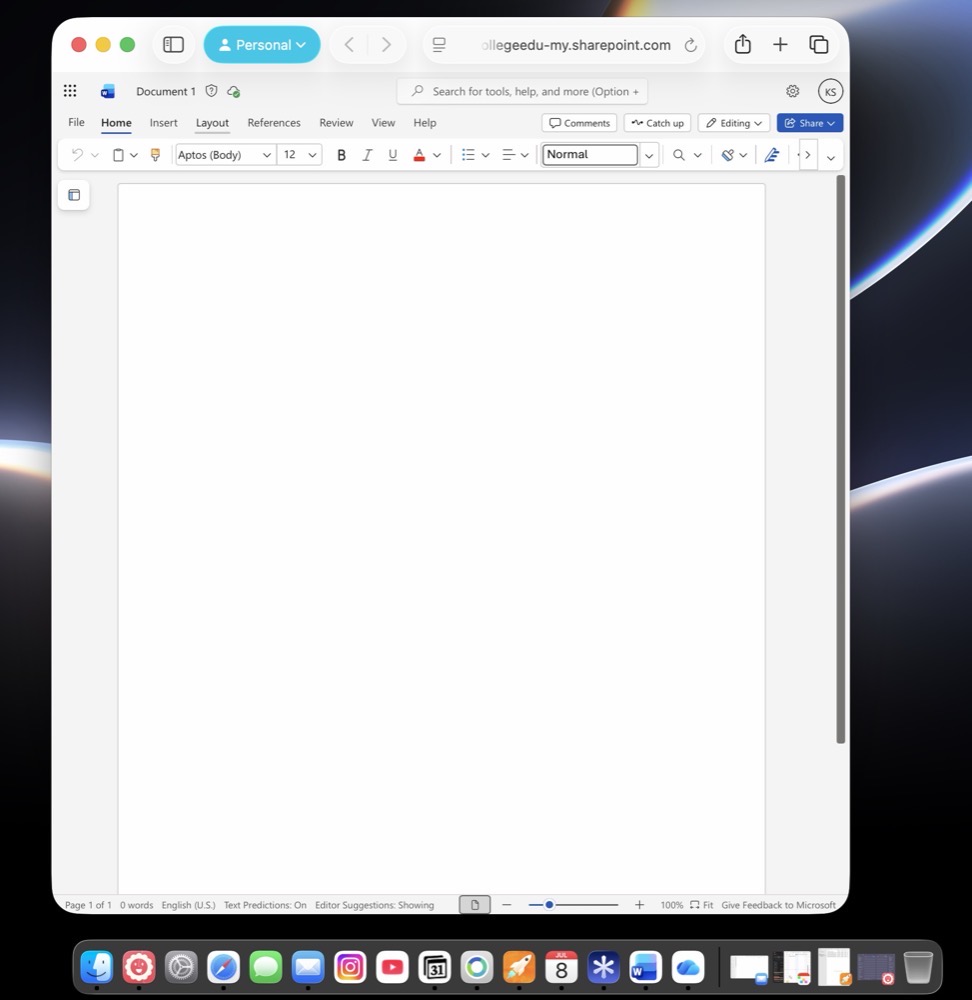
At work, our college uses Microsoft products, such as Word, Teams, and OneDrive. In the past, I have begrudgingly installed these items as stand alone apps on my Mac.
Why the begrudgement?
Simply put: These apps are big, bloated and stacked with performance inefficiencies.
With my FrugalMac build, I asked myself one question: “Do I really need to install stand-alone apps from Microsoft, or could I get by with using the web versions?”

So I took it upon myself to set up Word, OneDrive, and Teams as web applications on my Mac. Conveniently, Safari includes an option to turn any web page into a dock-able app, so that’s exactly what I did. Incidentally, these “apps” reside within the Applications folder located within my Users folder.
The verdict is still out. All three apps seem to launch quickly enough in my brief testing. I have no idea if this approach will suffice for my needs, but if I can keep extra software (particularly from Microsoft) from encroaching itself on my new Mac laptop, it’s worth giving it a go.
-Krishna