
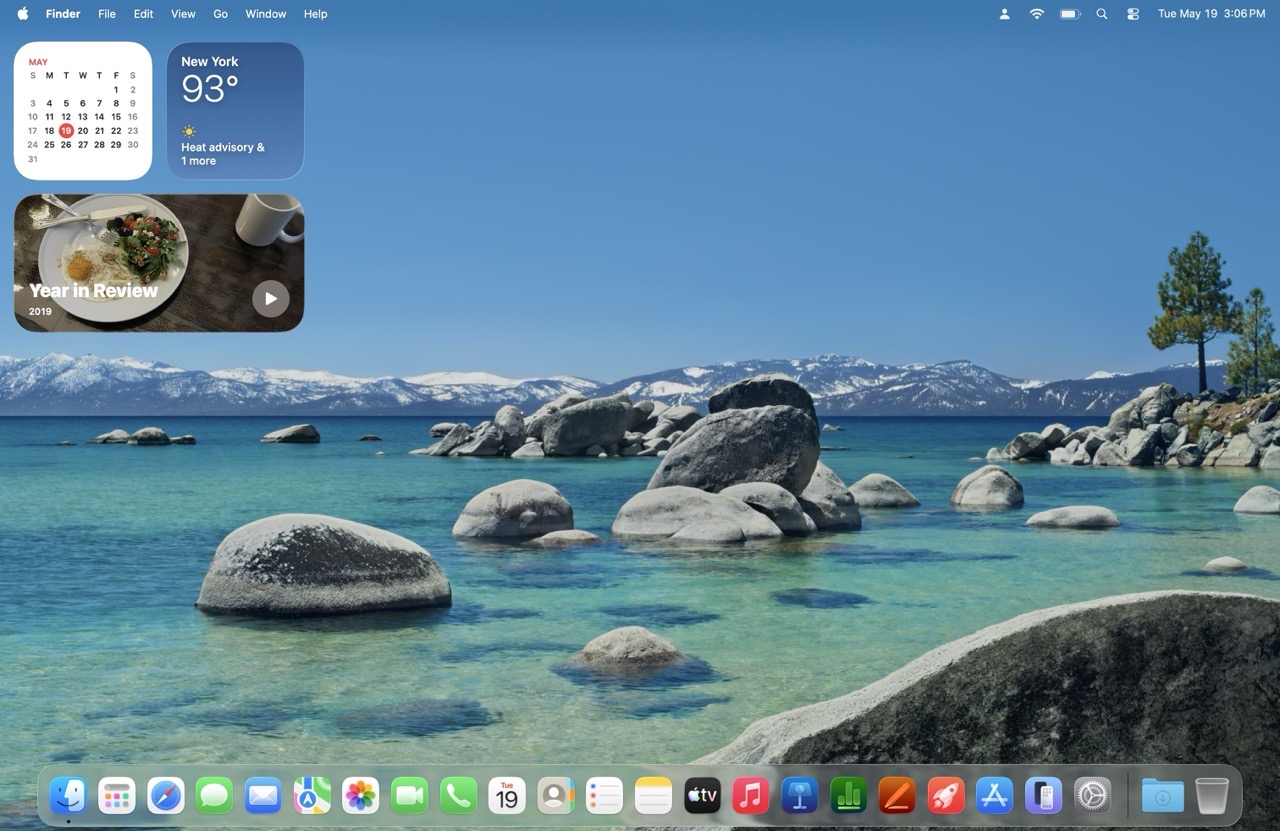
The first stop in changing the default Finder experience is Finder > Settings….
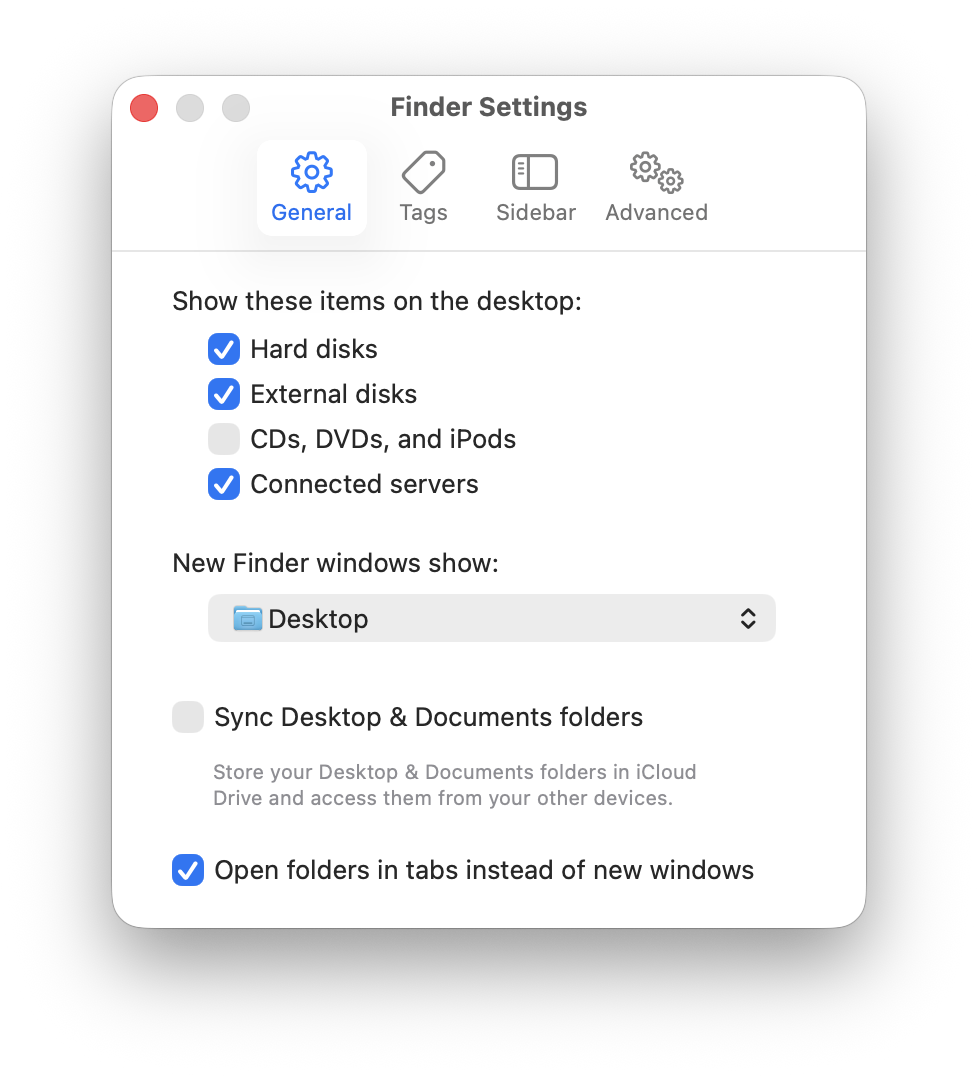
In the General tab, I have Hard disks, External Disks, and Connected Servers checked to be visible on the macOS Desktop. I also prefer having new windows open to show the Desktop.
Next, let’s examine the standard Finder window sidebar. In its default configuration, it’s overwhelming.
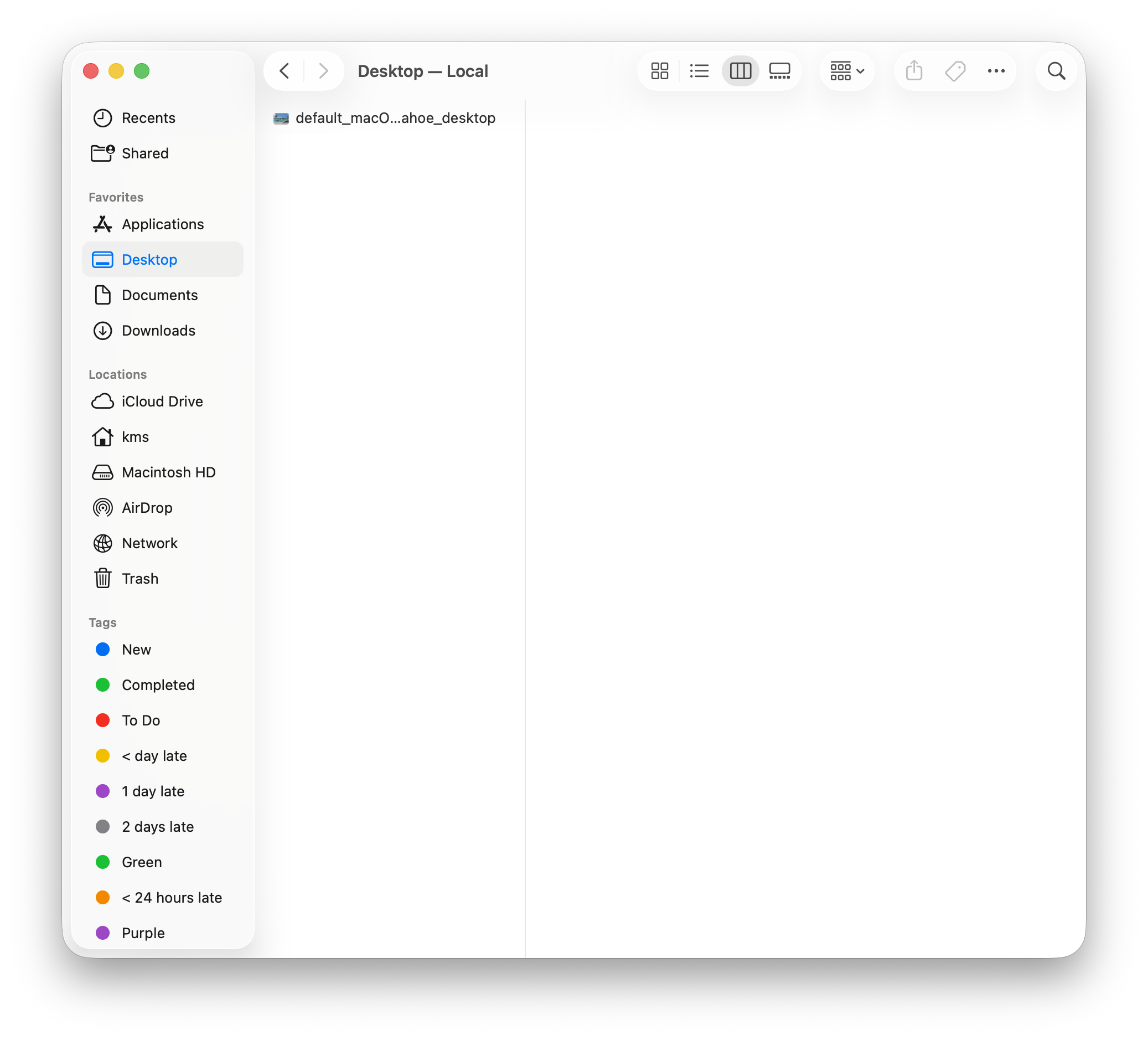
I prefer to keep the sidebar as minimal as possible, only adding items that I absolutely need. Off to the Sidebar tab we go then.
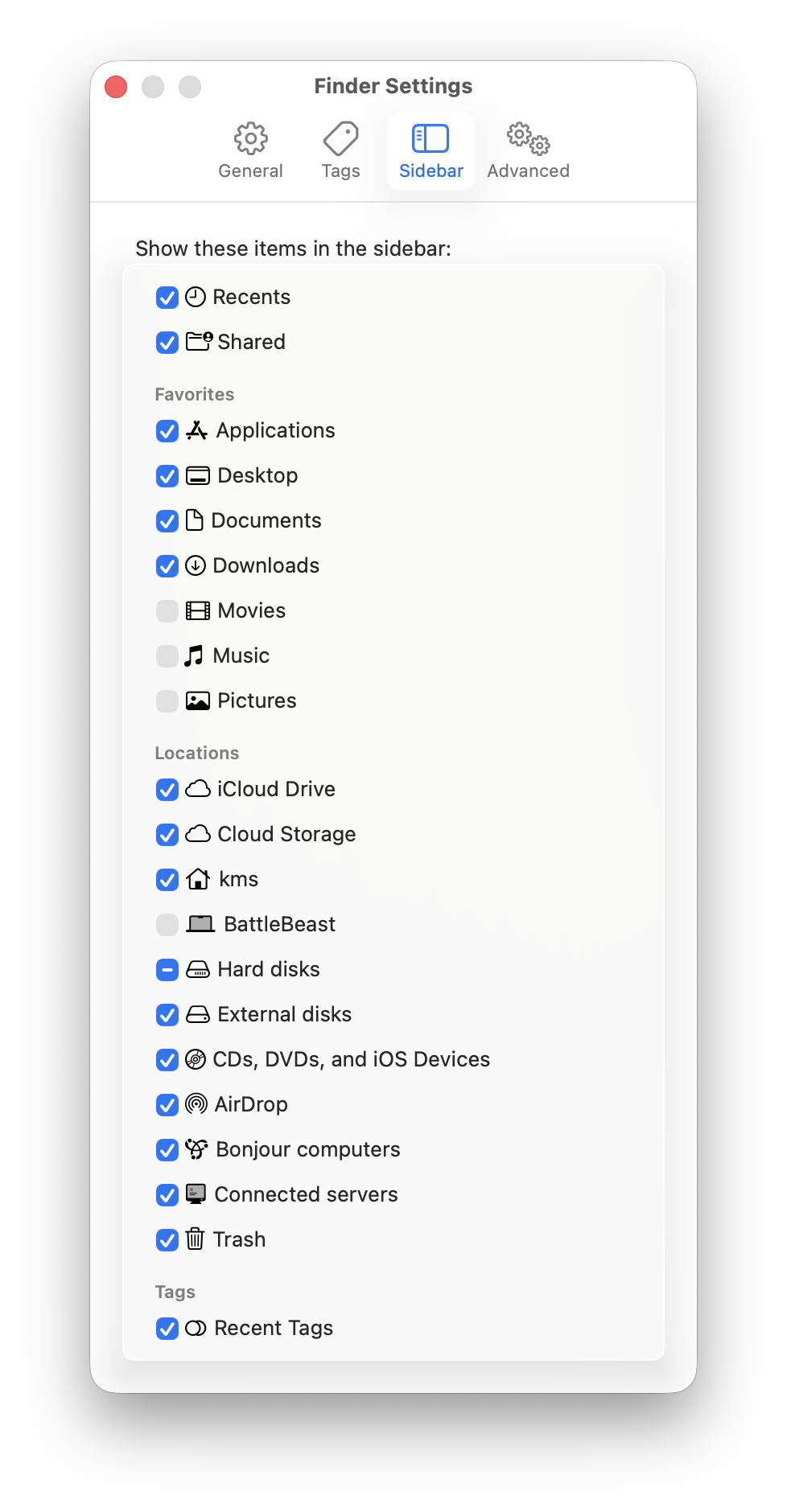
Everyone has their specific preferences, so adjust accordingly. Here’s what my Sidebar settings look like.
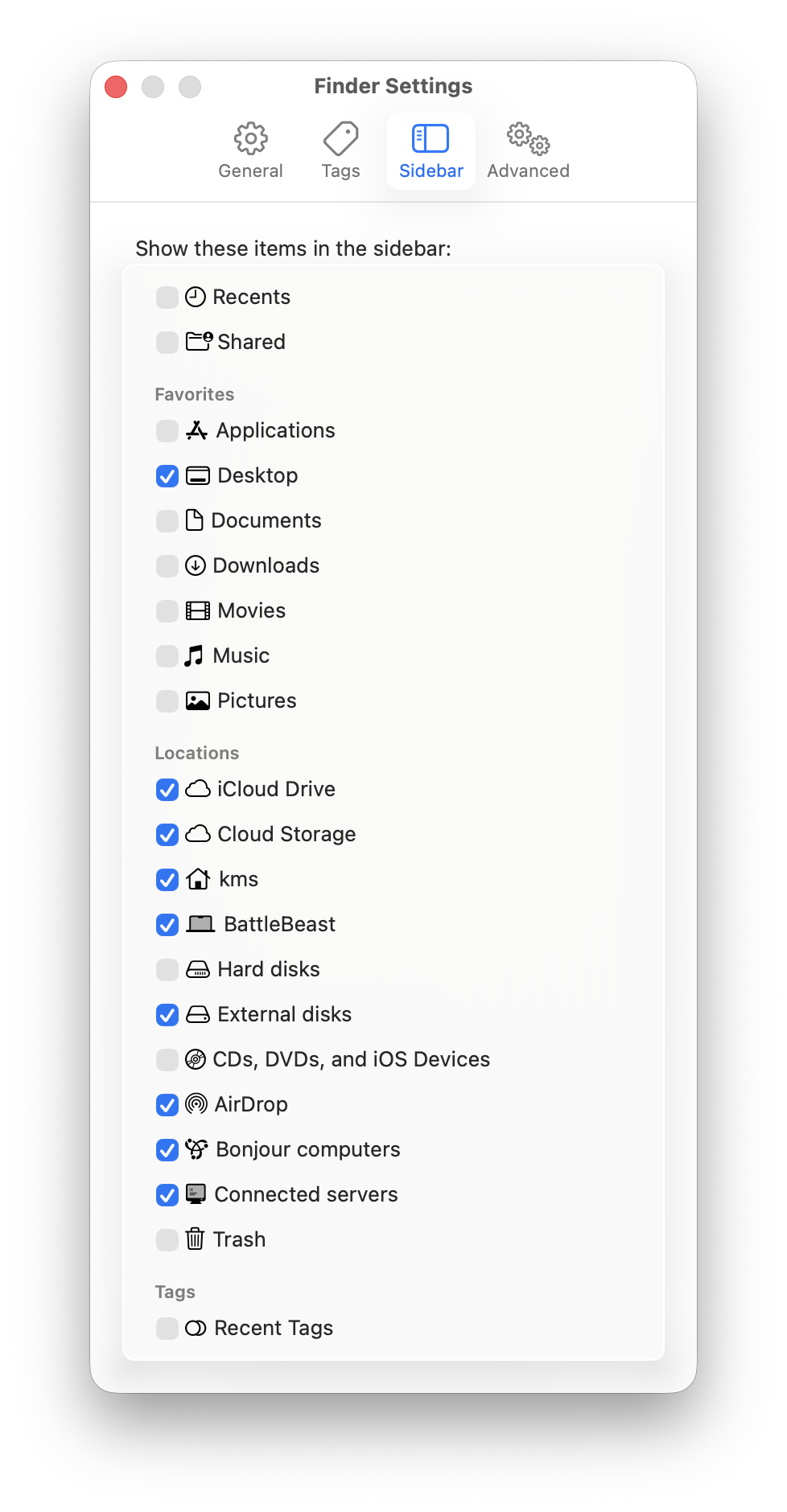
My Sidebar favorites only includes the Desktop as a visible option. I have several Locations checked, mostly to facilitate file access and file transfer between other machines on my local network.
Here’s what my Sidebar looks like now:
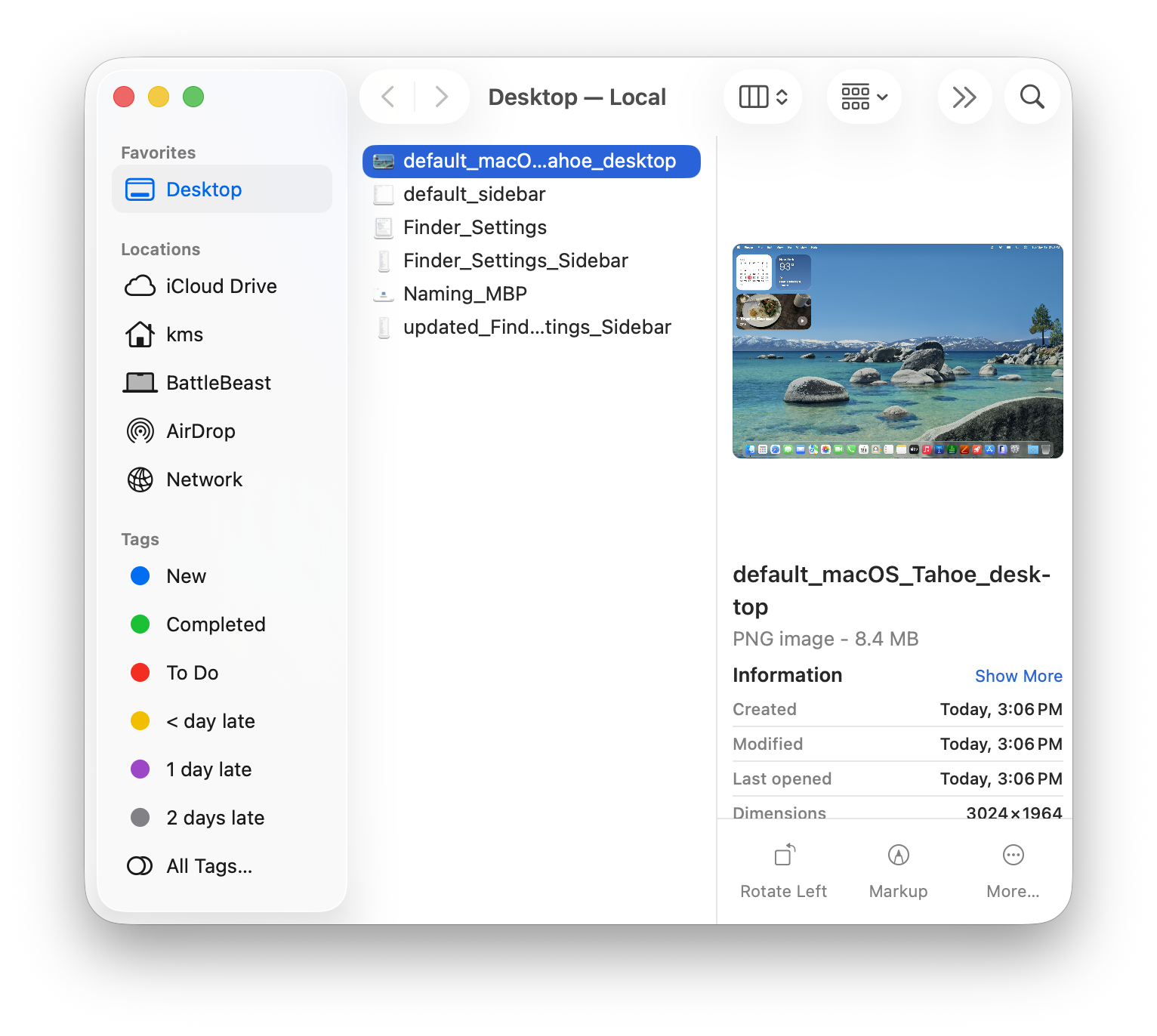
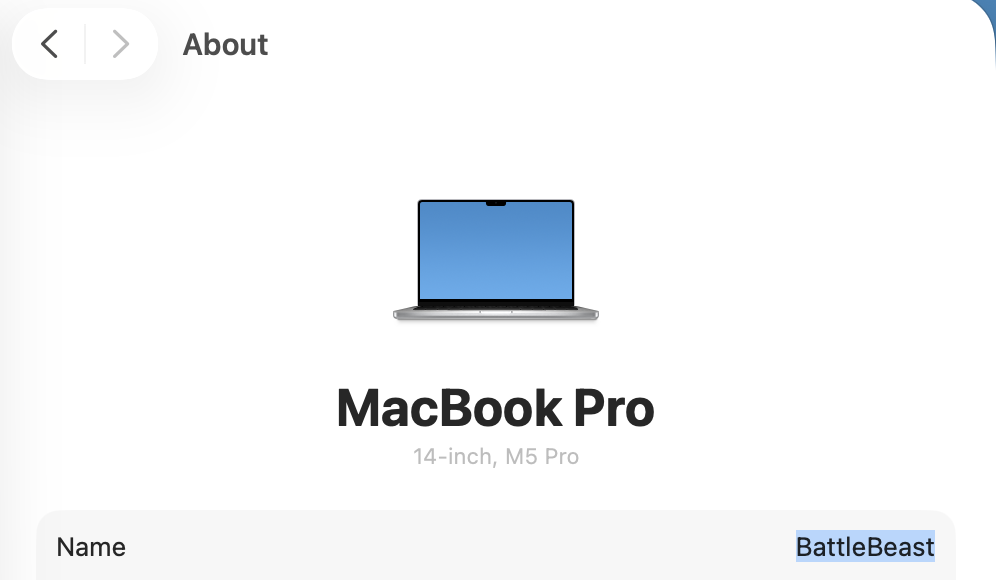
Incidentally, at this point, I’ve given my new laptop a name: BattleBeast. I think the name fits its intended purpose.
-Krishna