
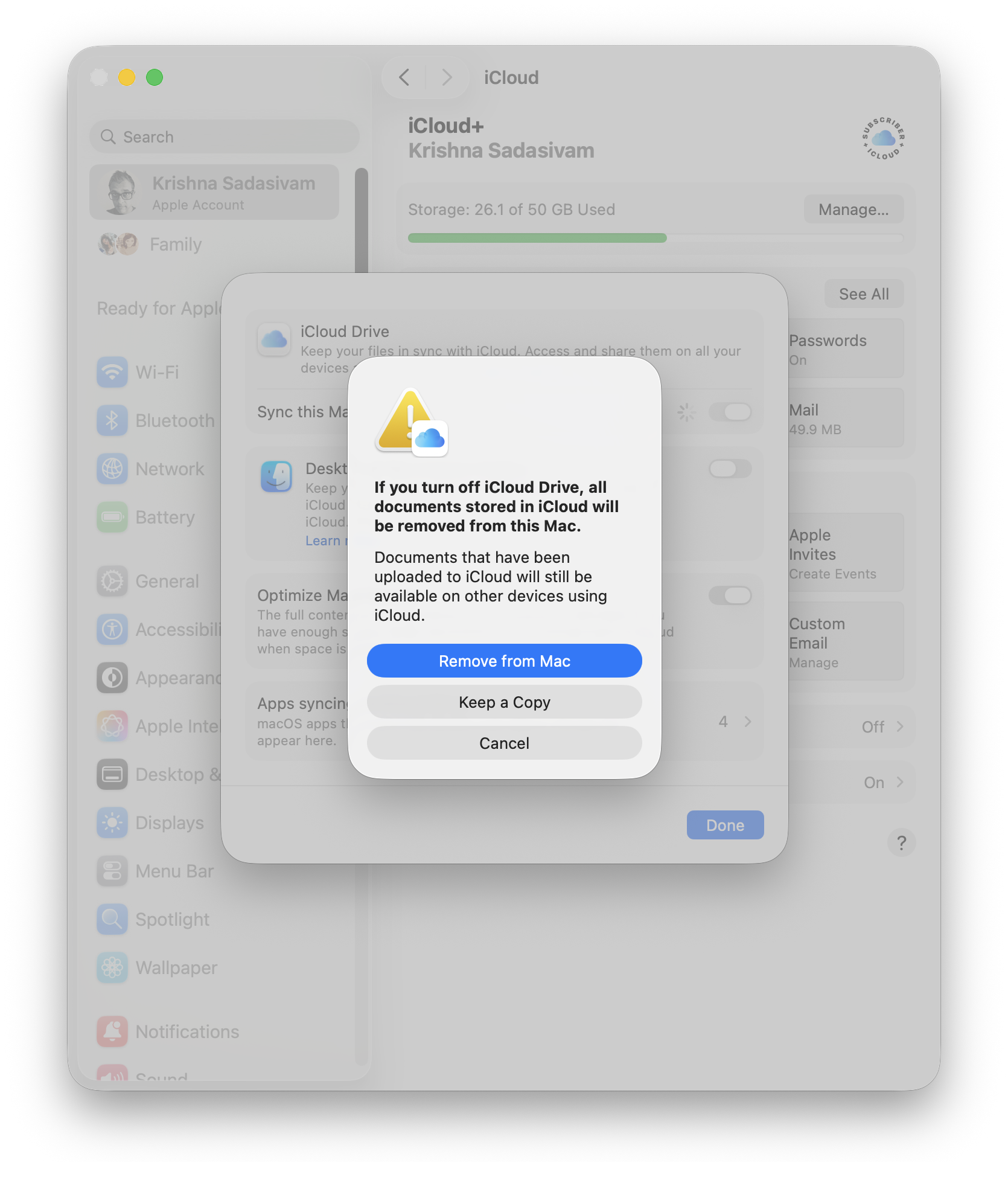
Cloud-based syncing via iCloud is generally pretty good, but right now, during setup: it’s a distraction. The FrugalMac setup is all about intention, so I’m turning it off until I’m ready. To do so, go to your Apple account, click iCloud and turn off iCloud Drive. This will remove iCloud Drive files from my M5 Pro – keeping the iCloud contents themselves intact (in the “cloud”).
Notifications:
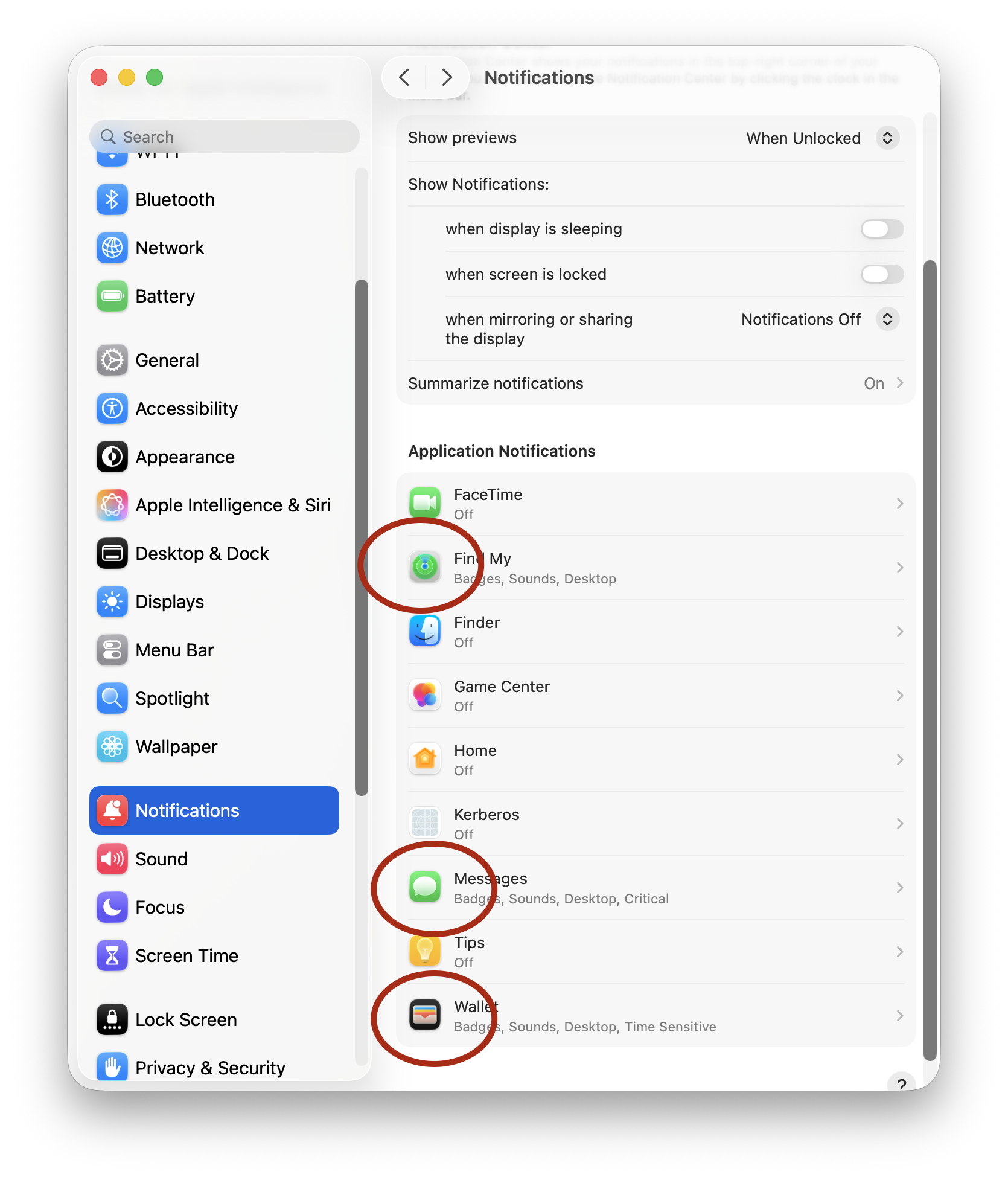
Notifications are useful, until everything becomes a notification. My default stance on notiications is “no notifications”. But there are some exceptions to that rule: Find My, Messages and Wallet. These notifications appear on my Mac, and stay until I dismiss them.
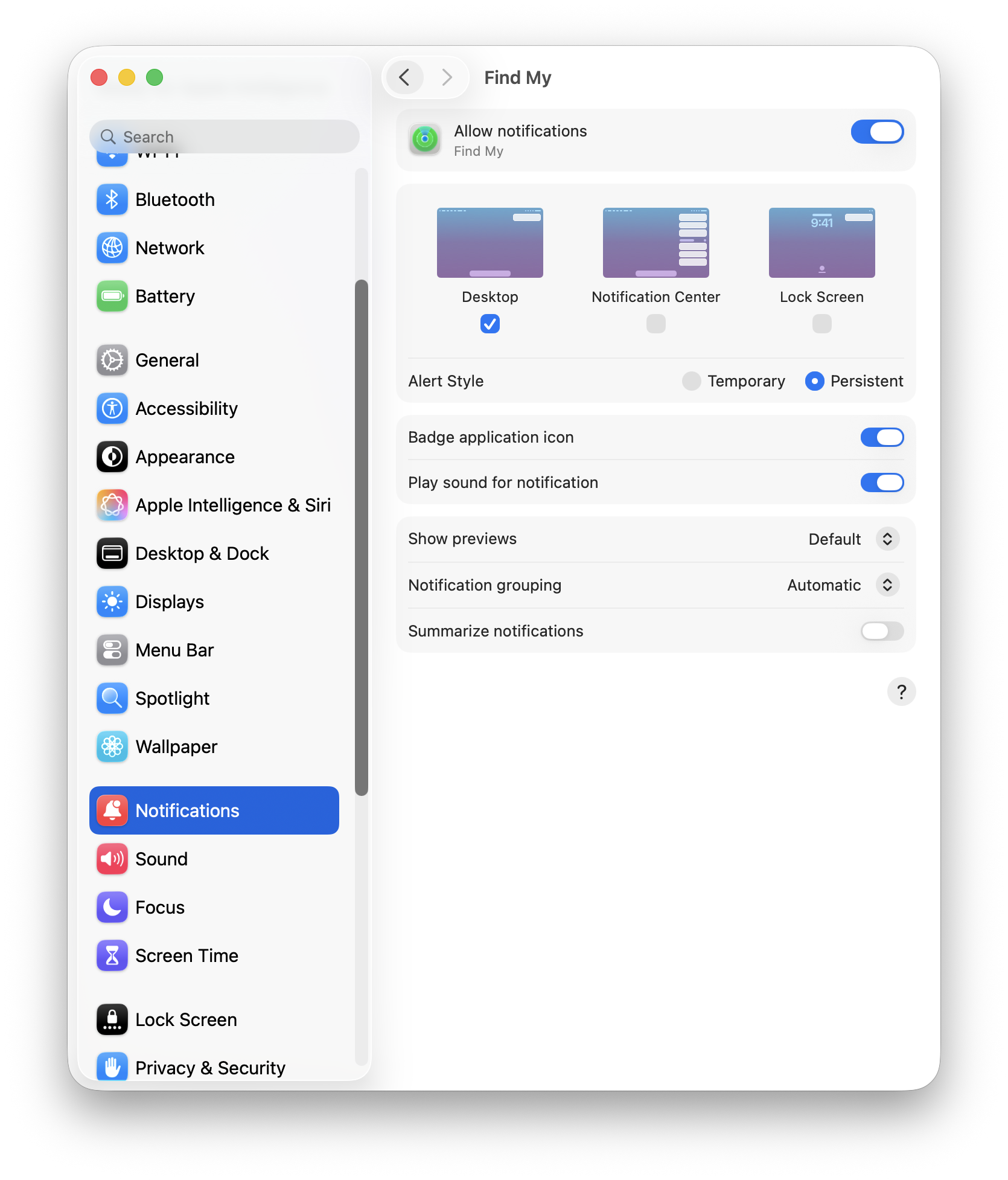
Notifications that I deem important will show a badge and play a sound.
Sound:
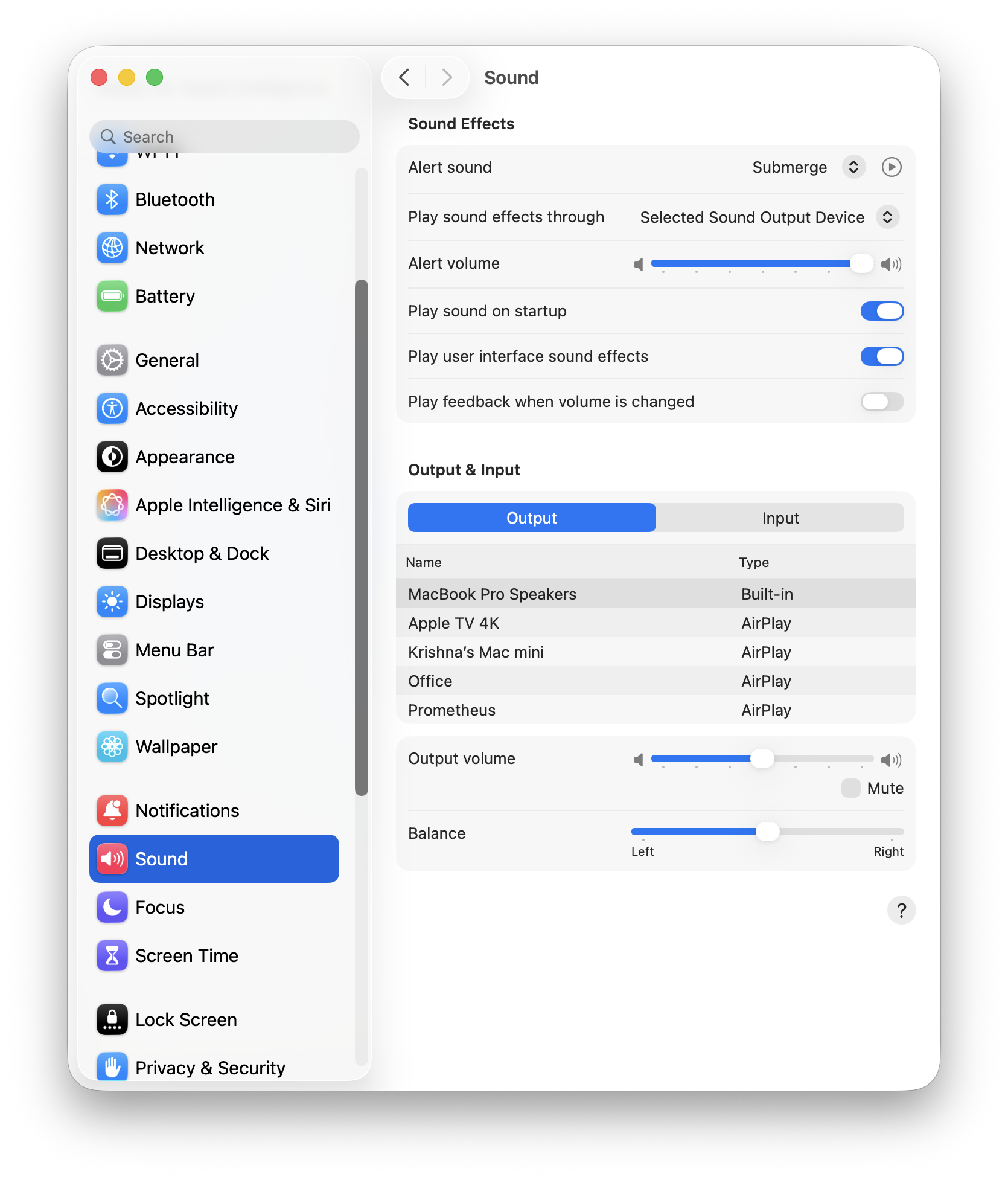
The only change I’ve made here is the selection of “Submerge” as my Alert sound.
Location Services:
Location services are allowed access for setting the appropriate time zone, Find My and Networking. That’s it.
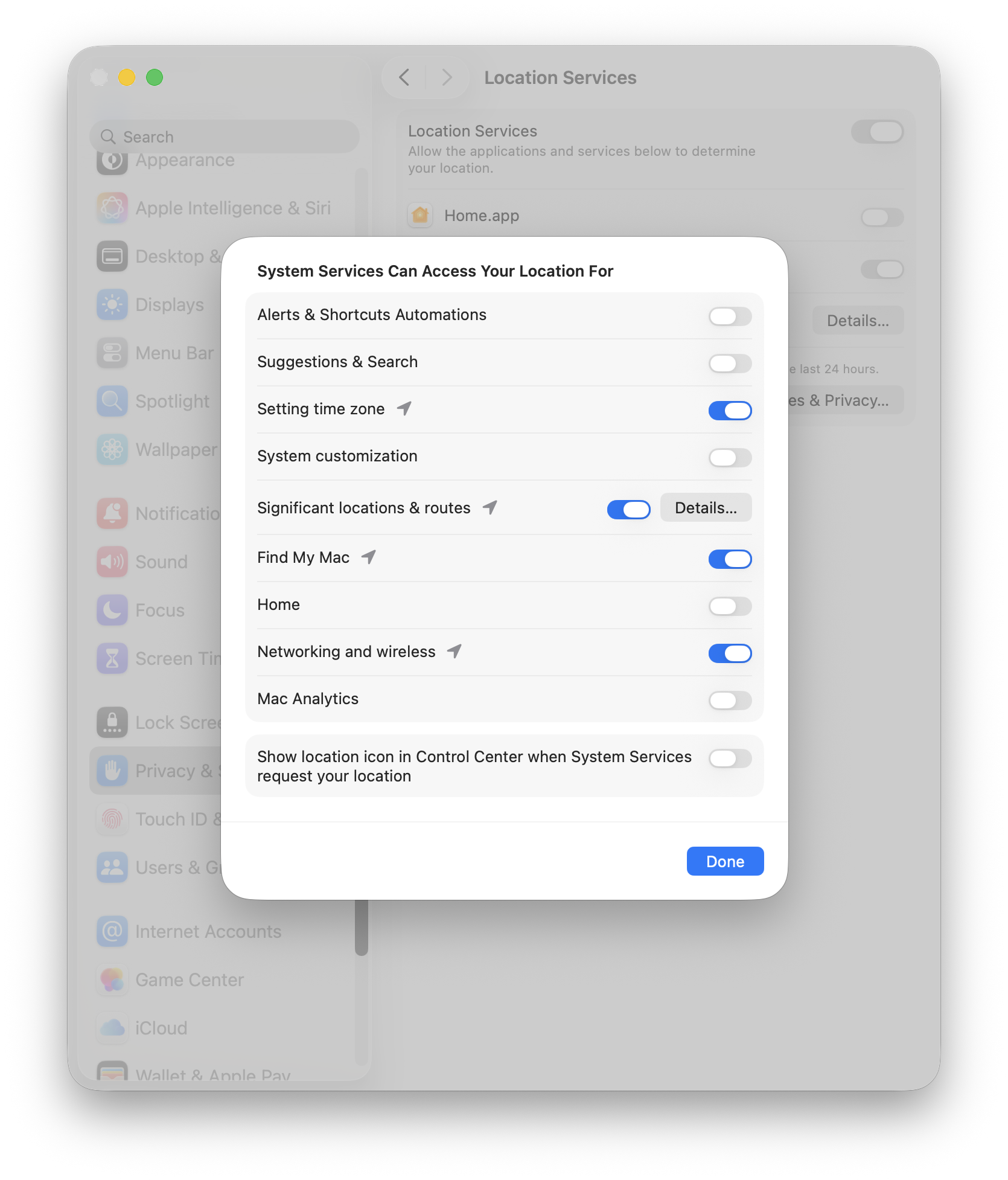
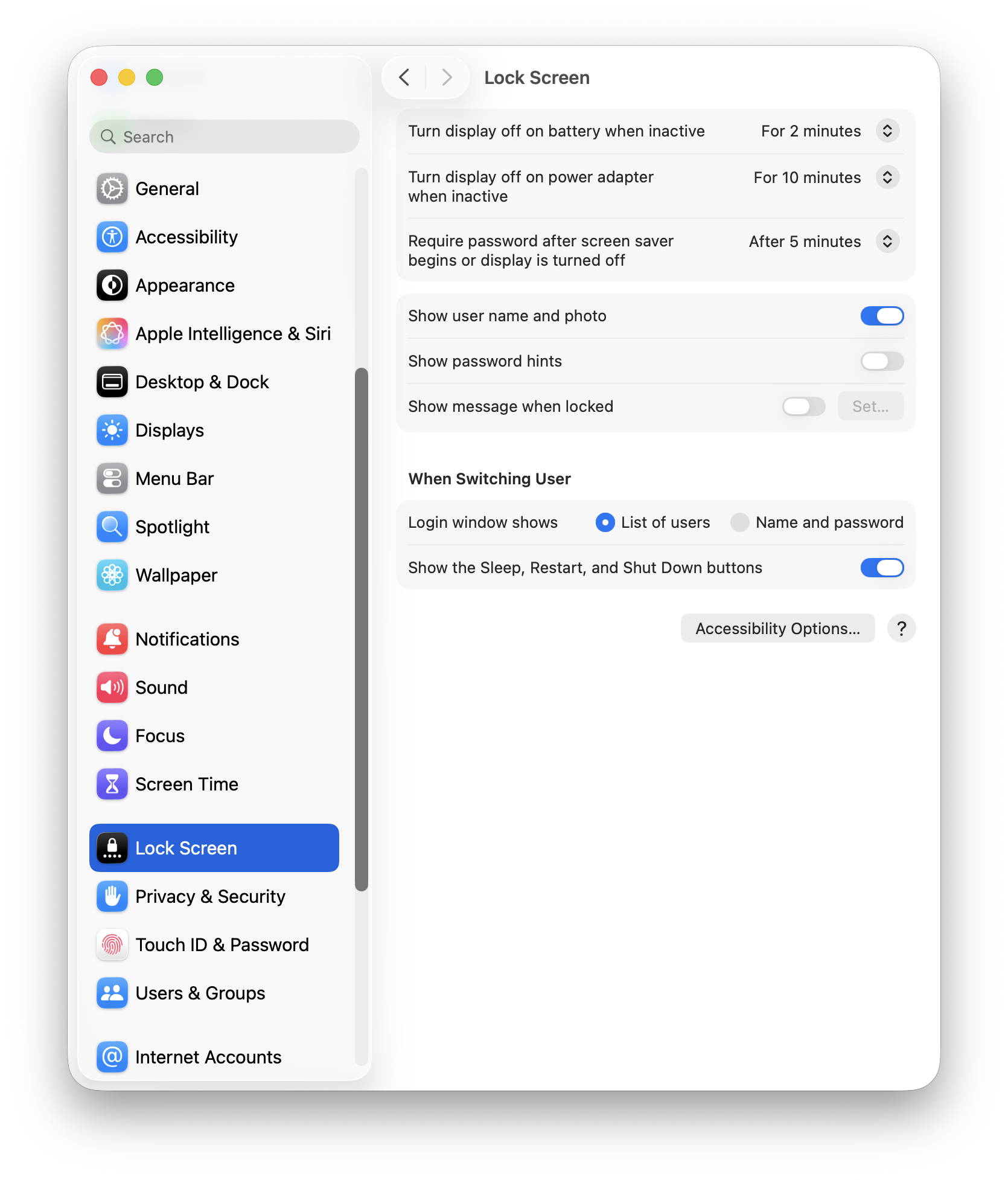
Lock Screen:
I take my laptop with me where I go, so having the Lock Screen active is imperative. No password hints.
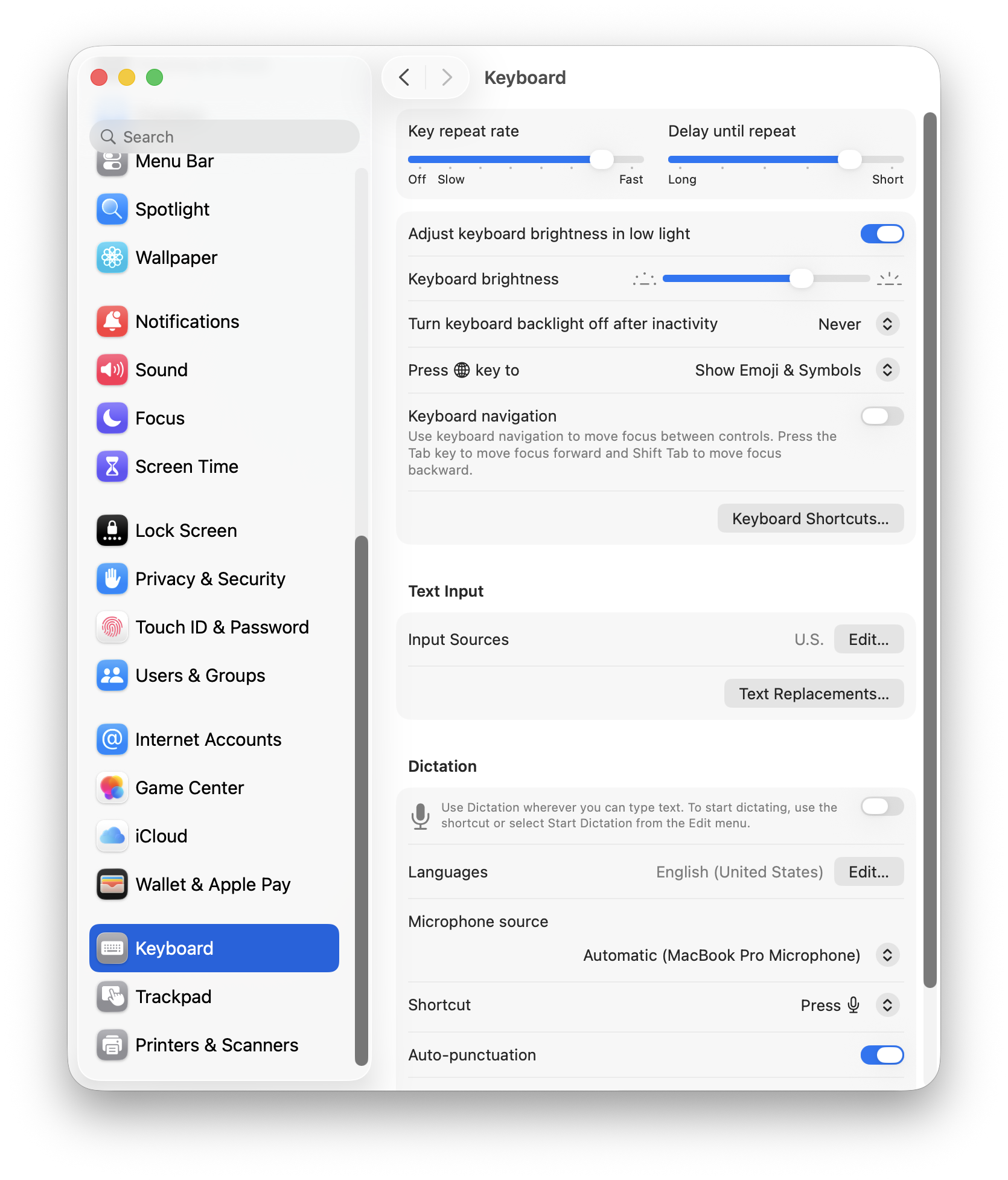
Keyboard:
I prefer a higher key repeat rate (press a letter and it repeats with just a hint of delay).
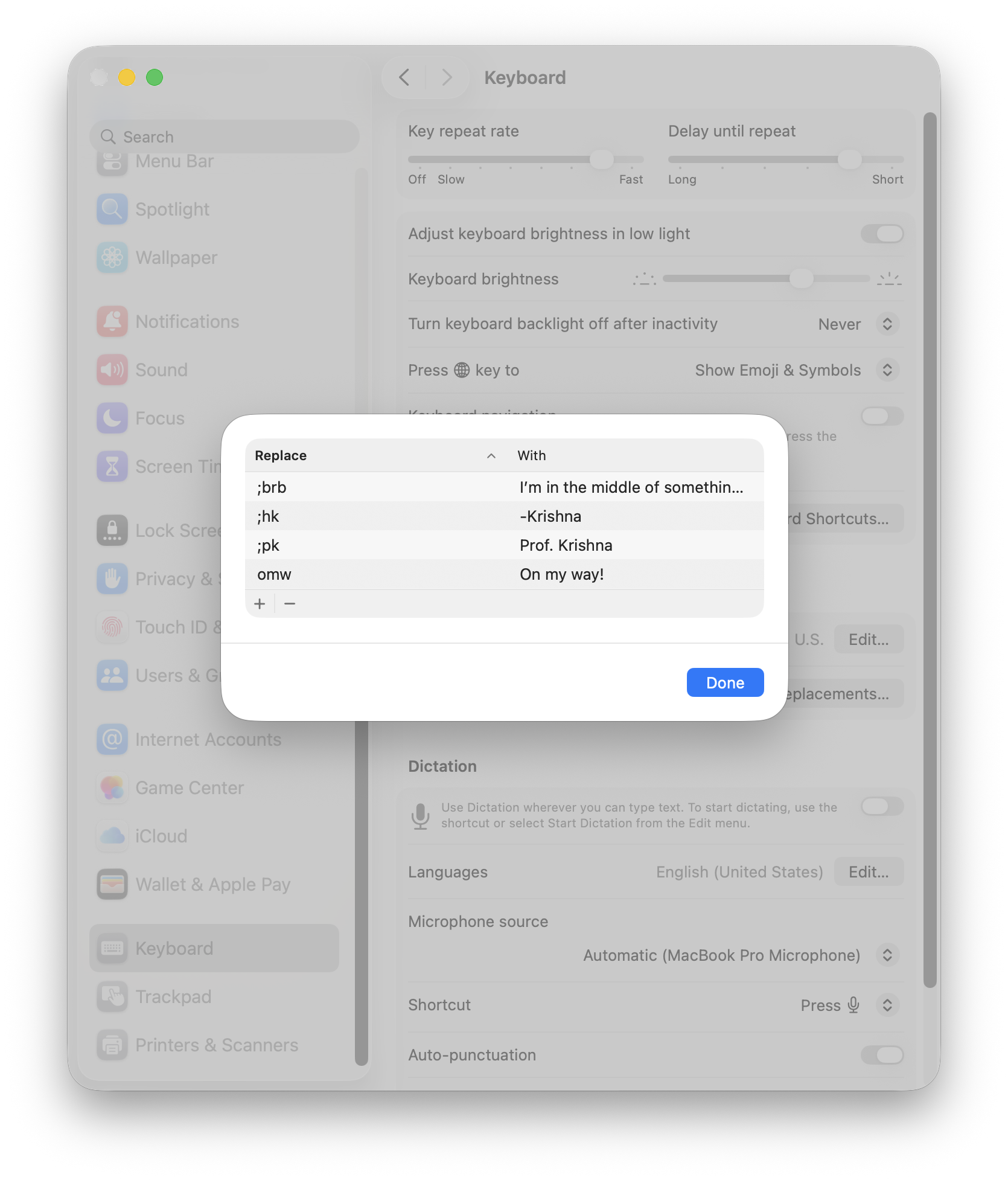
Under Text Input, I have a few hard coded text replacements, mostly for sign-offs and canned text replies. This will work, for now.
Trackpad:
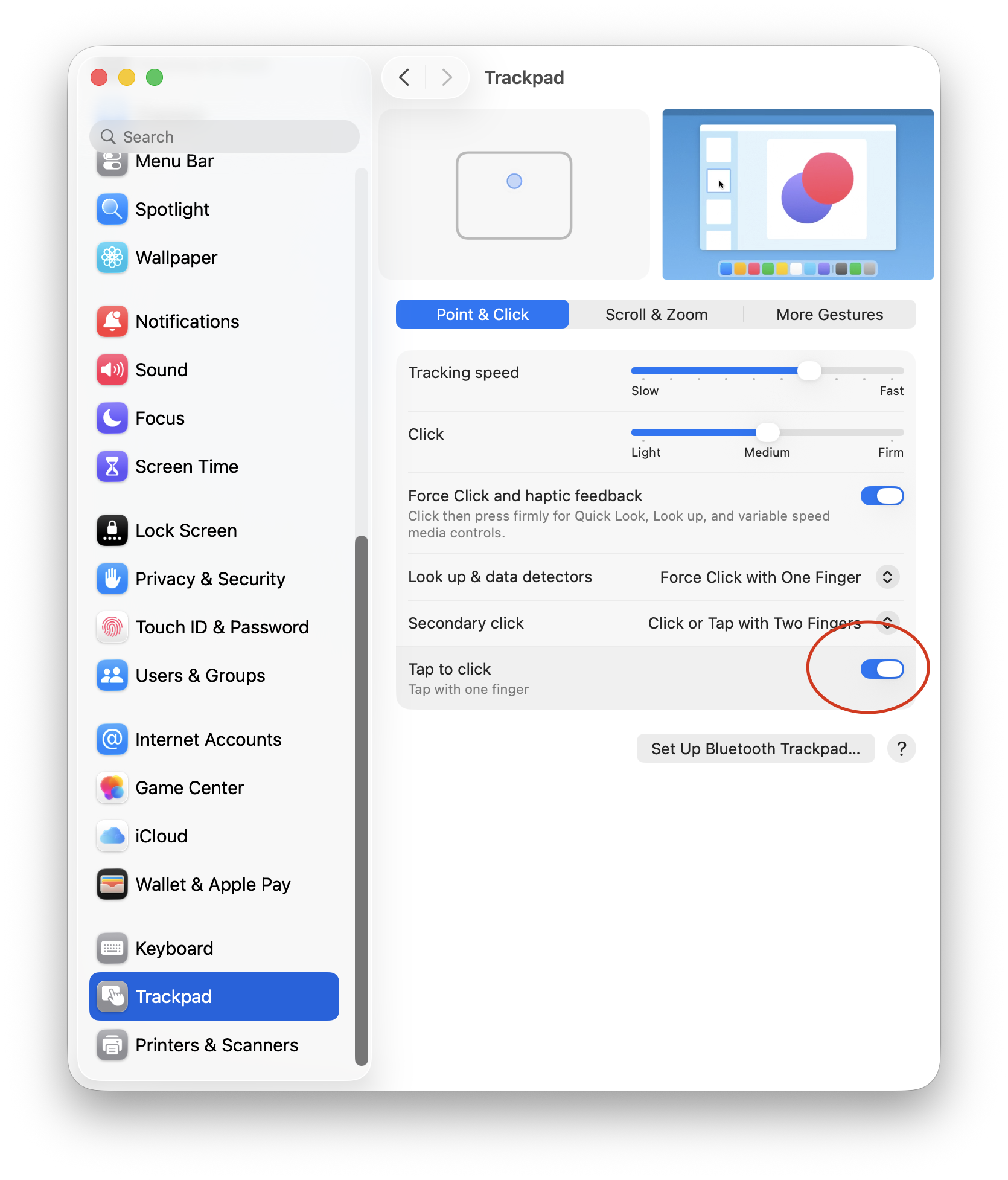
I’m more of a mouse user than a trackpad user. When I’m at the office or working from home, I always use a Logitech MX Master 3S mouse as my main peripheral. For Point & Click, I like a faster tracking speed and Tap to Click.
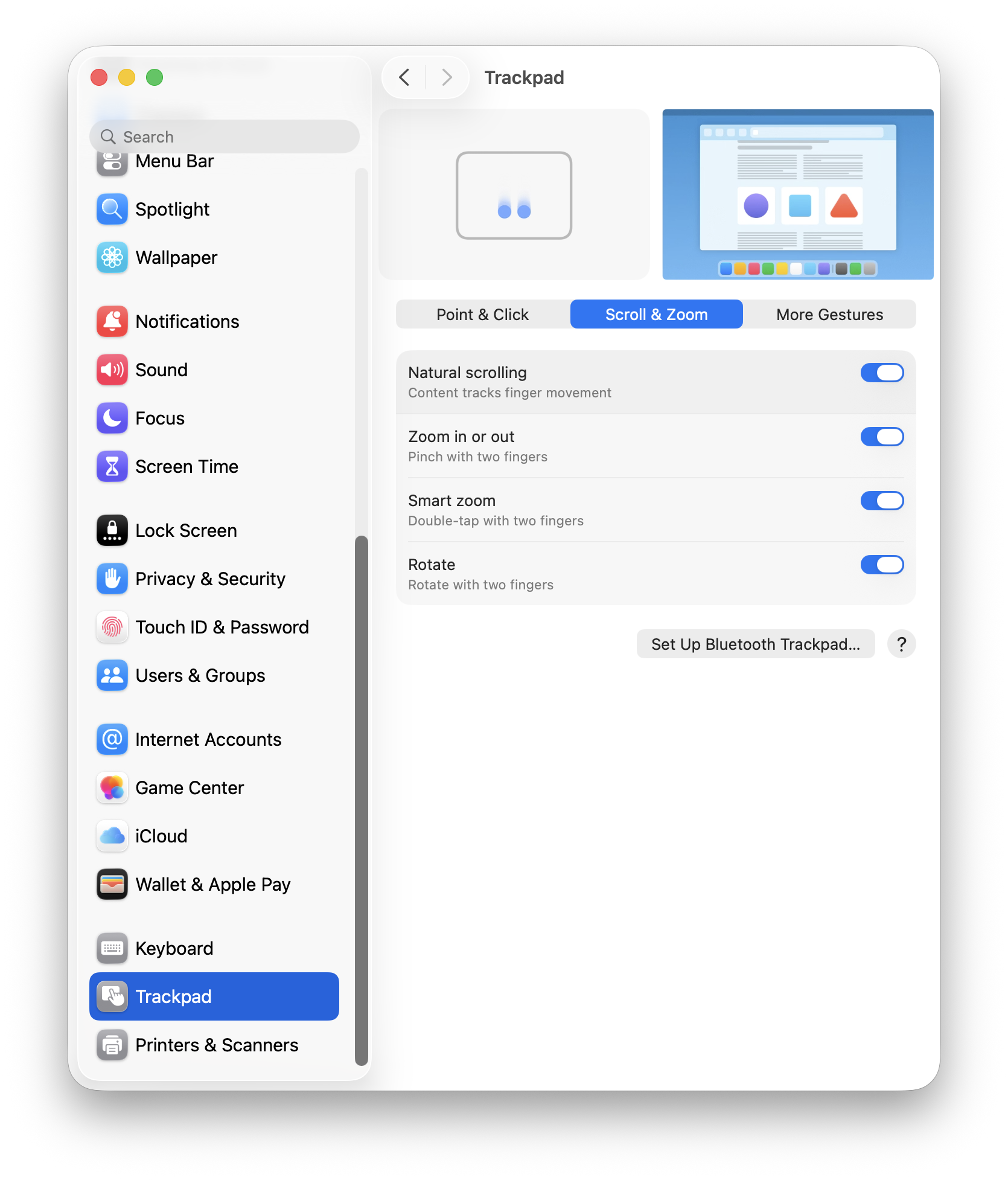
For trackpad scrolling, I have kept the defaults. I tried using the Mac without “Natural scrolling” but it felt wrong, so I stuck with the defaults.
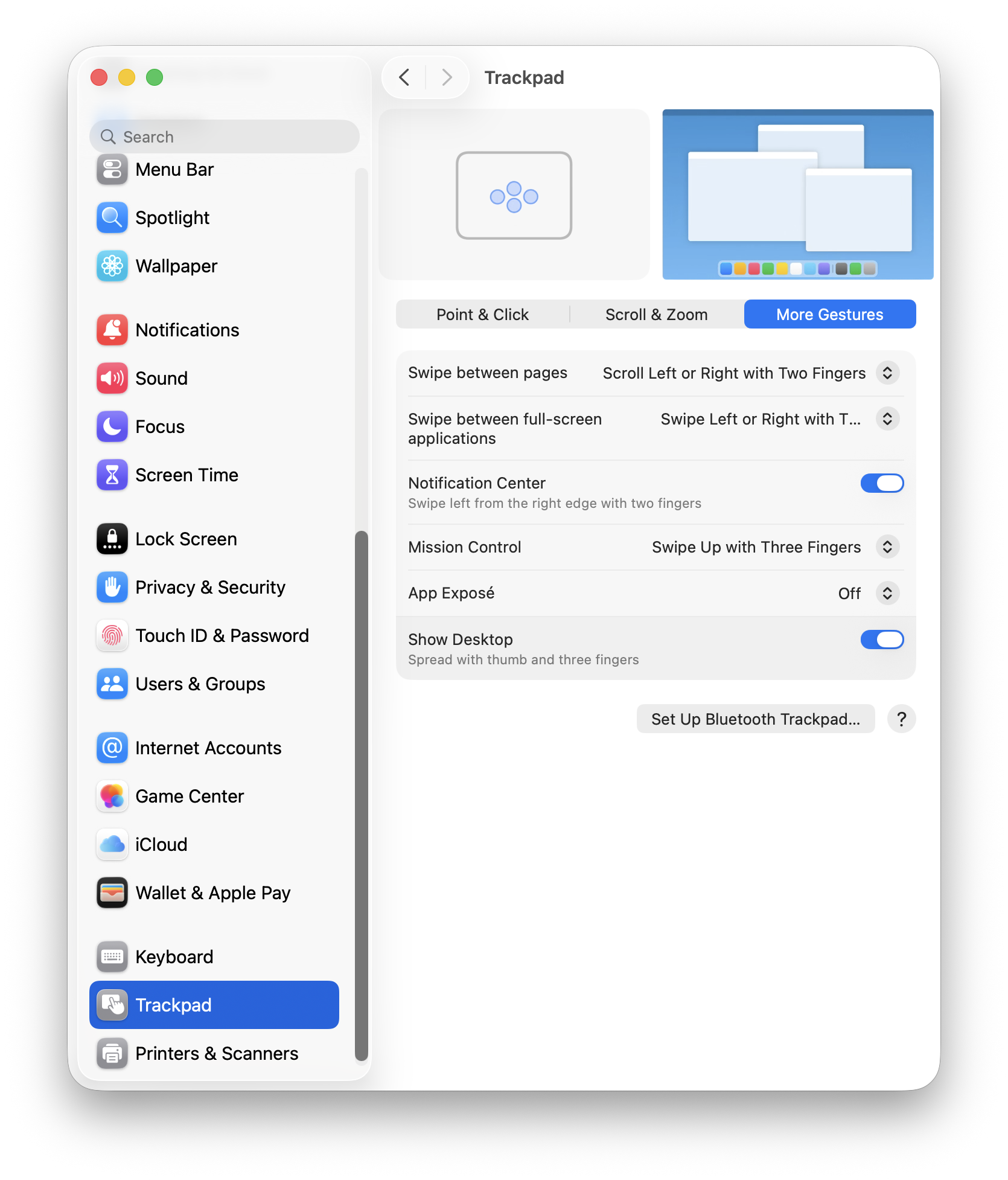
I haven’t used the trackpad extensively to take full advantage of trackpad gestures, so I’ve kept the defaults as is.
At this point, FrugalMac has a solid base-line setup. Next, I’ll look at AirDrop & Continuity, Sharing, Login Items and Passwords.
I’ve skipped more than a few System Settings. I’ve also left off e-mail and browser configuration, but I’ll be using both stock Apple Mail and Safari for those tasks, respectively.
-Krishna