
Backups are important. As I’ve often stated to my design students: “There are two types of computer users in the world: Those who have lost data and those who are about to lose data.”
I’ll leave the sermonizing to others on why backups are important. For my own needs, having backup data is not merely an option: it’s essential.
My Mac backup tool of choice has always been SuperDuper, by Shirt Pocket Software. I’ve been using it for longer than I remember. It’s served my needs throughout its tenure. I didn’t mind its somewhat dated looks, but lately it’s been giving me some issues, and I decided it was time to investigate other players in this space.
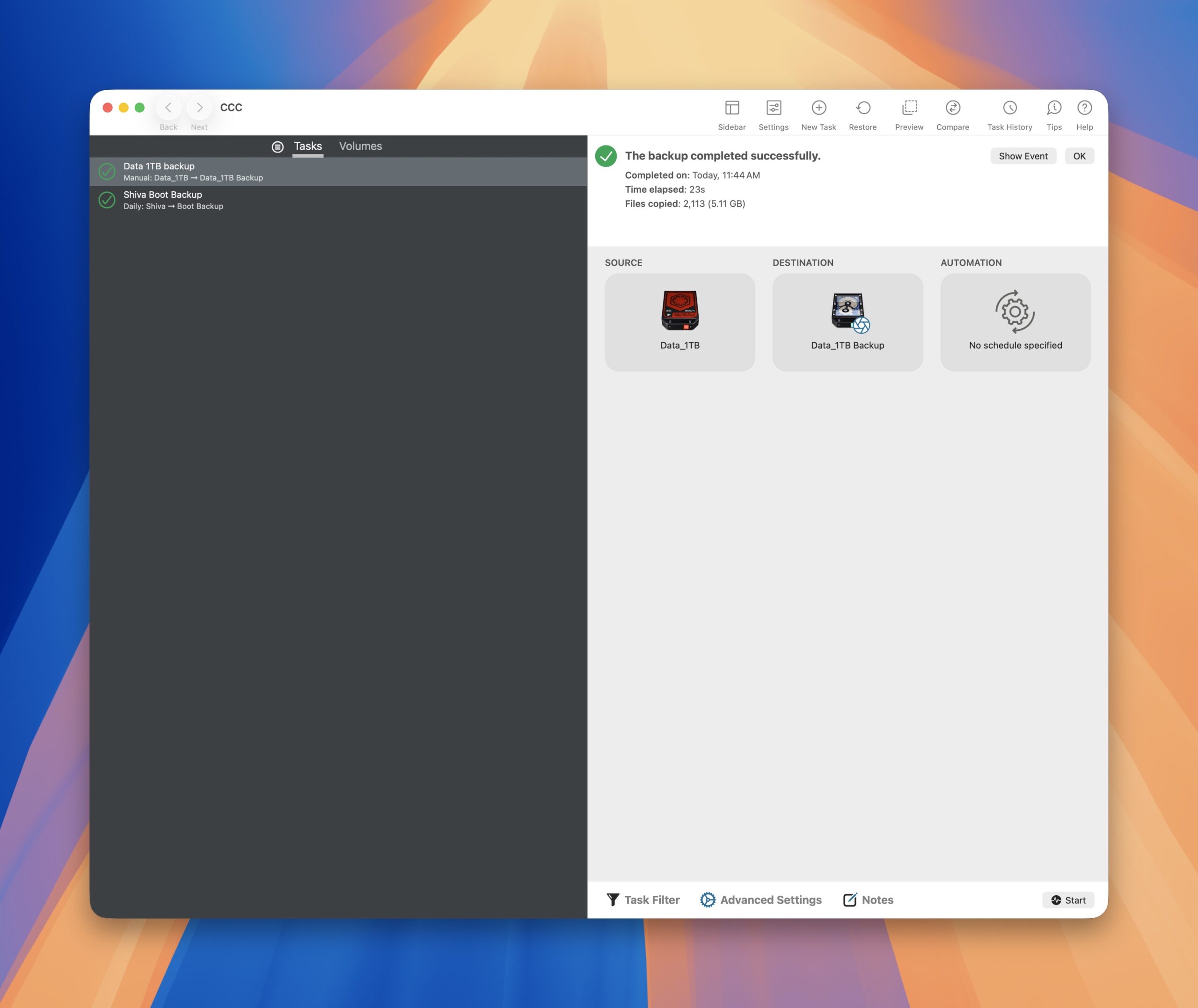
SuperDuper’s main competitor is Carbon Copy Cloner (CCC, for short), by Bombich Software. Before committing, I downloaded the program (currently at version 7.15) and took advantage of its free 30 day trial. I won’t go through an exhaustive list of its features, but I was very impressed with how easy it was to get up and running. CCC’s on-boarding is excellent. Even though I consider myself to be a Mac power user, I was impressed by how easy and intuitive it was to set up a new backup task with Carbon Copy Cloner.
Within a day of using it, I purchased a license.
This isn’t to say that SuperDuper is bad. It’s not. I just want more than what SuperDuper can give me. Without making this a full-blown review, I wanted to highlight a few Carbon Copy Cloner features that won me over.
- Tool tips are on by default during the on-boarding, and provide step-by-step guidance.
- CCC feels fresh and sports a modern macOS look. Commonly used features are easily accessible without having to hunt for them.
- CCC lets users customize drive icons from within the app. I didn’t expect this, but I was delighted the feature exists.
- CCC speaks “user friendly” – you don’t have to be a geek to understand it.
- Awesome customer service. I emailed a question to Bombich Software and received a courteous, informative reply.
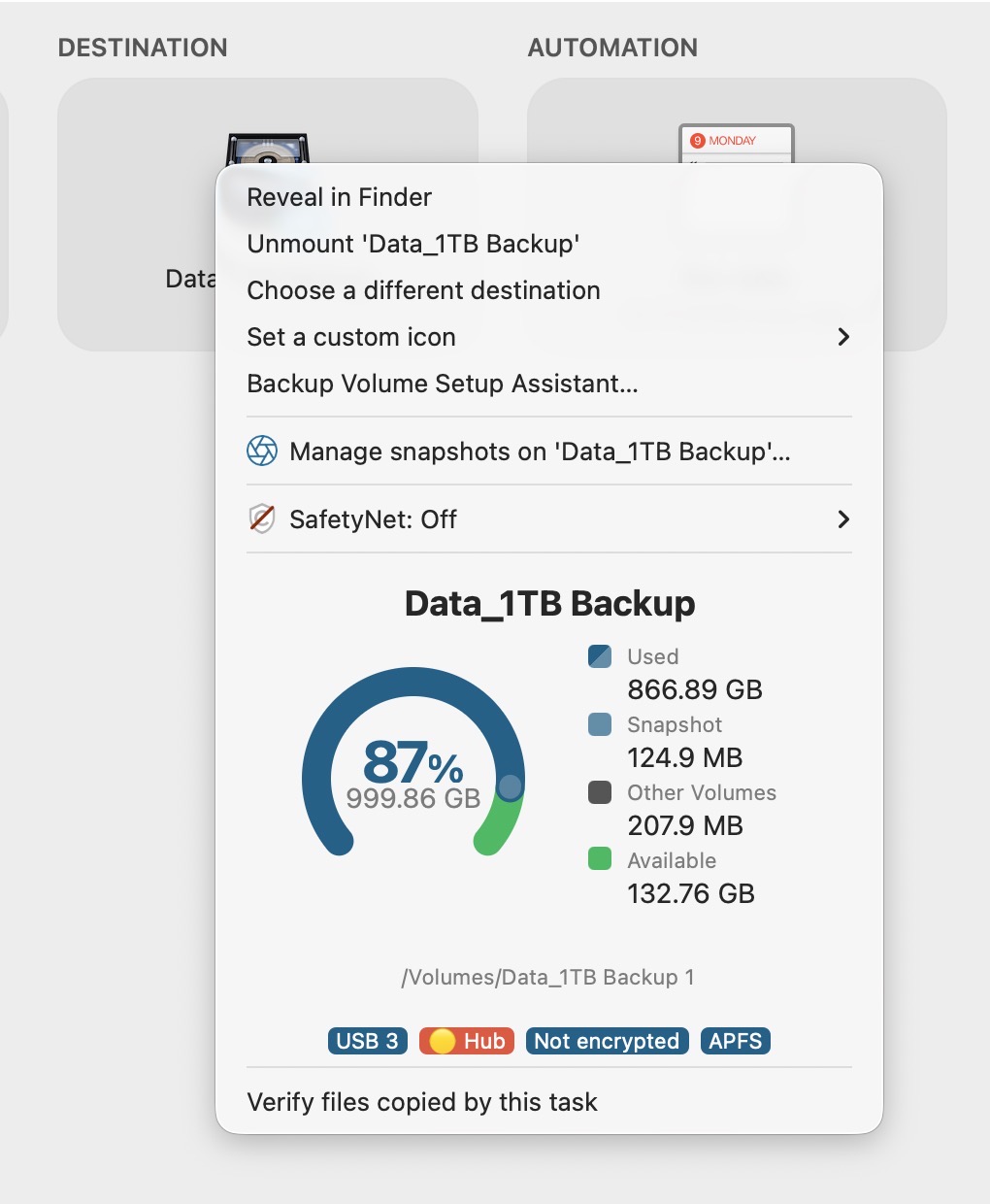
Right-clicking on a source or destination drive shows the connectivity chain of a storage device. A small, but nice touch.
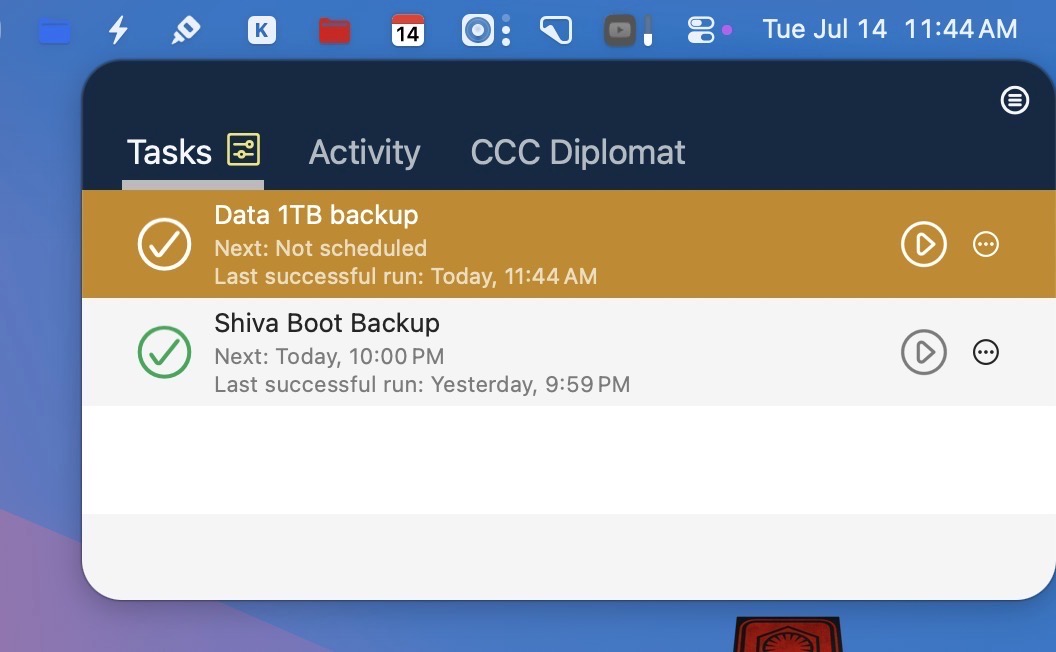
Status updates are shown in CCC’s menu bar. At a glance, I can check when a backup task was last run, and whether or not the backup was successful.
And that’s just scratching the surface of what the program can really do. As a SuperDuper user for many years, Carbon Copy Cloner won me over with its meticulous attention to detail and ease of use. As such, it rightfully earns its place in my FrugalMac build.
-Krishna