Category: Creative Workflow

  • My Mac Blogging Stack

    My Mac Blogging Stack

    Now that I’m back to regularly blogging once again, I wanted to document the software tools I use, along with my rationale for their use. My blogging chain is Mac-based, and each of the apps listed below are exclusive to this platform.

    MarsEdit, by Red Sweater Software, is my preferred tool for writing and publishing posts. Having local back-ups for each and every post is very important to me. MarsEdit offers this feature, and much, much more. The biggest benefit to using the program is that I can draft new posts locally on my Mac, without the need to login to WordPress.

    Every post on this site, with the exception of the first three articles, have been written using MarsEdit. MarsEdit removes the friction associated with posting to WordPress, making the process of drafting new posts something I actually look forward to.
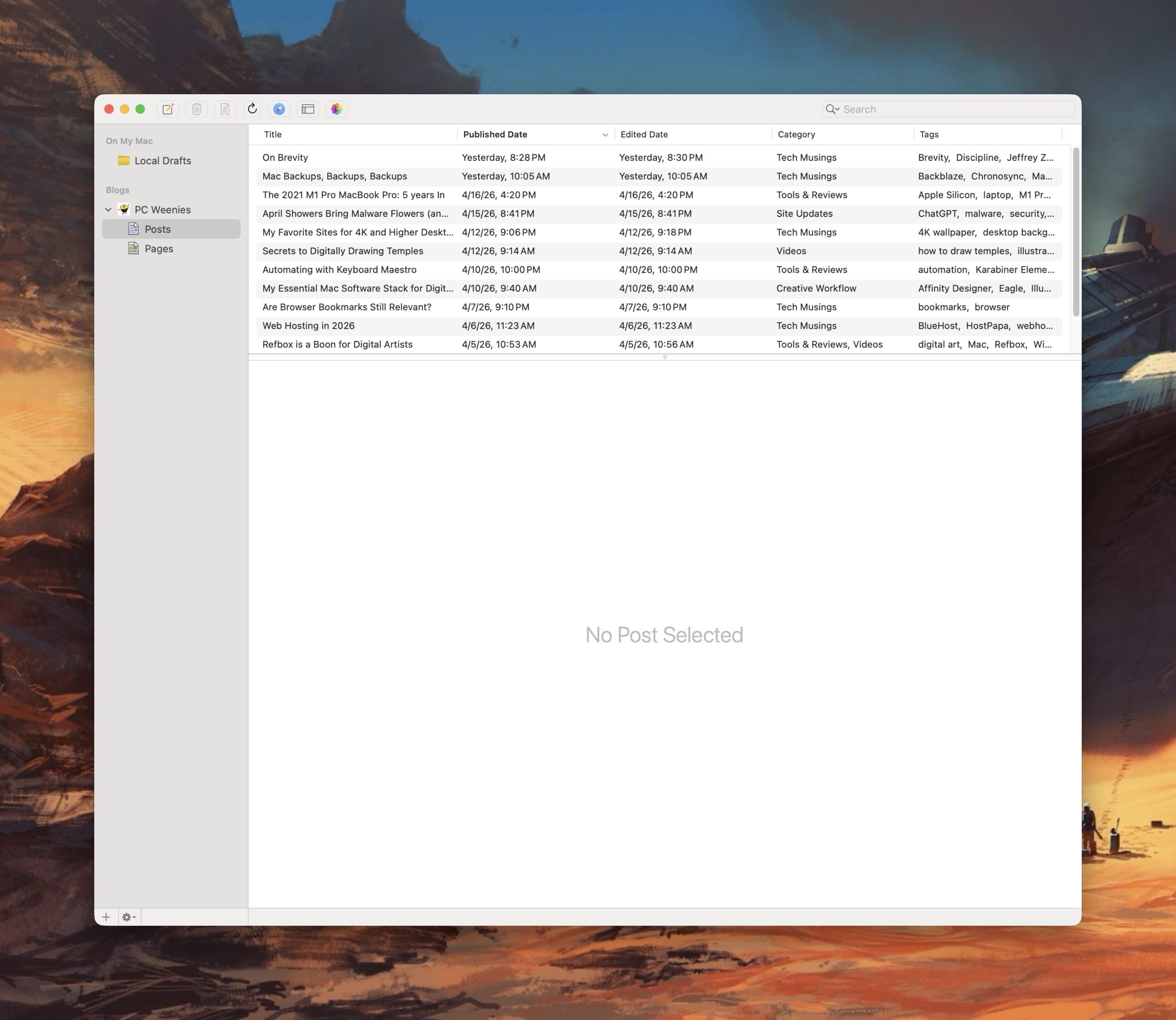
    MarsEdit

    Transmit, from Panic Software, is a powerful and elegant FTP application for the Mac. I’ve used Transmit for three decades now, starting with its first version, released on classic MacOS. It’s fast and intuitive, making working between local files and servers a breeze. I also use it to quickly shuttle files between my Mac and my Linux boxen on my local network. 
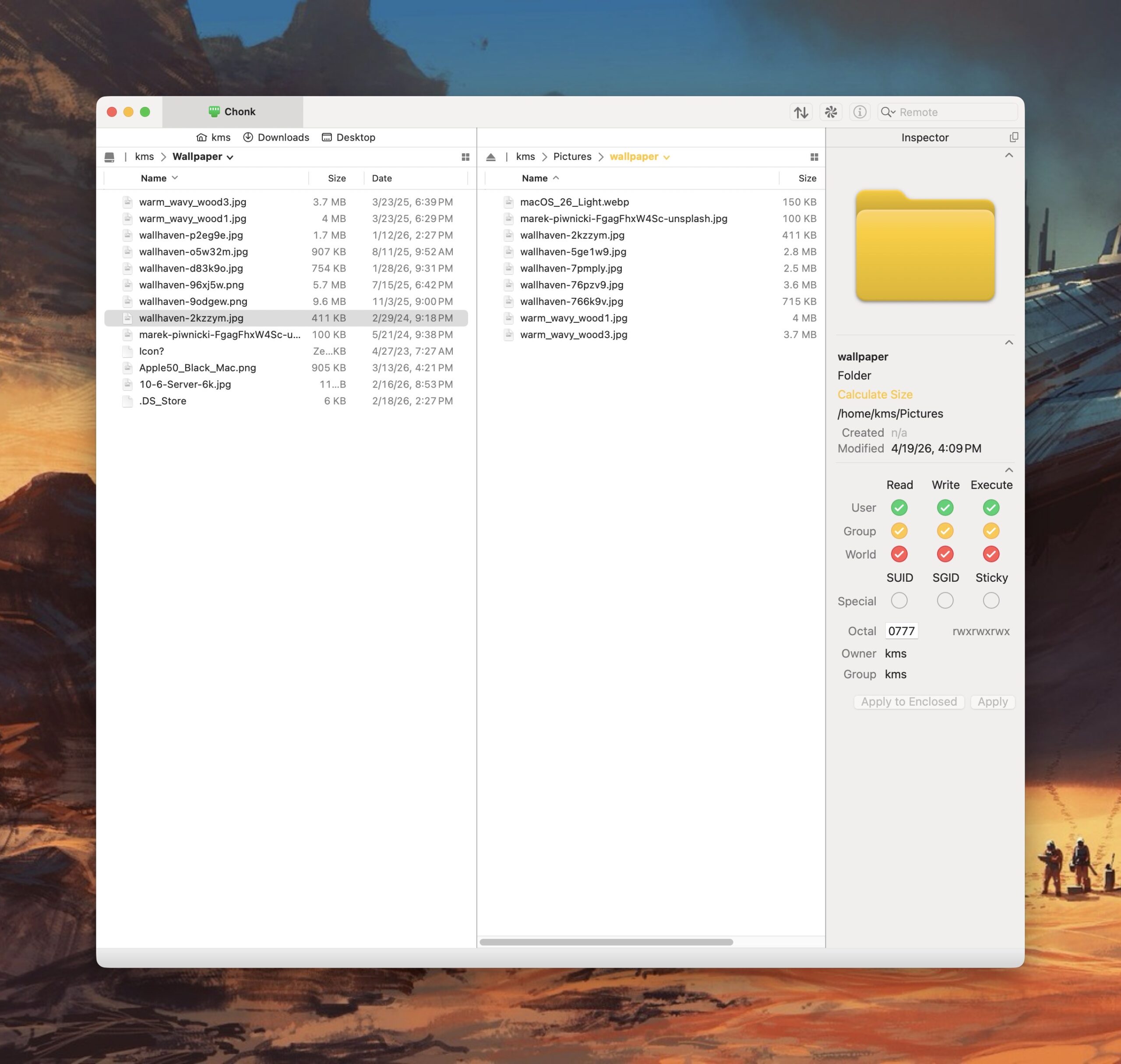
    Transmit

    Reading is just as important as writing. For keeping up with my favorite blogs, I use NetNewsWire, an open source RSS reader for the Mac (and iOS). I have this application running on both Macs and my iPhone. I use iCloud to keep my RSS feeds in sync, so I can always pick up where I left off, regardless of what device I’m using.  NetNewsWire is free, fast, and intuitive (do you see a pattern here?). 
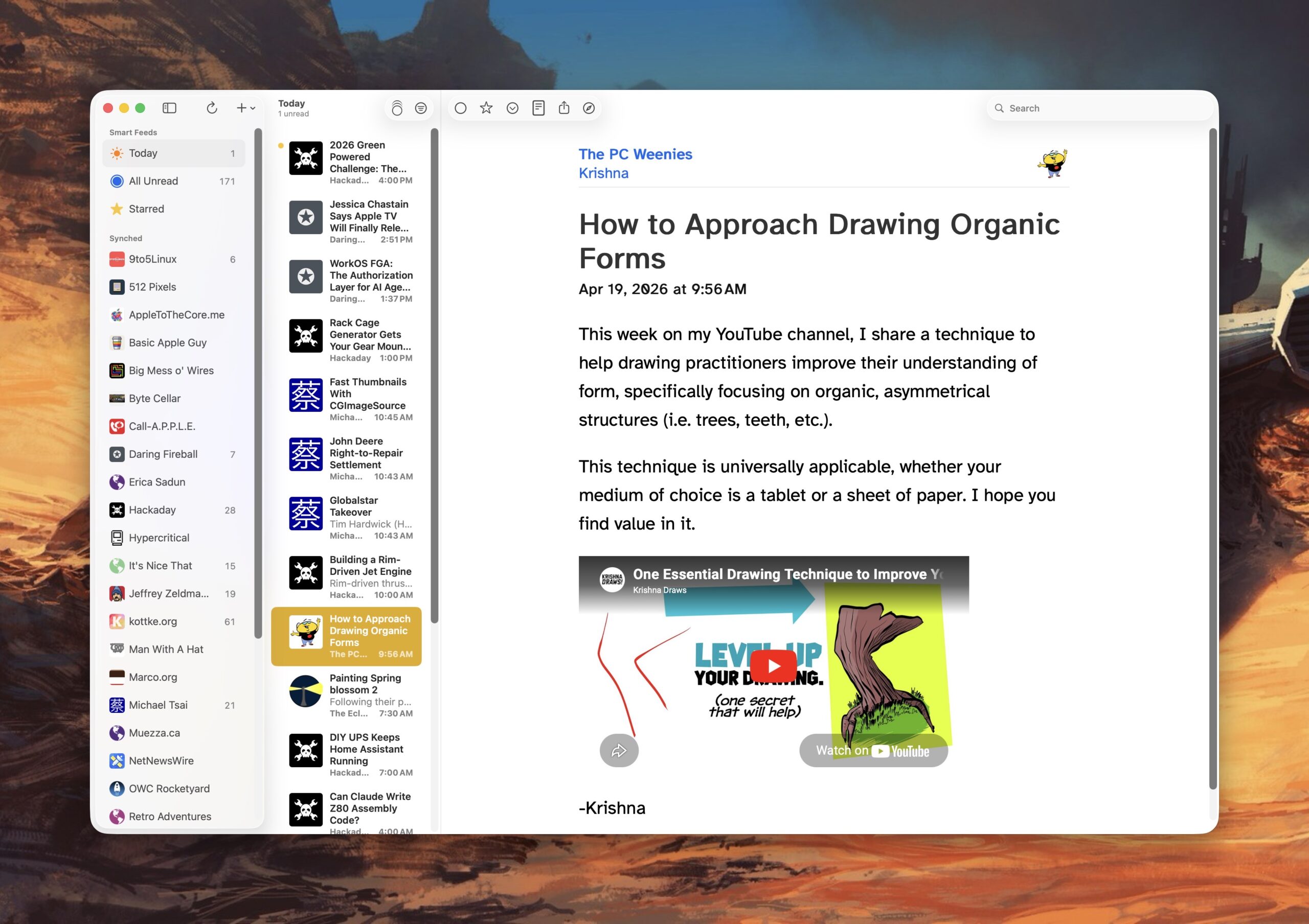
    NetNewsWire

    I also use a custom action to convert HEIC images shared from my iPhone to smaller sized JPEG files I can use with my posts.

    And that’s my Mac blogging stack. 

    -Krishna
  • My Essential Mac Software Stack for Digital Illustration

    My Essential Mac Software Stack for Digital Illustration


    I always enjoy learning about other artists’ digital illustration software stack, so I thought I would share my own, for anyone who is interested.

    My main software tools for illustration are Photoshop and Illustrator. I spend most of my time in Photoshop, using Illustrator only sparingly for creating custom vector assets (type and shape-based designs). I also have Canva’s Affiniity Designer on hand. For quick vector manipulation, I find it far more intuitive than Illustrator.

    I have almost three decades worth of experience using Photoshop, so leaving it for other options (i.e. Krita, Clip Studio Paint, ProCreate) isn’t in the cards for me yet. I have used all of the above tools, most notably Clip Studio Paint, and while they are solid offerings in their own ways, I’m way more efficient at moving around within Photoshop.

    Another reason I remain on Adobe is for the courses I teach on campus. Our Digital Media program is Adobe-based. While I generally like using Photoshop, I have no love for Adobe’s exhorbitant subscription pricing and AI options. But that’s a rant for another day.

    I’ve written about RefBox. While it’s the newest addition to my creative software arsenal, it’s found its place as an essential part of my workflow. I work with references (photos, illustrations) on a daily basis, and having the ability to “float”, organize and manipulate them in various ways allows me to utilize my Wacom Cintiq’s screen real-estate more efficiently. 

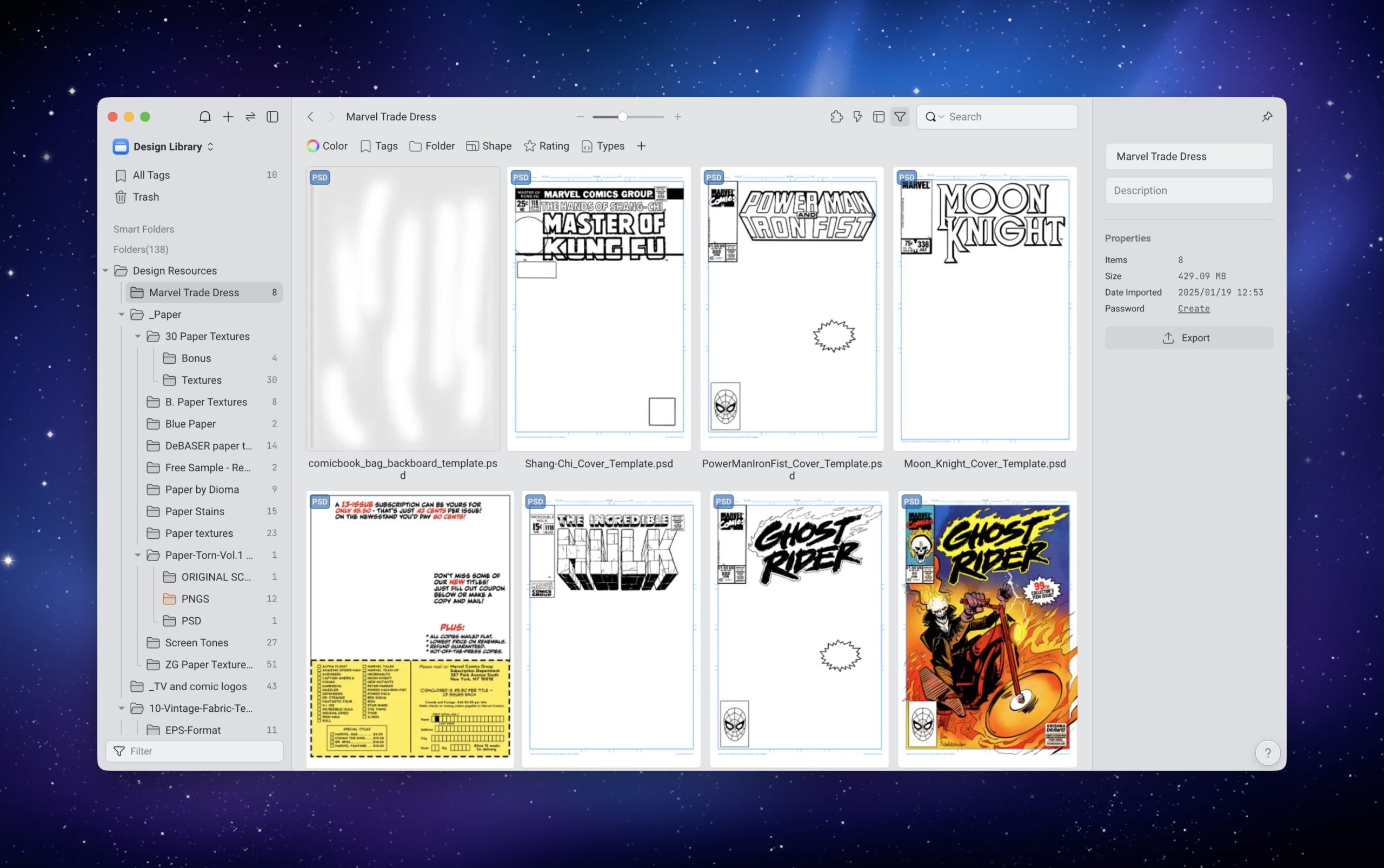
    Eagle is a program that I started using last year. It’s digital asset organizer for both Mac and Windows. Instead of rooting through folders within the Finder, I can view and organize all of my digital assets in one application. Eagle has its own database, which makes for the ability to quickly search through my collection of type, textures, mock-ups and more. I have a more detailed write-up on Eagle, for those who are interested.


    -Krishna