When I draw combat sequences, I find it very helpful to work from photo references. Sometimes a photo reference will need to be modified or exaggerated to improve its clarity and dynamism. My latest video explores my approach.

-Krishna
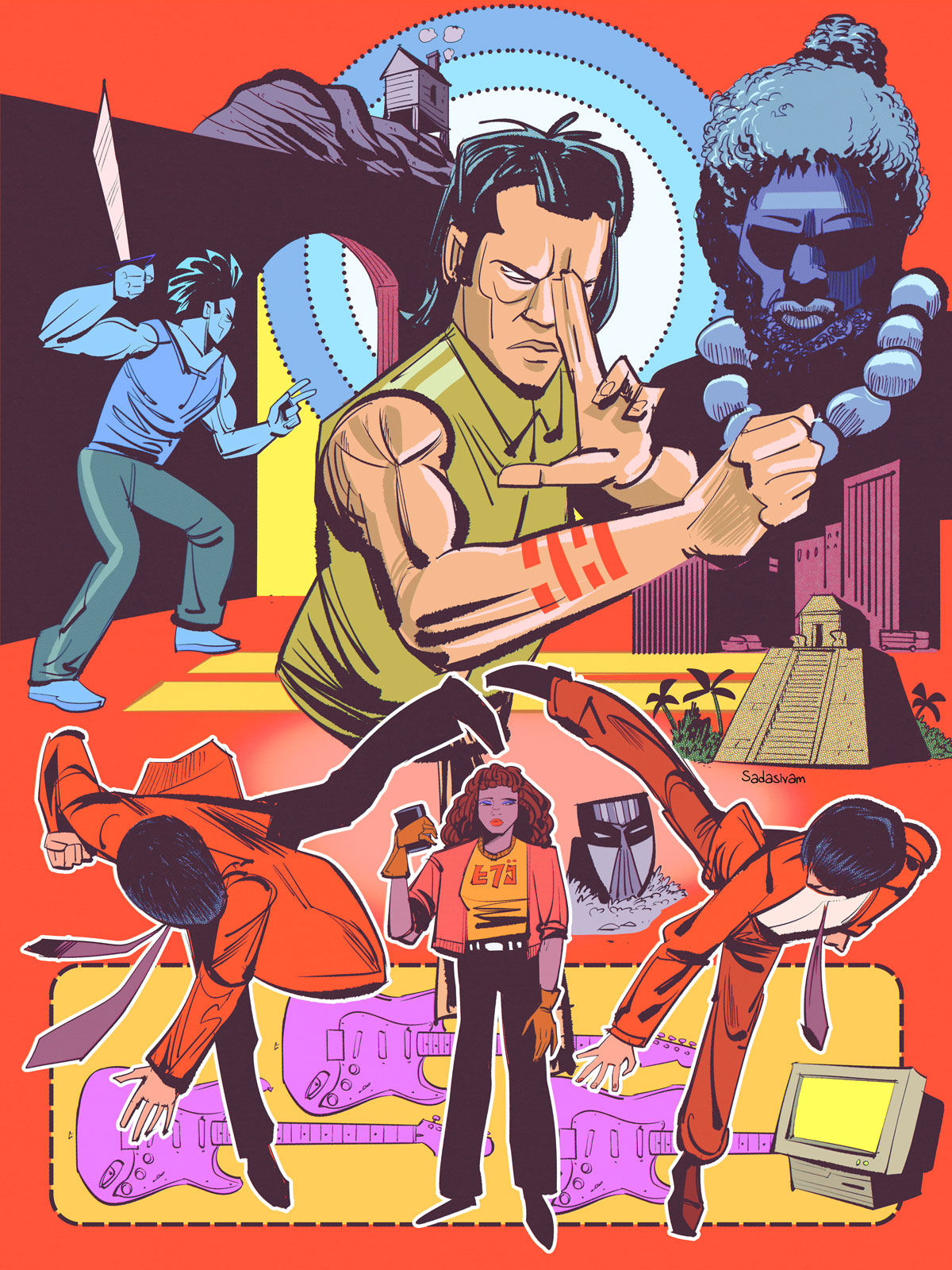
When I draw combat sequences, I find it very helpful to work from photo references. Sometimes a photo reference will need to be modified or exaggerated to improve its clarity and dynamism. My latest video explores my approach.
-Krishna
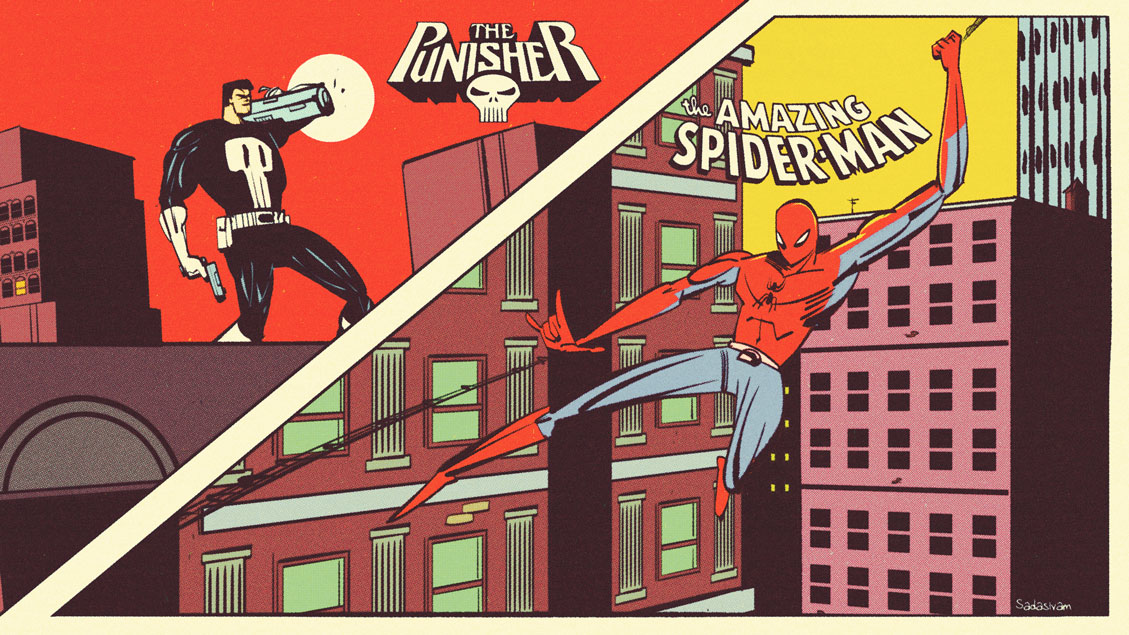
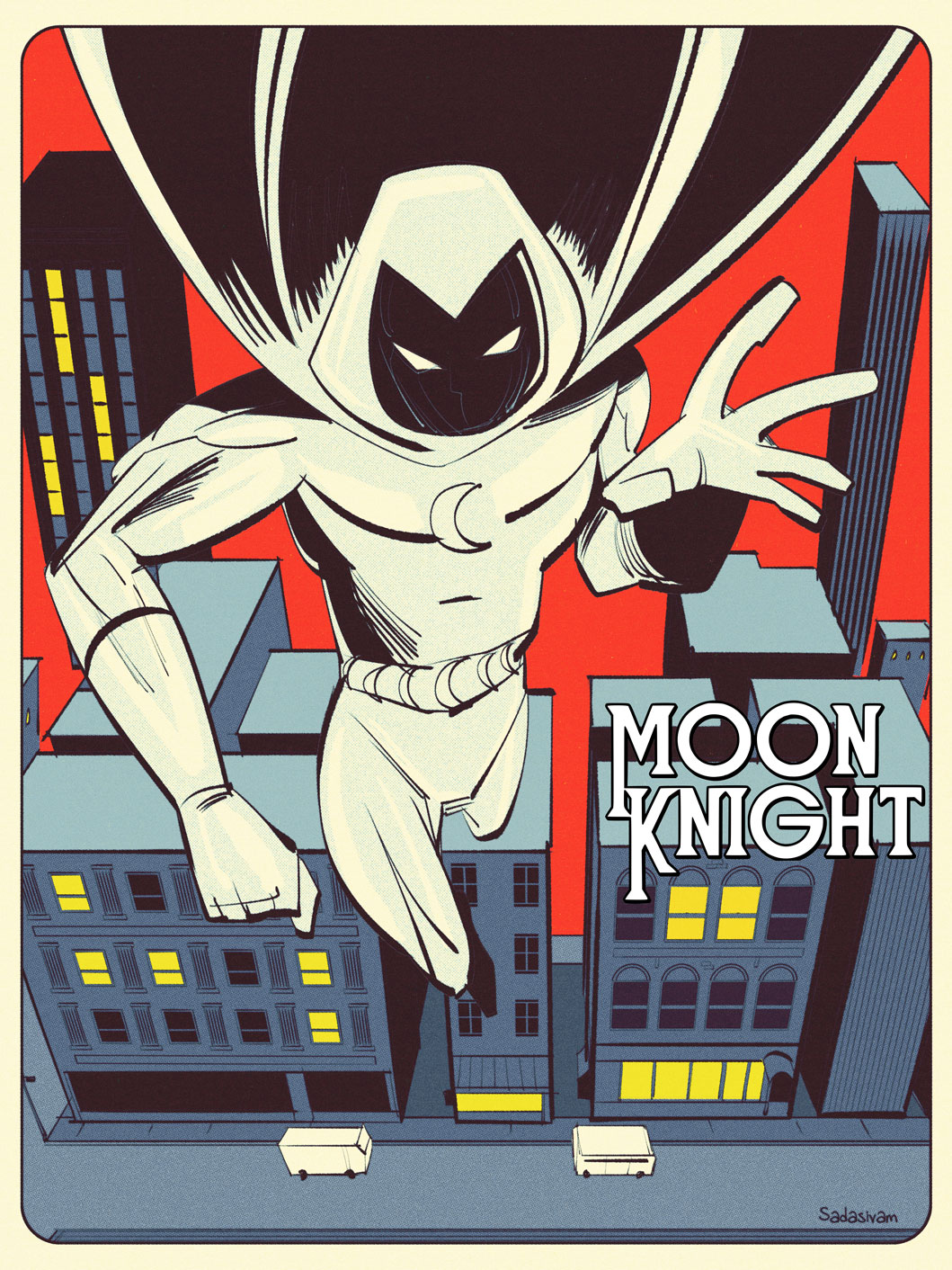
My latest video breaks down my techniques for creating a cityscape. The technique relies on Photoshop’s Transform tool along with some bespoke library assets that I created.
I employed this technique for this post’s Featured Image along with this Moon Knight image below.
-Krishna
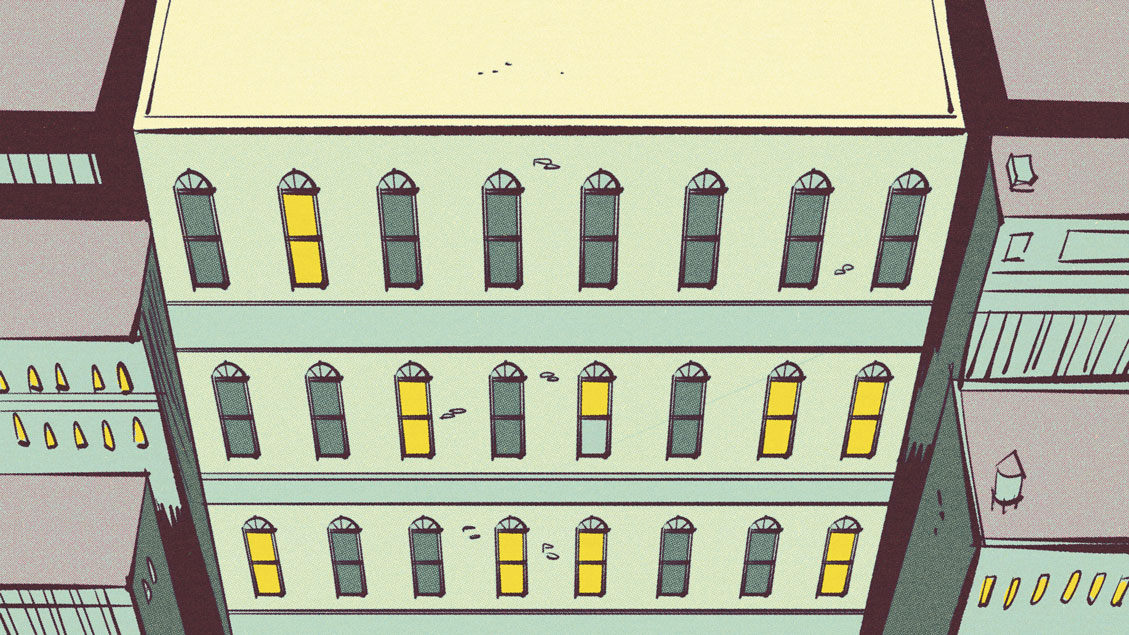
I struggled with perspective for so many reasons. Chief among them was the labor involved in setting up grids and guides. In my latest video, I look at some smart ways to reuse assets when creating environments in perspective.
-Krishna
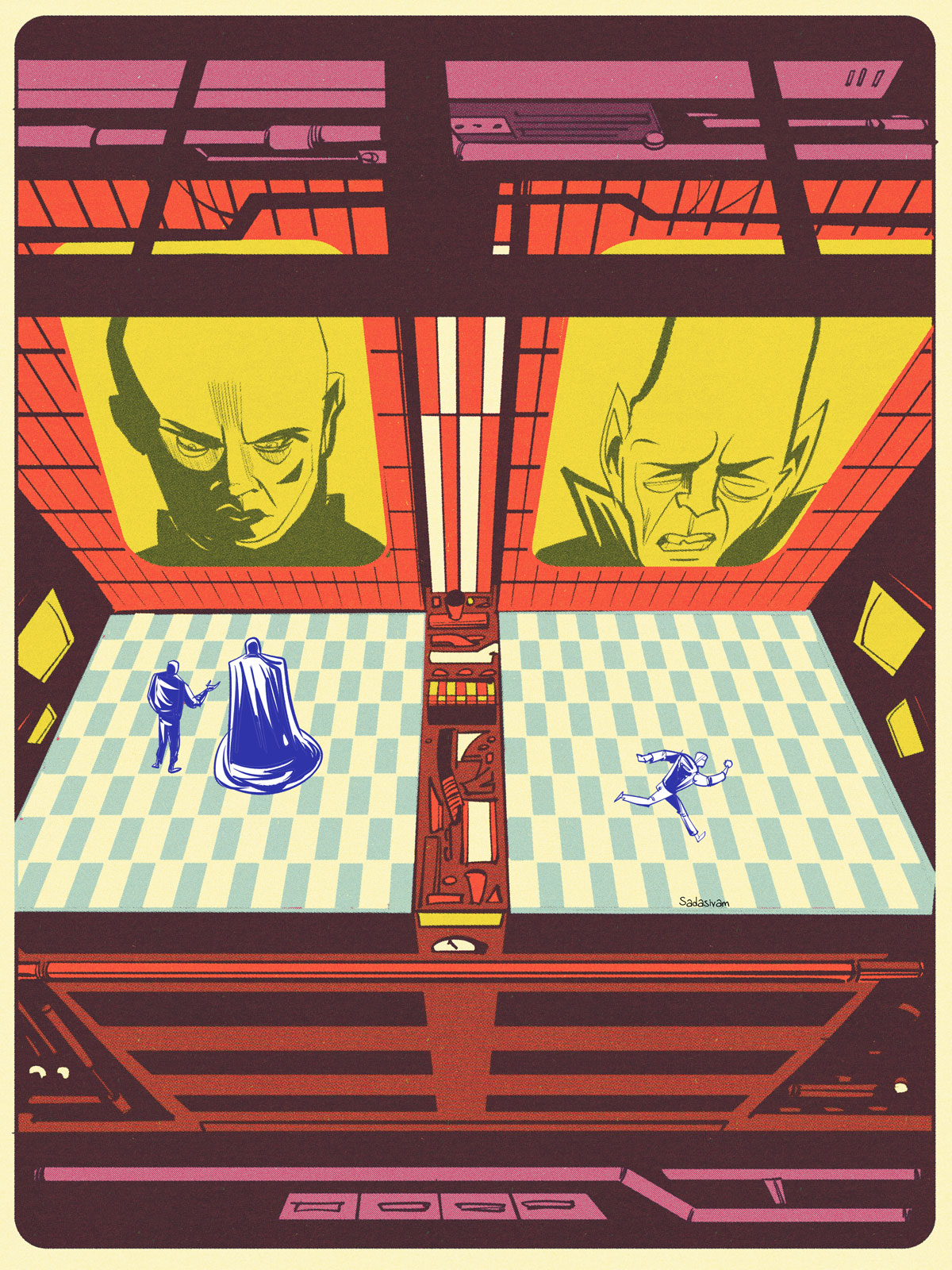
My latest video shows my approach to digitally drawing a kitchen interior, complete with fridge, top shelves and counter. Of course, these techniques can be adapted for other interior spaces.
I make extensive use of grids when drawing interior spaces.
-Krishna
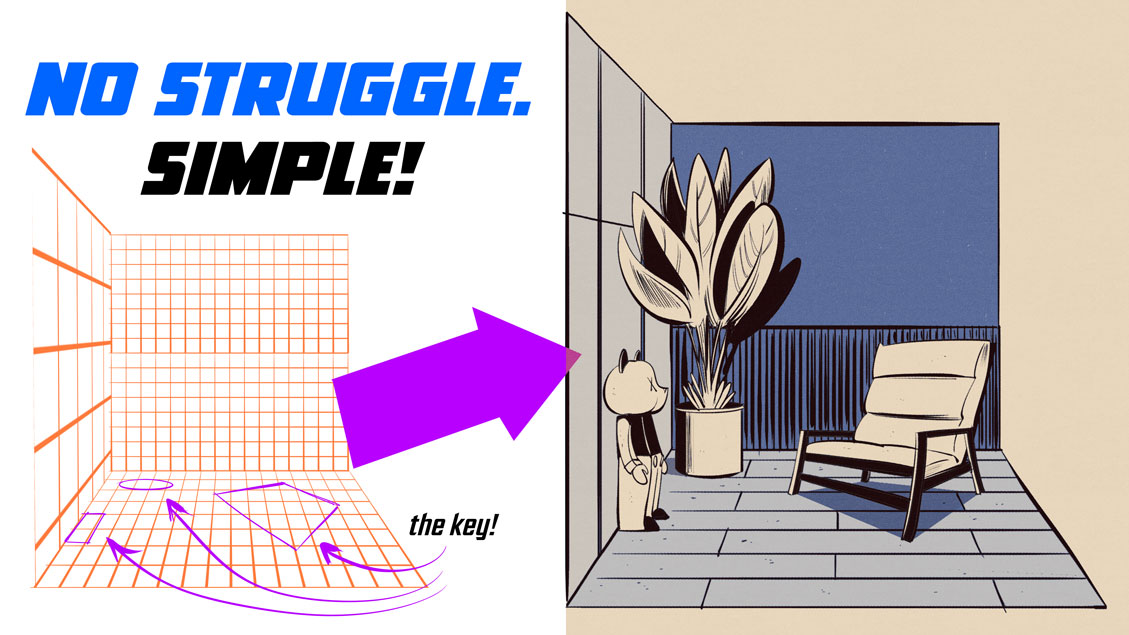
Drawing interior spaces can be a struggle without utilizing grids. In my latest video, I share techniques for placing objects within an interior environment, using a reference photo to inform my study.
-Krishna
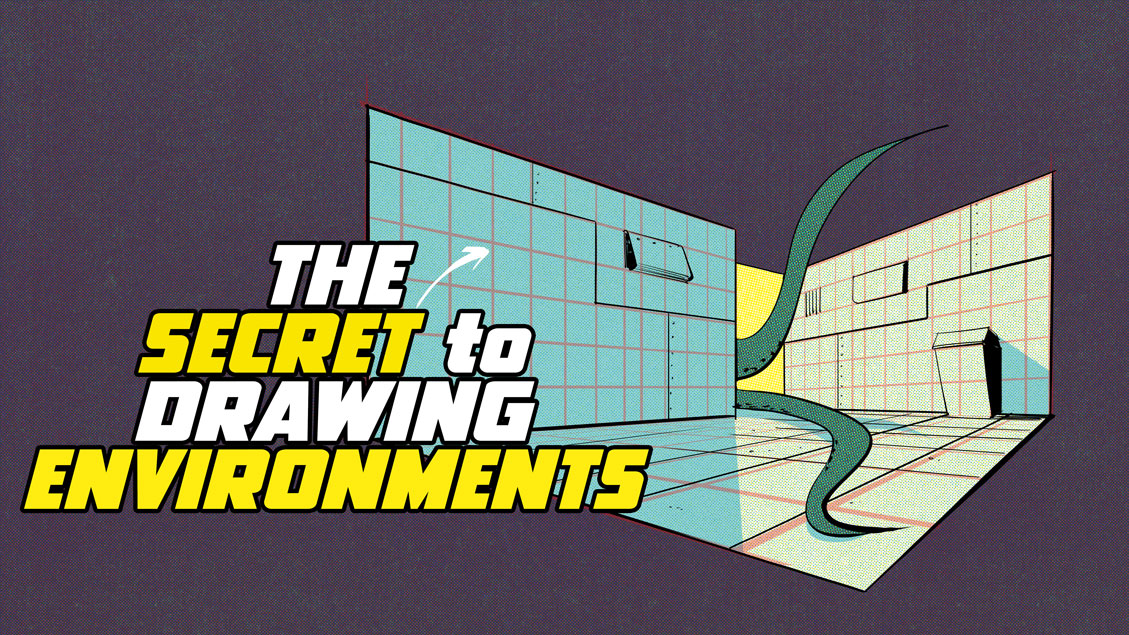
Perspective drawing can be difficult, but if you have digital tools, you have easier options. My latest instructional video focuses on the power of grids, and how they can be used to create interior or exterior structures. I look at techniques to make grids quickly and also how to use Photoshop’s Vanishing Point tool.
-Krishna
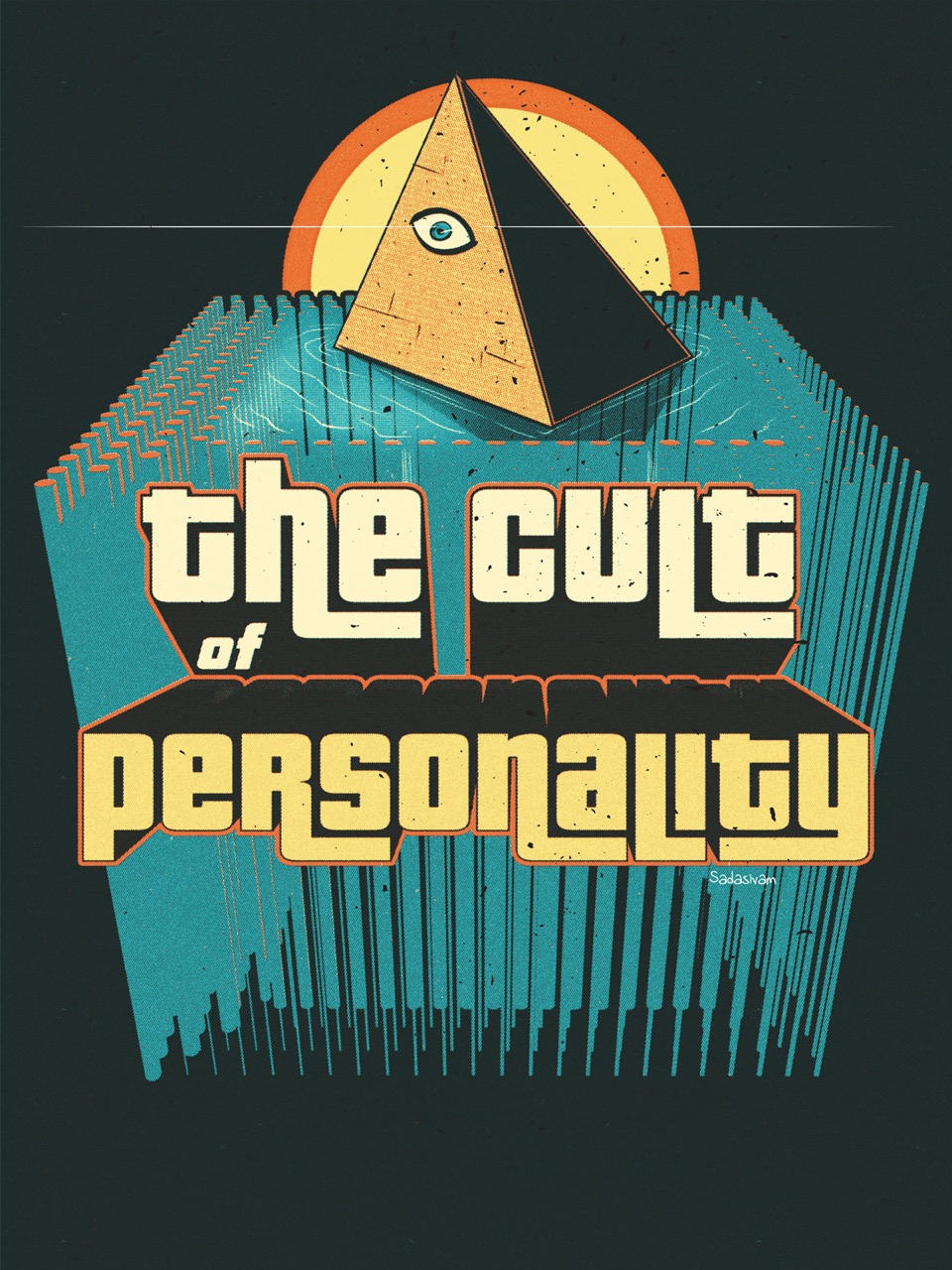
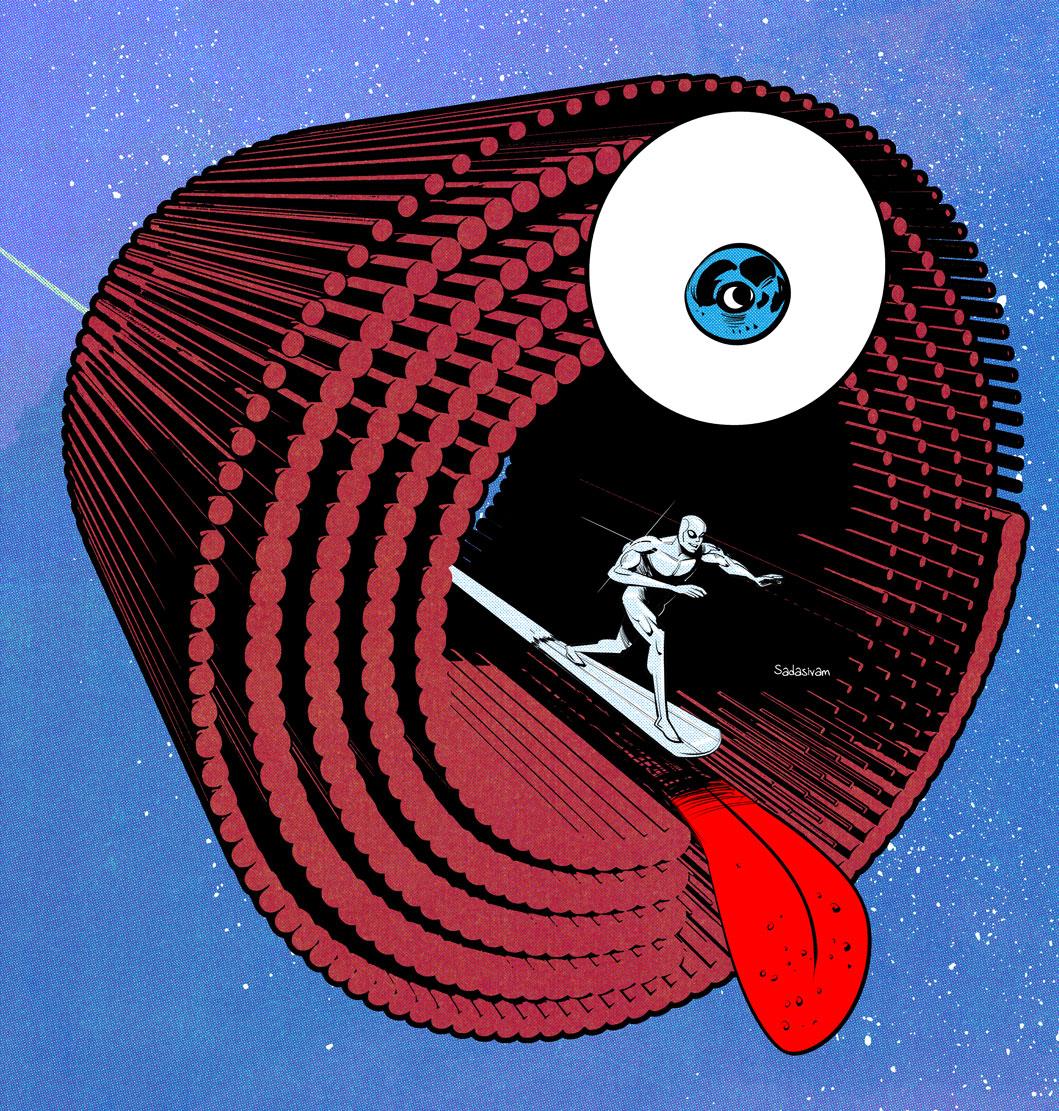
My latest instructional video takes repeating vector elements to form 3D structural geometry that can be incorporated within raster art. The featured image for this post, along with the Silver Surfer image below, utilize the techniques I’ve shared within the video. Integrating vectors into my work has been exhilarating and I’m beginning to see new possibilities and directions for my work.
-Krishna
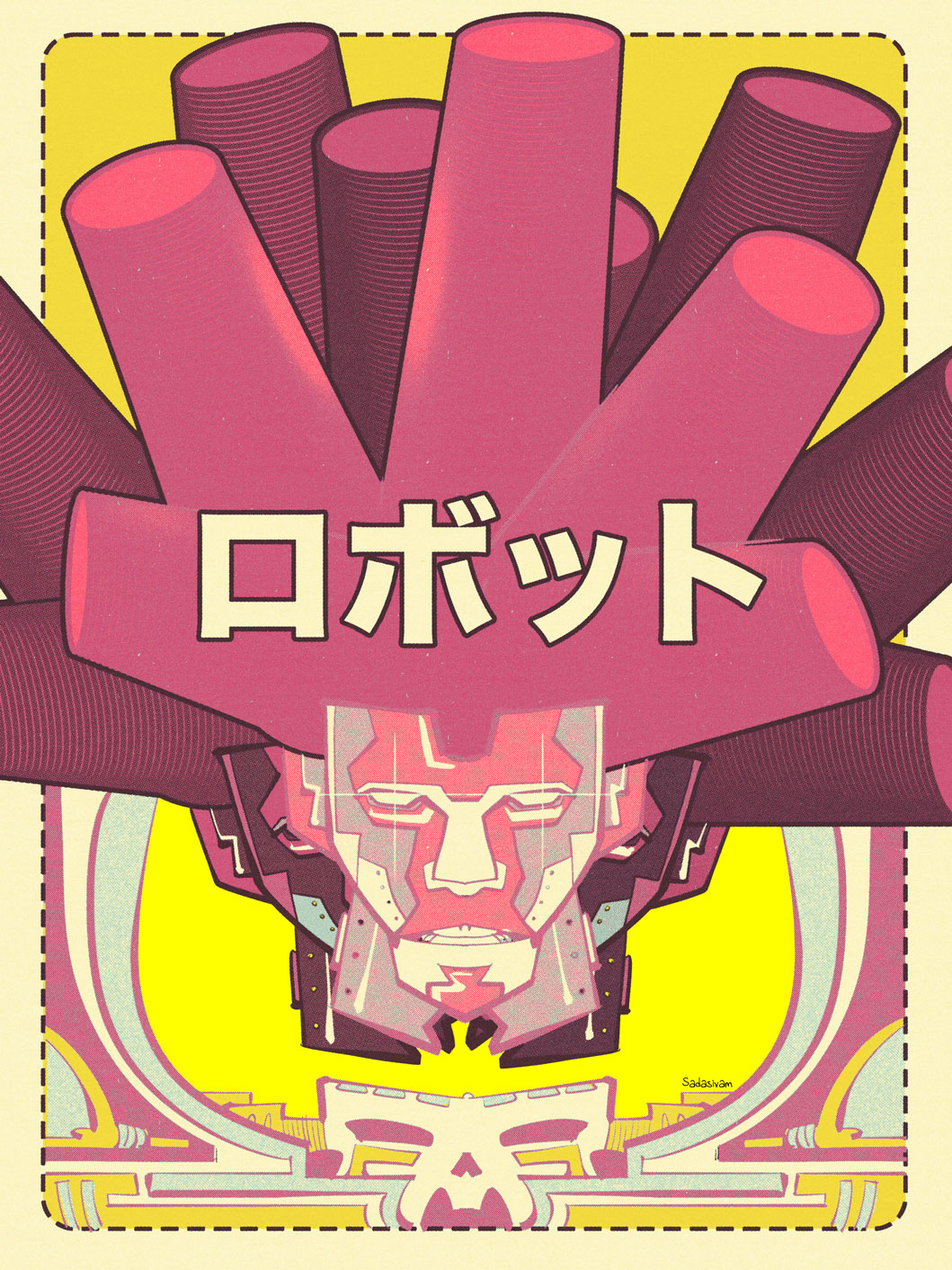
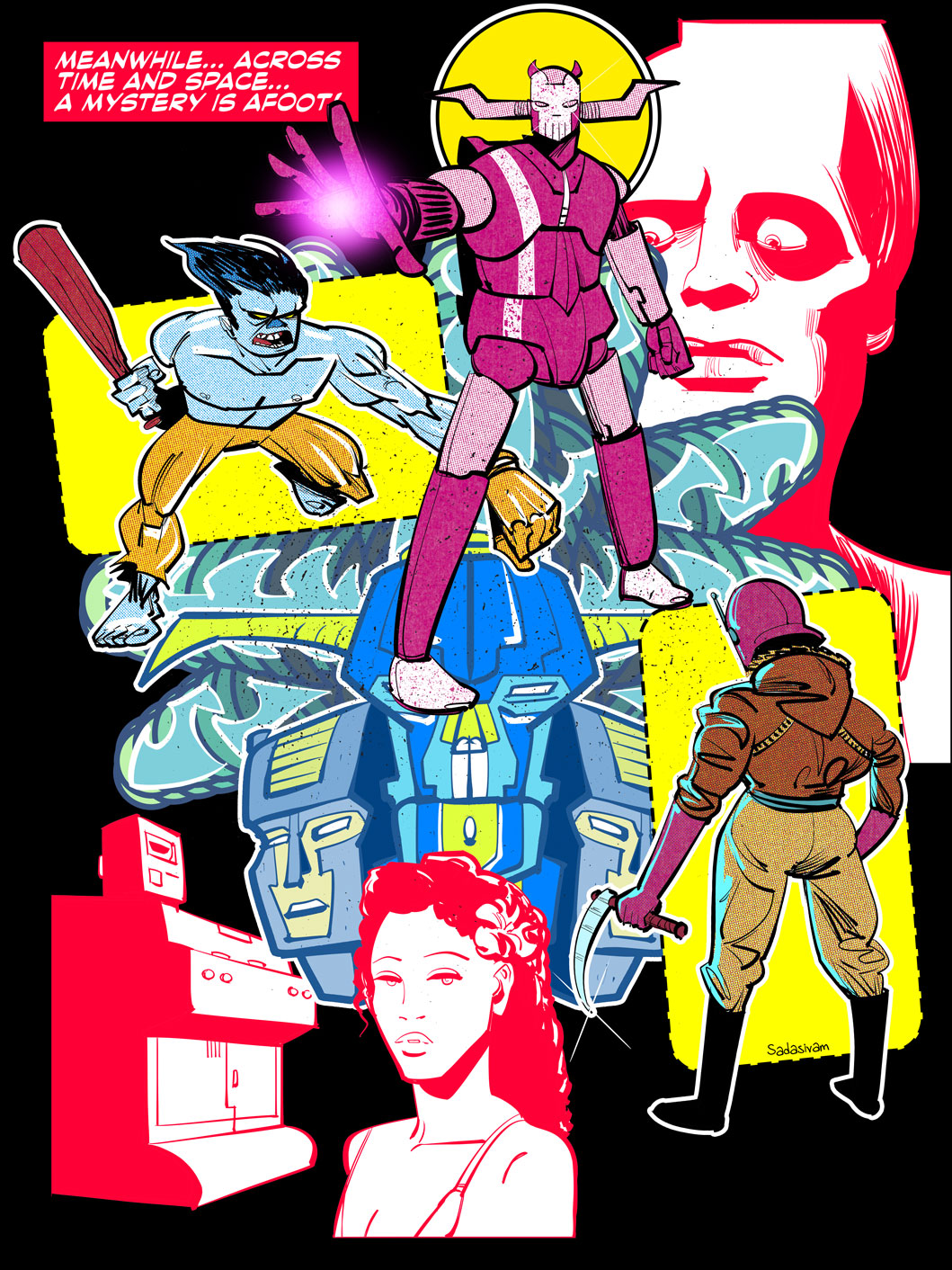
Lately, I’m experimenting with the idea of incorporating vector elements within my raster-based digital art. I’ve been a serious Photoshop user for over 20 years; it’s a tool I’m very comfortable with.
While I’ve used Adobe Illustrator before, I’ve always kept my vector work separate from my raster art. My latest instructional video goes over two techniques in Illustrator that I use to manipulate vector shapes. Once I’m happy with the result, I can bring the vector work into Photoshop as a Smart Object for further alteration.
I plan to make a few more videos on this subject, and look forward to sharing my discoveries.
-Krishna
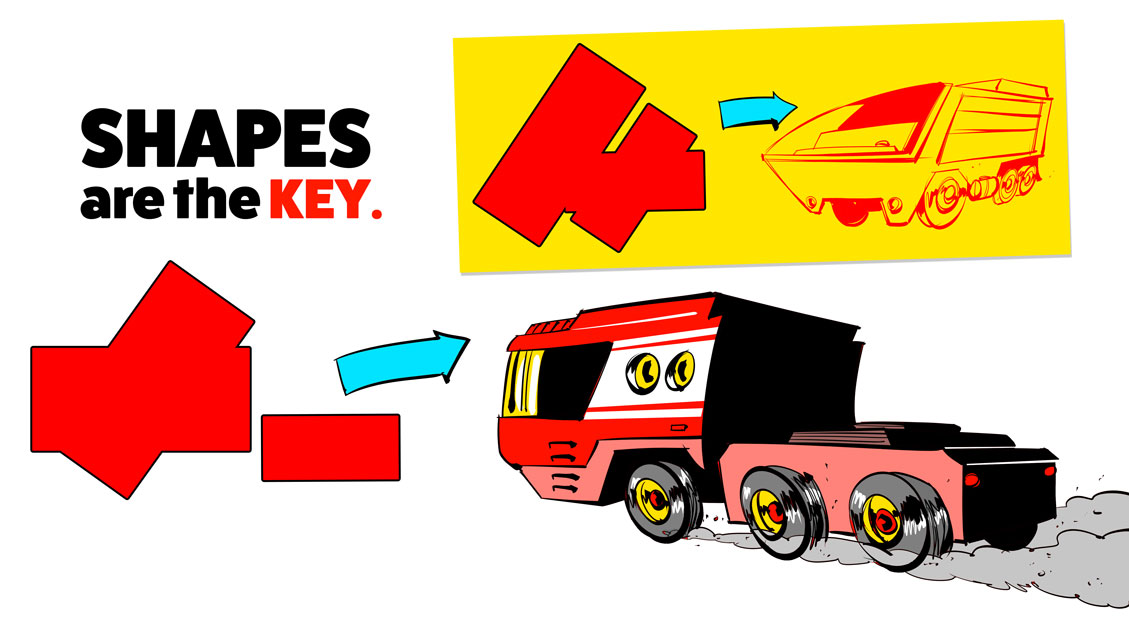
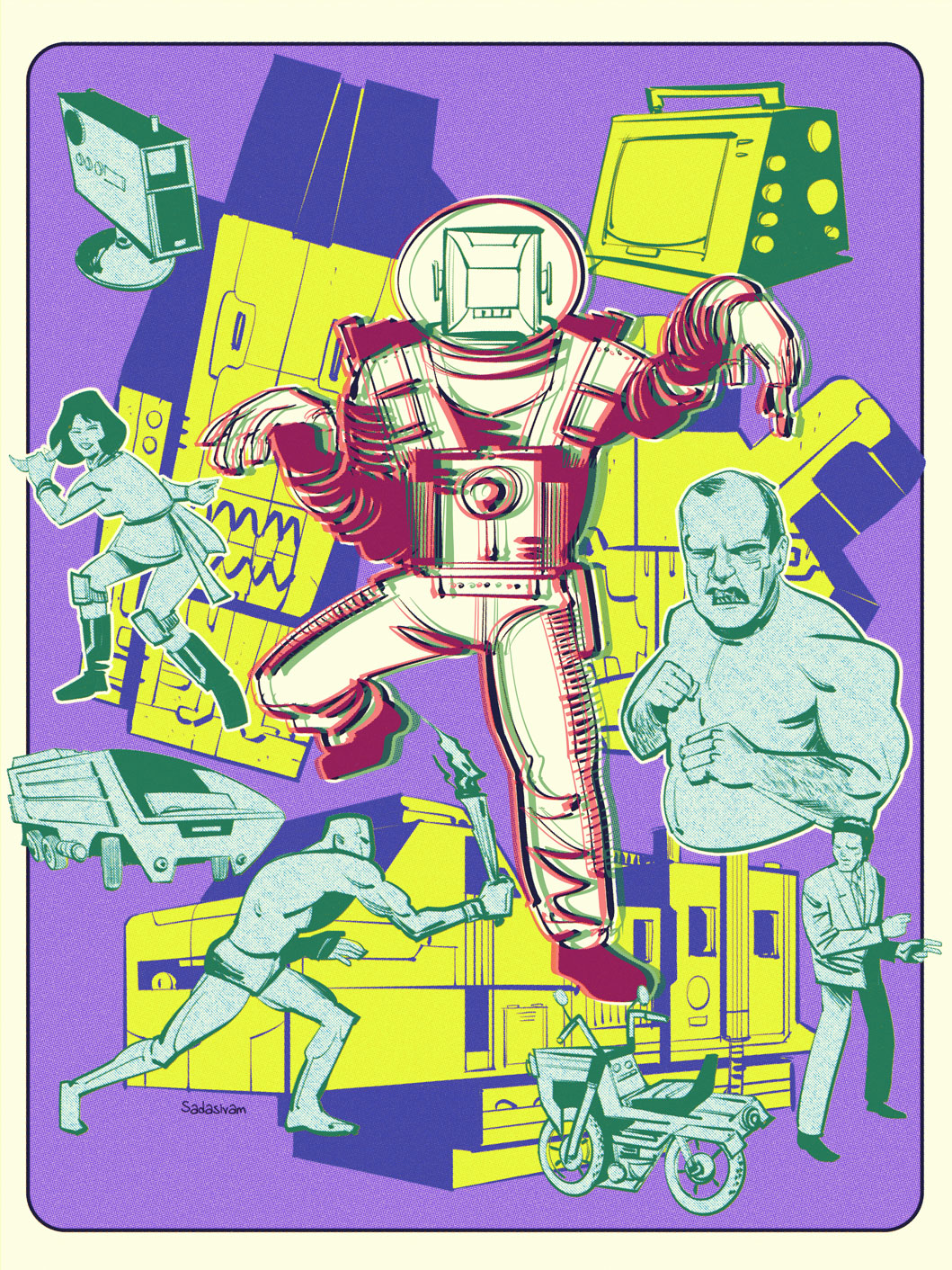
New artists often struggle with drawing vehicles, and my latest instructional video attempts to provide some insight into an approach that can make the process less intimidating. The technique involves using Photoshop’s Shape tools in combination with the Transform > Perspective option.
One can also use this technique for drawing totems and monolithic structures. You can see how I’ve incorporated this technique for the yellow structures in the following illustration.
-Krishna
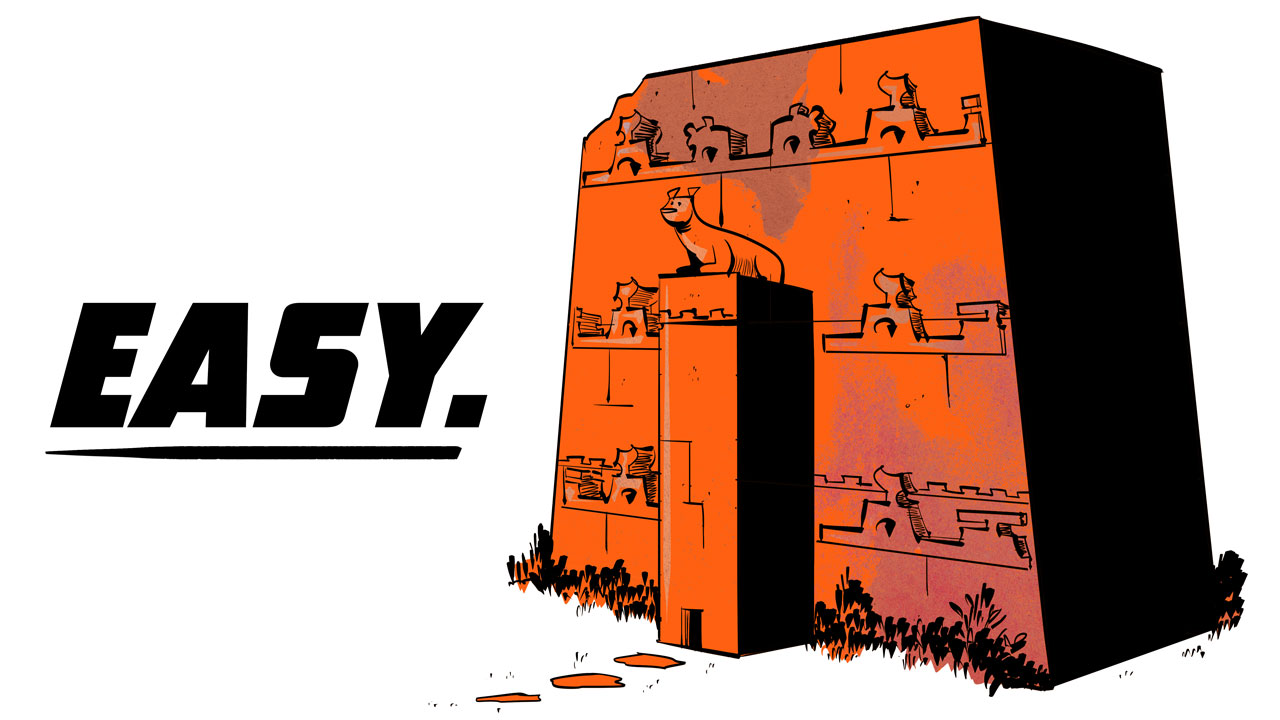
The topic for my latest video tutorial was inspired by a question posed by one of my students earlier this week. Temples and other layered buildings can be daunting to draw, until you understand the underlying volumetric shapes at work.
For my own illustration work, I take advantage of three core techniques:
“Work smart, not hard.”
-Krishna