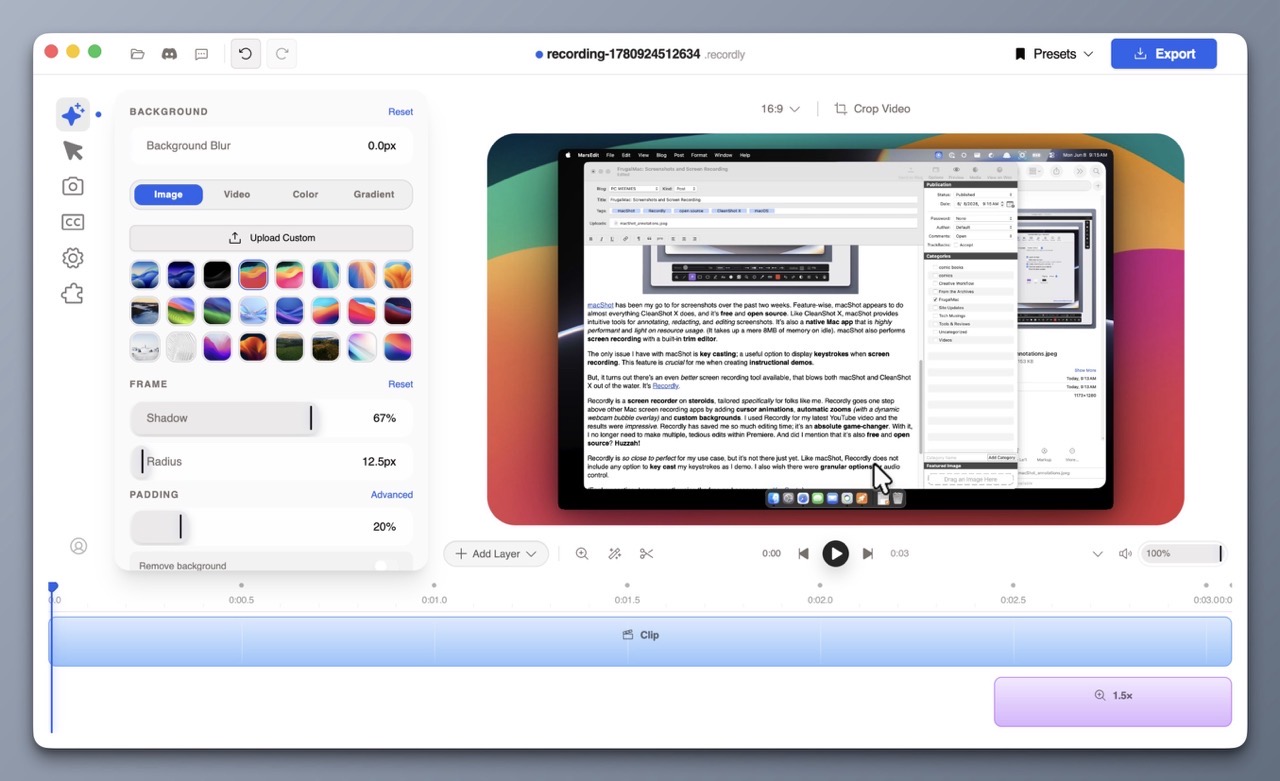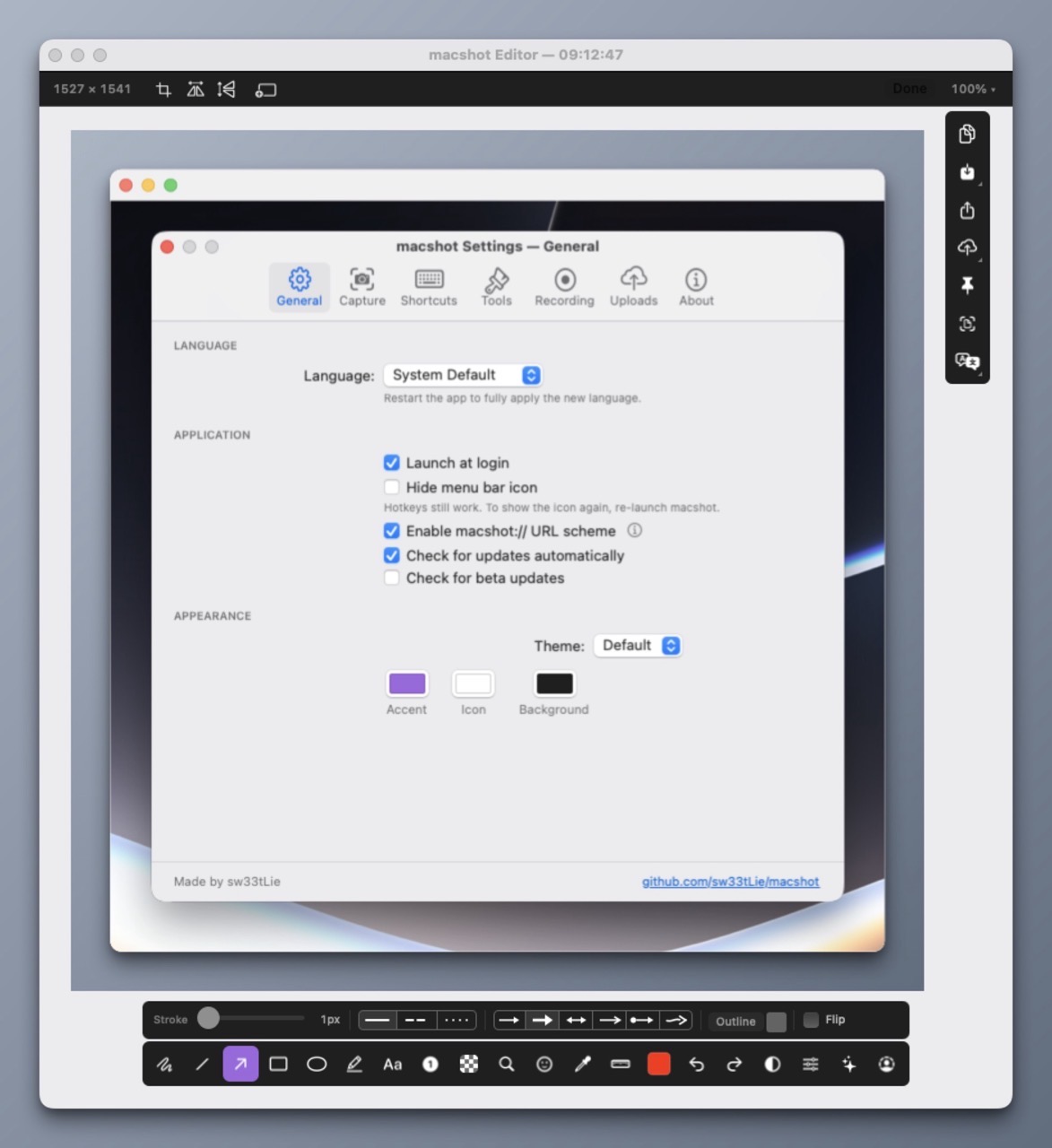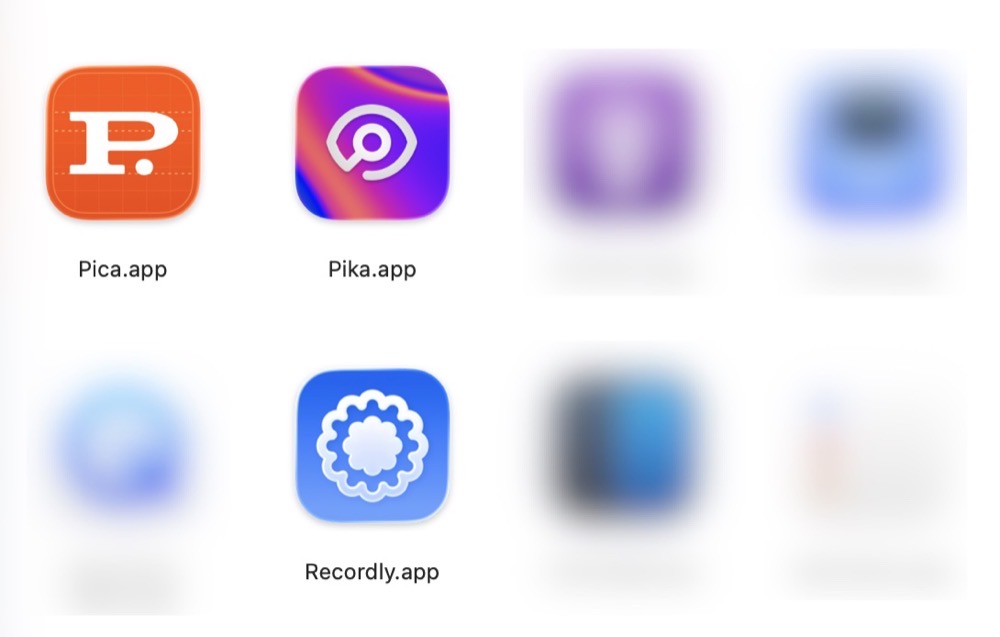
There are many open source macOS applications available, but finding them online has been a bit hit or miss for me. Occasionally, I’ll discover an app from a Mac focused YouTube channel. Other times, I’ll run across a recommendation via my Mastodon feed. And, from time to time, I’ll come across something useful on one of the many independently run Mac blogs.
Stumbling in the dark to find an open source Mac app is an option, but a better way is perusing IndieGoodies. Apps are categorized by tag, making it easy to find what you’re looking for. IndieGoodies is by no means a comprehensive list, but it’s a good start, and I like how it’s organized.
For native, open source macOS apps developed in Swift, check out Wang Ghujiang’s curated list. Apps are neatly organized by category, but what I really appreciate are the tags which identify when each app was last updated. This useful metric allows me to determine whether or not an app is actively being maintained. Be sure to check out the author’s apps while you’re at it.
Another solid place to find open source Mac apps is Awesome Native MacOSX Apps on Git. The Mac apps in this list meet a specific criteria: they must be native and lightweight (no electron bloat). This list includes both free and paid software offerings.
Part of my FrugalMac experience is discovering high quality open source Mac apps that provide similar or improved features compared to their paid counterparts.
It’s not that I object to paying for an app (I often do!), but there are some fantastic open source Mac apps that often fly under the radar. I want to make sure that these apps are given full consideration before opening my wallet.
-Krishna