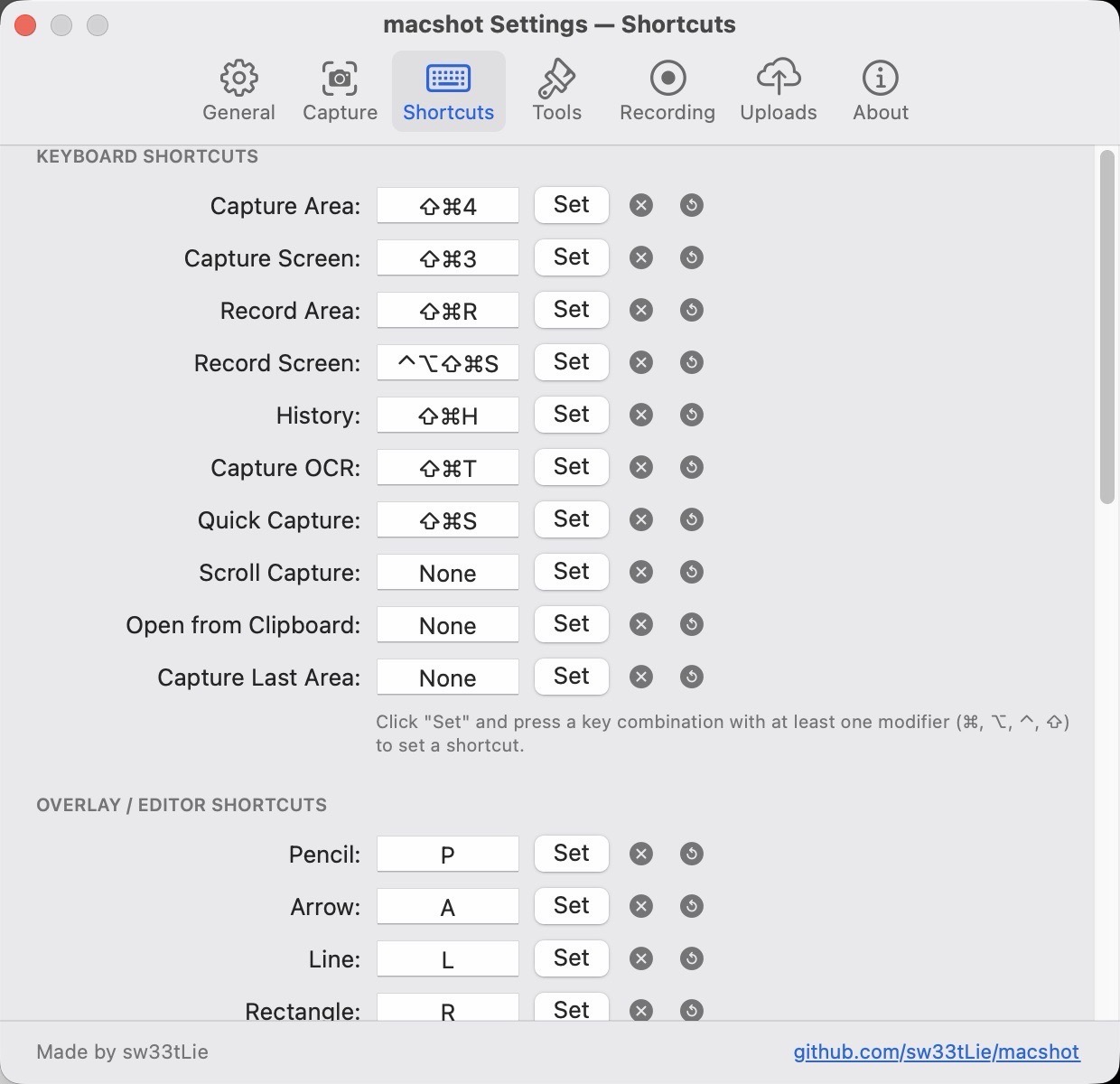
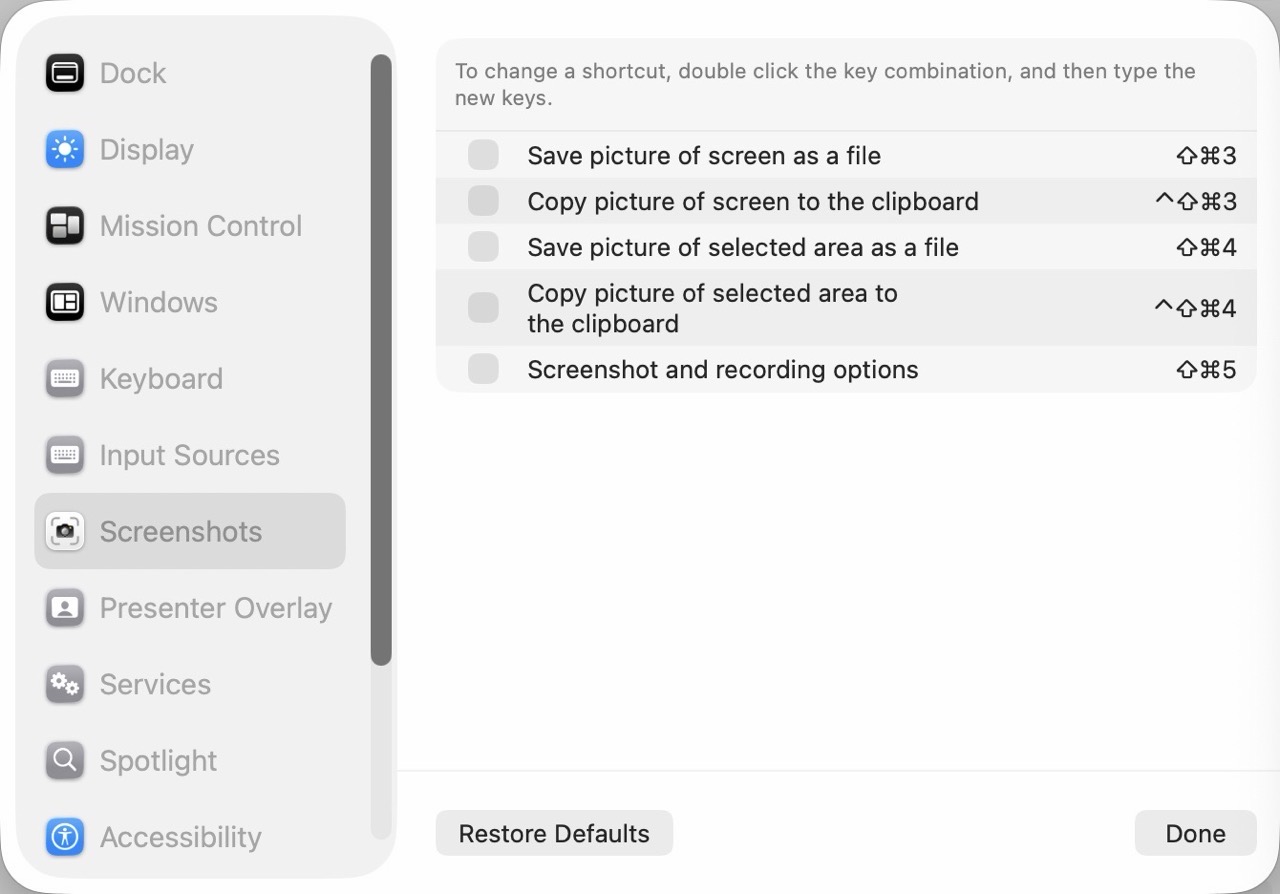
One of my main goals with setting up a new Mac is to be more intentional with my software selections. I want to choose the best software that suits my needs.
This involves reevaluating what I currently use to see if my selections are still valid. Although what I have currently works – I’m always curious to know if better options are present, both in terms of features and value.
Today we’ll look at two tasks that I perform on a daily basis: making and annotating screenshots and screen recording. My main go-to for both tasks has been CleanShot X. It’s a reliable and intuitive app that I’ve come to rely on for almost three years. My chief complaint is its expensive per Mac subscription fee. (I currently pay $49US for the privelege of running CleanShot X on two Macs.)
To that end, I wanted to see if there were other, better options for screen capture and screen recording. It turns out there are!
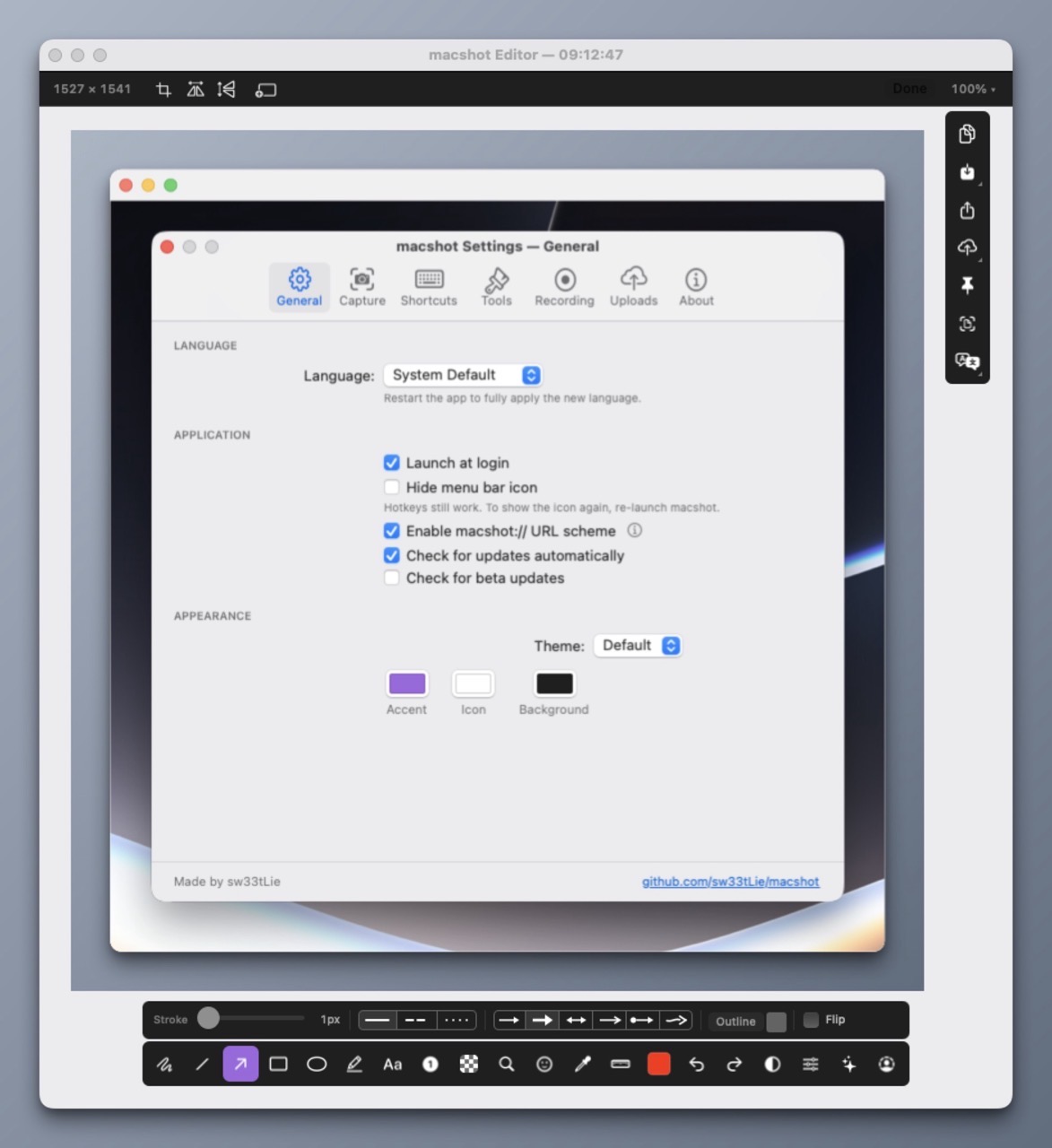
macShot has been my go to for screenshots over the past two weeks. Feature-wise, macShot appears to do almost everything CleanShot X does, and it’s free and open source. Like CleanShot X, macShot provides intuitive tools for annotating, redacting, and editing screenshots. It’s also a native Mac app that is highly performant and light on resource usage. (It takes up a mere 8MB of memory on idle). macShot also performs screen recording with a built-in trim editor.
The only issue I have with macShot is key casting; a useful option to display keystrokes when screen recording. This feature is crucial for me when creating instructional demos.
(For key casting, I am currently using the free and open source KeyCastr.)
But, it turns out there’s an even better screen recording tool available, that blows both macShot and CleanShot X out of the water. It’s Recordly.
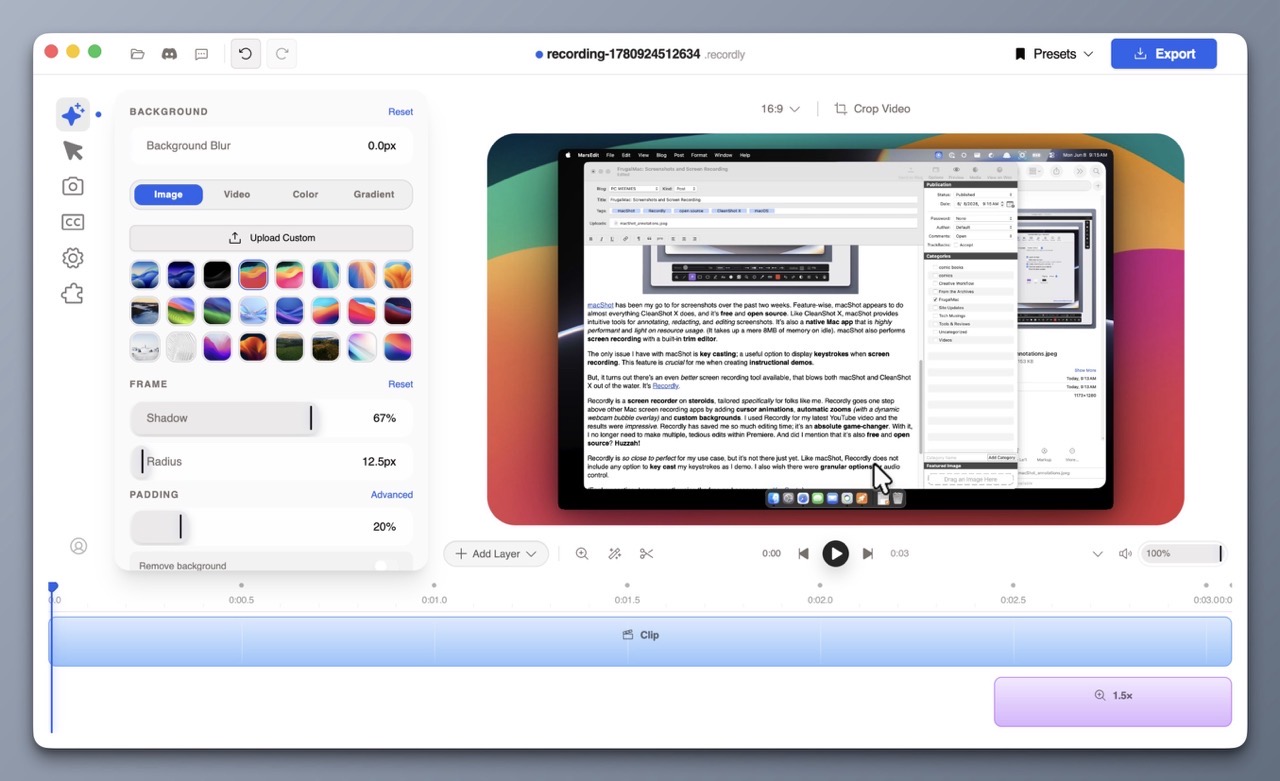
Recordly is a screen recorder on steroids, tailored specifically for folks like me. Recordly goes one step above other Mac screen recording apps by adding cursor animations, automatic zooms (with a dynamic webcam bubble overlay) and custom backgrounds. I used Recordly for my latest YouTube video and the results were impressive. Recordly has saved me so much editing time; it’s an absolute game-changer. With it, I no longer need to make multiple, tedious edits within Premiere. And did I mention that it’s also free and open source? Huzzah!
Recordly is so close to perfect for my use case, but it’s not there just yet. Like macShot, Recordly does not include any option to key cast my keystrokes as I demo. I also wish there were granular options for audio control.
I have a dedicated Rode microphone and an Insta360 Link 2 webcam with its own internal mic. It would be nice if I could tell Recordly to use the audio from the dedicated microphone, and mute the audio coming from the webcam mic.
Recordly and macShot are both excellent, well-designed applications. With them, I no longer need CleanShot X.
-Krishna