Tag: macOS utilities

  • topgrade Unifies macOS app installations

    topgrade Unifies macOS app installations

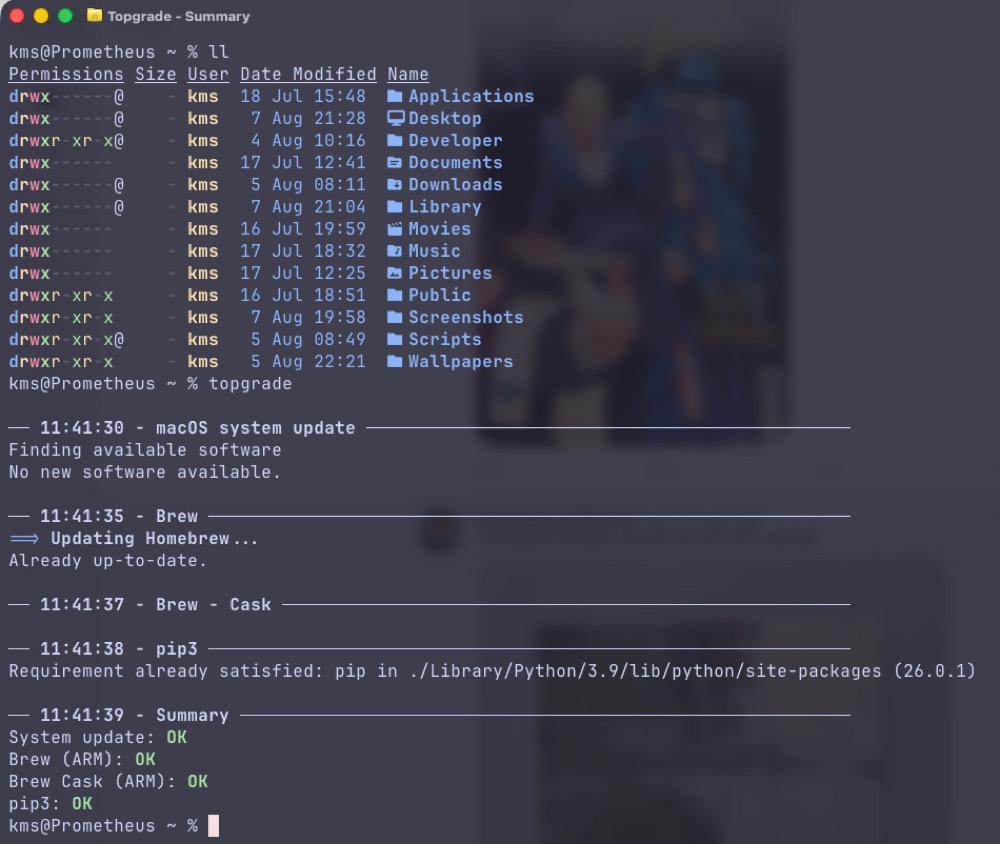
    This week, I discovered topgrade, an incredibly useful terminal utility for “upgrading all the things”.  This nifty program will examine the software currently residing on your Mac, poll the Mac App Store, brew, and other installed package managers on your system, and install any software updates it finds. topgrade’s consolidated approach streamlines software upgrades down to one simple terminal command. It’s such a big timesaver!


    If you’re not running macOS, fear not. topgrade includes community-maintained binaries for Windows and various flavors of Linux


    Hat tip to Lou Plummer (App Addict) for bringing topgrade to my attention.

  • FrugalMac: My Mac Software Stack: July 2026

    FrugalMac: My Mac Software Stack: July 2026

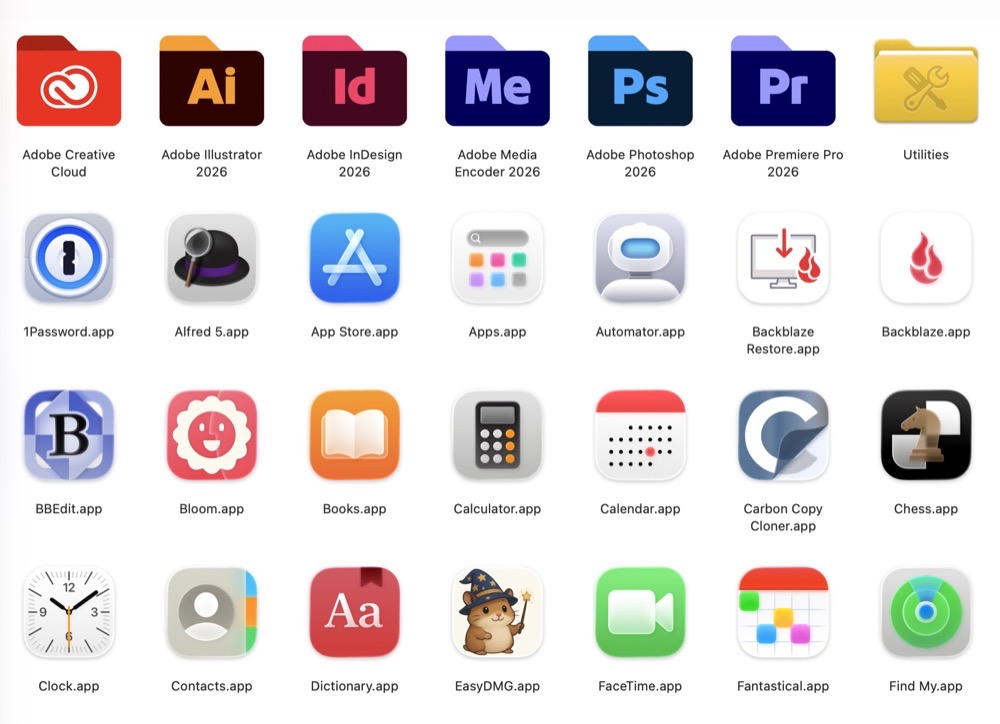
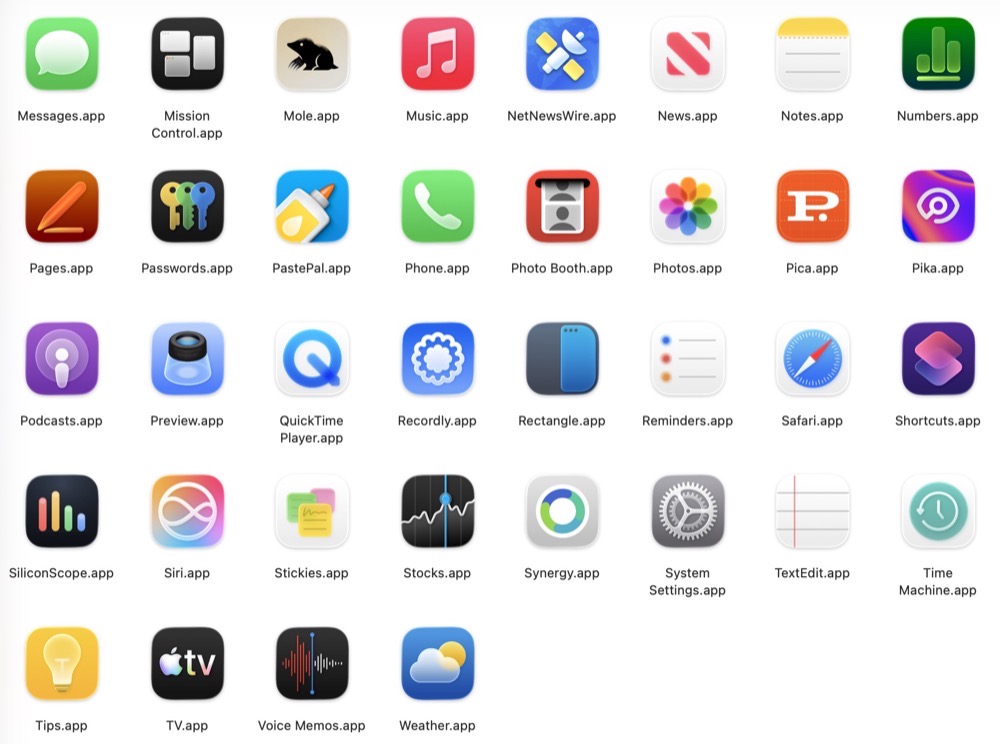
    As of mid July 2026, here is an inventory of the apps I have installed on my 14” M5 Pro MacBook Pro (aka FrugalMac). All prices are listed in US dollars. For convenience, I’ve arranged my software stack into categories

    MacOS apps2.

    Essentials:

    Alfred 5.x with PowerPack (~ $80)* – app launcher, clipboard manager, text expansion

    HyperKey (free) – remap CapsLock key to Shift Option Command Control combo

    Rectangle 0.96 (free) – window management

    1password ($36 / year) – password manager

    BBEdit 16 (free version) – text editor

    Fantastical ($59 / year) – advanced calendaring app

    Utilities:

    Mole ($9) – app management, disk analysis, cleanup

    Bloom ($16) – Finder replacement

    Carbon Copy Cloner ($50) – disk cloning backup

    EasyDMG (free) – one click DMG installs

    Ghostty (free) – powerful Terminal replacement

    Image2Icon (free) – make custom icons

    macShot (free) – screenshot maker

    Recordly (free) – screen recording software with intelligent zoom

    SiliconScope (free) – menubar stats for Apple Silicon Macs

    Synergy ($19) – share one keyboard and mouse across multiple computers

    Backblaze ($99 / year) – encrypted cloud backups

    PastePal ($15) – Universal Clipboard for iPhone and Mac

    Helium (free) – privacy first Chrome-based browser

    Productivity:

    MS Teams** (web app)

    MS Word** (web app)

    OneDrive** (web app)

    Notion Calendar (web app)

    Zoom (free**)

    RSS / Blogging/ Social Media:

    Indigo ($36 / year) – Mastodon / BlueSky client

    NetNewsWire (free) – RSS reader

    Instagram (web app)

    YouTube (web app)

    MarsEDIT ($60) – Blogging

    Design:

    Adobe Creative Cloud ($50/month)**

    Pica (free) – font mangement 

    Pika (free) – color picker

    * purchased a MegaSupporter license more than a decade ago

    ** provided by the college

    One-time purchases: $249

    First year subscriptions: $230

    Total cost: $479

    Software costs ebb and flow, so this is just a snapshot of where things are at almost two months in with my new Mac laptop. My needs and requirements will most certainly grow and change over time. 
    -Krishna