Tag: essential macOS apps

  • FrugalMac: My Mac Software Stack: July 2026

    FrugalMac: My Mac Software Stack: July 2026

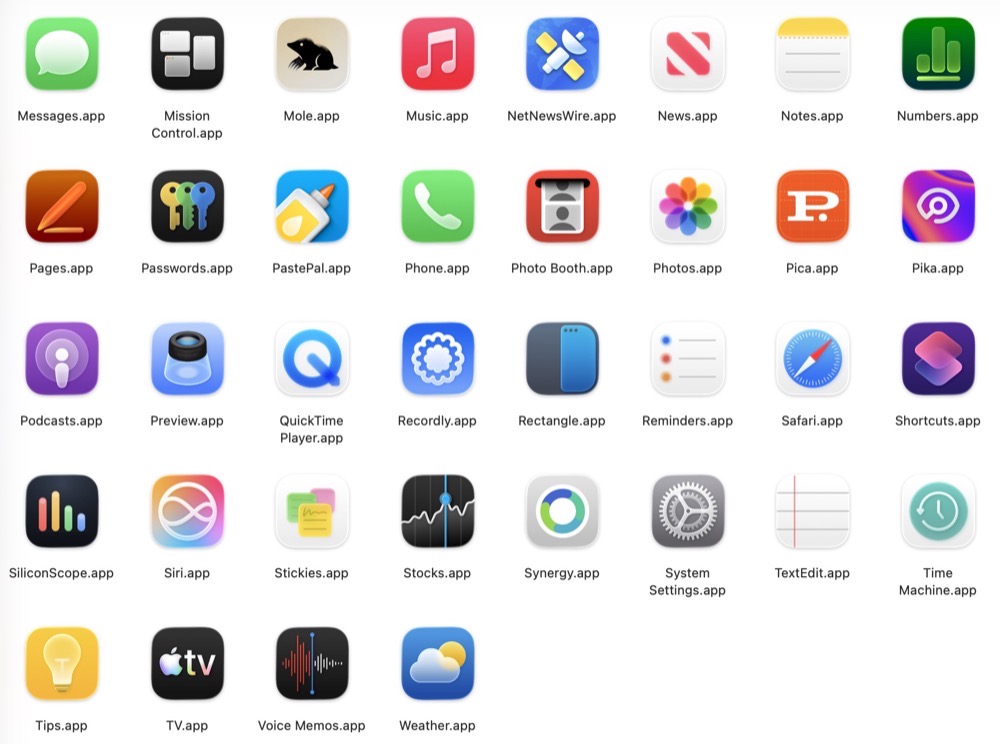
    As of mid July 2026, here is an inventory of the apps I have installed on my 14” M5 Pro MacBook Pro (aka FrugalMac). All prices are listed in US dollars. For convenience, I’ve arranged my software stack into categories

    MacOS apps2.

    Essentials:

    Alfred 5.x with PowerPack (~ $80)* – app launcher, clipboard manager, text expansion

    HyperKey (free) – remap CapsLock key to Shift Option Command Control combo

    Rectangle 0.96 (free) – window management

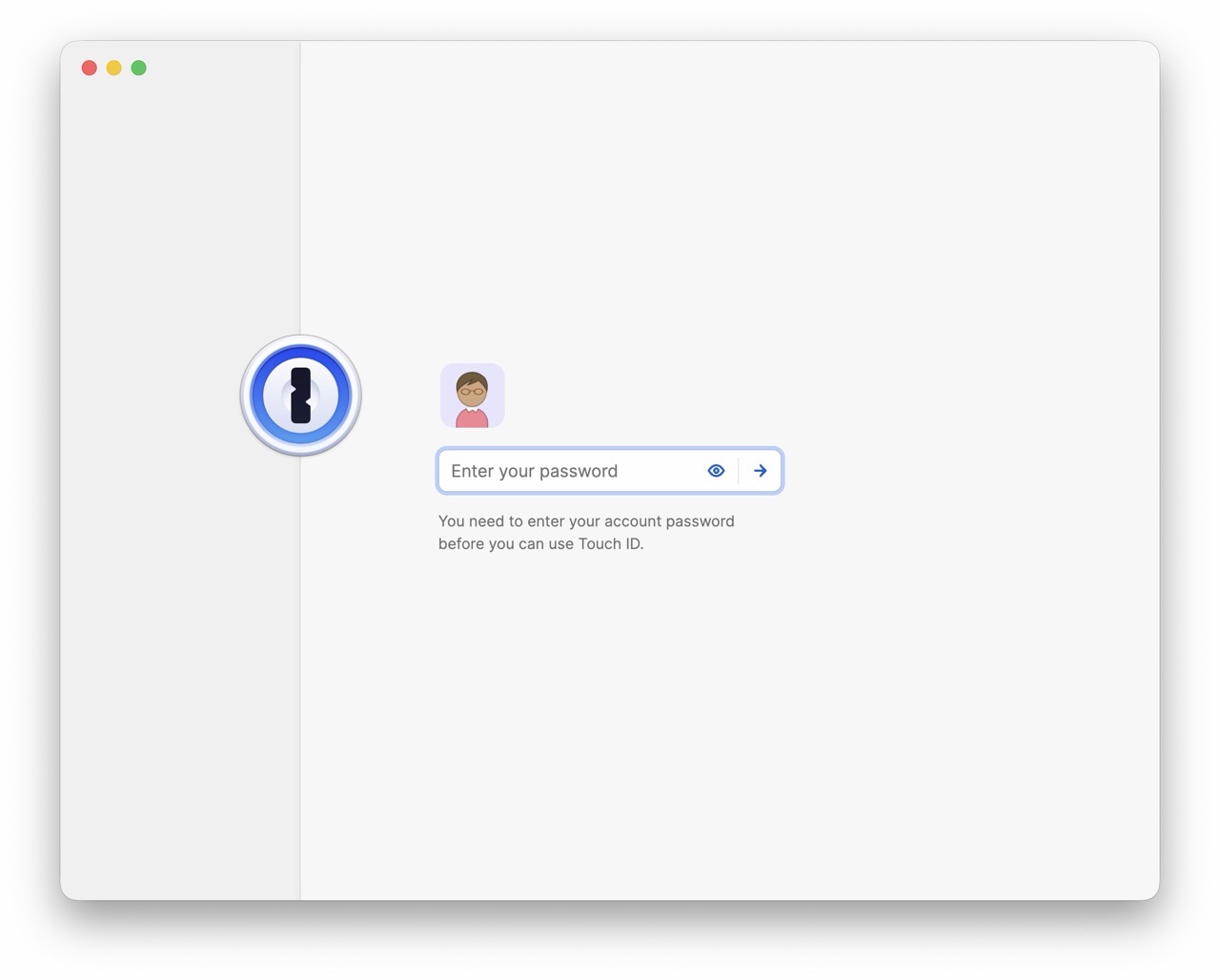
    1password ($36 / year) – password manager

    BBEdit 16 (free version) – text editor

    Fantastical ($59 / year) – advanced calendaring app

    Utilities:

    Mole ($9) – app management, disk analysis, cleanup

    Bloom ($16) – Finder replacement

    Carbon Copy Cloner ($50) – disk cloning backup

    EasyDMG (free) – one click DMG installs

    Ghostty (free) – powerful Terminal replacement

    Image2Icon (free) – make custom icons

    macShot (free) – screenshot maker

    Recordly (free) – screen recording software with intelligent zoom

    SiliconScope (free) – menubar stats for Apple Silicon Macs

    Synergy ($19) – share one keyboard and mouse across multiple computers

    Backblaze ($99 / year) – encrypted cloud backups

    PastePal ($15) – Universal Clipboard for iPhone and Mac

    Helium (free) – privacy first Chrome-based browser

    Productivity:

    MS Teams** (web app)

    MS Word** (web app)

    OneDrive** (web app)

    Notion Calendar (web app)

    Zoom (free**)

    RSS / Blogging/ Social Media:

    Indigo ($36 / year) – Mastodon / BlueSky client

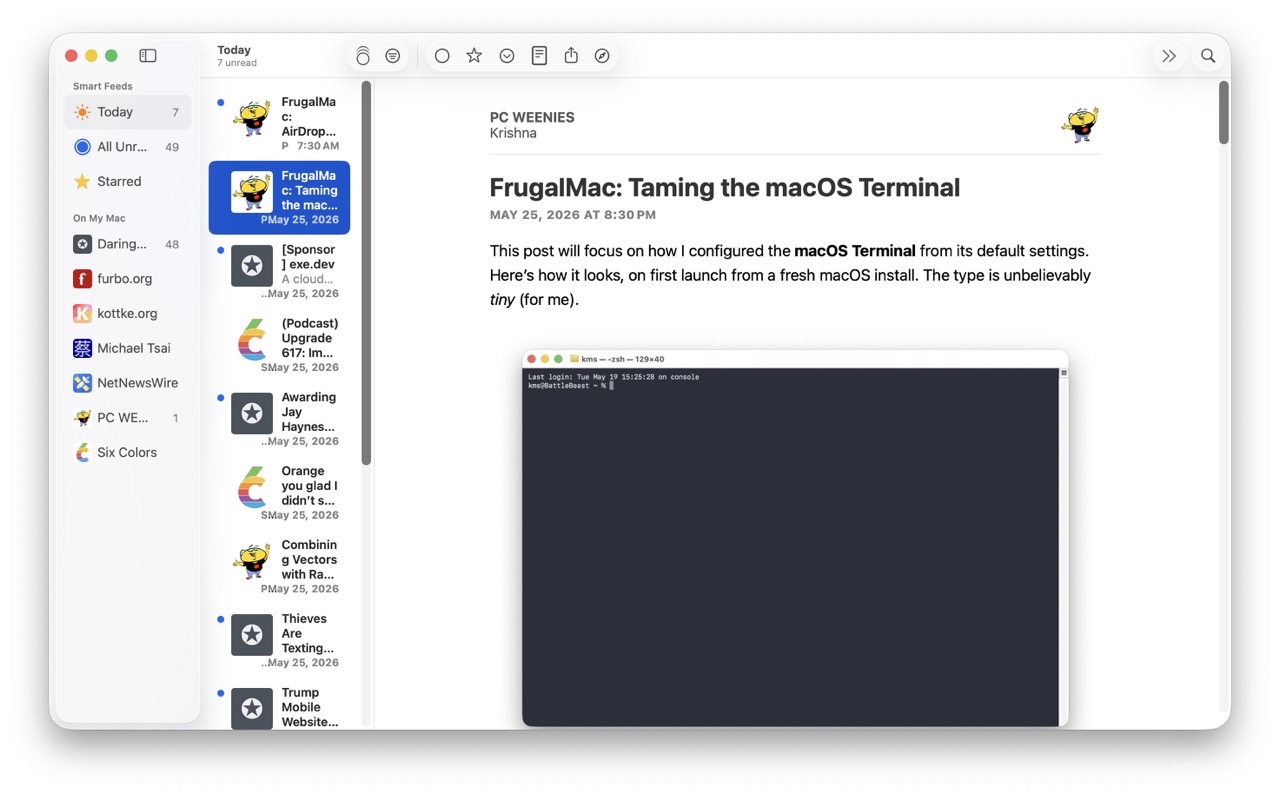
    NetNewsWire (free) – RSS reader

    Instagram (web app)

    YouTube (web app)

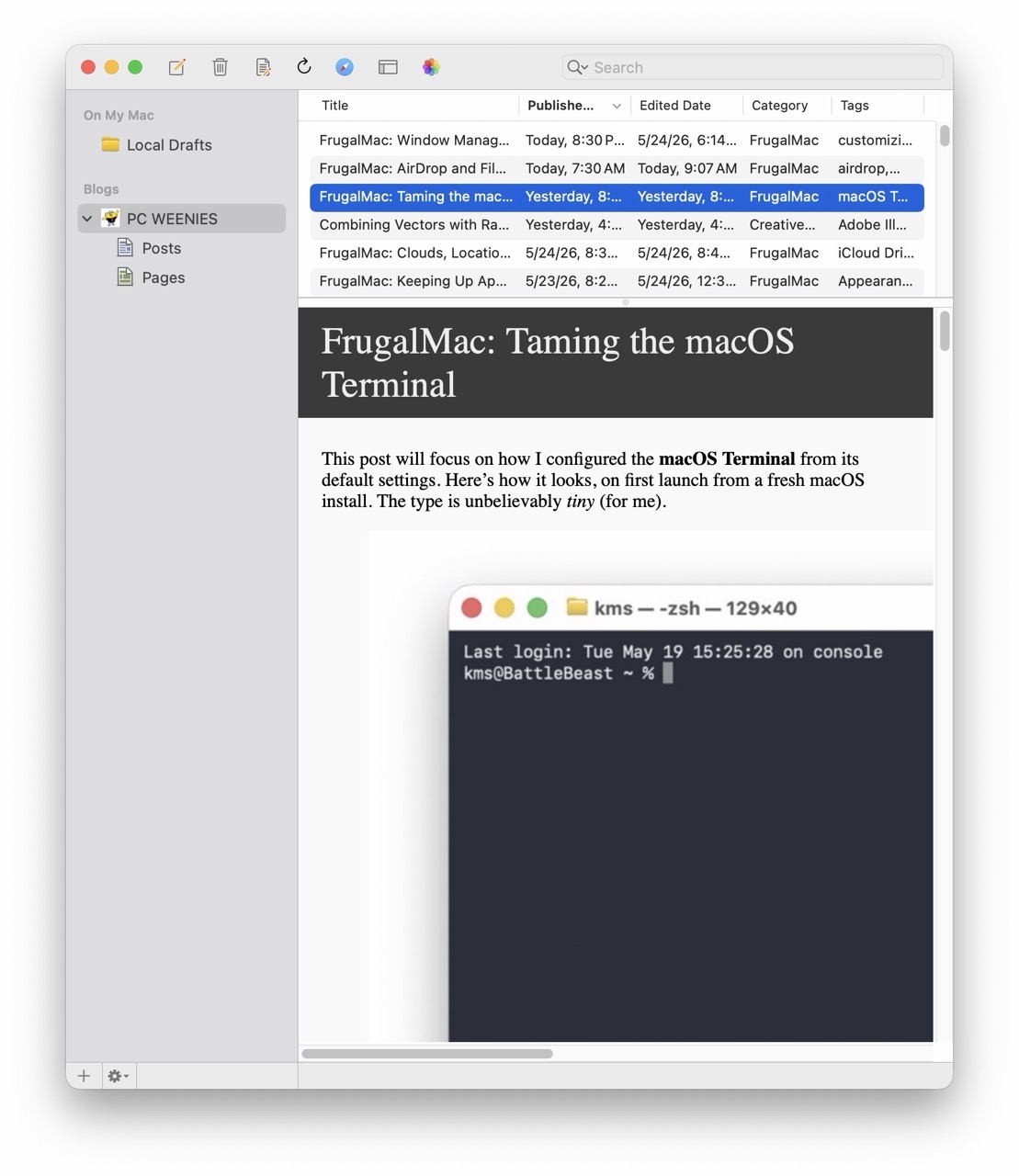
    MarsEDIT ($60) – Blogging

    Design:

    Adobe Creative Cloud ($50/month)**

    Pica (free) – font mangement 

    Pika (free) – color picker

    * purchased a MegaSupporter license more than a decade ago

    ** provided by the college

    One-time purchases: $249

    First year subscriptions: $230

    Total cost: $479

    Software costs ebb and flow, so this is just a snapshot of where things are at almost two months in with my new Mac laptop. My needs and requirements will most certainly grow and change over time. 

    -Krishna
  • FrugalMac: Essential Mac Apps for Productivity

    FrugalMac: Essential Mac Apps for Productivity

    Working within the confines of macOS’s first party offerings has been frustrating. In an earlier post, I lamented about window management inconsistencies that lead me to install Rectangle. 

    MarsEdit – this application has become essential to my blogging workflow. Blogging with MarsEdit is easy, and if it’s easy, I can do it more often. 

    NetNewsWire – with my new Mac, I’ve limited the number of RSS feeds I follow. This isn’t to say I won’t add any new feeds at some point in the future. With NetNewsWire, I can easily keep up with my favorite blogs. It’s fast and free. It also offers iCloud syncing, but I’m not ready for that just yet.

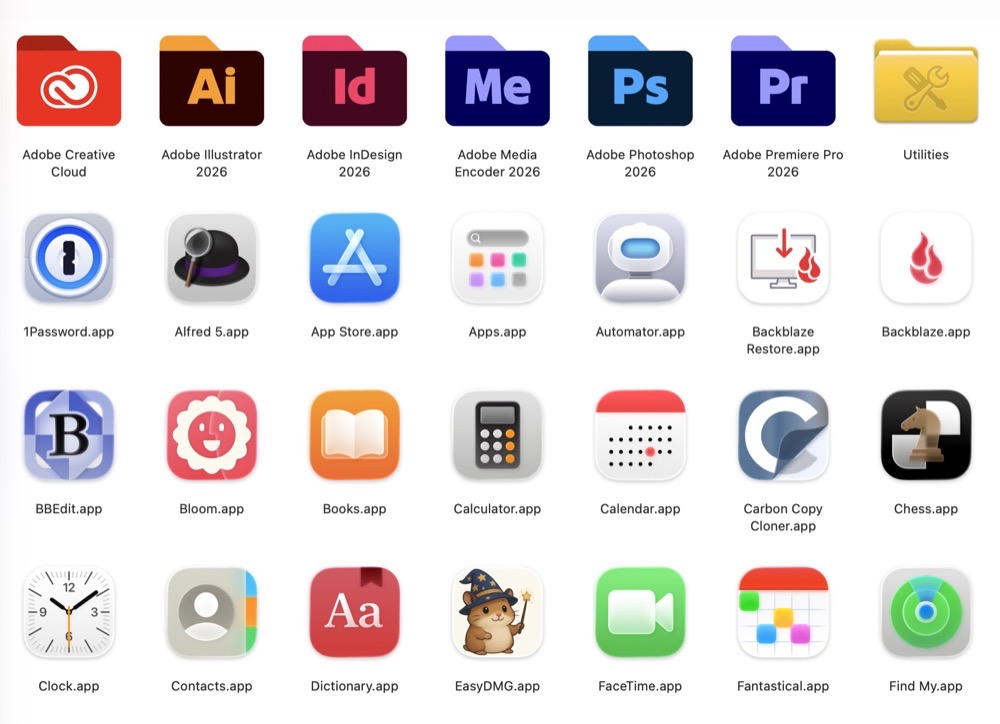
    1password screenshot

    1Password – I haven’t found a better password management application, so I’m sticking with this Electron app for now. Apple’s Password app, while serviceable, doesn’t have a key feature I really need (saving attachments). There was a time when 1Password was best in class as a native Mac app.

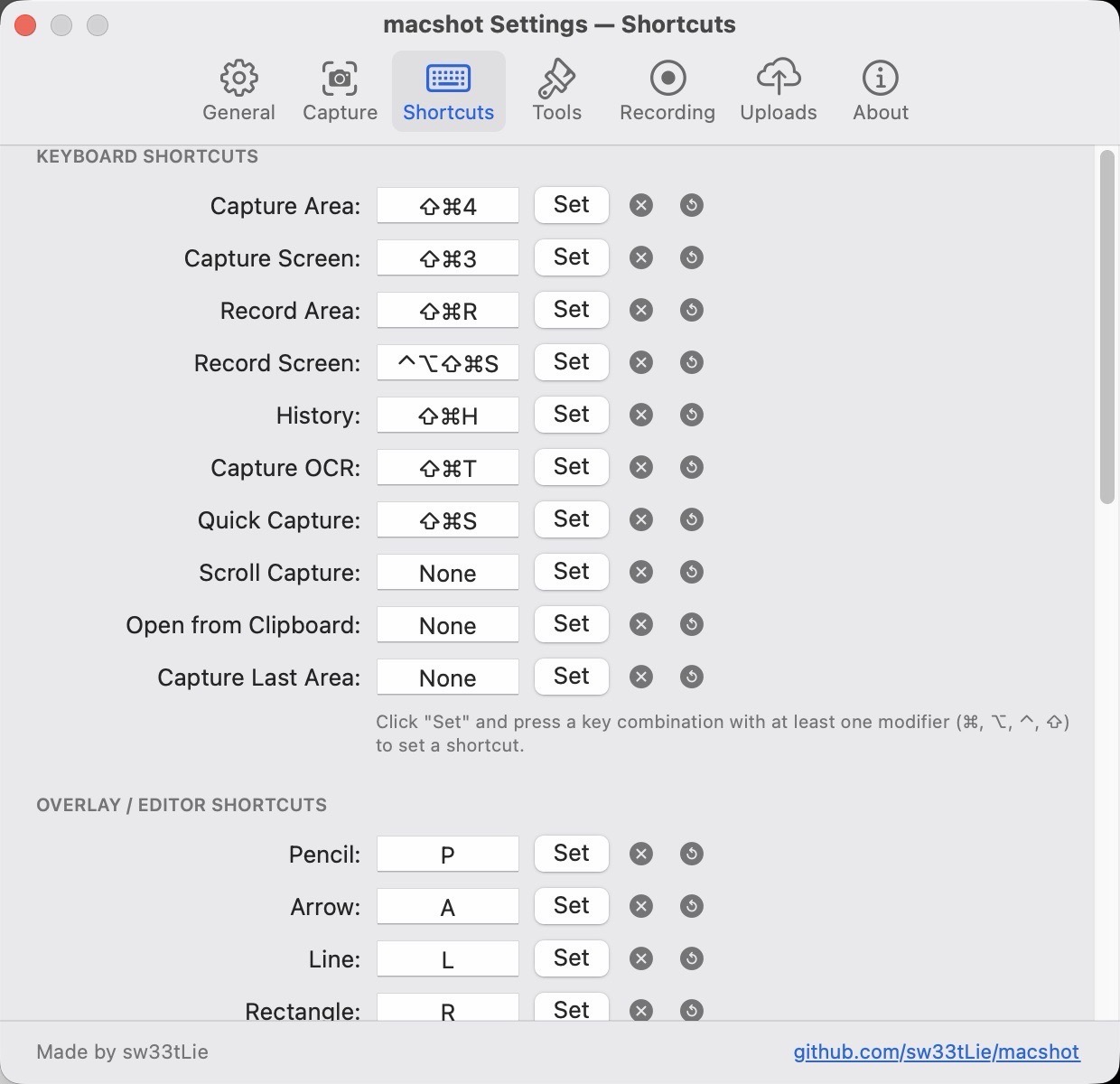
    MacShot settings.

    macShot – a powerful, free screenshot and screen recording utility that competes quite favorably against the subscription-based CleanShot X. I haven’t spent too much time using this app, save for making the screenshots that accompany this post. I plan to test its screen recording capabilities soon. If it succeeds on that front, I may be able to ditch CleanShot X once and for all. 

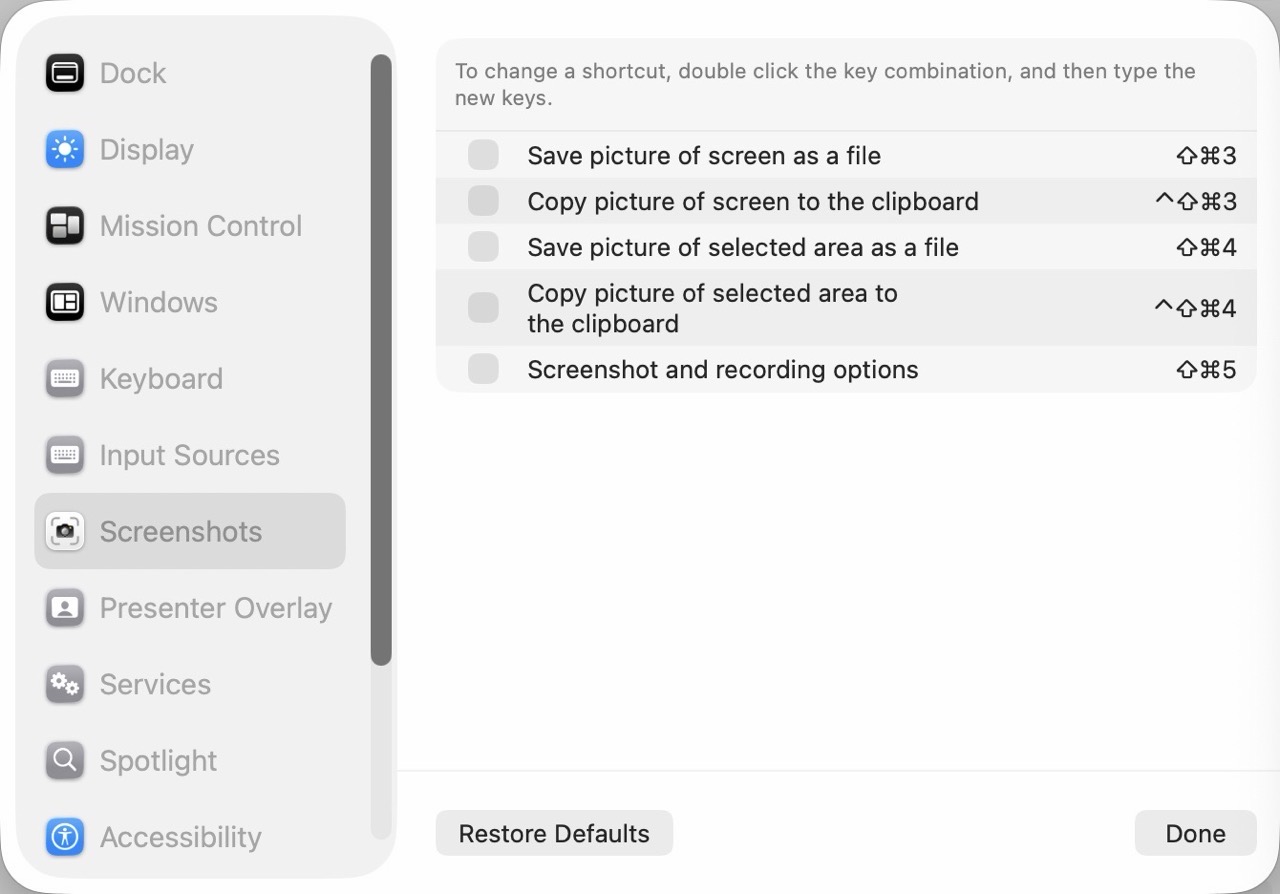
    Remember to turn off Screenshot keyboard shortcuts if you plan to use them with macShot.

    Turn off default screenshot shortcuts.

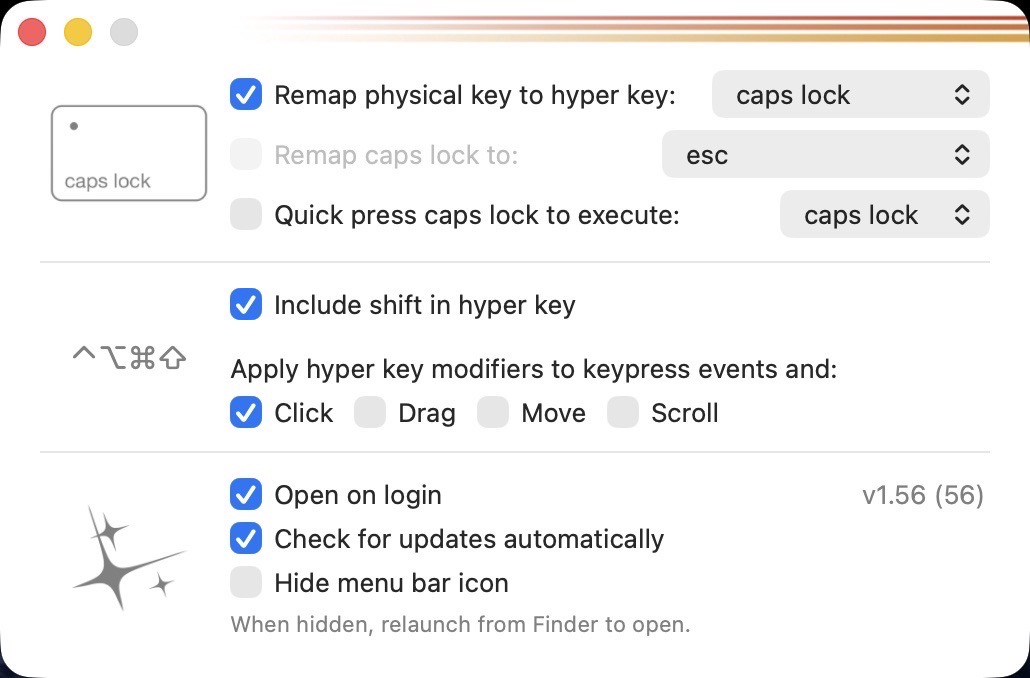
    Hyperkey settings

    Hyperkey – a simple, free app that turns the (rarely used) Caps Lock key into a Hyper key. Pressing Caps Lock with Hyperkey is like pressing Shift Option Command Control simultaneously, without the awkward finger gymnastics.

    Ghostty – My post on Apple’s Terminal software led to a suggestion on Mastodon to check out this advanced terminal application. So far, in my very brief usage, it feels modern and fast. Without my current command line utilities, I really can’t gauge how it will perform over time. (On this new laptop, I have also installed Homebrew because I need a proper package manager.)

    BBEdit – a proper text editor that blows the doors off of TextEdit. I have paid for earlier versions of BBEdit, but I want to see if the free version will suffice for my usage.

    Still left to install: a proper Mac launcher app. I’m leaning towards Alfred, but I want to examine other options before committing. 

    -Krishna