The default macOS Dock is littered with application icons, many of which I don’t use. And most of which I don’t care to see. Below is the macOS Tahoe Dock in its default state:
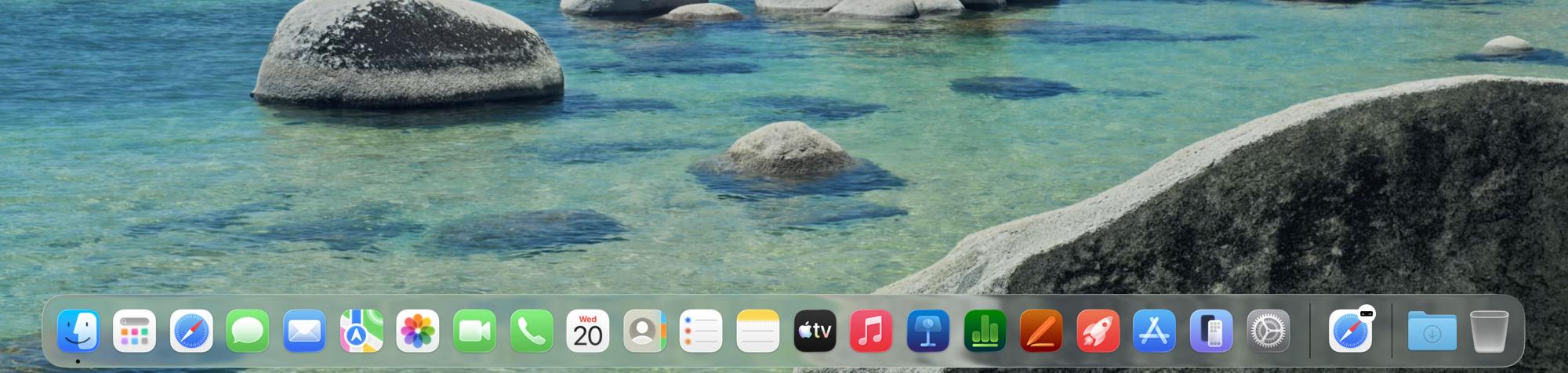
Hideous, right?
Let’s remove the clutter.

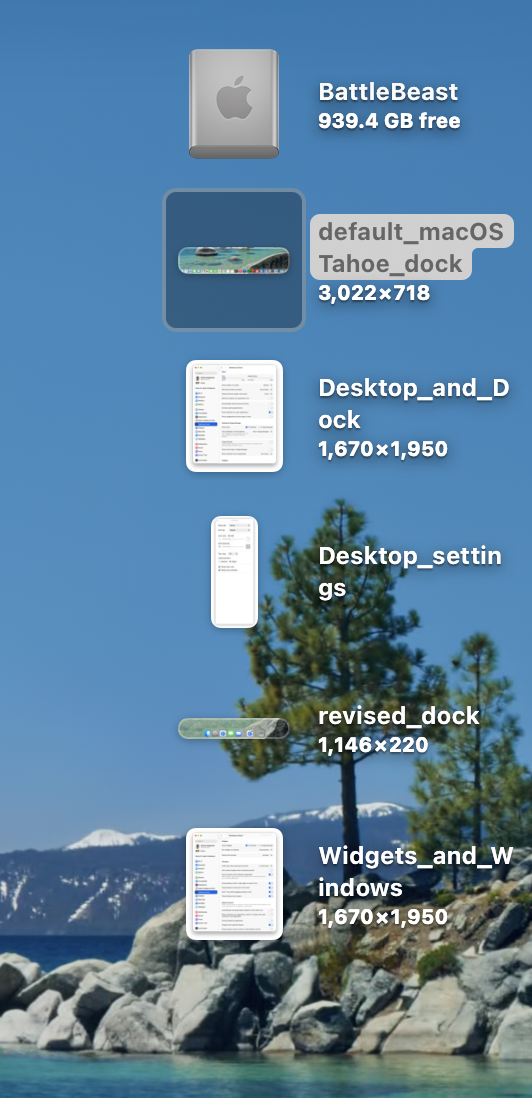
Ahh! Much better.
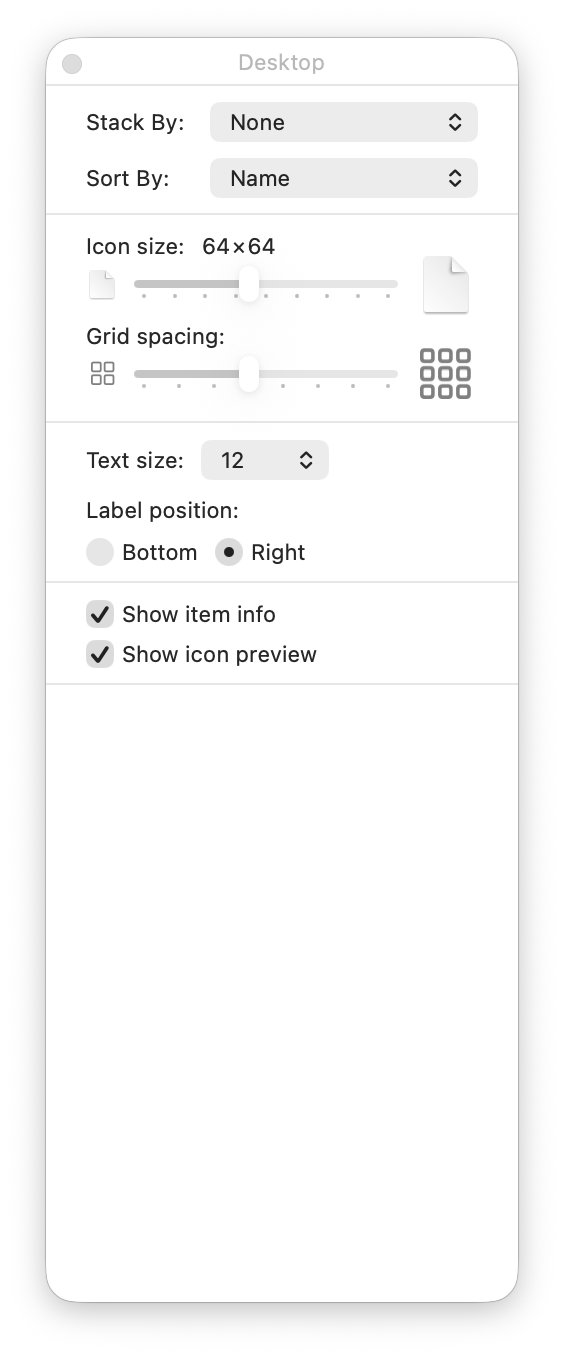
Next, let’s tackle the Finder Desktop settings, under View > Show View Options. I prefer items sorted by Name, and keeping text to the right of the icon. Why? Because I use long file names and I want to see them in all their glory. Showing item info let’s me see image sizes, without having to guess.
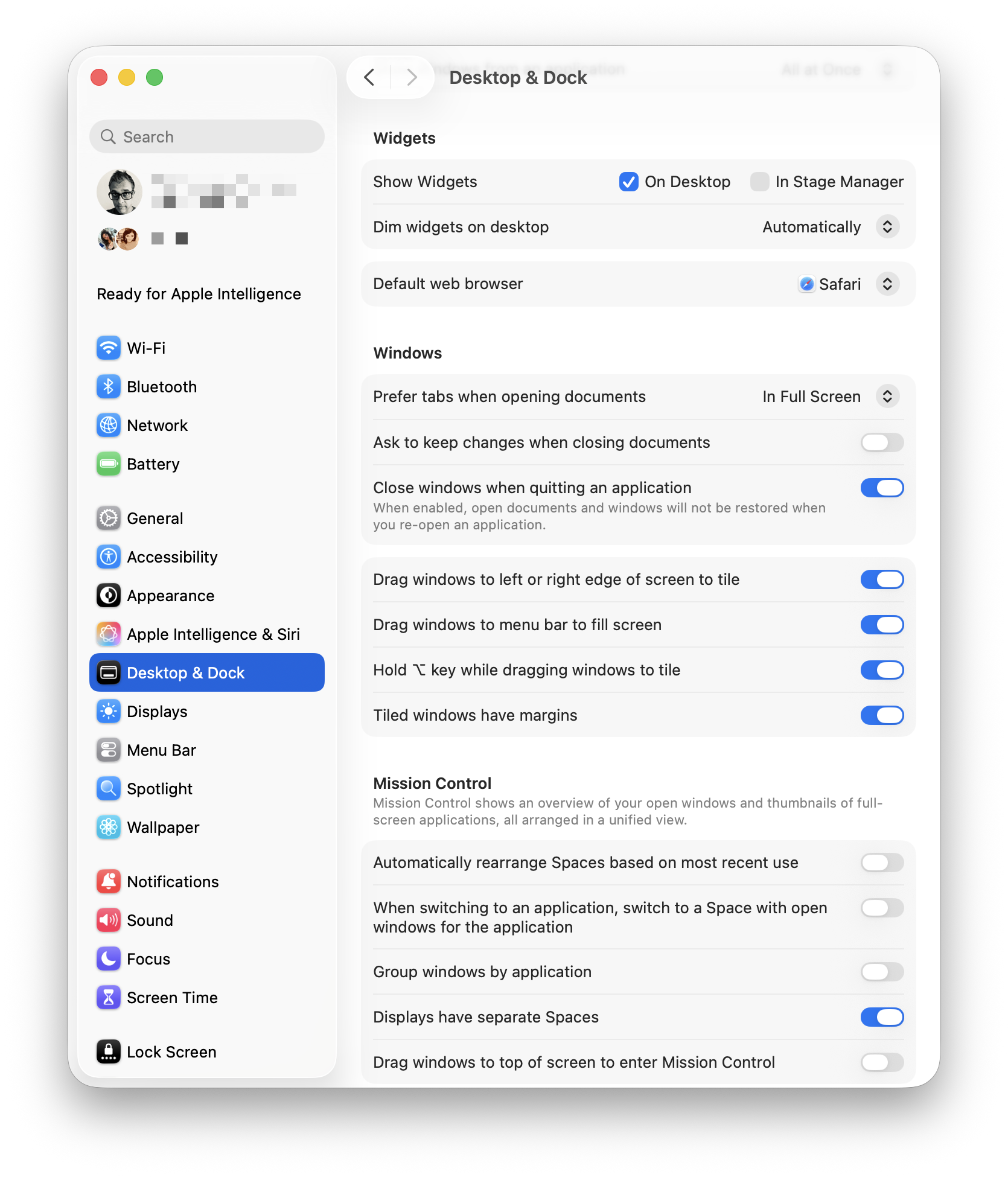
Next, let’s turn our attention to the Desktop and Dock. To modify its settings, we must visit Settings > Desktop and Dock. 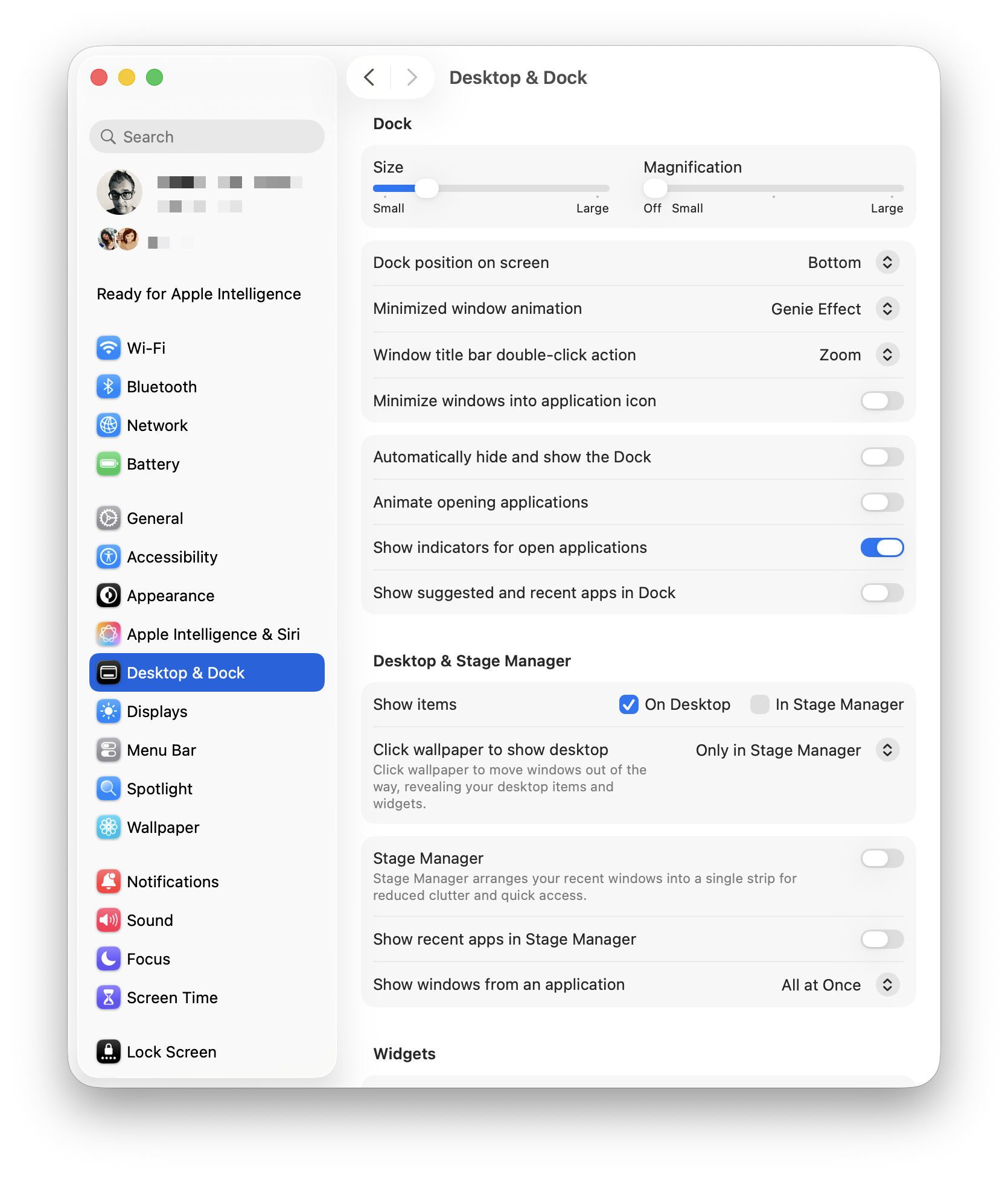 I’ve turned off all defaults, leaving Show indicators for open applications. I also turned off Stage Manager. I absolutely despise Click Wallpaper to Show Desktop, so I’ve banished that option to Stage Manager, so I’ll never need to deal with it again. I understand what Stage Manager is supposed to do, but I find that it gets in the way of my work. In its current state, it feels half-baked.
Scrolling down, I’ve left most of the options ON for both Widgets and Windows. I rarely use Mission Control or Spaces, so those options were unchecked.
Over the last few posts, I’m acutely aware of certain areas of friction as I work with the default macOS Tahoe setup.
1) AirDrop is tucked away inside a nested context menu, visible only when I right-click on a file or folder. I use AirDrop constantly to move files between my Macs, and SuperCharge gives me the option to have AirDrop visible directly when I right-click.
2) Keyboard-based window management in macOS Tahoe is set up differently to what I’m used to with Raycast. (If I can modify the keyboard shortcuts within the OS, I may not need to have Raycast installed.)
-Krishna