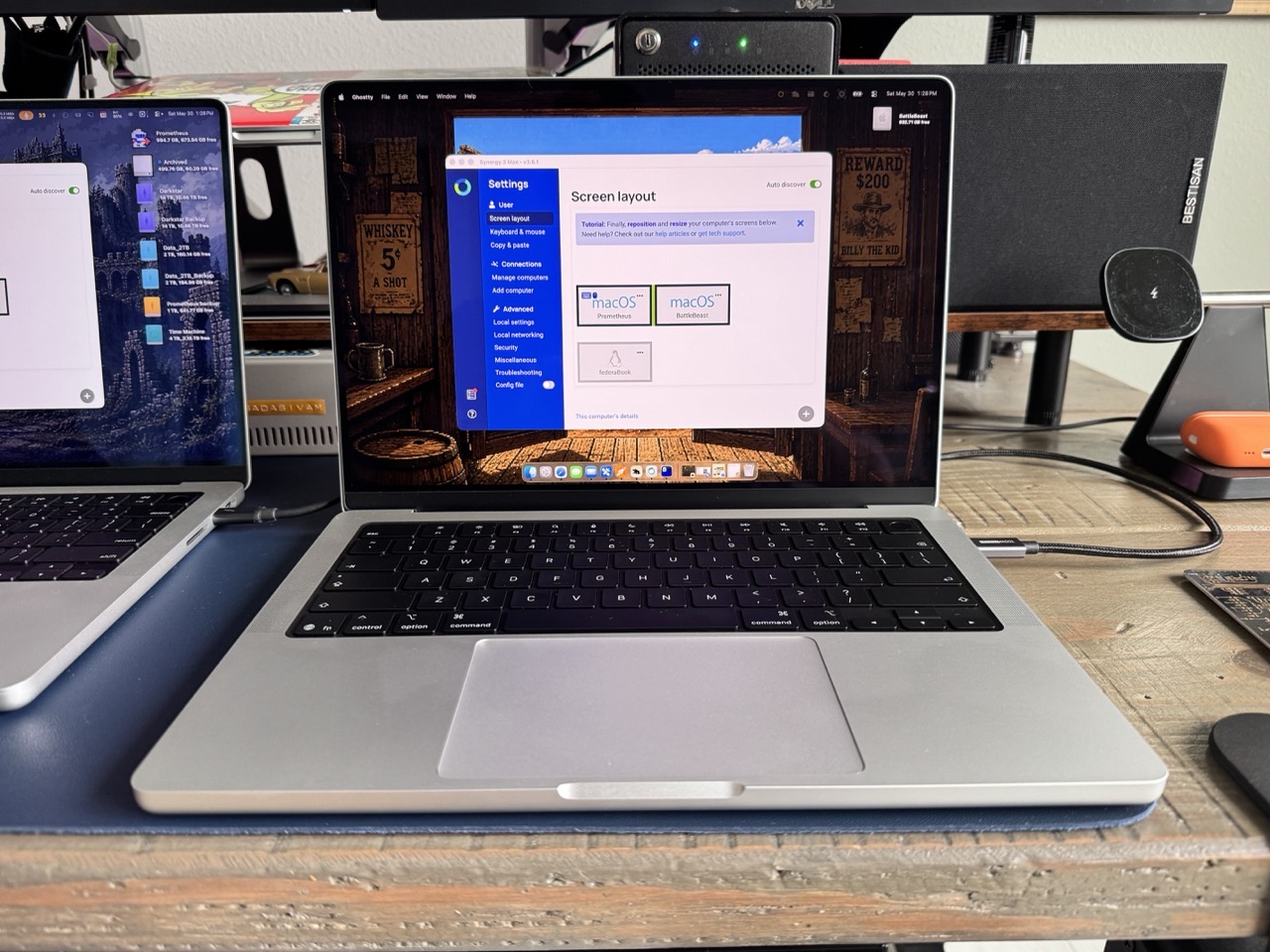
This weekend, I rearranged my desk setup to accomodate both MacBook Pro laptops. On the left, in the image below is my M1 MacBook Pro connected to the left Dell 2515H display. On the right is my new M5 Pro MacBook Pro connected to the right Dell 2515H display. Two computers, with two separate keyboards and trackpads.
The external Nuphy keyboard, numpad and mouse are connected to my M1 Pro MacBook Pro. Moving between each Mac requires switching keyboards. Not ideal.
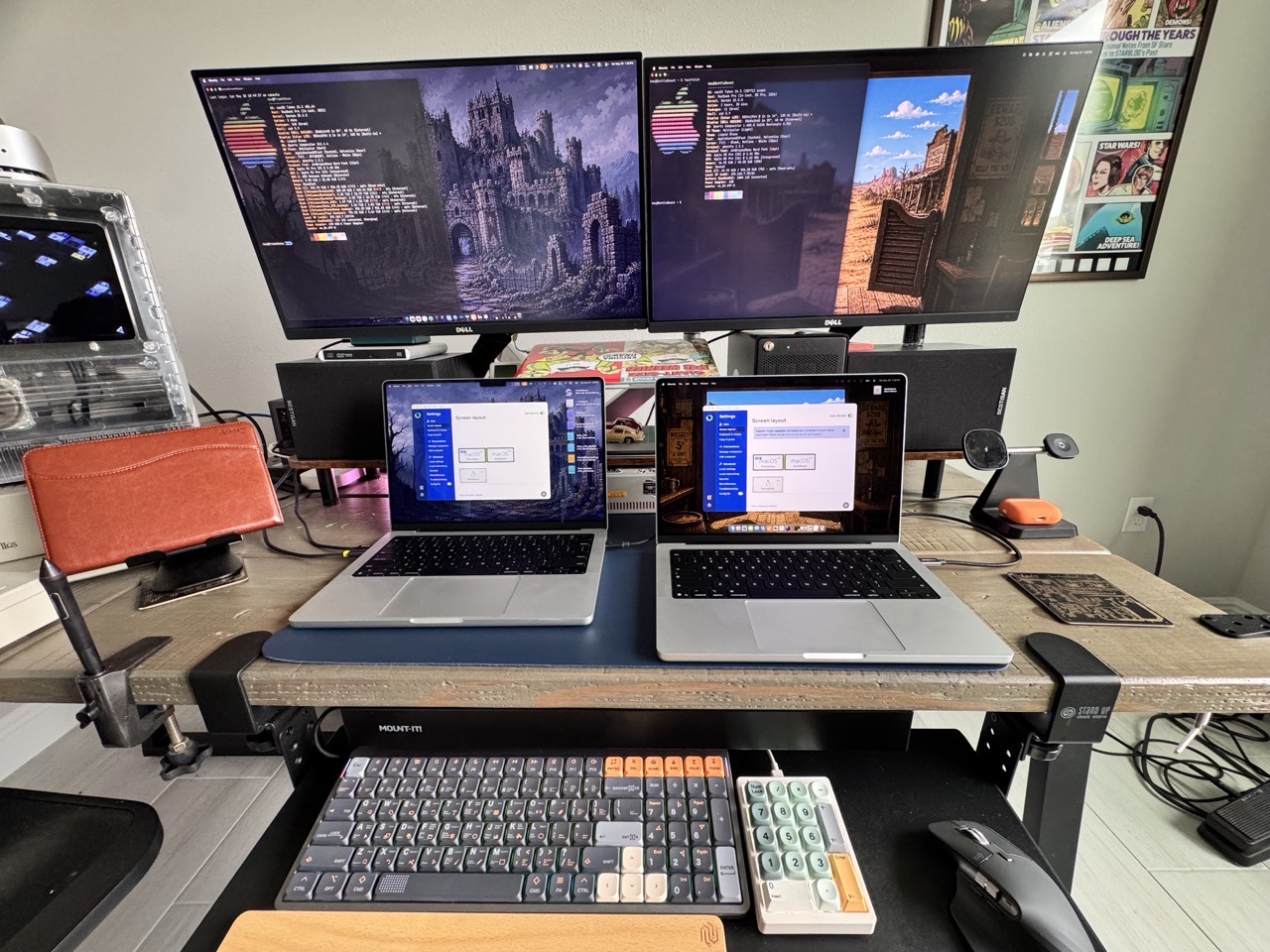
And then I remembered Synergy, from Symless, which allows multiple computers to share the same keyboard and mouse. I’ve been using Synergy on and off since 2015. It’s been a solid tool, for the most part. Several years ago, I ponied up extra funds to support its development. Fast forward to today. Synergy still works across Mac, Windows and Linux platforms – and there’s even a specific Apple silicon optimized version. I downloaded the update and installed it on both Macs.
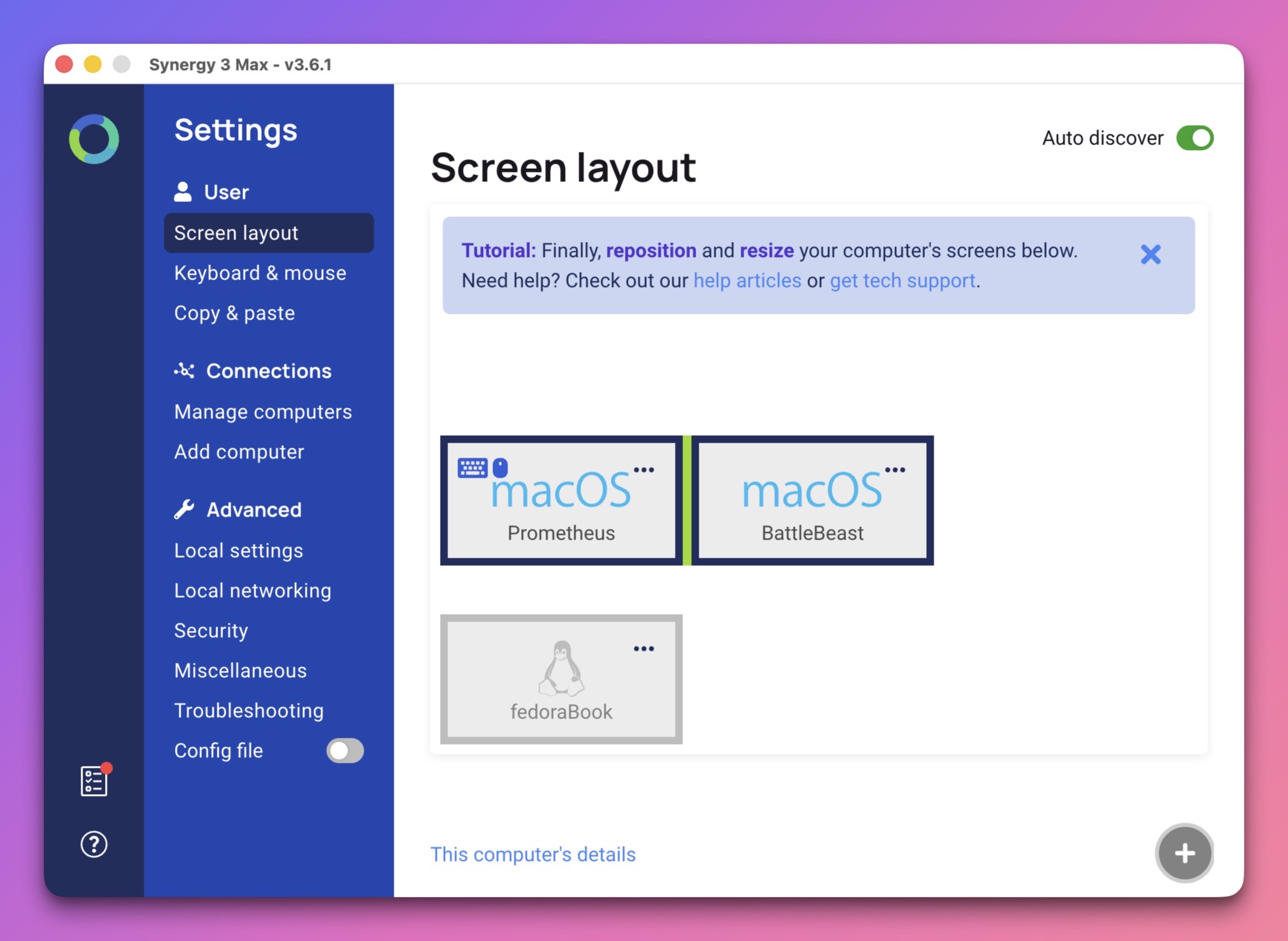
Synergy’s on-boarding has greatly improved. After installing the software on both Macs, Synergy automatically found them and paired them up. To make Synergy work between two computers, one computer must act as the server, while the other is the client. In my case, the M1 Pro (Prometheus) is the server (denoted by the keyboard and mouse icons below), while the M5 Pro (BattleBeast) is the client. This means that I can share Prometheus’s keyboard and mouse between both my Macs.
The screen layout below coincides with the physical layout of both Macs’ displays. And speaking of which, Synergy supports multi-monitor setups, making it easy and natural to move between both computers. I can even copy and paste text between both Macs, making it a real convenience.
Synergy has come a long way since I started using it eleven years ago. It’s the perfect addition if you want to share your keyboard / mouse between two or more machines.
-Krishna