Product names can be hyperbolic.
Supercharge, by Sindre Sorhus, is not one of those products. I’ve written about this potently powerful Mac utility before, but this time around I wanted to highlight how this powerful app has replaced several niche apps on my Mac.
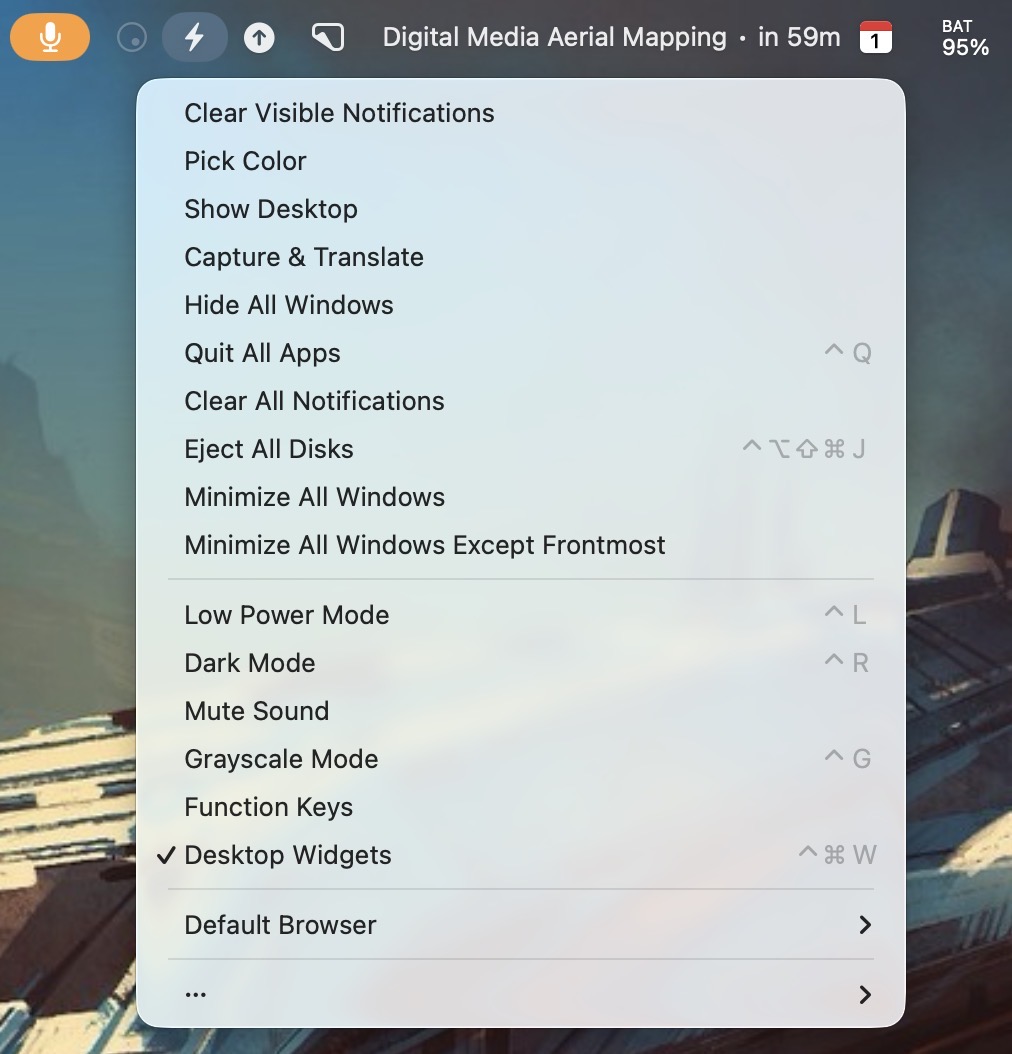
With Supercharge, I no longer have a need for dedicated apps like:
Caffienated (keeps the Mac awake)
Color Slurp (screen-wide color sampler)
Jettison (eject all mounted storage)
KeyboardCleanTool (locks keyboard for easy cleaning)
That’s because each of the apps’ functionality are all contained within Supercharge.
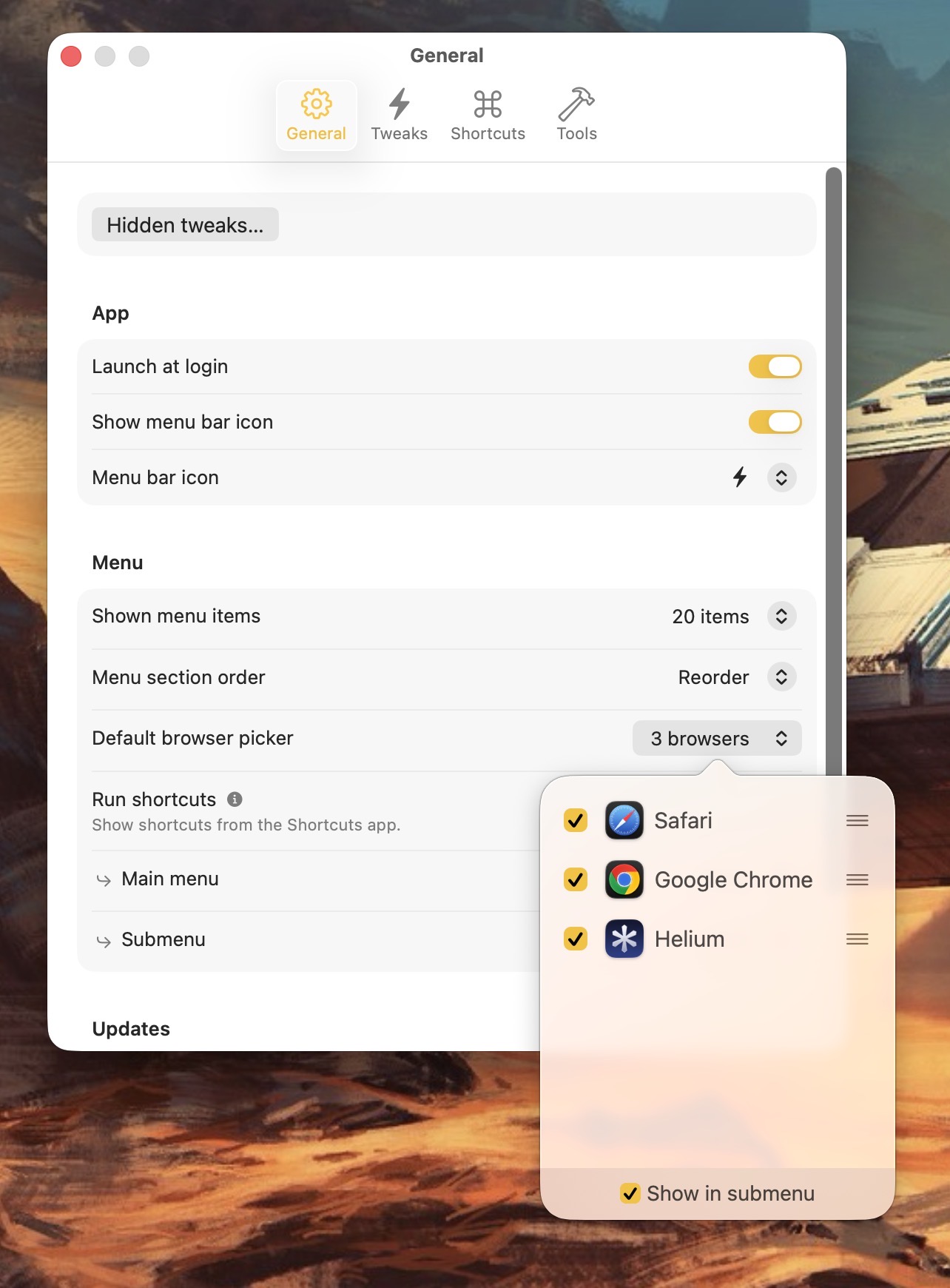
Supercharge goes further by providing a wealth of extremely useful customization options. Some of my favorites include:
1) Hiding / revealing desktop widgets
2) Toggling grayscale / color on my displays
3) Clearing all notifications
4) Selecting a default web browser
5) Custom Appearance colors
6) Auto-muting my microphone when typing
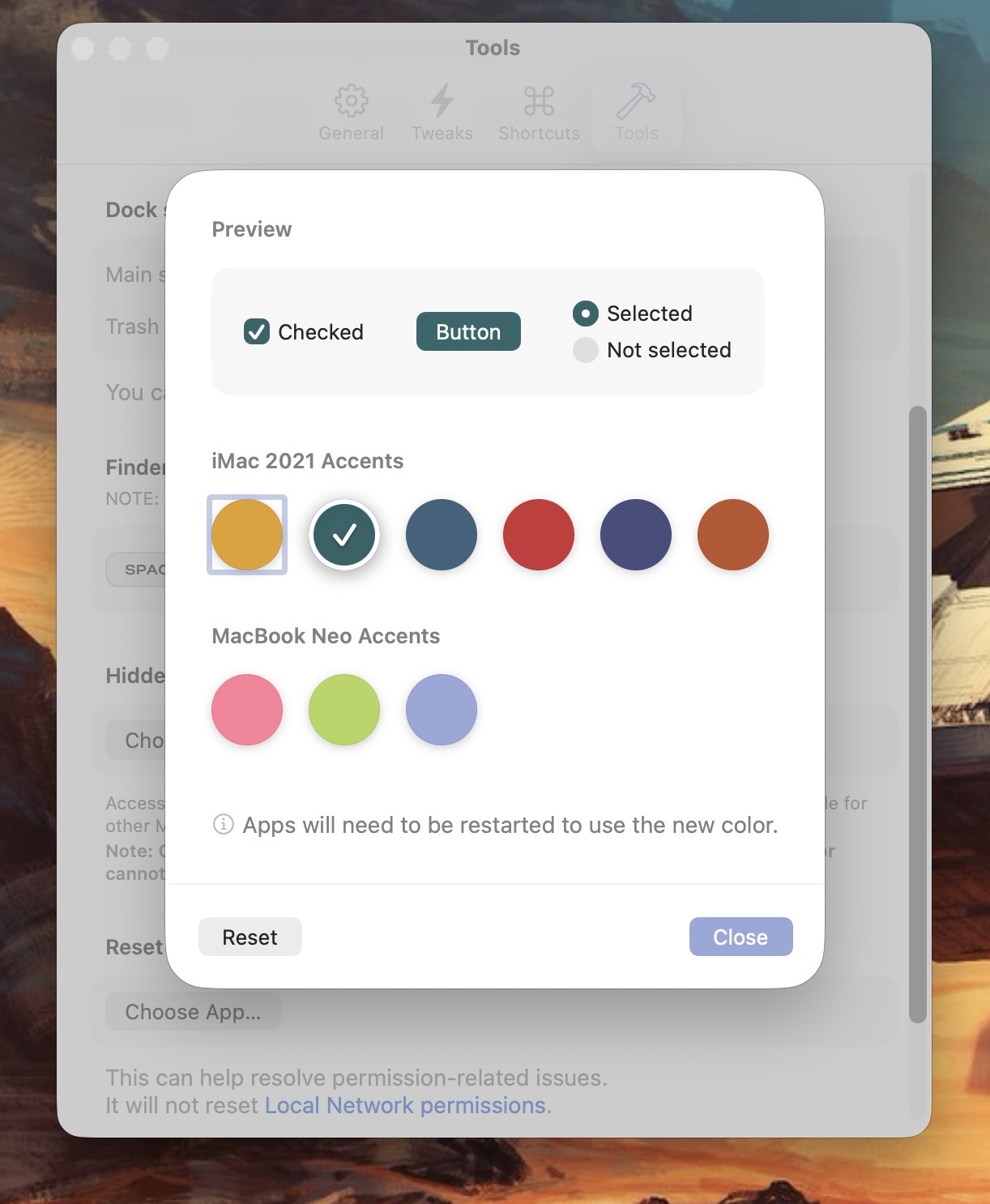
There’s a time to work and there’s a time to play. Supercharge doesn’t forget to have a little fun. It includes a few clever novelties like additional appearance colors and the ability to change the white Apple logo in the Mac menu bar to the retro-flavored rainbow variant from classic MacOS.
Supercharge gets new features with each new update. It’s incredibly versatile in terms of the conveniences it provides. And what I like the most is the ability to assign many of its features to custom hotkeys.
If you’re coming over to a Mac from Windows, you’ll find a lot of Windows Explorer specific features pre-baked into Supercharge, such as Cut and Paste, Create New Text Files in Finder, and more. Supercharge isn’t free, but it’s well worth paying for.
Supercharge is one of those rare apps that truly lives up to its name.
-Krishna