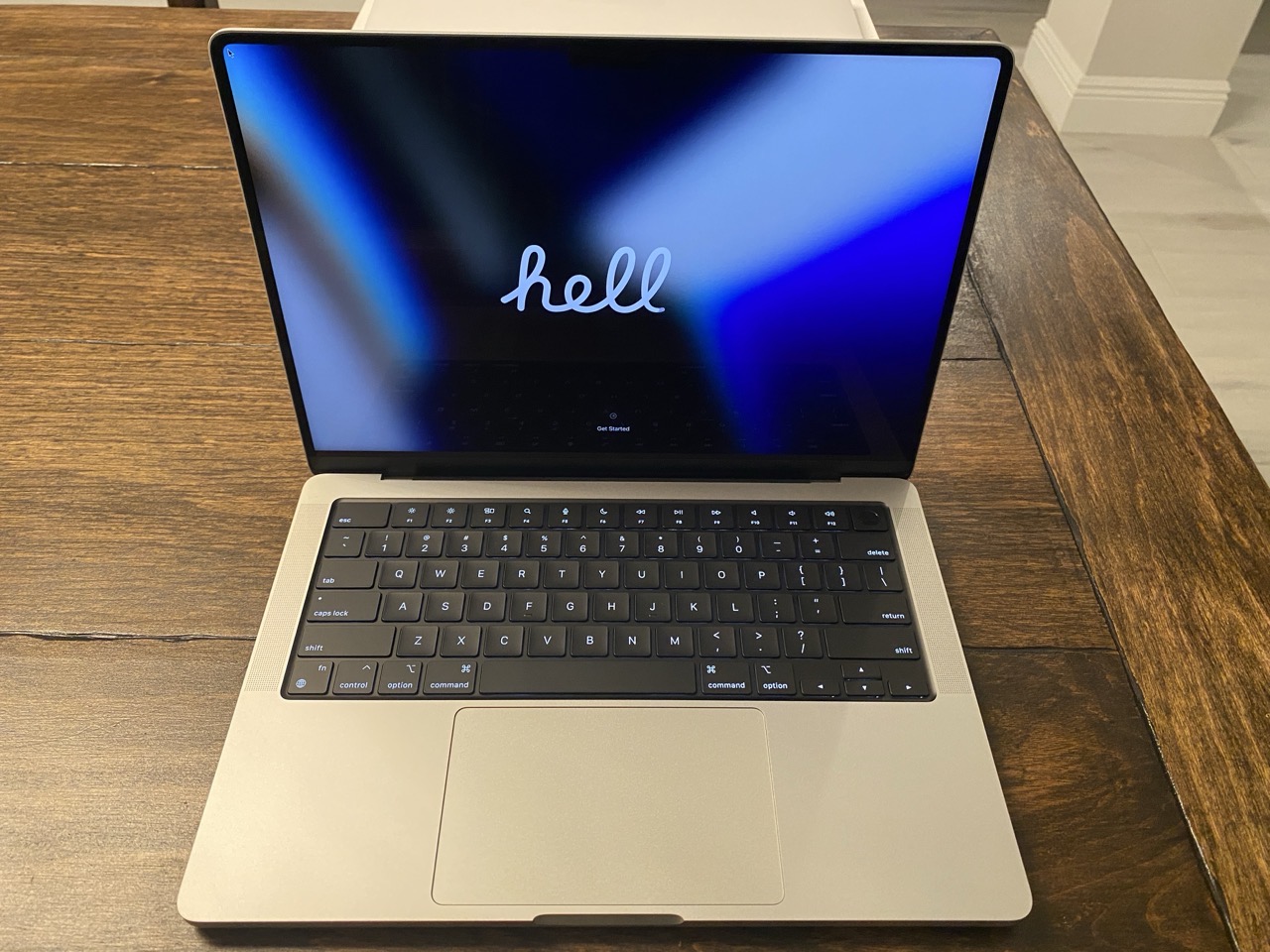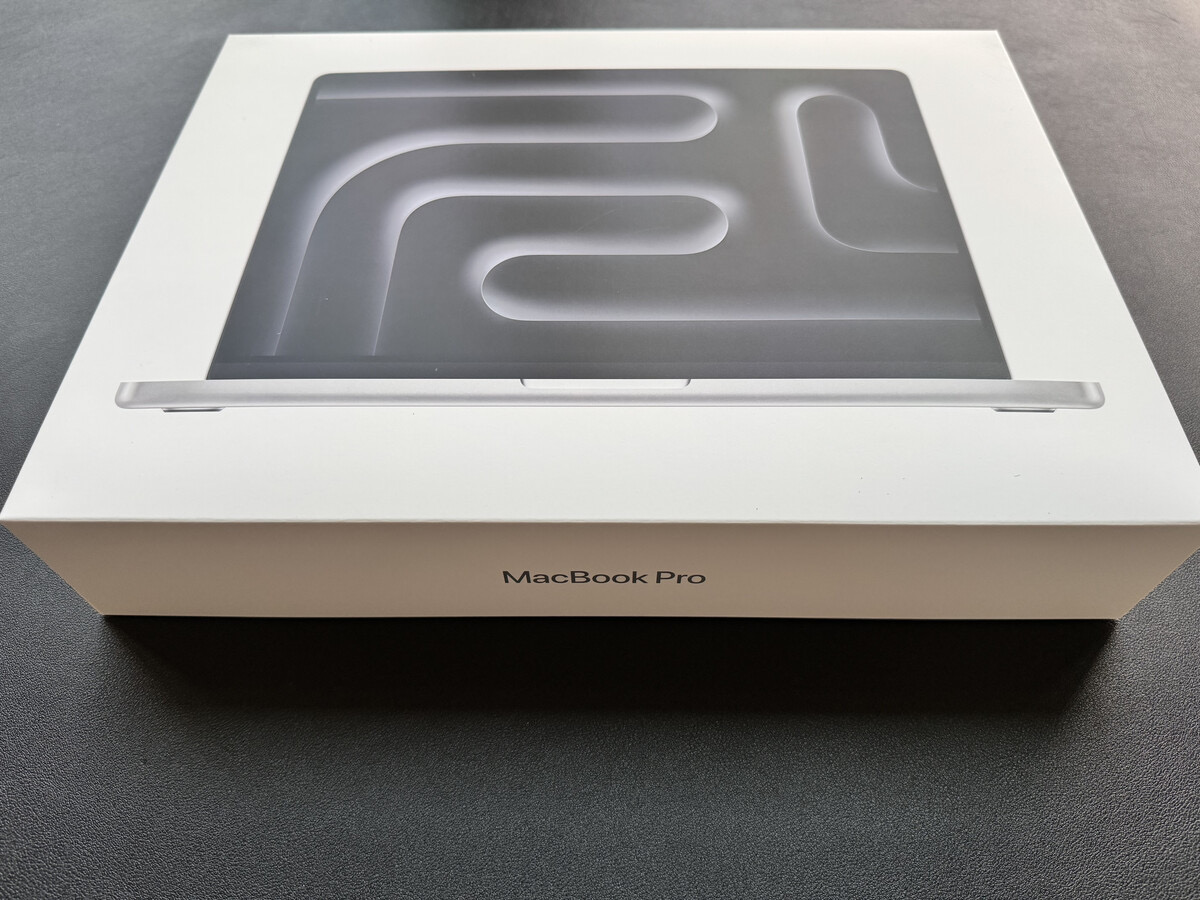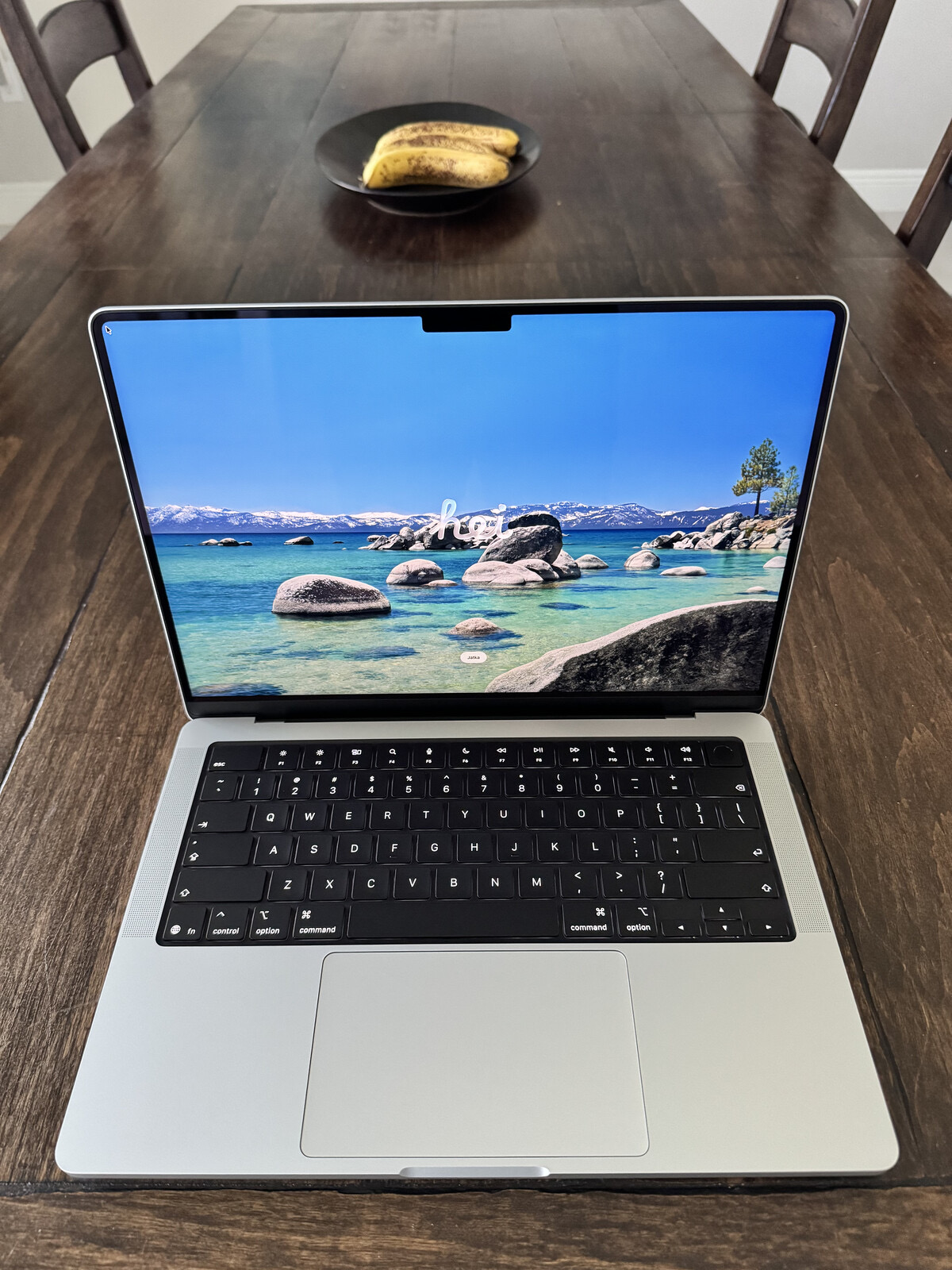
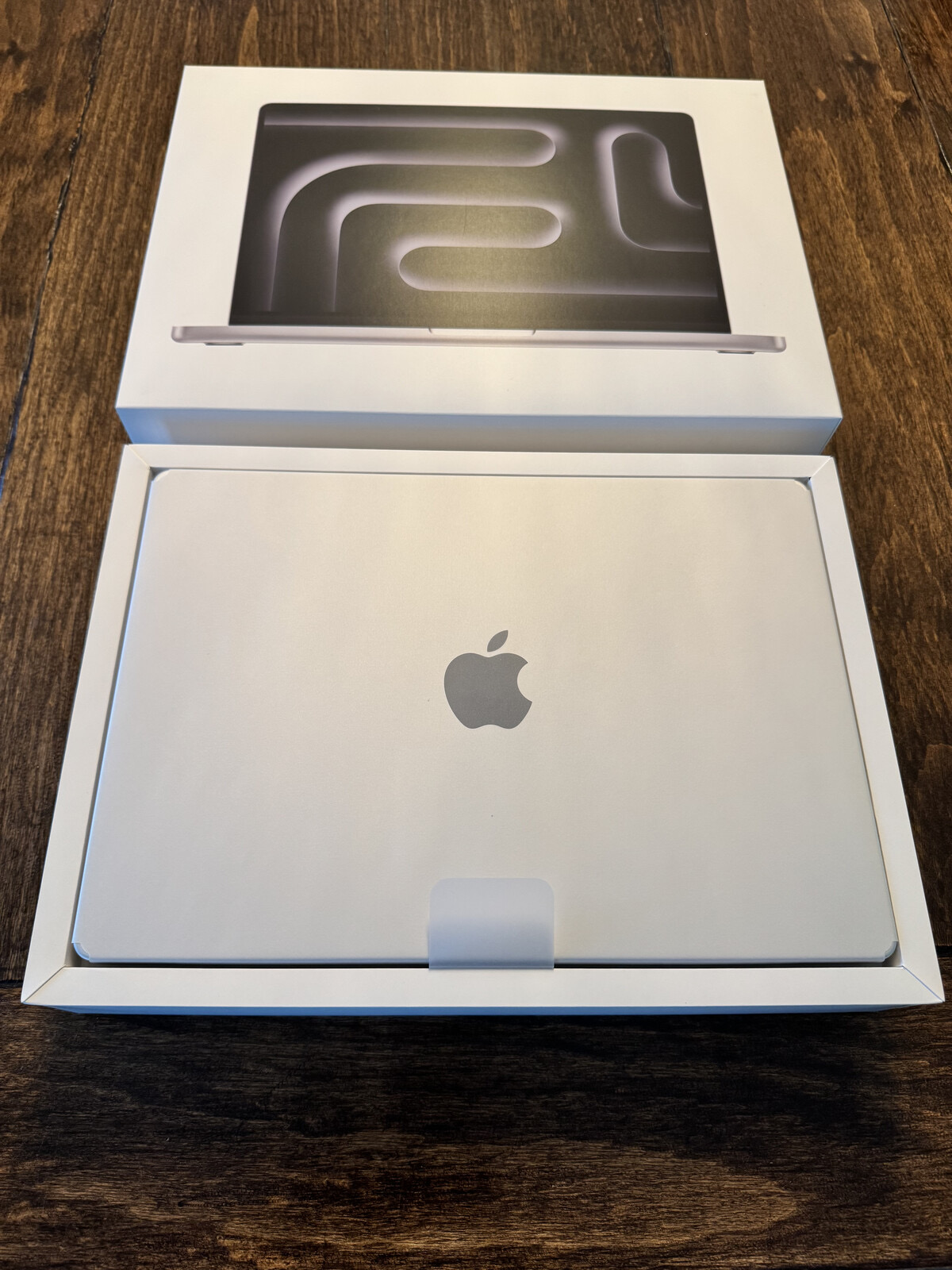
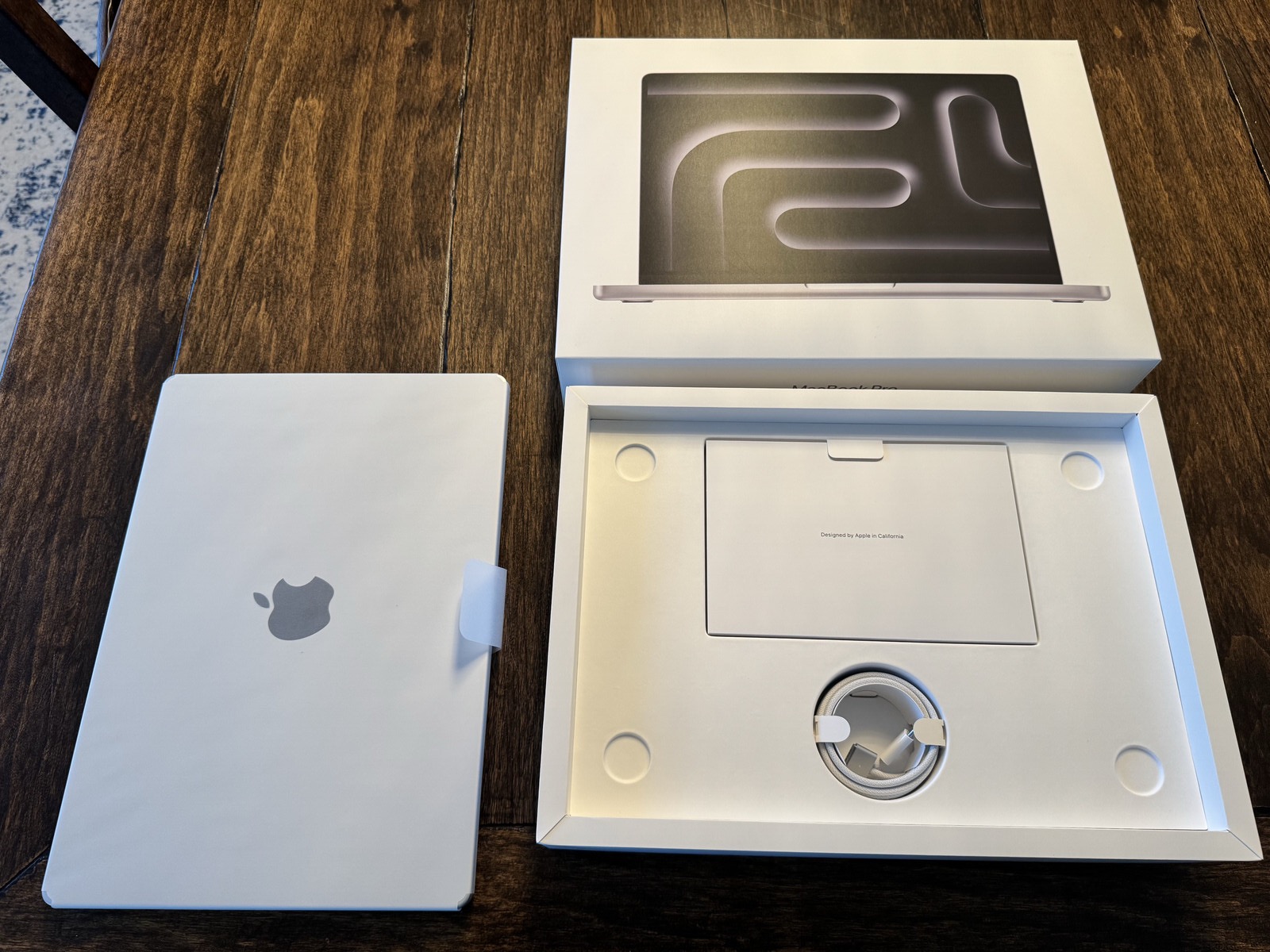
I’m typing this post within a few minutes of unboxing my new M5 Pro MacBook Pro. I’ll share a few obligatory photos, but I’ll skip past the usual commentary on the build quality and aesthetics.
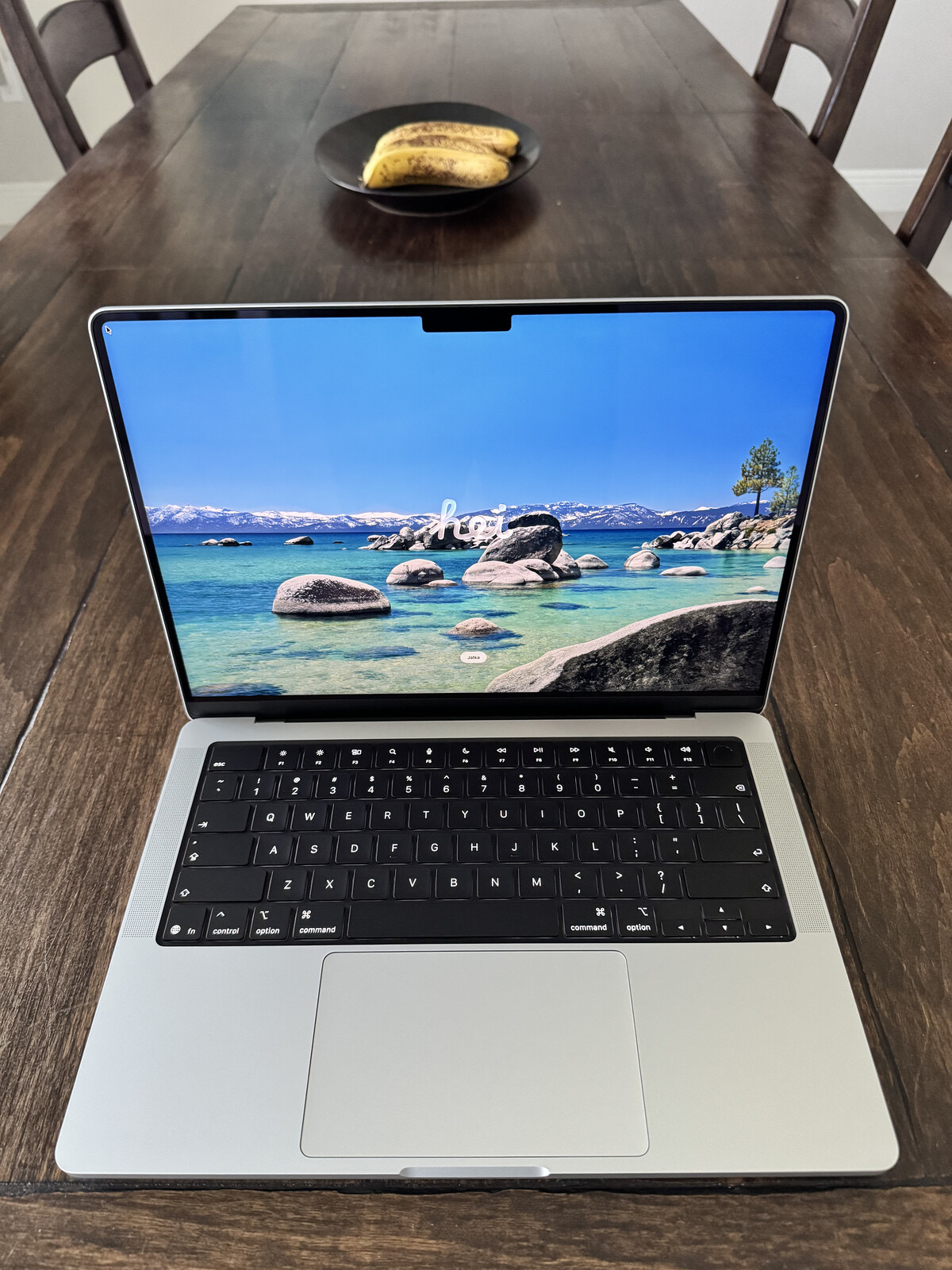
The new machine is, in just about every instance, identical to my M1 Pro MacBook Pro.
A few bits of ephemera:
- The unboxing experience is still absolutely a delight.
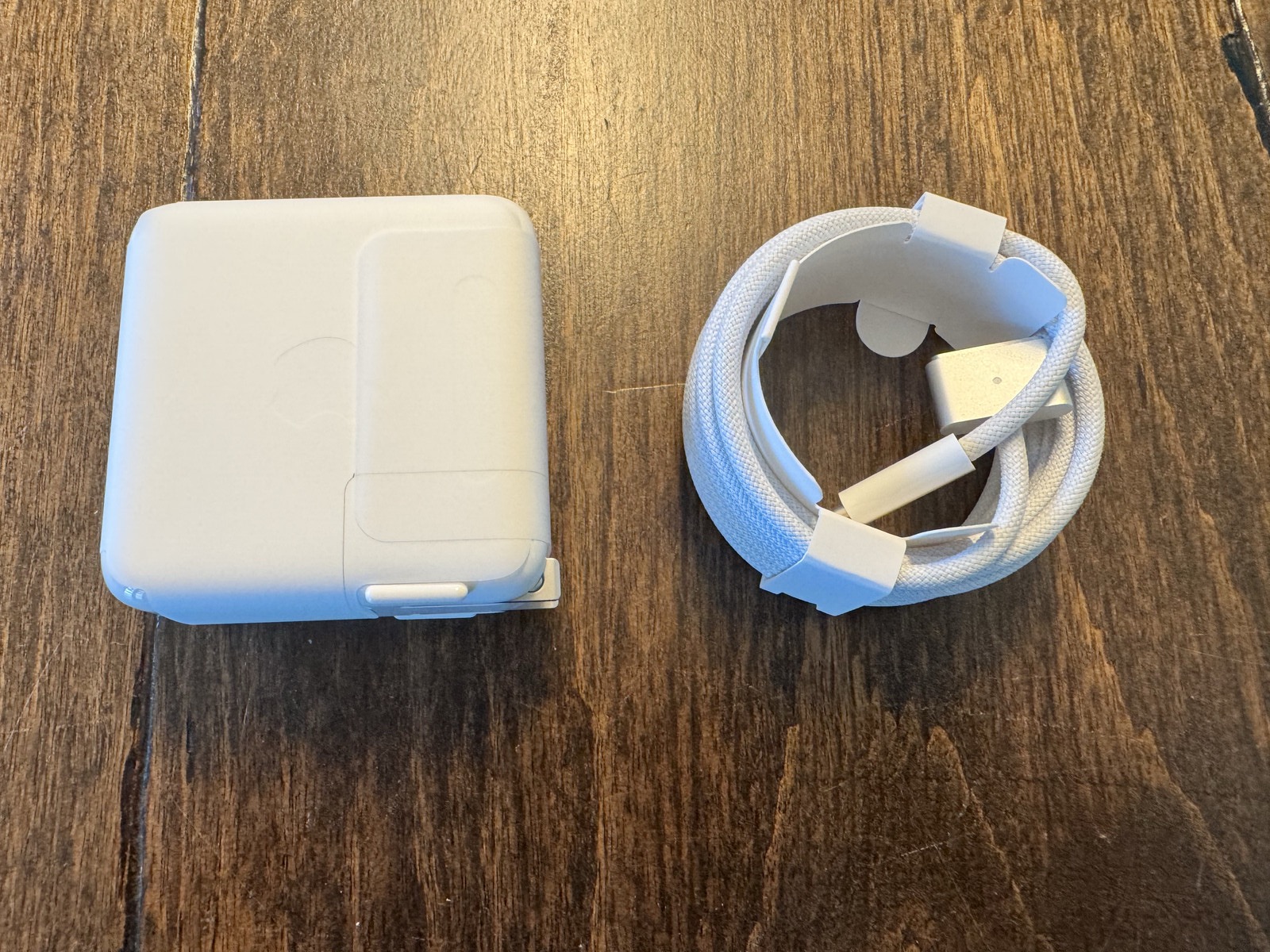
- The MacBook Pro comes with a braided USB-C cable and charger.
- macOS Tahoe 26.4 is installed.
- Apple presents only two update options: Update Automatically or Only Download Automatically.
- The machine will be configured as a new setup, using my existing Apple ID.
- The battery charge out of the box is 85%.
- I have kept Apple Intelligence / Siri on (for now).
- In Settings, the Mac is already set for Optimized Battery Charging.
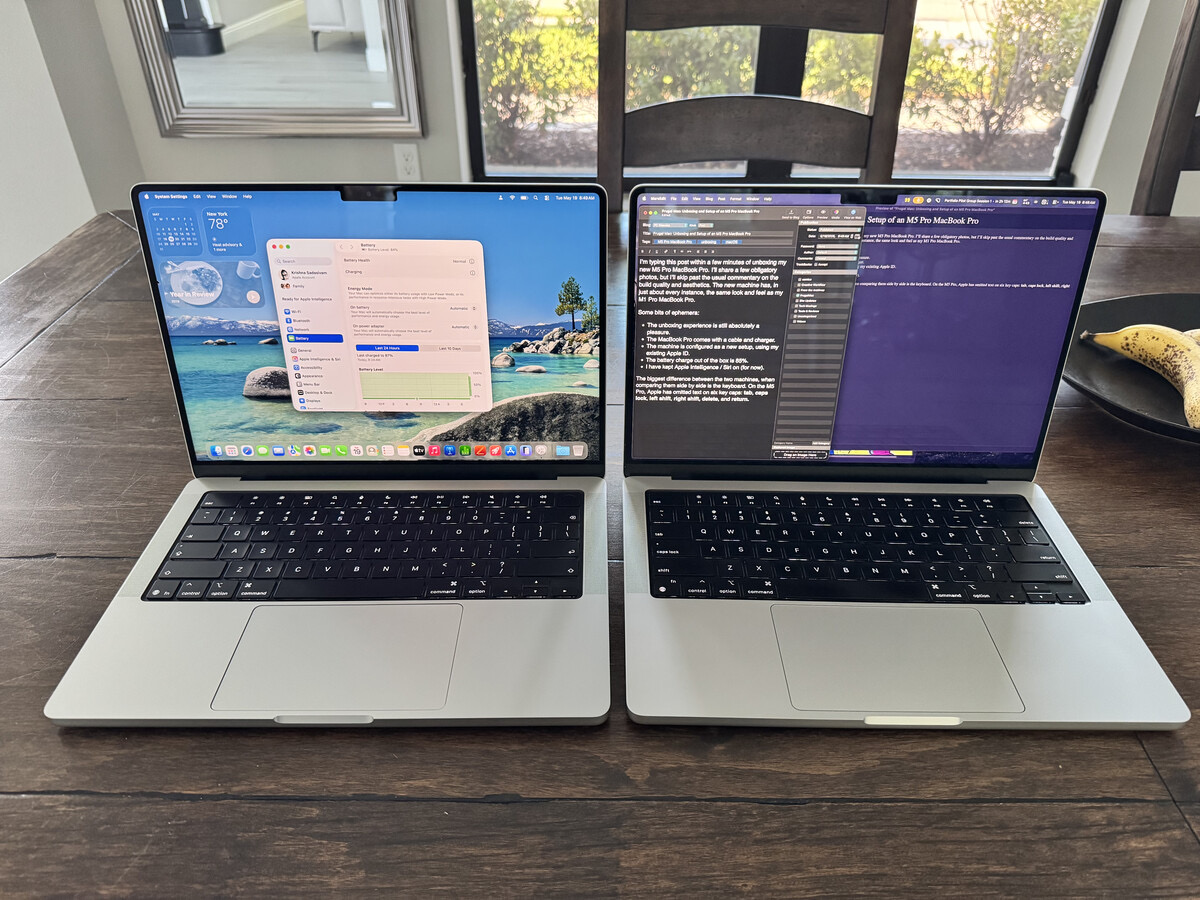
The only observable difference between both two machines, when comparing them side by side, is the keyboard. On the M5 Pro model, Apple has omitted text on six key caps: tab, caps lock, left shift, right shift, delete, and return. While it does give the keyboard a cleaner look, I prefer the original layout. (Veteran Mac users will not have any issue, but new users, particularly those coming over from Windows, may encounter some friction.)
In my next post, I’ll share my thoughts on the default macOS Desktop experience. Spoiler alert: I hate it.
-Krishna