I always enjoy learning about other artists’ digital illustration software stack, so I thought I would share my own, for anyone who is interested.
My main software tools for illustration are Photoshop and Illustrator. I spend most of my time in Photoshop, using Illustrator only sparingly for creating custom vector assets (type and shape-based designs). I also have Canva’s Affiniity Designer on hand. For quick vector manipulation, I find it far more intuitive than Illustrator.
I have almost three decades worth of experience using Photoshop, so leaving it for other options (i.e. Krita, Clip Studio Paint, ProCreate) isn’t in the cards for me yet. I have used all of the above tools, most notably Clip Studio Paint, and while they are solid offerings in their own ways, I’m way more efficient at moving around within Photoshop.
Another reason I remain on Adobe is for the courses I teach on campus. Our Digital Media program is Adobe-based. While I generally like using Photoshop, I have no love for Adobe’s exhorbitant subscription pricing and AI options. But that’s a rant for another day.
I’ve written about RefBox. While it’s the newest addition to my creative software arsenal, it’s found its place as an essential part of my workflow. I work with references (photos, illustrations) on a daily basis, and having the ability to “float”, organize and manipulate them in various ways allows me to utilize my Wacom Cintiq’s screen real-estate more efficiently.
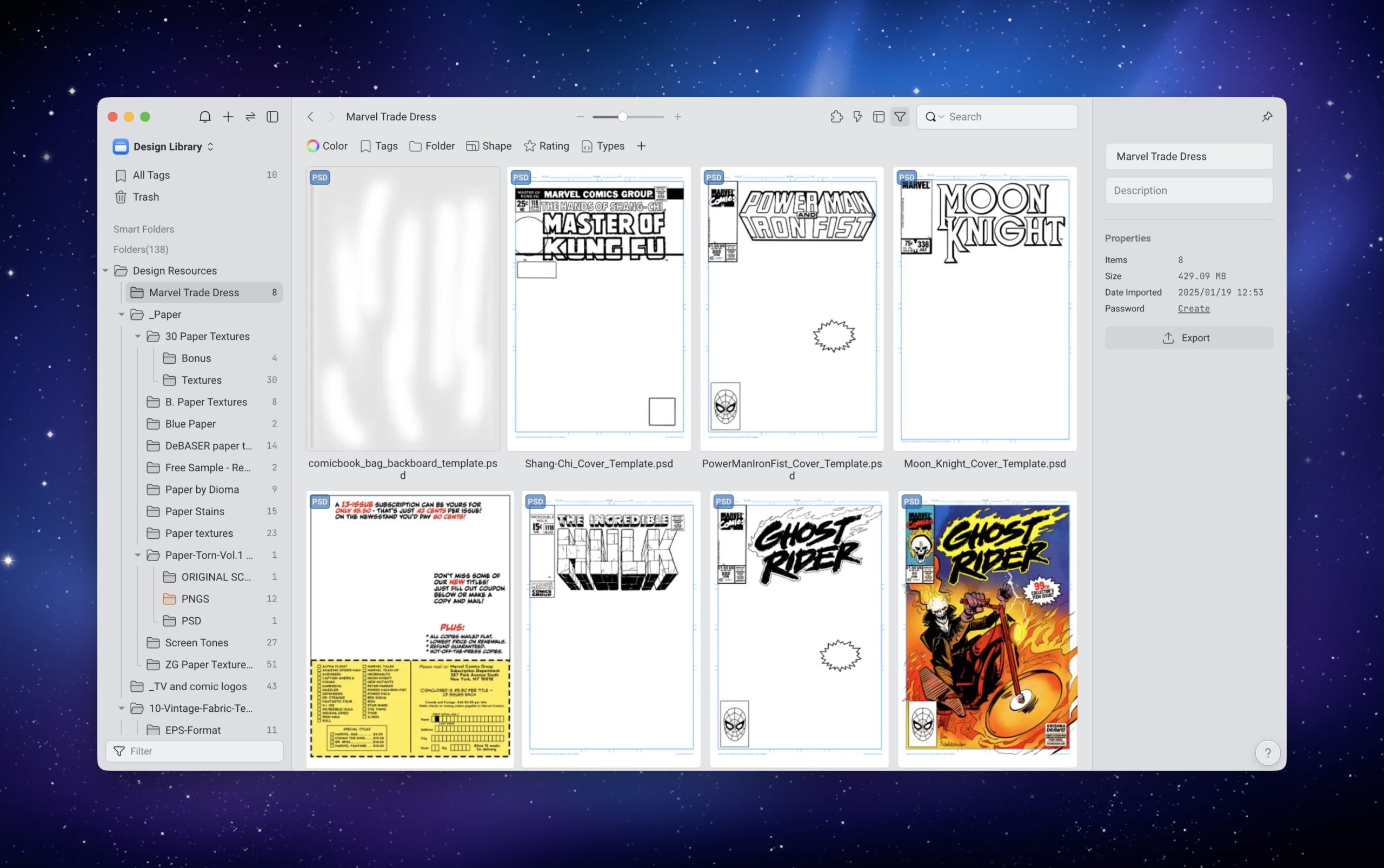
Eagle is a program that I started using last year. It’s digital asset organizer for both Mac and Windows. Instead of rooting through folders within the Finder, I can view and organize all of my digital assets in one application. Eagle has its own database, which makes for the ability to quickly search through my collection of type, textures, mock-ups and more. I have a more detailed write-up on Eagle, for those who are interested.
-Krishna