Using Ghostty has been a pleasant experience. It feels modern and clean, making the Terminal.app seem dated by comparison. Similarly, adding Homebrew has made the command line experience much more enjoyable. One big benefit with Homebrew is that I can quickly install and remove apps right from the shell.
Some of my favorite command line apps are:
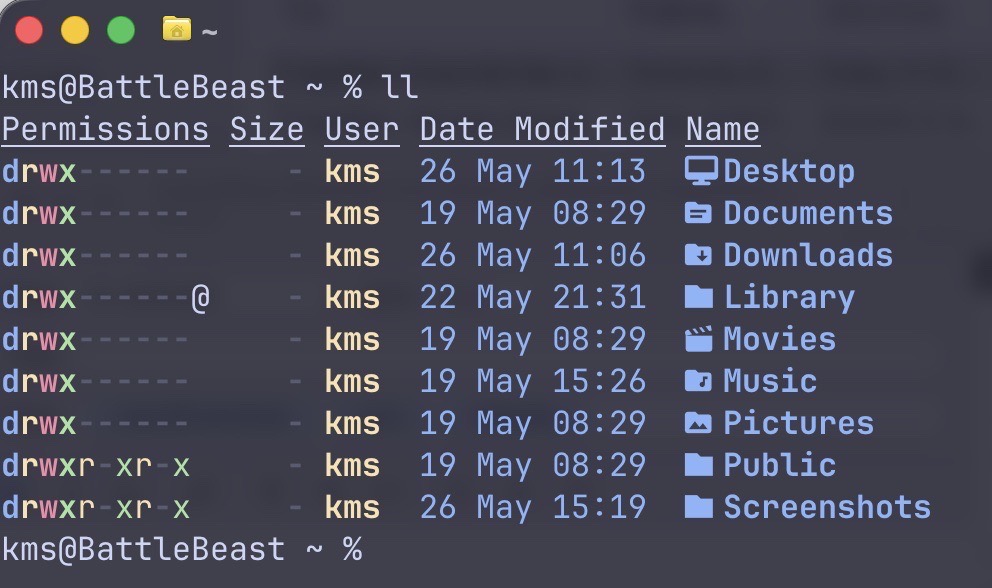
1) eza. (This command is a modern replacement for ls.) My favorite command is eza’s built-in tree command, which lets me view the structure of my folder hierarchy.
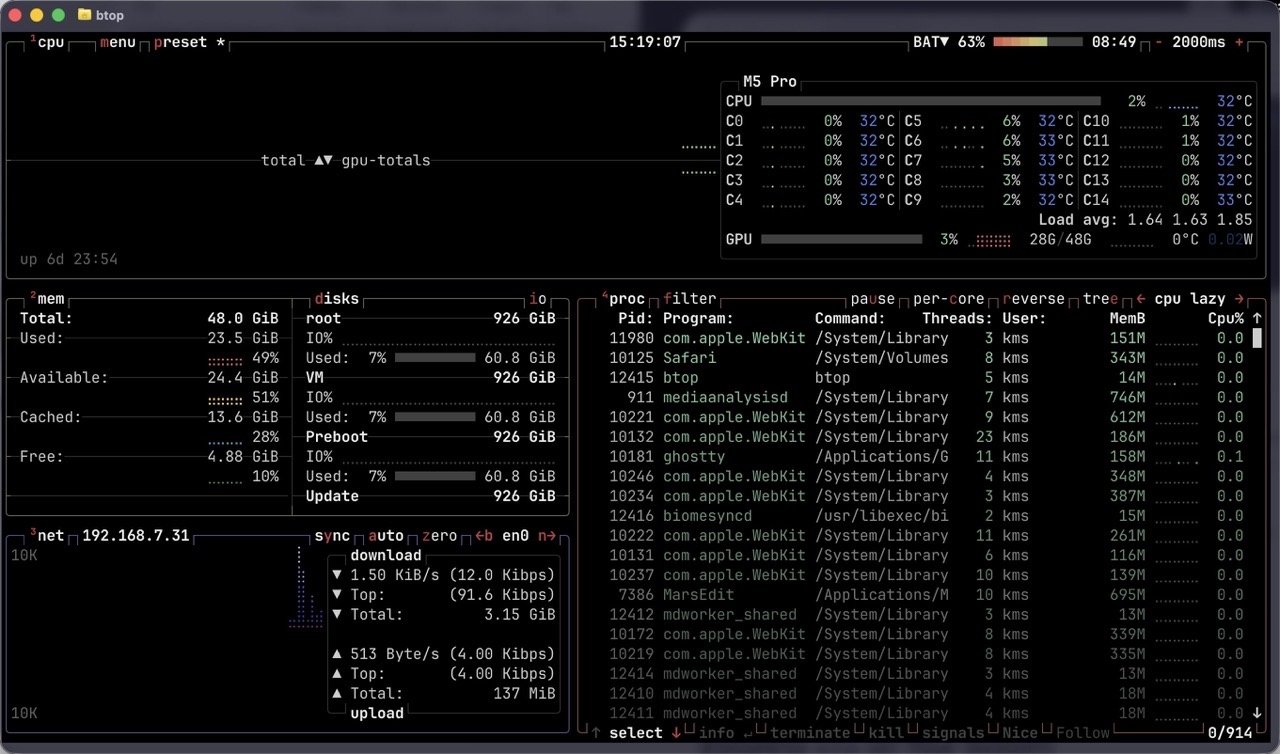
2) btop is a more modern and visually parsable implementation of the classic top command. Invoking btop lets me glance at Mac’s memory, CPU usage, battery charge level and more.
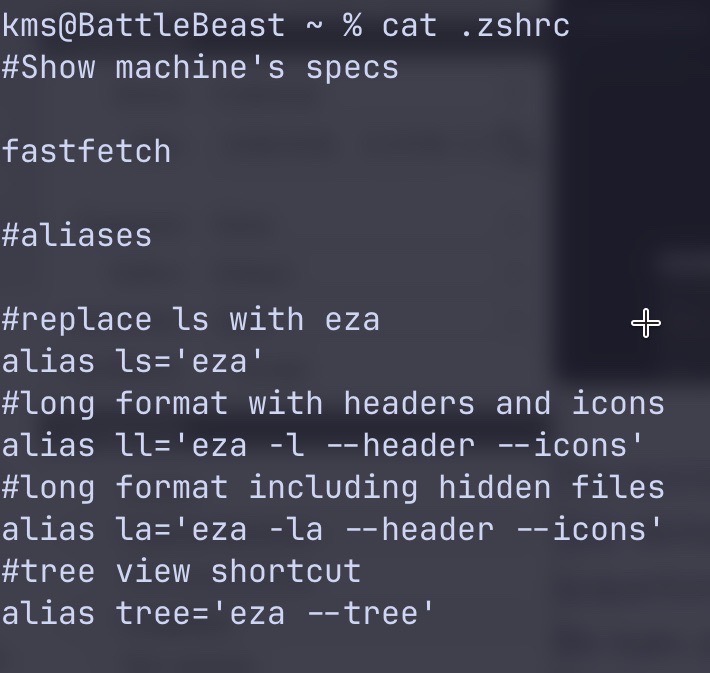
3) bat is a modern spin on the venerable cat command. I use bat for quickly viewing the contents of a text file from the command line. Below is the output when running cat.
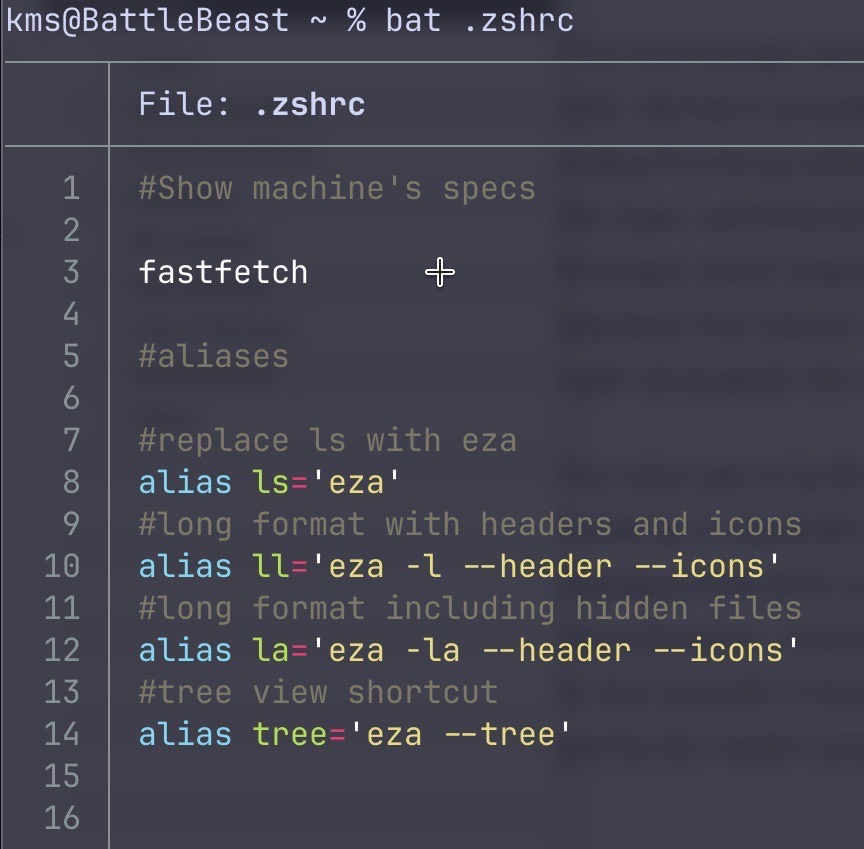
And now, the same result when running bat. The information appears in a much clearer format, complete with line numbers and color coding.
With Homebrew installed, these apps were all easily added by typing:
brew install <app>
This go around, I’m reallly focusing on keeping an organized, annotated and manageable .zshrc file.
-Krishna