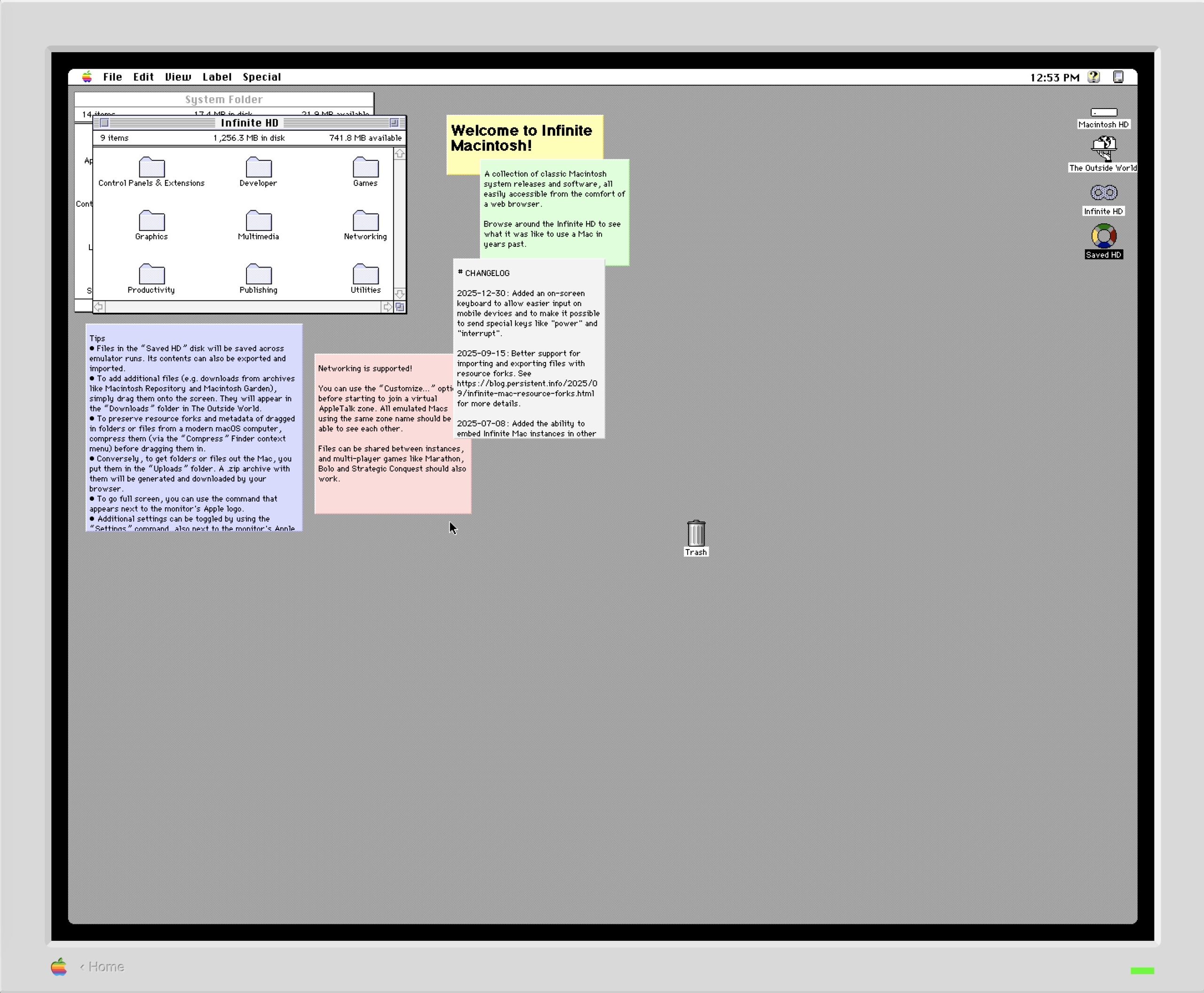
I’ve had a long-standing beef with macOS, going all the way back to the very first version of Mac OS X. It may be minor to some; to others, it may even be a non-issue. But for me, it’s pretty big.
In a nutshell, here’s my issue:
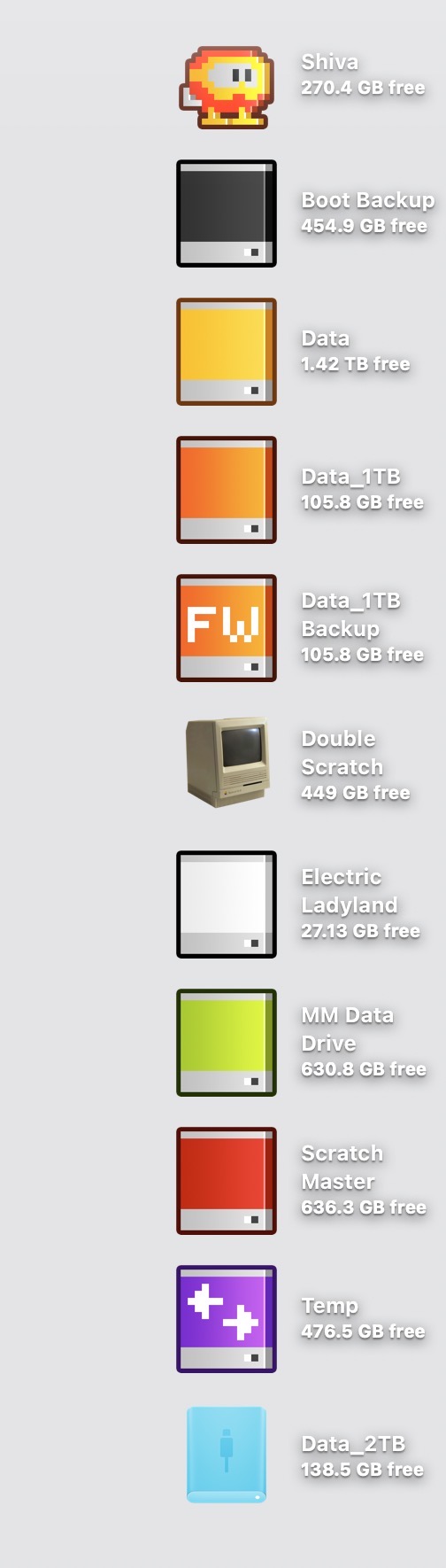
The text that accompanies each icon on the Mac Desktop is very difficult to read when placed atop a light-hued background wallpaper. The text, rendered in white, is accompanied by a subtle drop shadow. On a medium or dark background wallpaper, this drop shadow creates the illusion of depth. But when this style is paired with a light-hued wallpaper, the text becomes much more difficult to read.
Exhibit A: a mid-value wallpaper in macOS Tahoe:
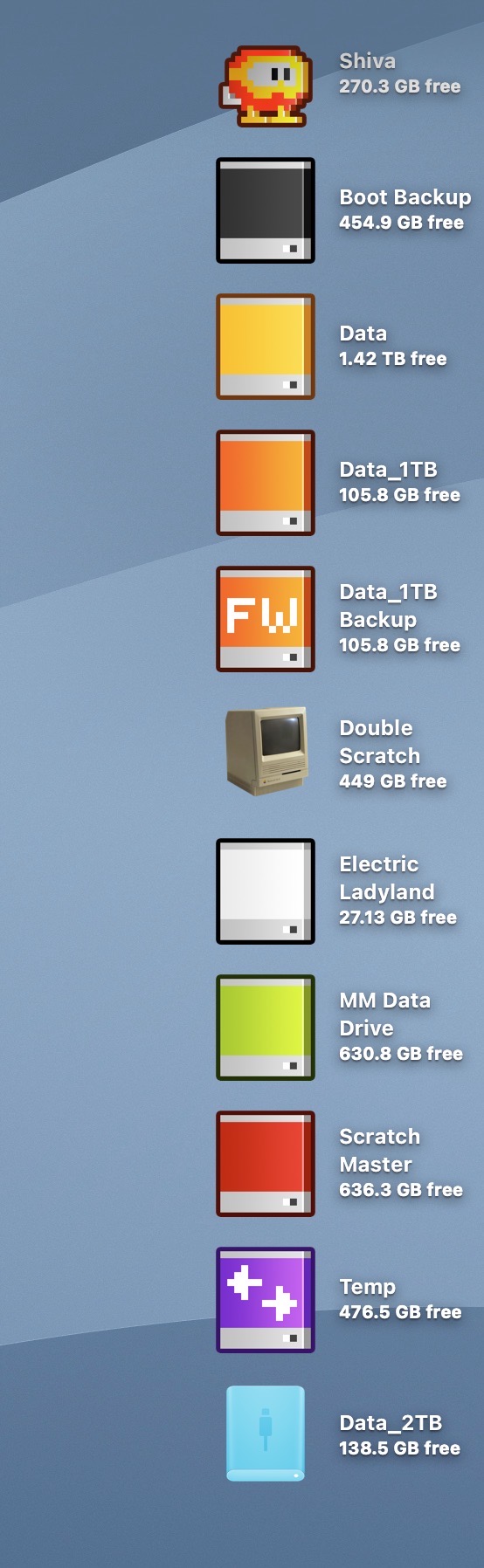
Exhibit B: a light-value wallpaper in macOS Tahoe:
It wasn’t always this way.
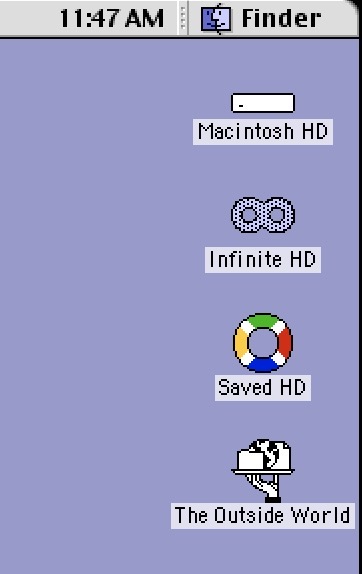
In classic Mac OS, each icon had accompanying black text with a white background strip behind it. This approach ensured clear readability, independent of whatever wallpaper was chosen.
Exhibit C: The Mac Desktop (macOS 7.5):
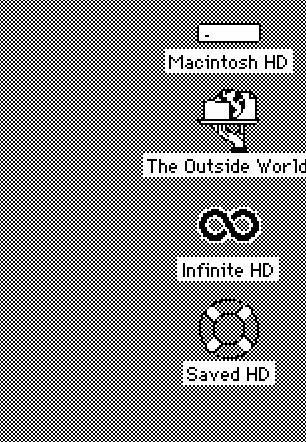
Exhibit D: The Mac Desktop (macOS 9):
Every version of macOS (including the forthcoming macOS Golden Gate) still provides no option to change the color of the text accompanying Desktop icons. It would be nice if Apple Intelligence could be employed to detect the value of the wallpaper background and automatically adjust the text color. In this setup, light backgrounds would automatically shift the icon text to black, and vice versa.
I’ve filed a feedback form on this issue before macOS Tahoe shipped last year, but have yet to receive a response from Apple.
-Krishna